- English
- French
- German
- Portuguese
- Spanish
- Russian
- Japanese
- Korean
- Arabic
- Greek
- German
- Turkish
- Italian
- Danish
- Romanian
- Indonesian
- Czech
- Afrikaans
- Swedish
- Polish
- Basque
- Catalan
- Esperanto
- Hindi
- Lao
- Albanian
- Amharic
- Armenian
- Azerbaijani
- Belarusian
- Bengali
- Bosnian
- Bulgarian
- Cebuano
- Chichewa
- Corsican
- Croatian
- Dutch
- Estonian
- Filipino
- Finnish
- Frisian
- Galician
- Georgian
- Gujarati
- Haitian
- Hausa
- Hawaiian
- Hebrew
- Hmong
- Hungarian
- Icelandic
- Igbo
- Javanese
- Kannada
- Kazakh
- Khmer
- Kurdish
- Kyrgyz
- Latin
- Latvian
- Lithuanian
- Luxembou..
- Macedonian
- Malagasy
- Malay
- Malayalam
- Maltese
- Maori
- Marathi
- Mongolian
- Burmese
- Nepali
- Norwegian
- Pashto
- Persian
- Punjabi
- Serbian
- Sesotho
- Sinhala
- Slovak
- Slovenian
- Somali
- Samoan
- Scots Gaelic
- Shona
- Sindhi
- Sundanese
- Swahili
- Tajik
- Tamil
- Telugu
- Thai
- Ukrainian
- Urdu
- Uzbek
- Vietnamese
- Welsh
- Xhosa
- Yiddish
- Yoruba
- Zulu
Which Is the Right ESP32 touch screen module for Smart Homes?
The right ESP32 touch screen module for a smart home depends on the job it must do. For wall switches, thermostats, and room controllers, a 3.5-inch capacitive ESP32 touch screen module offers a practical balance of readable content, Wi-Fi and Bluetooth connectivity, and manageable panel size. Smaller displays suit single-purpose controls, while larger ones fit dashboards. The Guition ESP32-3248S035C pairs a dual-core 240MHz ESP32 with a 3.5-inch capacitive display, a TF card slot, and four development options. Check display size, touch type, memory, interfaces, software support, and supply stability before you choose.

I wrote this guide for engineers, product managers, and buyers who must pick a board before the schedule slips. We start with how these modules work, then compare specifications, selection steps, integration, and supplier checks.
What Is an ESP32 Touch Screen Module, and How Does It Work?
When you know the parts, it's easier to decide what to do next.
What an ESP32 Touch Screen Module Includes
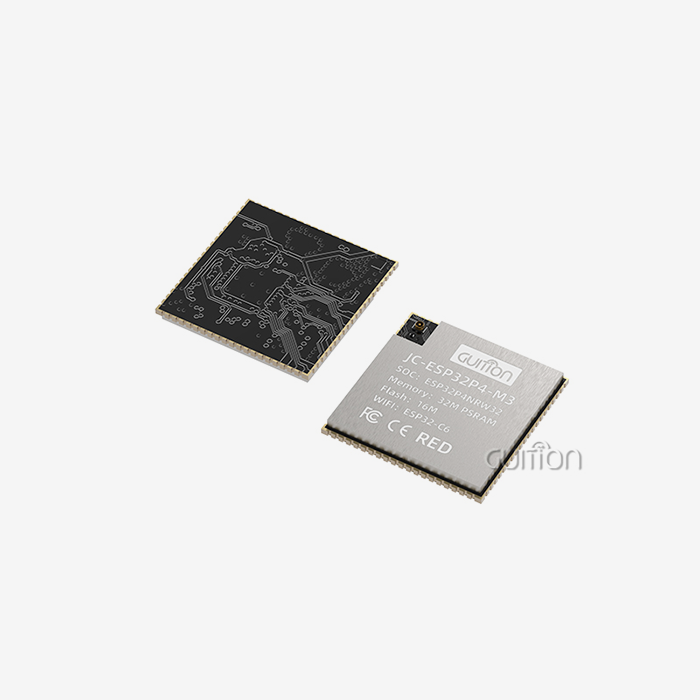
An ESP32 microcontroller has a display, touch controller, wireless radios, memory, and connectors on one board. The thing is called the ESP32 touch screen module. On a dev board, you usually have to decide how to set the screen up. But a finished module is ready to plug into a panel. To quote Espressif, the ESP32 has a dual-core processor, Bluetooth, and 2.4 GHz Wi-Fi. These links are required in order for home devices that control lighting, temperature, and safety to talk to each other. Many product teams start with an integrated board and then move to a custom PCB. That saves time because they don't have to do as much testing of drivers and wiring.
How a Touch Becomes a Smart-Home Command
When a finger touches the screen, the touch controller gets the coordinates and sends them to the ESP32. This is done many times with I2C. The firmware links the point to a button that allows you to enter information. Or a message could be sent to a hub, the goal of a thermostat could be altered, or a circuit could be turned on. Local control means simple tasks can be performed quickly, as the command does not have to go back to the cloud. Then the screen switches to the new state. This makes the user more likely to trust it. Touching a sensitive panel lightly makes a wall unit feel more like a phone than an old keyboard.
Connectivity, Security, and Remote Updates
Smart home panels can communicate with other devices using Wi-Fi, Bluetooth, and messaging systems. Hubs and panels can communicate via lightweight publish-and-subscribe messages, using the OASIS standard MQTT. HTTPS protects web requests. Matter, the new standard from the Connectivity Standards Alliance, also changes how home devices connect, so check your hub for what it needs. And be prepared to change. You don’t have to go to each installation to add features and fix bugs in user projects. Instead, you can upgrade them all together. When you buy an ESP32 touchscreen module, you should expect the patches to be safe and easy to update.
Which ESP32 Touch Screen Module Specifications Matter Most?
Three parts decide how the item feels and how much work needs to be done to make it.
Processor, Memory, and Flash
Your computer speed will determine the smoothness of the interface. The Guition ESP32-3248S035C has 520KB SRAM, 448KB ROM, and 4MB flash. Its ESP32-D0WD-V3 dual-core MCU can run up to 240MHz. It has two cores, so you can use one for Wi-Fi and the other to draw and touch the screen. That split is good for switch screens, thermostats, and sensor monitors. The TF card slot lets you save fonts, pictures, and data logs on a card instead of flash memory. This is useful if your design is image-heavy. If you want to make full-screen graphics, test frame rates on real hardware first.
Display Size and Touch Technology
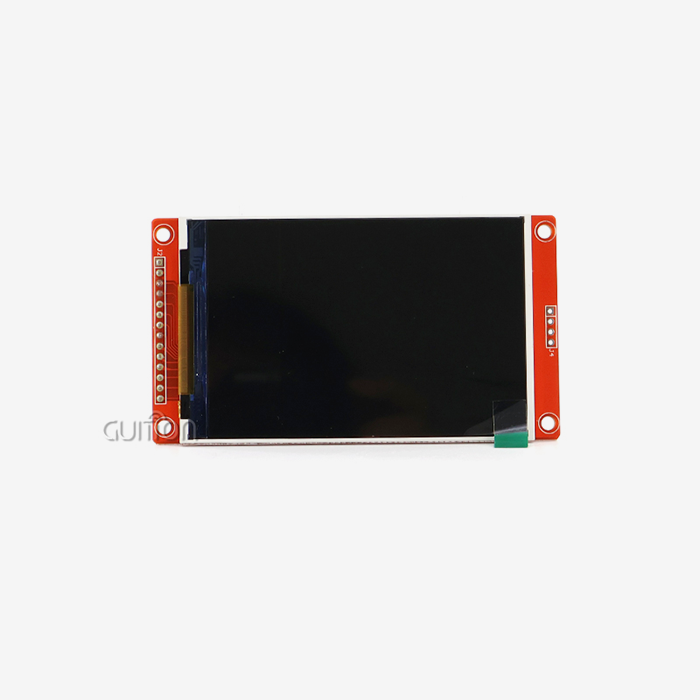
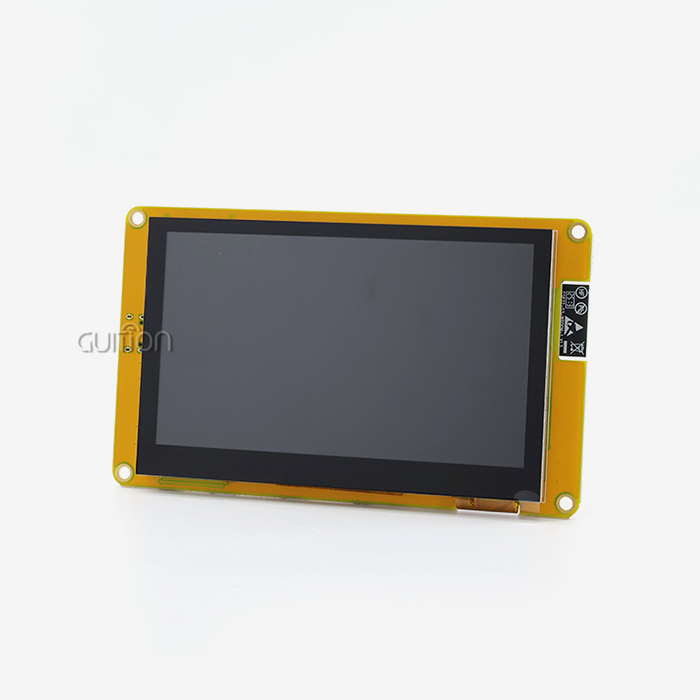
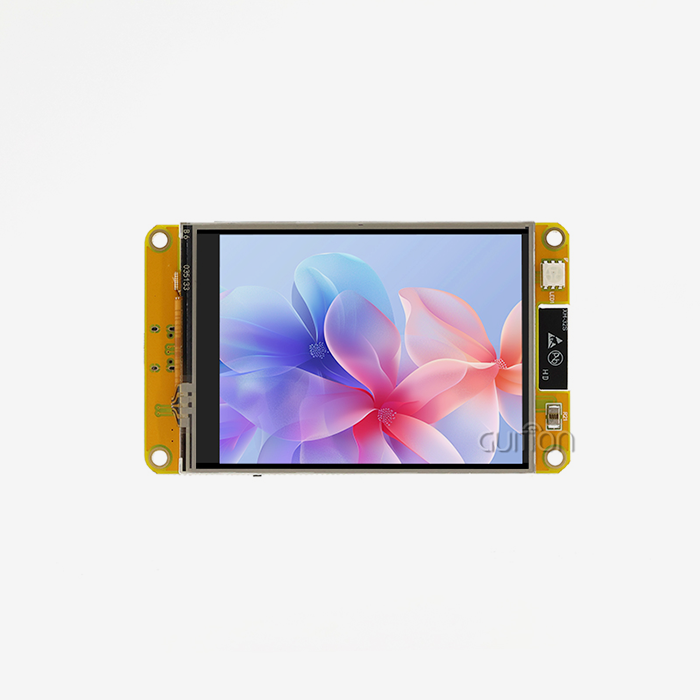
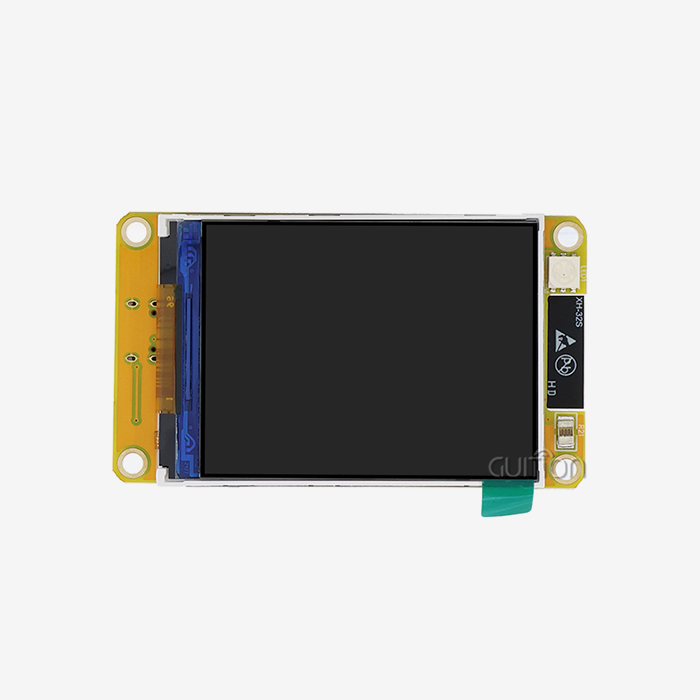
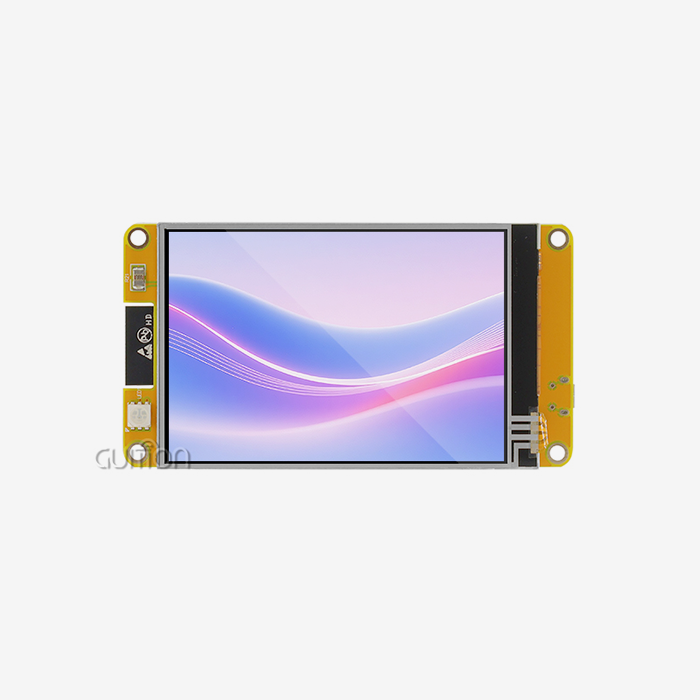
The ESP32-3248S035C is a capacitive touch screen module for a 3.5-inch ESP32 touch screen with 85K colour. You can put sensitive screens in your bedroom, living room, or kitchen. They are activated by light touches. Resistive screens are more common in workshops and industrial tools, as they can be used with a glove or pen. You can fit single-use buttons (like a fan switch) on small screens (around 2.8 inches). Screens of at least 4.3 inches wide can show maps and controls for multiple zones. Guition is available in sizes from 1.28” to 21.5” so you can scale your gear as your product line grows. For viewing angle, brightness, and clarity, please refer to the latest specifications.
Interfaces and Onboard Circuits
The interfaces help determine how easy it is to add sound, sensors, and storage. The ESP32-3248S035C controls the backlight, the touch screen, the speakers, and the RGB LEDs. It has a serial interface, a TF card interface, a DHT11 temperature and humidity sensor interface, and IO ports reserved for different purposes. In a smart home, the photosensitive device can tell the software to dim the lighting at night, depending on how bright the room is. The speaker driver can play alert sounds. The DHT11 port can show you the temperature of the room. If restricted IO is set, you can add relays and other things. Before you add any extra parts, make sure that the standard pinout is not causing problems.
How to Choose the Right ESP32 Touch Screen Module for a Smart-Home Project
A clear process can help you choose the right one. Begin with the task, not the catalogue, to clarify the choice. It takes a few big buttons on a tiny screen to control lights or fans. A 3.5 inch ESP32 touch screen module can easily be converted into a room controller or thermostat with temperature display, schedule, and mode buttons. It needs to be bigger so it can hold a whole-house monitor with energy charts or multiple HVAC zones. See how far away you are, how big your fingers are, and how much space there is on the wall. Start by drawing your three most used screens. Then verify that they all fit on one screen without crowding them too much.
Check Software, Languages, and Platform Support
Hardware is only one half of the choice. The ESP32-3248S035C can be used by engineers, makers, and training teams in whatever way is most convenient for them. Compatible with Arduino IDE, ESP-IDF, MicroPython, and Mixly. Guition’s UI tool has drag-and-drop controls, visual layout, and cross-platform online debugging. Designers don’t need to write a lot of low-level code to create screens. Language options are also important for global products. Guition is UTF-8 encoded, so you can change languages. Businesses selling ESP32 touch screen modules need to know if their products are compatible with the technology you plan to use. Also ask for examples of how people have used their products instead of just a list of features.
Build a weighted procurement scorecard
A simple scorecard can assist the buying team in determining which of the choices is best. Make a list of the important things and number each one. Then, give each candidate a rating from 1 to 5. The most common include processing power, memory, screen and touch quality, software and documentation, customisation, compliance, supply security, and business terms like MOQ and lead time. If you have a project with a tight launch date, software support may be the number one priority. But for a retail brand, order stability may be of greatest importance. You can make an objective choice before ordering samples with a score written down. It also points out any soft spots, like bad paperwork.
ESP32 Touch Screen Module Hardware Integration and Programming
Good merging will save you time in the future when you're writing code.
Wiring, Pinout, and Power Checks
SPI and I2C are generally used to display and touch messages. Many of the pins have labels printed on them, like 3V3, GND, SCK, MOSI, MISO, CS, DC, RST, SDA, SCL, INT, BL, TX, and RX. Read the original design and understand the heat, clock speeds, current draw, restart behaviour, and logic levels before you start making the product. When Wi-Fi is talking, current spikes happen, so a bad power source can cause restarts or touch glitches. Test with the case closed, and the leads to the external parts shorted together. That’s because metal and plastic change the temperature and the radio range. When debugging, use the serial port to keep track of things.
Prototyping with Arduino IDE or MicroPython
The Arduino IDE is the quickest way to build your first demo. Most of the time it’s simple: connect the screen and touch controller to Wi-Fi, draw the interface, read the touch coordinates and send an order, maybe over MQTT. You can see the screen, touch, and wireless features in action with the built-in test programs before you write any of your own code with the ESP32-3248S035C. You can use MicroPython and Mixly for quick tests and in the classroom. If you want to use a library on another board, use the approved examples from the supplier, not rough sketches. You don't have to get into the habit of fixing and trying over and over for hours.
Moving to ESP-IDF and GUI Tools for Production
Many teams working on business ESP32 touch screen modules are migrating to ESP-IDF, Espressif’s official development platform. The ESP-IDF Programming Guide is based on FreeRTOS and describes power management, safe boot, flash encryption, and OTA updates. The open-source graphics library LVGL is popular for running smoothly on ESP32 devices. With Guition's UI tool, you can place features on a page and change their position, size, and appearance. You can also view the plan as you work on it. Later, your engineers can add their own features with technical papers and other development tools. Decide early on who will own the firmware and when it will be updated. This is important since the panel may be on the wall for years to come.
How to Evaluate an ESP32 Touch Screen Module Supplier
Checks with your suppliers will help you stay on budget and on time.
What to Ask Before You Order
A good service will get back to you on any technical question you have. Get datasheets, schematics, pinouts, mechanical drawings, touch processor information, software examples, power data, and rates for various environments. Enquire about lead times, warranties, return policies, and the expected duration of production. You should also ask for samples. If you live in the US and want to buy a radio, you should read the FCC rules and RoHS and any other safety rules that apply to the end product. Make sure you know who is checking it because the wireless licence for part of the system may not cover the entire thing. Guition is a sales, production, and R&D company of technology under the ownership of Jingcai Intelligence. It also provides detailed papers which can be used for more work.
Common Mistakes to Avoid
Most problems with choice start when people choose one number. A bad manual, missing drivers, and late work can add up to a lot of money, even if you only look at the unit price of an ESP32 touch screen module. It doesn't matter how nice a screen looks on paper if people don't like it. Skipping real-load tests is also a bad idea because Wi-Fi bursts, screen brightness, and a closed case can change how much power and heat are used. Teams also mix up study samples with gear that is ready to be put into production, and then they find that there isn't enough supply or software support. Last, many people forget to update. It would be impossible to fix a bug without a remote update. You would have to visit every installation to do so.
Recommended Choices by Scenario and Final Checklist
This is how I would put things together. Use a small screen for blinds, lights, and fans. Choose a 3.5-inch ESP32 touch screen module, such as the ESP32-3248S035C, if you want to make thermostats, room systems, or central control hubs. Get a bigger screen for HVAC systems with various zones, energy panels, and security settings. Before you place your order, make sure you know the ESP32 model, memory, touch type, pinout, software support, power draw, case fit, samples, MOQ, lead time, and warranty. It also says that monitoring stations and access control panels are common uses. This means that as long as the right firmware is added, the same hardware can be used for security projects.
Conclusion
You need to pick out an ESP32 touch screen module if you want to make your house smart. A 3.5-inch capacitive display works with most thermostats and room devices, and a bigger screen is better for panels. A small screen is good for single settings. The processor speed, memory, flash, type of touch screen, and interfaces such as TF card, serial, DHT11, and spare IO all affect how much a design can do. With Wi-Fi, Bluetooth, MQTT, and remote upgrades, you can connect and keep up with your devices. Programming goes faster with the Arduino IDE, ESP-IDF, MicroPython, and Mixly, all of which have an obvious user interface (UI) tool. People often make the mistake of buying something based only on price or missing real-load tests. If you look at the paperwork, power behavior, compliance, and supply terms before placing an order, you can avoid these mistakes.
FAQ
Q: Which ESP32 touch screen module suits a smart-home wall panel?
A: It works with most wall panels, room controllers, and thermostats if it is 3.5 inches in size. If the switch only does one thing, choose a smaller screen. Choose a bigger screen for energy or security dashboards. Always test on your real screen.
Q: Does the Guition ESP32-3248S035C include Wi-Fi and Bluetooth?
A: This is correct. The ESP32-D0WD-V3 is the dual-core MCU that can run at up to 240MHz and comes with Wi-Fi and Bluetooth, so it can connect to the internet and other devices nearby.
Q: Which development tools does it support?
A: It can be used with ESP-IDF, MicroPython, Mixly, and the Arduino IDE. Pick the one that everyone in your group knows the most about. It also has cross-platform live debugging and UI creation tools with drag-and-drop controls.
Q: Can I update installed devices remotely?
A: That's right, Guition users can update their projects from afar. This means that maintenance and feature changes don't have to be done on-site. Before you send the update to everyone, test it out a little first.
Request Guition ESP32 Touch Screen Module Samples
Ready to test the Guition ESP32-3248S035C in your smart-home design? Send your application, display size, touch type, wireless needs, and annual volume to david@guition.com. As an ESP32 touch screen module supplier, Guition offers sizes from 1.28" to 21.5". They also offer the Guition UI tool, remote upgrade, and secondary development support. Visit https://jingcaizhineng.aixdb.cn/ for details, then email us to request samples.
References
1. Espressif Systems, ESP32 Series Datasheet, 2023.
2. Espressif Systems, ESP-IDF Programming Guide, 2024.
3. LVGL, LVGL Documentation, 2024.
4. OASIS, MQTT Version 5.0 Specification, 2019.
5. Connectivity Standards Alliance, Matter Specification 1.0, 2022.
6. U.S. Government Publishing Office, Electronic Code of Federal Regulations Title 47 Part 15 (Radio Frequency Devices), 2024.
Learn about our latest products and discounts through SMS or email