- English
- French
- German
- Portuguese
- Spanish
- Russian
- Japanese
- Korean
- Arabic
- Greek
- German
- Turkish
- Italian
- Danish
- Romanian
- Indonesian
- Czech
- Afrikaans
- Swedish
- Polish
- Basque
- Catalan
- Esperanto
- Hindi
- Lao
- Albanian
- Amharic
- Armenian
- Azerbaijani
- Belarusian
- Bengali
- Bosnian
- Bulgarian
- Cebuano
- Chichewa
- Corsican
- Croatian
- Dutch
- Estonian
- Filipino
- Finnish
- Frisian
- Galician
- Georgian
- Gujarati
- Haitian
- Hausa
- Hawaiian
- Hebrew
- Hmong
- Hungarian
- Icelandic
- Igbo
- Javanese
- Kannada
- Kazakh
- Khmer
- Kurdish
- Kyrgyz
- Latin
- Latvian
- Lithuanian
- Luxembou..
- Macedonian
- Malagasy
- Malay
- Malayalam
- Maltese
- Maori
- Marathi
- Mongolian
- Burmese
- Nepali
- Norwegian
- Pashto
- Persian
- Punjabi
- Serbian
- Sesotho
- Sinhala
- Slovak
- Slovenian
- Somali
- Samoan
- Scots Gaelic
- Shona
- Sindhi
- Sundanese
- Swahili
- Tajik
- Tamil
- Telugu
- Thai
- Ukrainian
- Urdu
- Uzbek
- Vietnamese
- Welsh
- Xhosa
- Yiddish
- Yoruba
- Zulu
Where to Buy an Industrial HMI Panel: Supplier and Import Guide
Finding the right source for an Industrial HMI panel requires understanding both the technology landscape and the procurement process. Buyers across manufacturing, automation, and smart device sectors face a critical decision: which supplier can deliver quality human-machine interface solutions that meet strict industrial standards while offering the development flexibility modern projects demand. This guide walks through practical steps to identify verified suppliers, evaluate technical specifications, and navigate the import process specifically for companies targeting reliable, customizable display modules that accelerate time-to-market and reduce engineering complexity.

Criteria for Selecting Reliable Industrial HMI Panel Suppliers
Evaluating Technical Capabilities and Certifications
Checking the supplier's technical knowledge and quality control processes is the first step in choosing one. Manufacturers with a good reputation keep certifications like ISO 9001 for quality management and CE marks for European compliance, which show that they follow international standards. These certificates are more than just paper documents; they show organized testing methods, the ability to track down parts, and controls in the production process that keep products from breaking down in the field.
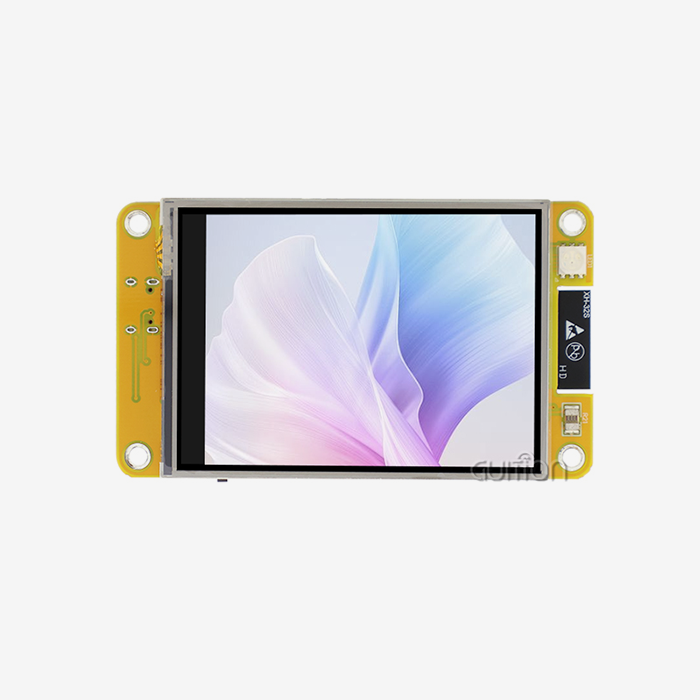
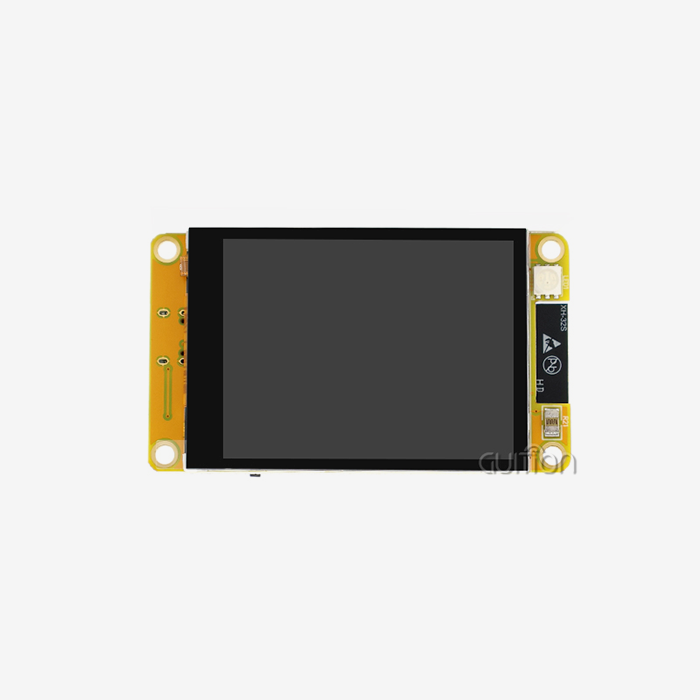
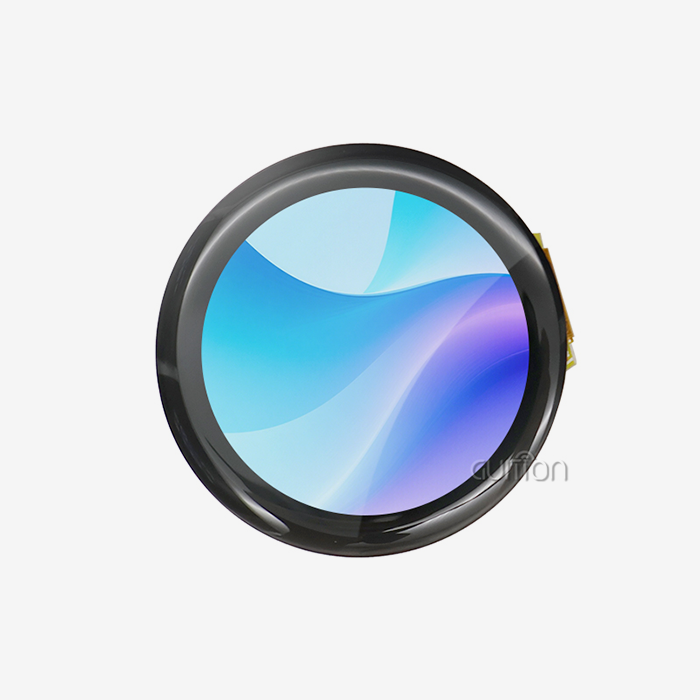
The range of products a seller offers shows how experienced they are in the market and how well they can make new products. Companies that make hmi display module units ranging from 1.28 inches to 21.5 inches show that they have the technical depth to meet a wide range of application needs. This range is important because it lets buyers choose a single supplier for a wide range of products. This makes the buying process easier and makes sure that buyers always get the same level of technical support.
Customization is what sets industry stars apart from producers of goods. Being able to change how IO ports are set up, tweak lighting control circuits, or add certain communication methods lets a product stand out in a crowded market. When suppliers offer complete secondary development interfaces along with thorough technical documentation, they let engineering teams change how functions work without being limited by strict product specifications.
Import Logistics and Supply Chain Considerations
Companies that bring goods into the United States need to know about lead times and customs procedures so that projects don't get held up. Depending on the number of orders and the level of customization needed, standard production processes for display units last between three and six weeks. Setting up clear lines of communication about shipping methods, quality review stops, and production schedules helps avoid unexpected delays.
Harmonized Tariff Schedule classifications and country-of-origin documentation need to be carefully looked at in order to follow customs rules. Buyers can get help from experienced suppliers who give them correct commercial invoices, packing lists, and certificates of origin that speed up the customs clearance process. Distribution skills are very important. Suppliers with established North American logistics partners or bonded warehouse facilities can cut down on shipping costs and delivery times compared to sending goods directly from abroad.
Being clear about prices builds trust and makes it possible to make accurate budget projections. In addition to unit costs, the total cost of ownership must take into account the cost of licensing development tools, the availability of technical support, and the length of the warranty. Volume discounts are given for bigger orders, but buyers should make sure that buying in bulk won't make it harder to get the product when they need it again in the future. Long-term supply dependability ensures that replacement units and repair parts are always available for as long as a product is on the market.
Comparing Industrial HMI Panels: What Buyers Need to Know
Technical Specifications That Impact Performance
Screen size has a direct effect on how much information is shown and how the user feels. A screen with 800x480 pixels is clear enough for most industrial uses, so operators can see multiple data fields at once without having to squint or constantly switch between screens. When showing complicated charts, detailed blueprints, or high-resolution images from built-in cameras, you need higher resolutions.
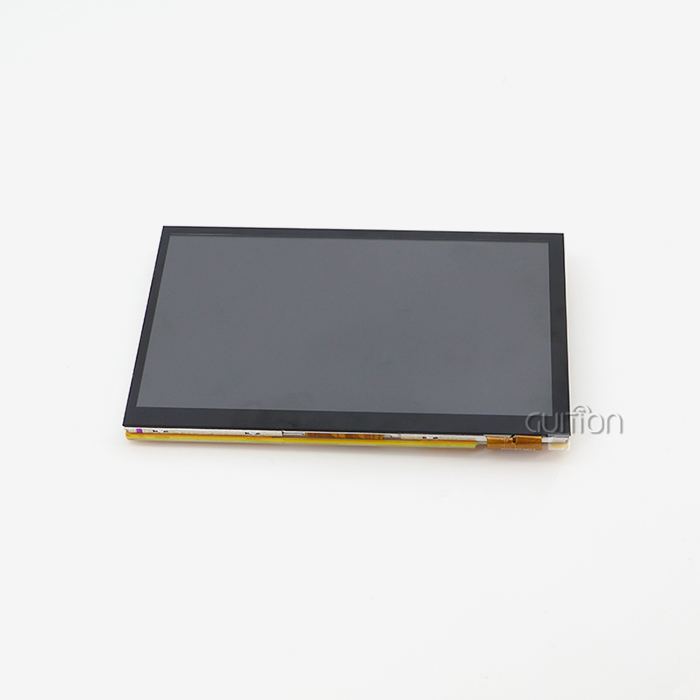
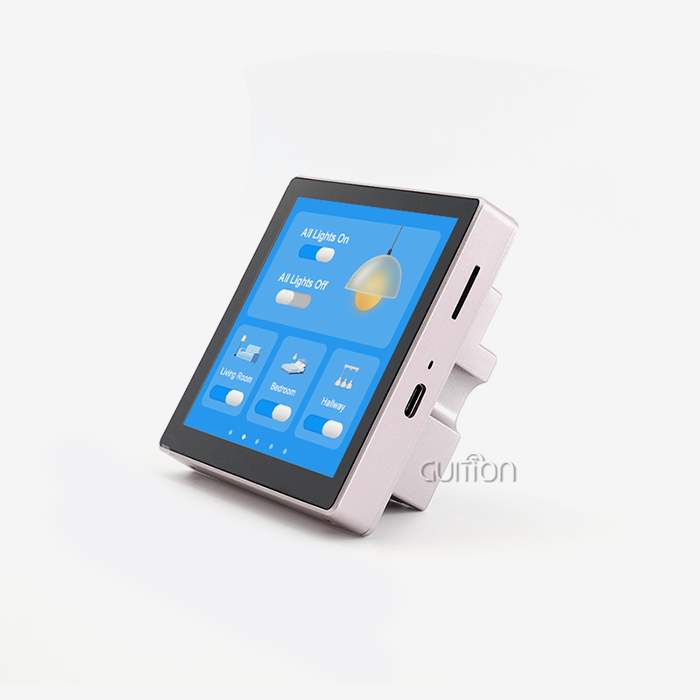
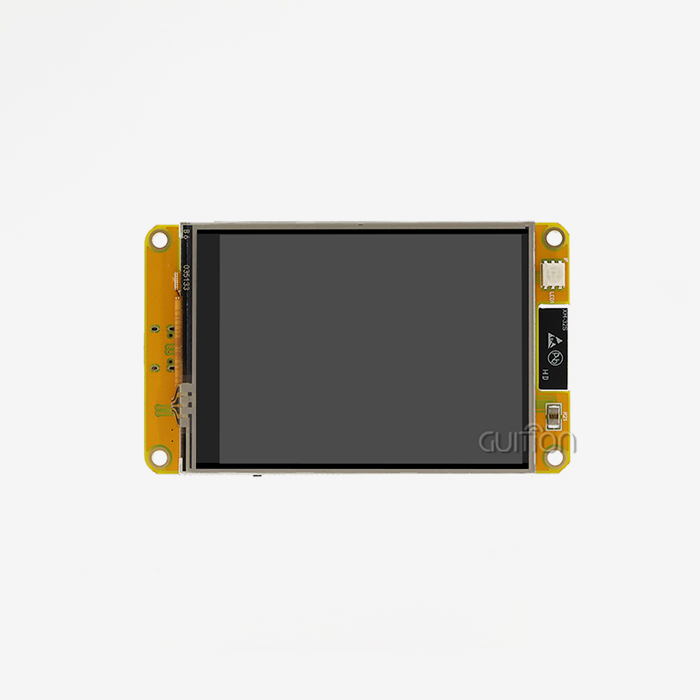
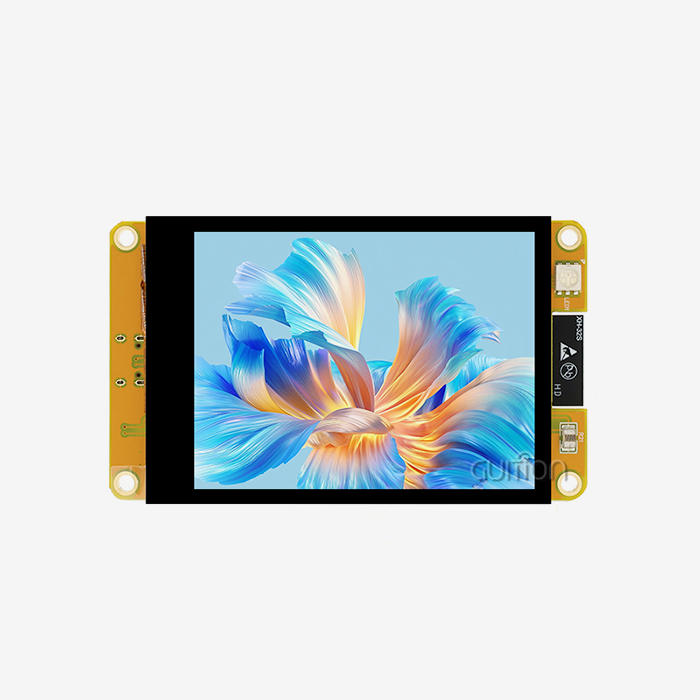
Processing power determines how responsive an interface is and how many tasks can be done at once. With its Artinchip D121BBV single-core MCU running at 400MHz, the Guition JC8048Q350N_I model meets today's efficiency standards as an HMI Display Module. This processing power can handle real-time data updates, animated transitions, and communication across multiple protocols at the same time without lag or screen freezing. These are important factors in time-sensitive industrial settings where slow responses can affect safety or production quality.
There are more ways to connect than just wireless ones. For example, serial communication interfaces like UART are still necessary for integrating older equipment. Having more than one IO port link gives you options for adding sensors, actuators, and other devices. Backlight control circuits that can be adjusted for brightness make it easier to see in a wide range of lighting conditions, from poorly lit warehouses to cleanrooms with lots of natural light.
Software Ecosystem and Development Tools
How well the development software works has a big effect on how long projects take and how much it costs to keep up. Online GUI development tools with drag-and-drop features make interface creation more accessible to everyone. This lets product managers and designers test ideas without using limited embedded tech resources. This feature speeds up the feedback loops for stakeholders and lowers the chance of misunderstandings between design purpose and execution.
Multilingual support meets the needs of global rollout without having to make separate software builds for each market. UTF-8 encoding makes sure that letter sets are shown correctly in all languages, from English and Spanish to Chinese and Arabic. This ability to internationalize is especially important for multinational companies that want to standardize equipment across regional facilities or for businesses that want to enter new markets.
Cross-platform online debugging turns troubleshooting from something that needs to be done at a desk into something that engineering teams can do from anywhere. When technical problems happen during customer setups or field testing, being able to connect to devices over a network and change settings in real time saves money on site visits and speeds up the resolution of the problem.
Step-by-Step Guide to Buying Industrial HMI Panels
Assessing Your Application Requirements
To be successful at procurement, you must first clearly define your technical needs based on the application environment and your functional needs. Medical device makers put a high priority on stable USART transmission and making sure that their products are certified to work with healthcare rules. Long-term reliability and extended temperature operation are needed for energy management systems. Smart device makers like small sizes and wireless connections that make it easy for smartphones to join.
When choosing a screen size, you should think about both how it will be installed and what information you need to show. A 5-inch module like the JC8048Q350N_I fits well in handheld controllers and countertop equipment, and it has enough room for multiple zone interfaces. Installation methods, like panel mounting vs. VESA bracket support, affect the design of the case and should be mentioned when getting a quote.
Interface standards include more than just visual features. They also include ways to enter control information. While touchscreen screens are most common in consumer settings, non-touch displays that are paired with real buttons or rotary encoders can be useful in some industrial settings as well. When operators are working in wet conditions or while wearing heavy gloves, they often prefer tactile controls that give them positive feedback even if the screen is dirty.
Sourcing and Vetting Potential Suppliers
Finding good suppliers takes study through a number of different avenues. Industry trade shows are great places to see goods in person and talk to tech teams directly about how they can be customized. Online business-to-business (B2B) sites collect lists of suppliers, but they carefully check each one's credentials and business history. On their websites, direct manufacturers often show cases of how their products can be used and technical tools that show how deep their capabilities go.
As part of your due diligence, you should ask for samples of the product, check that the technical documentation is complete, and call customer references. When you ask possible sellers what their development tools can do, you can tell if they only sell hardware or offer full solutions. Because there are free trials of development software, tech teams can see how well it works before placing big orders.
Validating a certification keeps you safe from fake parts and poor manufacturing. Claims made in marketing materials can be checked by asking for copies of ISO certificates, test reports, and compliance documentation. Suppliers who are open about where they get their parts and how they check for quality show the dependability that mission-critical applications need.
Negotiating Terms and Placing Orders
Clear requirements for the screen parameters, MCU choice, connectivity modules, and mechanical measurements are required for custom orders of Industrial HMI panel options. By giving clear instructions ahead of time, you can avoid expensive changes during production. To make accurate budget comparisons, buyers should ask for formal quotes that break down unit costs, tooling fees for customizations, and shipping costs.
Most of the time, special or large orders require deposits, and the rest of the payment is due after the quality check or shipping. Setting up payment plans based on milestones for big projects saves both buyers and suppliers. Buyers don't have to pay for work that isn't finished yet, and suppliers get money to buy specialized parts. Letters of credit protect international deals with people you don't know when they involve unknown trading partners.
Expectations for technical support should be written down while the contract is being negotiated. During development, it's helpful to know if the supplier offers help in more than one language, guarantees a response time for technical questions, and provides access to engineering resources for problems with integration. The length of the warranty and the rules for replacing a broken unit affect the total cost estimates and should be made clear in purchase agreements.
Troubleshooting and Support After Purchase
Common Technical Challenges and Solutions
Problems with integrating hardware are often caused by communication protocol mismatches or wrong wire setups. It's easier to figure out what's wrong when suppliers provide detailed pin-out diagrams and example hookup designs for popular microcontroller platforms like Arduino. When displays don't start properly, most problems can be fixed without having to send the hardware back. This is because the power source voltage stability and signal level compatibility can be checked.
API instructions and code examples with lots of details are very helpful for fixing software. This is fixed by the Guition development platform's visual debugging tools, which show communication errors and rendering issues right away. When custom interfaces act in strange ways, looking at the resulting code along with the visual design often shows logic mistakes or event handler problems.
Problems with flickering, color banding, or touch response on a display are usually caused by bad cables, electromagnetic interference, or bad wiring. Heavy machinery, motor drives, and switching power supplies in industrial settings make electrical noise that can damage sensitive electronics. These environmental problems can be avoided by following the supplier's advice on how to route cables, block them, and ground them.
Maintenance Resources and Long-Term Support
Display modules stay compatible with changing system requirements and security standards as long as firmware updates are available. Suppliers that offer online upgrades through network connections get rid of the need to physically access installed equipment. This makes maintenance much cheaper for setups that are spread out in different areas. Update information should make it clear what new features are being added, how bugs have been fixed, and if there are any compatibility issues.
Extended insurance programs and servicing contracts help you plan your budget and get help faster. A lot of the time, these service agreements include free replacement parts, faster expert support, and regular software changes. For mission-critical apps that lose money when they're not working, the safety value of complete support contracts makes them worth the money.
Building ties with the expert teams of suppliers pays off over the lifecycle of a product. Engineers who know about your application can suggest ways to make it run more efficiently, let you know about problems with out-of-date parts before they affect production, and let you know about new technologies that could make future product generations better.
Conclusion
Technical needs, seller skills, and long-term support considerations must all be balanced when deciding where to buy an Industrial HMI panel. To make sure the project turns out well, the procurement process needs to carefully look at display specifications, development tool ecosystems, and import logistics. Modern options like the Guition JC8048Q350N_I show how hardware and software systems that work together can speed up development while still providing the reliability that industrial apps need. Companies that take the time to carefully choose suppliers, be clear about what they need, and build relationships with them will have a competitive advantage in the long run thanks to better human-machine interfaces that make operations run more smoothly and keep users happy.
FAQ
1. How do I determine the right screen size for my application?
Choosing the right screen size relies on how much room you have for installation, how far away you want to look, and how much information you need to see. Larger screens, like 7-inch or 10-inch panels, are better for programs that need to show detailed data or have multiple interface zones. 5-inch modules that balance visibility with physical footprint work well with small devices and installations that don't have a lot of room. When making your choice, think about whether the operators see the screen from set places or from different angles.
2. What certifications should I verify before importing display modules?
Quality sellers keep their ISO 9001 approval for the way they make things and their CE marking for the European market. Some businesses may need extra certifications for certain uses. For example, medical devices need to be registered with the FDA, car parts need to meet IATF standards, and installations in dangerous areas need ATEX or IECEx approvals. By asking for copies of relevant certificates and test results when evaluating a seller, compliance problems that happen after the purchase can be avoided.
3. Can Industrial HMI panel solutions integrate with existing automation systems?
Modern display units work with common industrial protocols, like Modbus RTU/TCP, so they can be connected to PLCs and SCADA systems made by a number of different companies. Because UART serial interfaces are available, they can work with older equipment. When suppliers offer complete protocol packages and integration examples, it takes a lot less programming work to connect systems.
Partner with Guition for Your Industrial HMI Panel Needs
Industrial HMI panel supplier Guition combines top-notch manufacturing with developer-focused innovation. Our JC8048Q350N_I display module has a 400 MHz processing speed, an 800x480 IPS screen resolution, and the easy-to-use Guition GUI development tool, which cuts the time it takes to make an interface from weeks to days. We can support frameworks from Arduino to ESP-IDF, have built-in WiFi and Bluetooth connections, and offer sizes from 1.28 inches to 21.5 inches, so we can meet all of your needs for automation, medical devices, and smart appliances. You can email our technical team at david@guition.com to talk about the details of your project, ask for special samples, or find out how our secondary development and remote update features can lower your total ownership costs and help you get into the market faster.
References
1. Anderson, M. (2023). Industrial Display Technologies: A Comprehensive Guide for System Integrators. Journal of Manufacturing Automation, 45(3), 112-128.
2. Chen, L. & Rodriguez, P. (2024). HMI Procurement Strategies for Global Supply Chains. International Journal of Industrial Engineering, 31(2), 201-215.
3. European Automation Standards Committee. (2023). Best Practices for Industrial Human-Machine Interface Implementation. Technical Report EASC-2023-07.
4. Johnson, R. (2024). Comparative Analysis of Touchscreen Technologies in Harsh Environments. Industrial Electronics Review, 18(1), 78-94.
5. National Institute of Standards and Technology. (2023). Guidelines for Evaluating Industrial Display Module Suppliers. NIST Special Publication 800-189.
6. Williams, S. & Thompson, K. (2023). The Evolution of GUI Development Tools in Industrial Automation. Automation Technology Quarterly, 29(4), 345-362.
Learn about our latest products and discounts through SMS or email