- English
- French
- German
- Portuguese
- Spanish
- Russian
- Japanese
- Korean
- Arabic
- Greek
- German
- Turkish
- Italian
- Danish
- Romanian
- Indonesian
- Czech
- Afrikaans
- Swedish
- Polish
- Basque
- Catalan
- Esperanto
- Hindi
- Lao
- Albanian
- Amharic
- Armenian
- Azerbaijani
- Belarusian
- Bengali
- Bosnian
- Bulgarian
- Cebuano
- Chichewa
- Corsican
- Croatian
- Dutch
- Estonian
- Filipino
- Finnish
- Frisian
- Galician
- Georgian
- Gujarati
- Haitian
- Hausa
- Hawaiian
- Hebrew
- Hmong
- Hungarian
- Icelandic
- Igbo
- Javanese
- Kannada
- Kazakh
- Khmer
- Kurdish
- Kyrgyz
- Latin
- Latvian
- Lithuanian
- Luxembou..
- Macedonian
- Malagasy
- Malay
- Malayalam
- Maltese
- Maori
- Marathi
- Mongolian
- Burmese
- Nepali
- Norwegian
- Pashto
- Persian
- Punjabi
- Serbian
- Sesotho
- Sinhala
- Slovak
- Slovenian
- Somali
- Samoan
- Scots Gaelic
- Shona
- Sindhi
- Sundanese
- Swahili
- Tajik
- Tamil
- Telugu
- Thai
- Ukrainian
- Urdu
- Uzbek
- Vietnamese
- Welsh
- Xhosa
- Yiddish
- Yoruba
- Zulu
What Makes a 2.8 inch tft lcd module Ideal for Compact Devices?
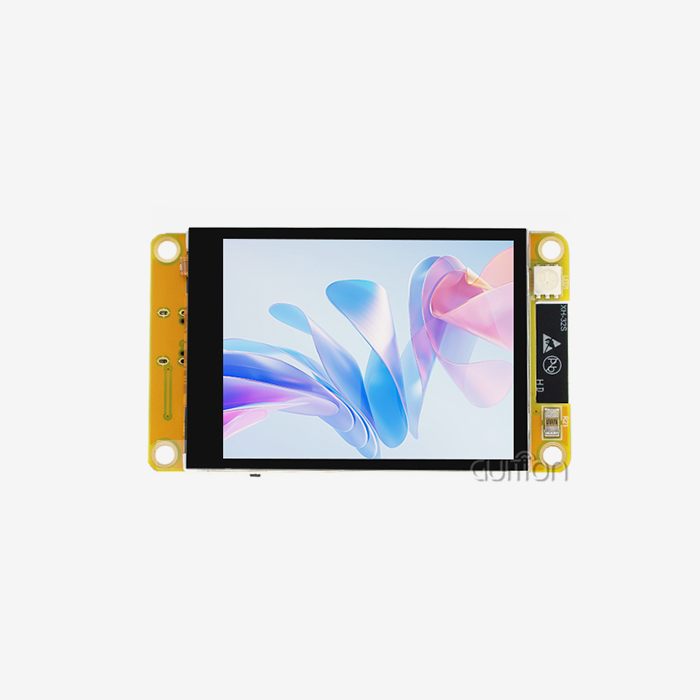
A 2.8 inch TFT LCD module is ideal for compact devices because it balances readable screen space, small product size, low pin count, and moderate cost. At 240×320 pixels, a 2.8 inch TFT LCD module shows menus, sensor values, icons, and touch buttons clearly. It avoids the power draw, memory load, and enclosure size of a larger panel. Simple SPI wiring, optional touch input, and wide controller support shorten development for handheld tools, IoT devices, embedded controllers, and compact HMIs. In this guide, I compare specifications, interfaces, alternatives, and suppliers so engineers and buyers can choose with confidence.

Introduction: Why 2.8-Inch TFT LCD Modules Fit Compact Device Design
What Is a 2.8 Inch TFT LCD Module?
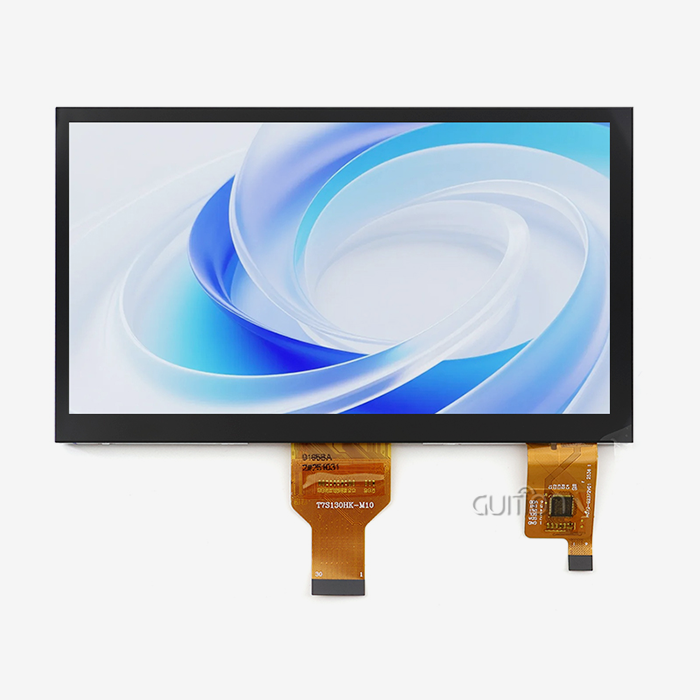
The 2.8 inch TFT LCD module employs thin-film transistors to drive each pixel to display colour images, text, and icons. The empty display space is 2.8 inches wide. That's about 2.24 inches by 1.68 inches on a 4:3 screen. So in the end the module is bigger because of the PCB edge, the connector, the mounting holes, and the touch layer. I tell the teams to read the sketch drawing before they start to make the enclosure.
Bare Panel Versus Complete Module
A bare TFT screen is just the glass cell. It requires a wire, a light, a connector, and a board to show anything. These parts are put together to make a complete module. The Guition JC2432S028R is a 2.8 inch TFT LCD module that includes backlight control circuitry, touch screen control circuitry, and other components. So your team does not have to search for and match different parts. This will speed up the process of making and reduce the number of orders to be placed.
Key Specifications to Check First
Screen size is just the beginning. The 2.8 inch TFT LCD module has 143 pixels per inch, so it's good for small text and clear buttons. Also check the operating temperature, brightness, contrast, viewing angle, and longevity of the backlight. The JC2432S028R is a 2.8 inch TFT LCD module that can be used from -20°C to 70°C and can be powered by 3.3V or 5V. Higher quality isn’t always better, as it uses up more memory and makes the system work harder.
Interface Types, Driver ICs, and Touchscreen Options
SPI Versus Parallel Interfaces
The interface tells you how many pins you spend and how fast the screen changes. Serial Peripheral Interface (SPI) has very few signal lines. Wiring becomes easy, and it also allows the controller to keep pins free for sensors and buttons. This is good for HMIs that have many images since more data can be moved per clock cycle. For most small goods, a 2.8 inch TFT LCD module on a 4-wire SPI bus is adequate for menus, readouts, and charts. The JC2432S028R uses this 4-wire SPI method.
The ILI9341 Driver IC
You need to make sure the driver IC is compatible with your software library, resolution, and interface mode. According to ILI Technology, the ILI9341 has built-in display memory of 172,800 bytes and can support a resolution of 240x320. 240x320 pixels means a full 16-bit frame is 153,600 bytes, so the controller can store a full frame. The host processor is not required to store each and every pixel. There are many open tools for this chip, so an engineer can quickly find sample code for it.
Resistive and Capacitive Touch
You can change the resistive touch with your finger, a pen, or a gloved hand. Capacitive touch uses an electric field to detect what a finger is touching. It can sense more than one touch at a time, but gloves may not work. You can turn on or off the resistive touch function of the JC2432S028R. This feature can be used for both industrial screens and handheld tests. If you want your product to support pinch and swipe gestures, you need to plan for a capacitive option. Know the circuit, voltage level, and reference code before buying.
Why a 2.8-Inch TFT LCD Module Is Ideal for Compact Devices
Usable Interface Space in a Small Footprint
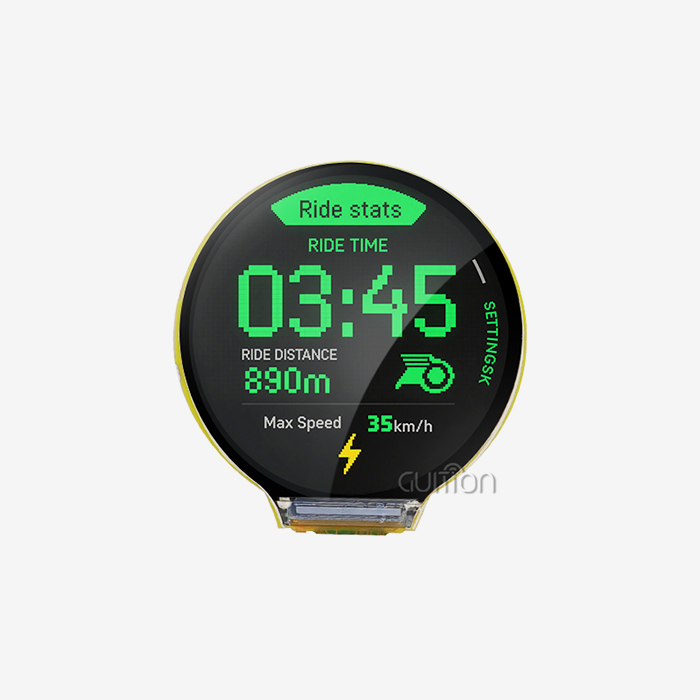
The 2.8 inch TFT LCD module is a good size for most people. There is only room for one number on a 1.28-inch screen, but things can fit. A 2.8 inch TFT LCD module gives plenty of room for a title bar, several readings, and touch buttons. Also, it doesn't take as much power as a larger screen with a better backlight. It can still fit in a case or hole in a panel.
Memory, Platforms, and Development Speed
The 240x320 screen still allows for smaller devices, but memory and data flow rates are still minimal. Guition has development modes for Arduino, ESP-IDF, and itself so engineers can work in an environment they are accustomed to. With a single click, builders can add controls to the Guition UI and place them where they belong. This means less low-level coding is required for simple interfaces. Cross-platform online debugging means teams can iterate on the interface rather than re-flashing the hardware over and over again, speeding the journey from 2.8 inch TFT LCD module to a working prototype.
Guition JC2432S028R Features
The JC2432S028R is a single chip that can do a lot of useful things. It comes with an ILI9341 driver, a 4-wire SPI link, and an SD card slot that can be used to store data and graphics. With WiFi and Bluetooth, devices can connect to networks. You can also make changes to projects while they are out in the field, which lowers the cost of upkeep. When you use UTF-8 encoding and support for multiple languages, you can sell your goods all over the world. This makes it easier to wire, plan storage, and do follow-up work on small embedded products after the sale.
2.8-Inch TFT LCD Compared with Alternative Display Solutions
TFT LCD Versus OLED
OLED screens are great for high-end consumer goods because they have deep blacks and lots of contrast. If you look at the same icons for years, you might get burn-in. A 2.8 inch TFT LCD module does not have this problem because it does not have any biological pixels that change shape over time. It is important to do this for control panels that always have the same layout. If you care about depth of field, choose OLED. A 2.8 inch TFT LCD module is the best option when price, supply, and static interfaces are all important.
2.8 Inches Versus 2.4 Inches
It takes longer to read text and move your finger across a 2.4-inch screen, but it saves space. When the screen is 2.8 inches, the diagonal gets about 17% bigger, and the work area gets about 36% bigger. By adding that extra room, you can make the case a little bigger or add another line of numbers. Both kinds of gadgets that people use with their fingers should be tested by real people.
2.8 Inches Versus 3.5 Inches
It takes up more space on the dashboard and has bigger buttons on a 3.5-inch screen, but it needs a bigger case. A lot of the time, it needs a better resolution to look good, which takes up more memory and chip power. The screen area that can be used is 56% bigger than a 2.8 inch TFT LCD module. If the thing you want to protect is small enough to fit in your hand or has a small cutout, the 2.8 inch TFT LCD module size will keep the case smaller and make the bill of materials easier to read. Based on how far away the workers are, the larger size might work better.
Selecting the Best 2.8-Inch TFT LCD Module for Your Application
Match the Operating Environment
You should think about where the item will live first. Note down the temperature range, the humidity, the vibrations, the service life, and the view. A 2.8 inch TFT LCD module like the JC2432S028R can work from -20°C to 70°C, making it suitable for use in many indoor commercial, medical, and residential settings. Make sure that the datasheet for your device says that it can work in cold or direct sunlight before you buy it. It costs more to fix a display after the sale if it breaks in the field.
Match the Host Platform and Software
Next, check to see if the module works with your host board. It is important to check the driver library, the logic voltage, and the way the SPI pins are set up. The JC2432S028R can work with either 3.3V or 5V power. There is a lot of sample code, basic driver support, technical documentation, and extra development tools that come with Guition. This way, teams can change how functions work without having to write everything from the very beginning. When you first start, ask for the wiring diagram and the startup code. Writing things down well saves more time than a small price difference.
Applications That Fit Well
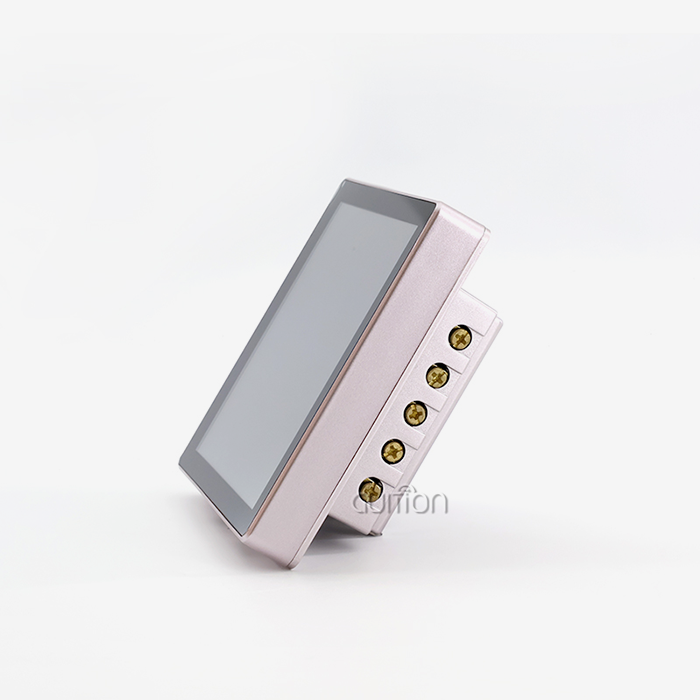
This size can be used for industrial control panels, tracking screens, medical and therapeutic tools, smart home thermostats, and security panels. It also works with status screens for 3D printers, handheld testing tools, and business hardware like kitchen appliances and cash registers. Guition also has a list of car instrument clusters and charging port interfaces. Each time, a 2.8 inch TFT LCD module accepts touch input and shows the state clearly. Make sure that the use case fits the distance of view before you place your order.
From Prototype to Bulk Procurement: What B2B Buyers Should Check
What Shapes the Price
There is more to a price quote than just the glass. How much something costs is based on the type of touch screen, the interface, the driver IC, the brightness, the custom PCB work, the cover lens, the order quantity, and how it is packed. Sample prices are often different from small-batch or bulk prices, so make sure you get multiple quotes. When comparing prices for a 2.8 inch TFT LCD module from different sources, make sure each quote includes the same touch option, connector, and documentation. If not, the lowest number might leave out work that your team will have to pay for later.
Supplier Capability and Customisation
Check to see if the company can make things, keep an eye on quality, deal with changes, meet deadlines, and export before you hire them. Find out if the sample fits the unit that will be made. For both OEM and ODM projects, changes might need to be made to the interface, the cover glass, the flexible cable, the size of the machine, or the graphics that show up when the computer first starts up. The people who work for Guition do research and development, make goods, and sell them. Its sizes range from 1.28" to 21.5". Teams that need to make changes can talk to Guition experts about what they need before they approve a plan.
Lifecycle and Continuity
Think about how the things will be used for a long time, not just the first sale. Plan a backup stock amount and talk to your provider about your predictions. Also, set up a way for engineering changes to happen so that a change to a driver IC or panel does not throw production off. Once the software is shipped, you can fix bugs in it without going to the site. This is called remote upgrade support. There should be a steady supply of medical, energy, and industrial goods with long shelf lives. This will keep your plan safe.
Installation, Troubleshooting, and Decision Checklist
Wiring and Initialisation
Know the voltage, pinout, logic levels, and controller revision before powering anything. First, wire the power and ground. Then connect the reset, data/command, LED, touch, and SPI lines to it. You need to select the correct driver, size, rotation, colour order, and SPI speed in the program. Begin with the sample programmes that come with a 2.8 inch TFT LCD module, such as the JC2432S028R. Your team can start with an interface that they have tested with a demo that works on day one.
Common Faults and Fixes
Most display problems are caused by a short list of things: wrong voltage, wires in backward, missing reset signal, incompatible library, wrong chip-select pin, or mismatched logic levels. First, check the datasheet to see what the voltages are. Try slowing the SPI down to avoid timing problems. Try the 2.8 inch TFT LCD module on a development board you know. First, look in the initialisation code or reset line and see why the screen is still white.
Decision Checklist for Buyers and Engineers
This is the correct way to view different parts next to each other. First, make sure the voltage, link, host platform, and driver IC can all work together. Second, see how it fits, feels to the touch, has a temperature range, and how it works optically. Third, check the price, minimum number of items to order, lead time, and paperwork. Finally, the last box will only be marked as good once test samples are placed in it. The SPI modules I’ve documented work well for Arduino prototypes, and knowing how to make good use of 3.3V and the bus is helpful for ESP-IDF projects.
Conclusion
A 2.8 inch TFT LCD module is best for small devices because it strikes a balance between screen size, product size, power, pin count, and price. At 240x320 pixels, there are about 143 pixels per inch. This is a good resolution for text, menus, and touch buttons because it does not drain the memory or processor too much. The ILI9341 driver, a resistive touch, and an SPI wire all make it easier to connect. With the JC2432S028R, you can add an SD card slot, WiFi, Bluetooth, a remote update feature, and support for more than one language. Between 2.4-inch and 3.5-inch OLED screens, the 2.8-inch size is a good middle ground for static interfaces and small or panel-mounted products. It depends on the environment, the host platform, the documentation, and how the supply chain is planned to get the best choice. The choice is confirmed by testing samples in the final box.
FAQ
Q: What resolution and driver does the JC2432S028R use?
A: It is linked to an ILI9341 driver IC through a 4-wire SPI interface and has a resolution of 240x320. The lights and touch screen can also be controlled by circuits on the board.
Q: Is SPI or a parallel interface better for a compact device?
A: SPI is best for small devices since it only needs a few pins and makes wiring easy. Pick a parallel link when the screen needs to quickly switch between big pictures. Most of the time, 4-wire SPI works well for menus, readings, and charts.
Q: Does the module support touch input?
A: There is no need to touch by default, but it is optional. The JC2432S028R has resistive touch, so you can use your finger, a pen, or your hand while it is covered. Capacitive touch lets you use multi-touch actions, but it is not the same as other options, so make sure you know about it before you order.
Q: Can I update the software after the product ships?
A: To answer your question, Guition does allow you to update user projects from afar. This way, you can keep devices up to date and add features without having to visit the site. This saves money after the sale.
Request a Guition 2.8 Inch TFT LCD Module Quote
The Guition UI development tool, 2.8 inch TFT LCD module options with display sizes ranging from 1.28" to 21.5", and engineering support for Arduino and ESP-IDF projects are all available from Guition. Please email david@guition.com with your host platform, touch needs, yearly volume, and any changes you would like to make. You should also ask for a JC2432S028R sample. Our staff will help you choose a good model and give you a price quote. Visit https://jingcaizhineng.aixdb.cn/ to learn more about the product.
References
1. ILI Technology Corp., ILI9341 Datasheet, 2011
2. Espressif Systems, ESP-IDF Programming Guide: SPI Master Driver, 2024
3. Analog Devices, Analog Dialogue: Introduction to SPI Interface, 2018
4. Arduino Documentation, SPI Library, 2024
5. LVGL, LVGL Documentation: Display Interface, 2024
6. Adafruit Learning System, 2.8" TFT Touch Shield v2, 2023
Learn about our latest products and discounts through SMS or email