- English
- French
- German
- Portuguese
- Spanish
- Russian
- Japanese
- Korean
- Arabic
- Greek
- German
- Turkish
- Italian
- Danish
- Romanian
- Indonesian
- Czech
- Afrikaans
- Swedish
- Polish
- Basque
- Catalan
- Esperanto
- Hindi
- Lao
- Albanian
- Amharic
- Armenian
- Azerbaijani
- Belarusian
- Bengali
- Bosnian
- Bulgarian
- Cebuano
- Chichewa
- Corsican
- Croatian
- Dutch
- Estonian
- Filipino
- Finnish
- Frisian
- Galician
- Georgian
- Gujarati
- Haitian
- Hausa
- Hawaiian
- Hebrew
- Hmong
- Hungarian
- Icelandic
- Igbo
- Javanese
- Kannada
- Kazakh
- Khmer
- Kurdish
- Kyrgyz
- Latin
- Latvian
- Lithuanian
- Luxembou..
- Macedonian
- Malagasy
- Malay
- Malayalam
- Maltese
- Maori
- Marathi
- Mongolian
- Burmese
- Nepali
- Norwegian
- Pashto
- Persian
- Punjabi
- Serbian
- Sesotho
- Sinhala
- Slovak
- Slovenian
- Somali
- Samoan
- Scots Gaelic
- Shona
- Sindhi
- Sundanese
- Swahili
- Tajik
- Tamil
- Telugu
- Thai
- Ukrainian
- Urdu
- Uzbek
- Vietnamese
- Welsh
- Xhosa
- Yiddish
- Yoruba
- Zulu
What Is Hmi human interface machine and Why Does It Matter?
An HMI human interface machine is the hardware and software layer that lets a person view machine data, change settings, and send commands to equipment. It combines a touchscreen, a processor, display software, and communication ports, and it connects to PLCs, sensors, and actuators. It matters because operators act on what they see. A clear screen shortens response time, cuts input errors, and speeds up maintenance. For engineers and buyers, the right HMI also shapes development time, support cost, and long-term supply. This guide explains how an HMI works, how to choose one, and where the GUITION JC1060Q370C_I fits.

What Is an HMI Human Interface Machine and How Does It Work?
The Role of an HMI Between Operator and Machine
An Hmi human interface machine connects the user of the machine to the control system. If a warning sounds, the operator checks the state, changes the settings, and starts or stops functions. The screen is not the whole story. The code running on the PLC or controller controls the machine. Sensors monitor conditions, and actuators move valves, motors, or heaters. The ANSI/ISA-101 standard says that the Hmi human interface machine is not only a screen on a panel. It’s a system meant to automate a process. The sensors send the data; the PLC decides. The Hmi human interface machine shows clearly and tells people what to do right away.
A Simple Data Flow From Sensor to Screen
Imagine a tank with a temperature probe on it. The processor turns the information from the sensor into a number. Then it sends that value over a USB or Ethernet link to the Hmi human interface machine. The amount is displayed on screen as a number, measurement, or trend line. When a worker enters a new setpoint, the Hmi human interface machine informs the controller. The controller compares it against a top temperature and then commands the heater. This step is necessary to be sure that the number on the screen is correct and that it does not damage the computer.
Core Components Inside an HMI System
All HMI human interface machines have three levels. The hardware consists of the monitor, the processor, the memory, the power supply, the transmission ports, and the frame for hanging. It has an operating system, a screen design tool, and features like alarms, trend charts, recipes, and user rights. The connection layer connects the unit to the controllers by set methods. “When I look at a project, I make sure the three layers are the same. Speed doesn't matter if the ports don't work with the driver or if the screen looks great but the software doesn't have the features the machine needs.
HMI Types, Protocols, and Applications
Touchscreen, Button, Hybrid, and Embedded Formats
With touchscreen HMI (human interface), you can change graphs, recipe pages, trends, and alarm lists. Screens based on buttons that allow operators to feel feedback are valuable for people who wear gloves or work in rough places. Some hybrid designs have a tablet plus a couple of solid keys to get things done quickly. The computer side is no different. Panel PCs are full operating systems on big screens. Web-based interfaces are displayed in a browser, and standalone operator panels run one project. A built-in Hmi human interface machine is ideal for OEM equipment that requires a limited bill of materials and a small, specialised panel.
Communication Protocols Buyers Should Verify
As long as the HMI human interface machine has the right standards, it can talk to your device. Modbus TCP uses Ethernet, while Modbus RTU uses RS-485 and other serial lines. Modbus was developed by Modicon in 1979 and is still used by many older devices. For plants with Ethernet, PROFINET and EtherNet/IP are used. CANopen is used in embedded and motion systems. OPC UA (IEC 62541 standard) transfers data from one platform to another. Before buying a Hmi human interface machine I like to look at what drivers are included, what kind of registers and data they hold, how many ports are available and how the communication is set up. If there is no driver, this can slow down a project, so alert the supplier to these problems first.
Where an HMI Works in Practice
Hmi human interface machines are used for line information and changeovers in factory management. You can see the axes and the program data on the CNC machines. Packaging tools that alter the product use screens to show the recipes. In some places, water cleaning and pump and tank levels are monitored. On control panels, you will see HVAC schedules, lighting schedules, etc. Energy tracking panels indicate patterns of energy use. Smart home panels, 3D printers, and smart appliances all have tiny screens built into them. There are things every place needs... dust, water, or changes in temperature. The people on my team know I tell them to make sure the HMI (human-machine interface) works well on screen and in real life.
HMI vs PLC, SCADA, and DCS: What Is the Difference?
HMI and PLC: Display Versus Logic
HMI: human interface. Responsible for showing information and allowing users to manipulate it. The PLC does the machine thinking and talks to the gears in the field too. IEC 61131-3 describes computer languages such as ladder diagrams, which many PLCs use. The HMI human interface machine goes dark a lot of the time. The PLC's program is still running, but the users can't see what is going on. When the PLC stops, the HMI does not show anything useful. As a partner, give them different things to do. People often ask if an HMI (human-machine interface) can interface with any device. The first thing that is always done is a compatibility check because it only works with devices that accept the same protocol or serial format.
SCADA and DCS: Wider Supervision
SCADA systems can monitor multiple sites, networks, or facilities. They keep a record of history, collect data from multiple controllers and remote terminal units, and show you what is happening throughout the room. DCS platforms have built-in controllers and operator stations. They can control large continuous processes, such as chemical or power plants. SCADA is very different from a local Hmi human interface machine. A local Hmi human interface machine controls one line or machine only. Choose based on your income, the amount of data, how much control you want to have over it and how big it is. Usually, a network of pumps in more than one location requires more than just local panels. A single packing machine does not require a DCS very often.
How the Layers Fit Together
Capture a photo of a pile. At the bottom are the sensors, drives, and motors that are out in the field. On top of them are controllers connected to Hmi human interface machines at machine level. Business systems plan and handle money, MES tracks work orders, and SCADA collects information from many controllers. NIST SP 800-82 recommends that business and control networks should be kept separate. This is generally the reason why the Hmi human interface machine is placed in a secure section. If you know where your HMI human interface machine fits into this stack, you can pick the right ports, security features, and data transfer options.
How to Choose and Implement an HMI Human Interface Machine
Match Environment, Size, and Input Style
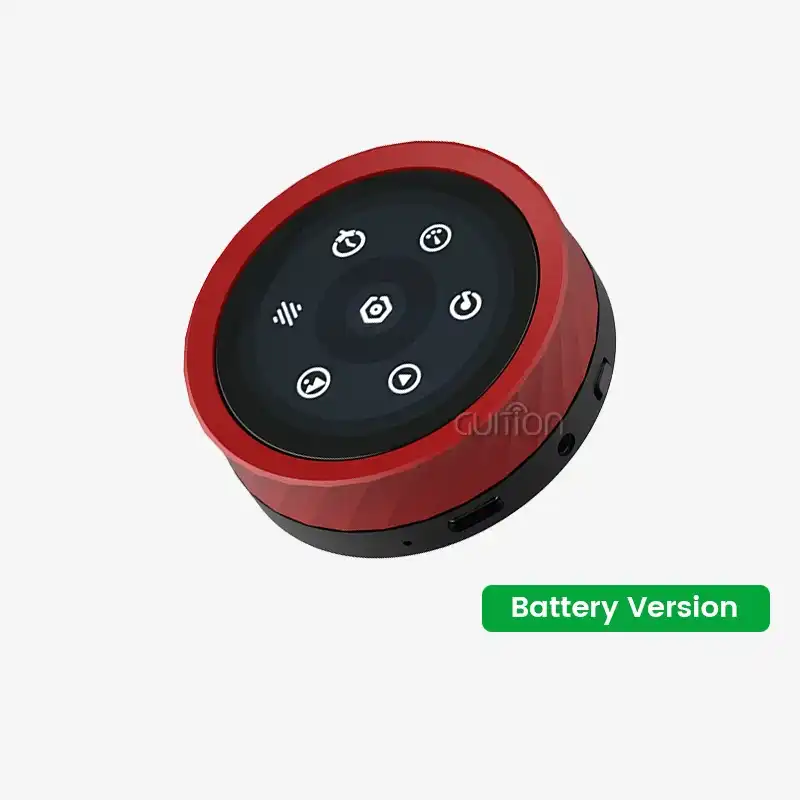
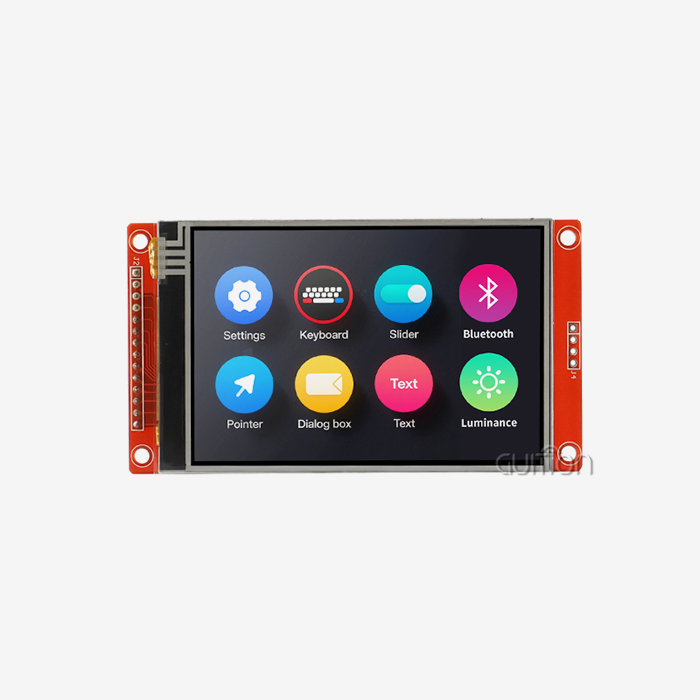
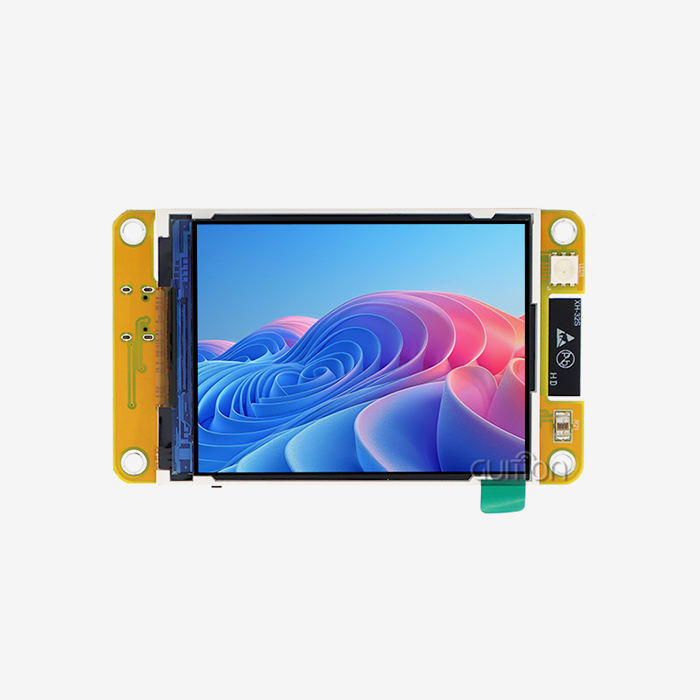
List the variables, e.g., temperature, humidity, dust, chemicals, shaking, glove usage, panel space, and mounting method. Here’s what you should do first. Then choose the screen size you want. Hmi human interface machines and panel PCs are more ideal than small screens of 4 to 7 inches for dashboards with a lot of information. Changeover display units range from 1.28" to 21.5", meaning many product lines can get what they need from the same source. You can get the environmental grade for each datasheet and see how it compares with your place. This is because not all Hmi human interface machines perform well in every situation. Finally, decide on your input type: touch for HD graphics, buttons for coarse or gloved use, or a mix of both.
Check Compatibility, Cost, and Supplier Support
You need to ensure that the software works, the PLC and protocol can communicate, and it has any certifications your market requires. Then compute the total cost of ownership. Not just the cost per unit, but the time it takes to build, to license, to set up, to train, to get spare parts, to get help, and to wait for a replacement. Ask each one what they provide in terms of samples, documentation, firmware updates, remote access, OEM customisation, warranty, minimum order quantity, and long-term supply. People from other countries wanting to buy should also request the CAD files, instructions, and proof of compliance. A low unit price does not always mean the lowest project cost. This is because the Hmi human interface may need to be tested or require more paperwork.
Build, Test, and Troubleshoot the Screens
Order the screens in a logical sequence, e.g., overview, manual control, automatic operation, alarms, trends, recipes, reports, settings, user management, etc. Make sure the menus, graphics and colours are identical for normal, warning, fault and emergency states. ANSI/ISA-18.2 is concerned with alarm management and the setting of objectives. If you want to send a project, test the connections, buttons, recipes, alarms, how the system reacts to power outages, PLC restarts, incorrect inputs, and project backups. If a tablet is not working, check to see if it is charged, wet, dirty, calibrated, and has a protective film on it. If you cannot talk to each other, check the cables, IP settings, serial parameters, station addresses, RS-485 polarity, and driver selection. Copy the project before updating the HMI human interface machine. Plan a rollback.
GUITION JC1060Q370C_I: An HMI Human Interface Machine for Fast Development
Hardware and Display Specifications
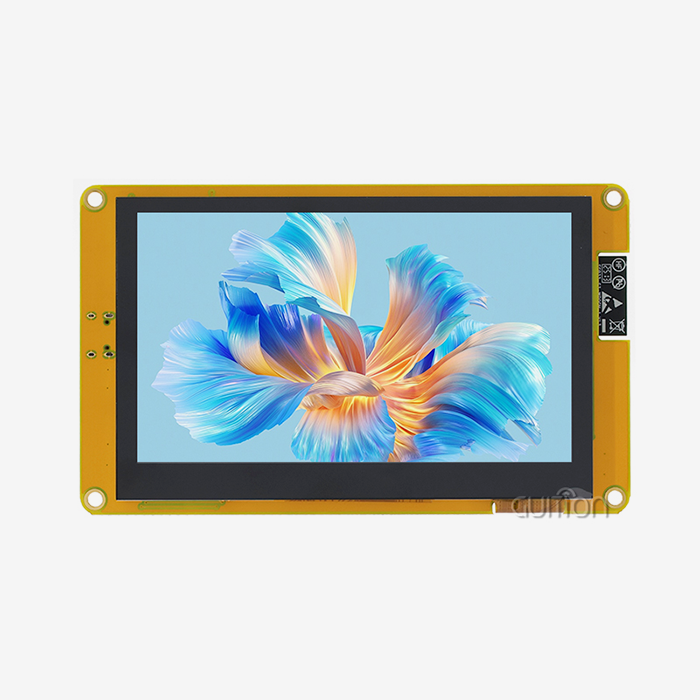
The JC1060Q370C_I is based on the Artinchip D121BBV single-core MCU. It runs the RT-Thread operating system and operates at 400 MHz. The 7.0-inch IPS screen has 400 nits of brightness, 16-bit RGB 65K colour, and responsive touch. Includes an IO port adapter and a circuit to control the lights. Image decode resolution is 1024x768@60fps; PNG files can be used at 30fps. This keeps things moving along smoothly as animations and images are loading. Guition created the Hmi human interface machine to run continuously for long periods. It can be used for smart home screens, 3D printers, and control panels in factories.
Guidance UI Tool and Development Modes
With Guition's online GUI creator, you can drag and drop elements to make things. Built-in settings can be added with just one click. Then you can drag them around the screen, change their size, shape and style to see what the layout will look like when it’s finished. Engineers can also build stuff with Arduino or IDF, so everyone is comfortable at work. With full secondary development tools and technical papers, custom functions can be used without writing low-level code that is difficult to understand. Running cross-platform online debugging faster helps to find bugs faster. This saves time and money during debugging. This Hmi human machine interface helps product managers reduce the time from idea to launch.
Connectivity, Remote Upgrade, and Global Support
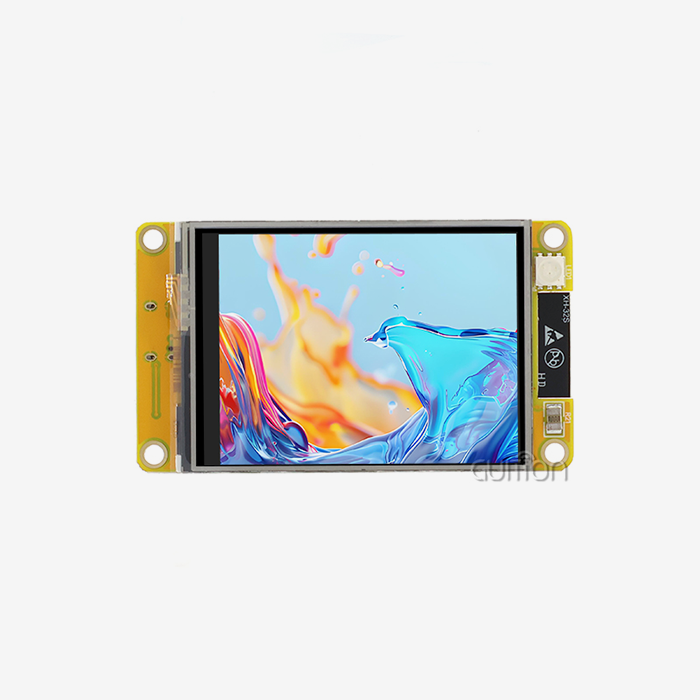
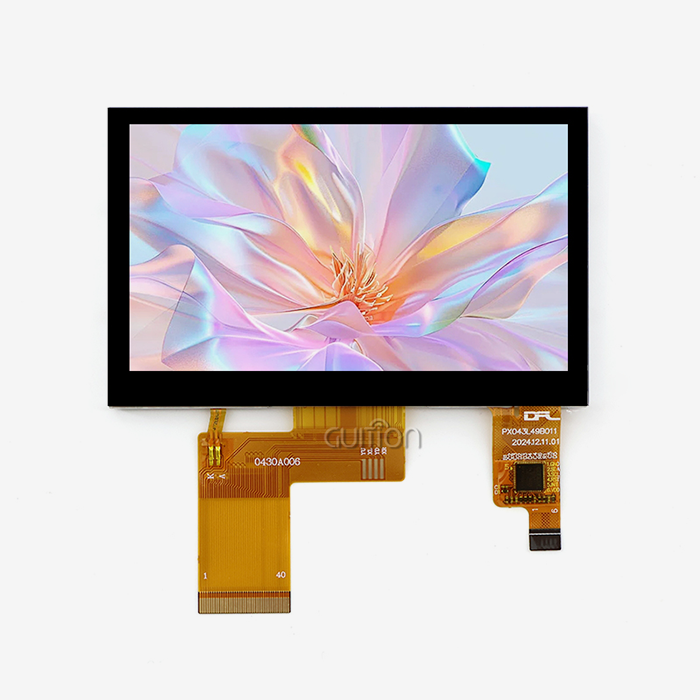
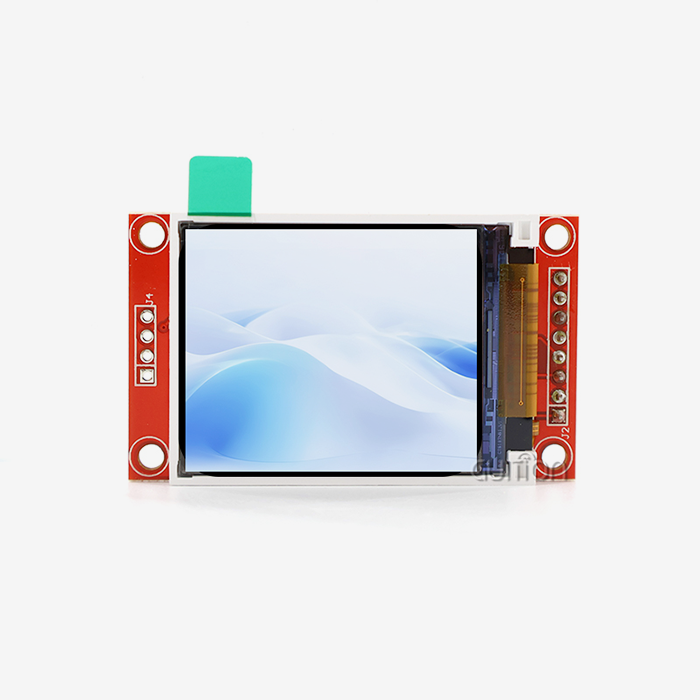
It has built-in WiFi and Bluetooth, so it can connect to nearby networks and devices without any extra modules. Update user projects online via remote upgrade. This saves you money on after-sales costs and lets you fix things and add new features without having to go to the site. Multiple language changes and UTF-8 encoding can make one design work in more than one place. Jingcai Intelligence is responsible for all its production, sales, and research and development. It offers USART-hmi display modules from 1.28” to 21.5”. Please Contact Us with the information we need to make sure your device is compatible with this HMI human interface machine.
Conclusion
With the help of a screen, software, and communication links, an HMI human interface machine lets workers connect to PLCs, sensors, and motors. Still, the controller checks the commands before the machine does anything. It talked about when touchscreen, button, hybrid, and embedded formats work best and when they don't. It also talked about how HMI human interface machines are different from PLCs, SCADA, and DCS and how protocols like Modbus and OPC UA are used to make things work together. To make a good choice, you should first think about the cost, the environment, the screen size, and whether or not the driver supports it. After that, make a clear screen, test it, and have a backup plan. The GUITION JC1060Q370C_I has a 7.0-inch 1024x600 IPS screen, a 400MHz D121BBV driver, WiFi, Bluetooth, and a drag-and-drop tool. This is what it shows. An HMI (human interface machine) that works with the whole system and is easy to manage is the best kind.
FAQ
Q: What does an HMI do?
A: It lets the user enter data, see alarms and trends, and give commands to the controller. It also shows the state of the machine. Before the machine does anything, the controller checks the signs.
Q: How does an HMI differ from a PLC?
A: The PLC runs the flow of logic and can also talk to devices in the field. The HMI (human interface machine) gives information and lets the person change things.
Q: Can an HMI work with any controller?
A: The only way it can work is if it works with the controller's protocol, driver, register types, and ports. We'll let you know if the JC1060Q370C_I interface works with your device after you send us some information about it.
Q: Should I choose a touchscreen or a button panel?
A: Touch screens are great for seeing graphics, trends, and recipes. When you need to work with gloves on or in rough places, button panels are great. Hybrids are like both types of plants.
Q: How do I pick a screen size?
A: Think about the space on the panel, how far the operators need to be able to see, and what they need to know. For single machines, small 4–7-inch screens work, but for complicated platforms, you need bigger ones.
Request Your HMI (Human Interface Machine) Details from Guition
Please let Guition know what kind of controller you want, how big the screen should be, where you'd like to put it, what kind of interface you need, how many you need, and when you need them. Our team will then look for a model that fits your needs and check its specs. If you want to find an HMI human interface machine supplier with display modules from 1.28" to 21.5", the Guition UI tool, and remote upgrade support, email david@guition.com or go to https://jingcaizhineng.aixdb.cn/ right now.
References
1. ANSI/ISA-101.01 Human Machine Interfaces for Process Automation Systems, 2015
2. ANSI/ISA-18.2 Management of Alarm Systems for the Process Industries, 2016
3. NIST Special Publication 800-82 Revision 3: Guide to Operational Technology (OT) Security, 2023
4. IEC 61131-3 Programmable Controllers – Part 3: Programming Languages, 2013
5. Modbus Application Protocol Specification V1.1b3, Modbus Organization, 2012
6. OPC Unified Architecture Specification Part 1: Overview and Concepts, OPC Foundation, 2017
Learn about our latest products and discounts through SMS or email