- English
- French
- German
- Portuguese
- Spanish
- Russian
- Japanese
- Korean
- Arabic
- Greek
- German
- Turkish
- Italian
- Danish
- Romanian
- Indonesian
- Czech
- Afrikaans
- Swedish
- Polish
- Basque
- Catalan
- Esperanto
- Hindi
- Lao
- Albanian
- Amharic
- Armenian
- Azerbaijani
- Belarusian
- Bengali
- Bosnian
- Bulgarian
- Cebuano
- Chichewa
- Corsican
- Croatian
- Dutch
- Estonian
- Filipino
- Finnish
- Frisian
- Galician
- Georgian
- Gujarati
- Haitian
- Hausa
- Hawaiian
- Hebrew
- Hmong
- Hungarian
- Icelandic
- Igbo
- Javanese
- Kannada
- Kazakh
- Khmer
- Kurdish
- Kyrgyz
- Latin
- Latvian
- Lithuanian
- Luxembou..
- Macedonian
- Malagasy
- Malay
- Malayalam
- Maltese
- Maori
- Marathi
- Mongolian
- Burmese
- Nepali
- Norwegian
- Pashto
- Persian
- Punjabi
- Serbian
- Sesotho
- Sinhala
- Slovak
- Slovenian
- Somali
- Samoan
- Scots Gaelic
- Shona
- Sindhi
- Sundanese
- Swahili
- Tajik
- Tamil
- Telugu
- Thai
- Ukrainian
- Urdu
- Uzbek
- Vietnamese
- Welsh
- Xhosa
- Yiddish
- Yoruba
- Zulu
What Interface Options Suit an ESP32P4 Screen Module Best?
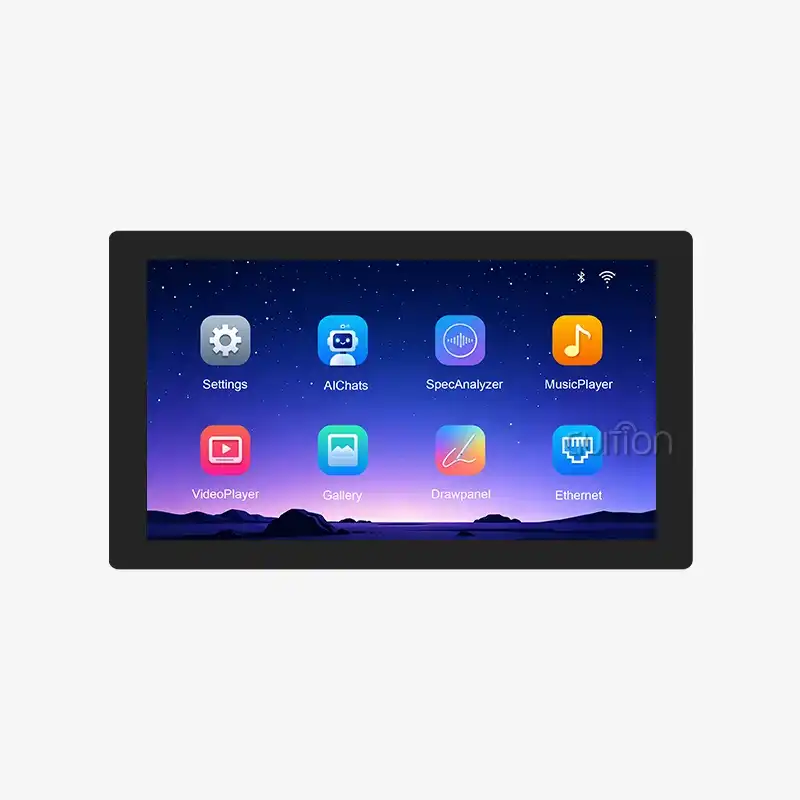
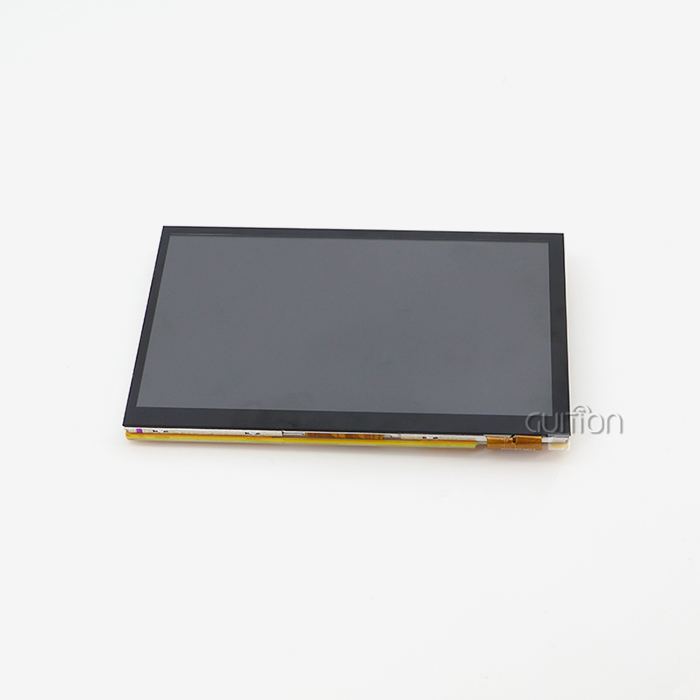
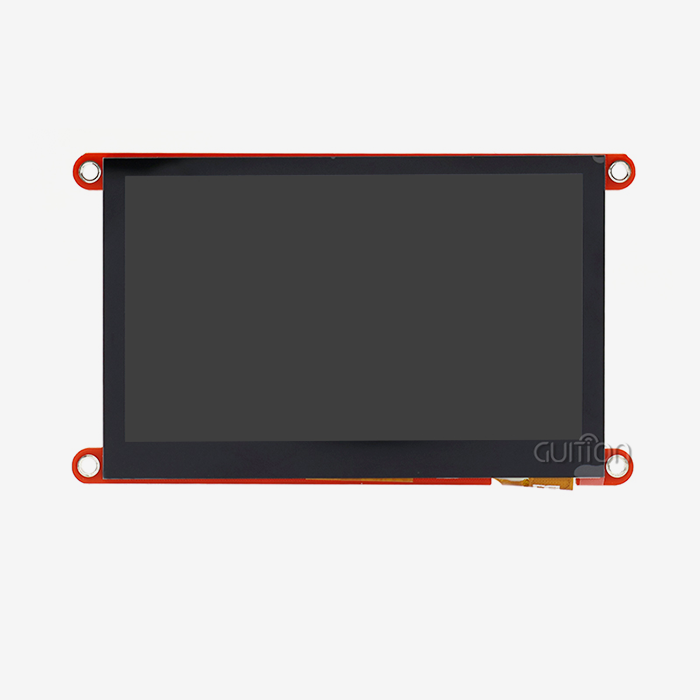
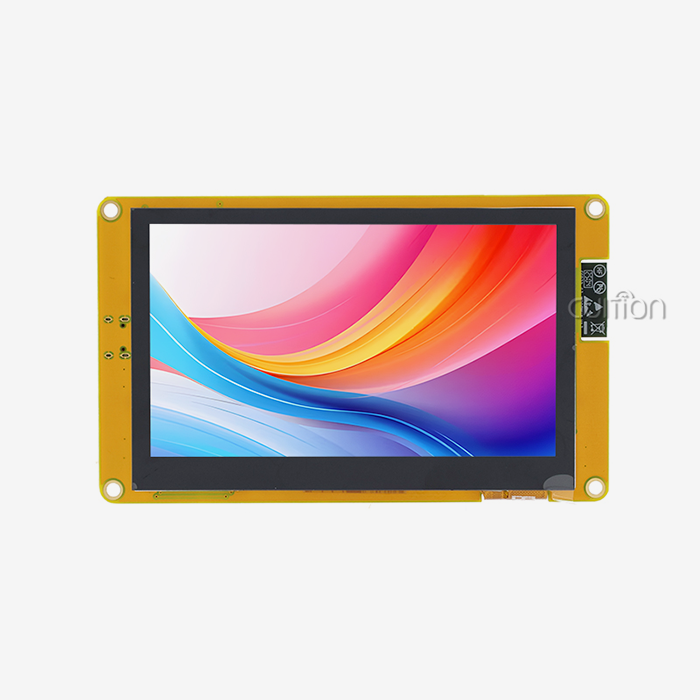
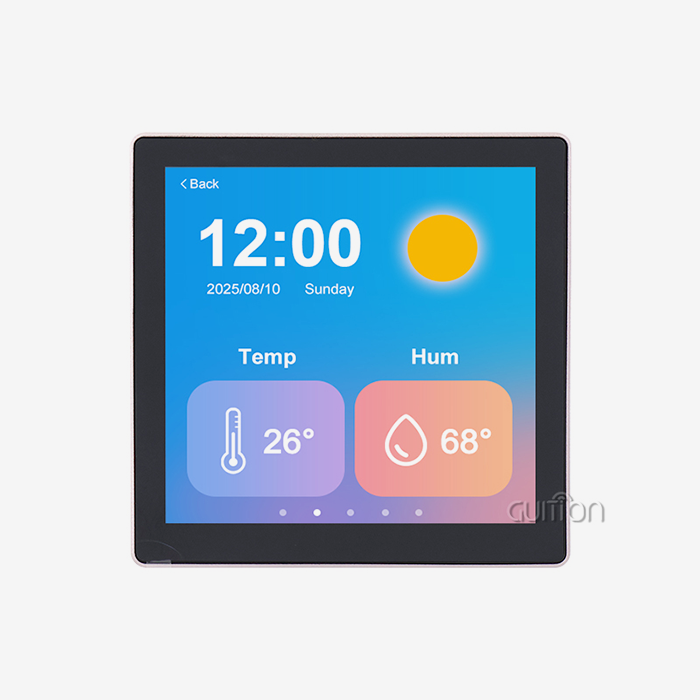
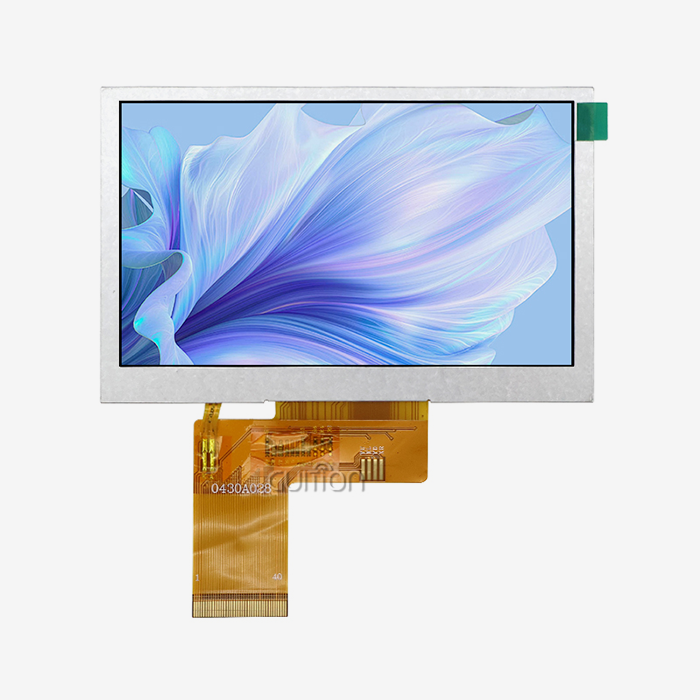
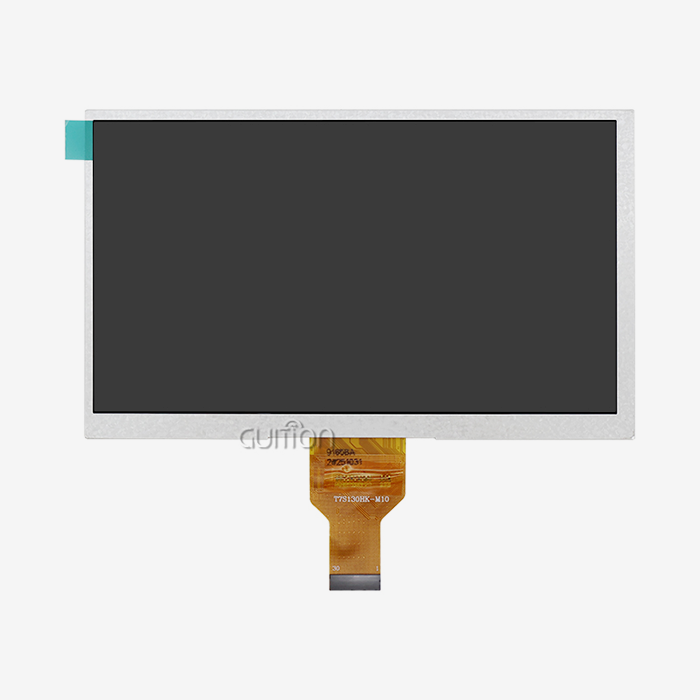
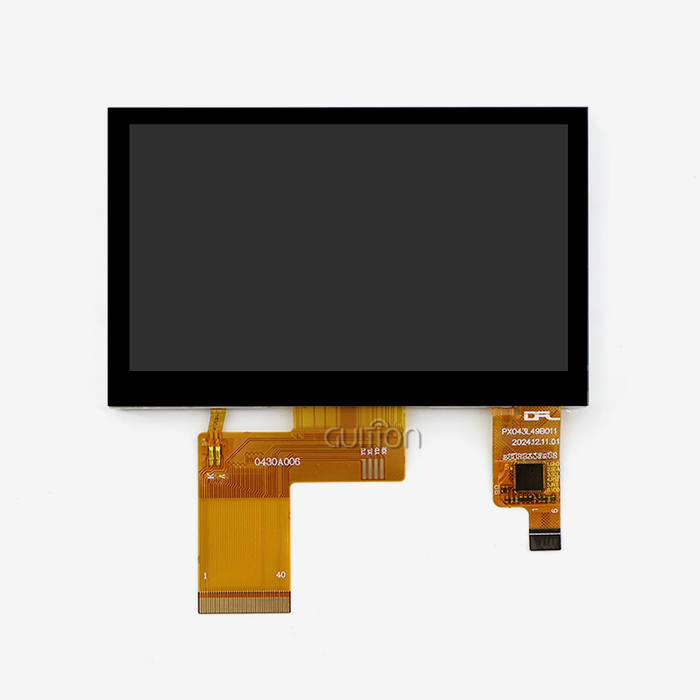
When engineers and product teams ask what the ideal interface is for an ESP32P4 screen module, there are three considerations that come into play: the display resolution needed, the GPIO pins available, and the refresh rate objective. The 480×800 IPS panel on the GUITION JC4880P443C_I_W_Y uses the ESP32-P4’s high-speed bus with a parallel RGB interface, allowing for seamless display of 16.7-million-color graphics at its native resolution. SPI is good for basic overlays or supplementary peripherals, while I2C does the capacitive touch controller effectively. Choosing the proper interface from the start saves weeks of effort and keeps your project on the right track.

Understanding ESP32P4 Screen Module Interfaces
It helps to understand the role of each interface in an integrated display system before comparing your options. The ESP32-P4 SoC supports many display buses, each with differing electrical characteristics and software requirements. Everything else, from how you route the PCB traces to how you establish the LVGL buffers later on, hinges on getting this basis correct.
SPI: Speed-Efficient Serial Communication
SPI is a single-line data transfer at 40 MHz and 80 MHz clock rates for ESP32-class processors. It simply requires four pins: MOSI , MISO , SCK and CS . This makes it an excellent alternative when GPIO count is restricted. For an ESP32P4 screen module that wish to operate with less than 320x240 SPI is generally adequate. Above that frame drawing slows down a lot since each pixel byte needs to be sent one by one.
I2C: Low-Pin Touch and Sensor Control
I2C simply requires two wires to function, SDA and SCL. It doesn't talk to display panels directly very frequently, since it can only run at 400 kHz (Fast Mode) or 1 MHz (Fast-Plus). The JC4880P443C_I_W_Y features I2C connections to the capacitive touch controller. These links provide back finger locations and gesture data to the MCU without requiring additional high-speed pins. This ensures that the primary display bus is always free for pixel data.
Parallel RGB and MIPI DSI: High-Bandwidth Display Buses
Parallel RGB connections may communicate 8, 16 or 24 bits per clock cycle, hence they are quicker than SPI at the same clock rates. The ESP32-P4 supports two kinds of LCD modes: RGB565 and RGB888. The 480x800 IPS panel of the JC4880P443C_I_W_Y is closely related to these modes. More modern P4 configurations employ MIPI DSI, which supports up to 1.5 Gbps across two differential lanes. On resolutions over 800x480 this is ideal since the limiting factor will be the amount of parallel RGB pins at the board level.
Comparing Interface Options: Which Suits Your Application Best?
Choosing the improper bus type for the ESP32P4 screen module is one of the leading causes of embedded HMI projects running late. Each interface trades off some feature—pin count, bandwidth, or software complexity—for something else. The practical trade-offs and scenario-based suggestions are summarized in the table below.
Below is a short comparison of the four major interface types that apply to an esp32p4 display module:
- SPI – Best suited for low-resolution secondary displays or data overlays. Very few pins required, medium throughput (~40 MB/s theoretical), simple driver support for Arduino and ESP-IDF. Good for dashboard widgets on panels 2.4 to 3.5 inches.
- I2C – Not utilized for operating the main display. Reserved for touch controllers, sensors, and EEPROM on the same board. The JC4880P443C_I_W_Y reads the capacitive touch coordinates from its internal touch IC via I2C.
- Parallel RGB (16-bit/24-bit) – The 480×800 panel in the JC4880P443C_I_W_Y is recommended to use this bus. The ESP32-P4 can output complete frames at >30 FPS (not CPU-bound) at 16-bit RGB565, which is adequate for industrial HMI panels and smart-home control displays.
- MIPI DSI – The high-end route for ESP32-P4 versions targeting 720p or 1024×600 displays. Two-lane MIPI DSI offers ~1.5 Gbps and 60 FPS on demanding medical or commercial kiosk screens where fluent animation is a must.
Each of these four alternatives is at a different level of display performance. Parallel RGB offers the optimum tradeoff between performance and implementation difficulty in most of the industrial control panels and interfaces of smart appliances. If your team is designing medical monitoring equipment or high-traffic kiosks, you should consider evaluating MIPI DSI options for the frame-rate headroom.
How to Implement and Program ESP32P4 Screen Module Interfaces
Knowing the theory is only half the work. Setting up the development environment correctly determines whether your first frame renders in an afternoon or a week. The JC4880P443C_I_W_Y ships with a pre-loaded demo, so you can confirm the panel is functional before writing a single line of code.
Environment Setup: Arduino IDE and ESP-IDF
Install the ESP32 board package (version 3.x or later) in Arduino IDE, then install the TFT_eSPI library for the ESP32P4 screen module. Compare the User_Setup.h parallel RGB pin assignments to the ones listed in the GUITION datasheet. ESP-IDF users, the RGB panel driver is natively handled by the esp_lcd component; change pclk_hz to match the panel's timing standard.
Integrating LVGL for Complex GUIs
LVGL (Light and Versatile Graphics Library) is the most popular open-source GUI framework for embedded screens. Set up the esp_lcd RGB driver first, then register it as an LVGL display driver and create two DMA-backed frame buffers in the 32 MB PSRAM of the JC4880P443C_I_W_Y. Double-buffering minimizes tearing during quick transitions, which is crucial for industrial dashboards presenting live sensor data.
Firmware OTA and Troubleshooting Tips
GUITION's platform offers OTA firmware distribution, enabling you to update interfaces on deployed devices without physical access. When diagnosing communication difficulties, check the following first: Make sure SPI clock polarity is correct based on the display IC datasheet. Check the presence of I2C pull-up resistors (usually 4.7kΩ). Use a logic analyzer on the RGB PCLK line to make sure the pixel clock is constant. Most display problems are caused by wrong timing settings and not by hardware failures.
Procurement Insights: Sourcing the Right ESP32P4 Screen Module
"B2B procurement teams typically have to choose between genuine manufacturer-approved modules and less expensive third-party equivalents. While the cost difference might be appealing at lower numbers, unauthorized pin modifications and missing calibration data often result in integration delays that obliterate any savings. GUITION’s JC4880P443C_I_W_Y comes with full schematics, a tested driver package, and access to Guition’s GUI development software, which are not often available with third-party clones.
Key Procurement Criteria for Display Modules
The main aspects to keep in mind when choosing a source of ESP32P4 screen modules are: documented pin-to-function mapping, guaranteed long-term supply (minimum of 24-month manufacturing guarantee), and accessible technical assistance.
Volume Pricing and Platform Compatibility
The JC4880P443C_I_W_Y supports Arduino IDE, ESP-IDF, MicroPython, and proprietary Guition programming mode. Multi-platform compatibility saves retraining expenses if your technical crew has diverse backgrounds. OEM orders of 100 units or more qualify for volume pricing levels – contact GUITION directly for a formal quote.
After-Sales Support and Documentation Quality
The hidden expense in the integrated hardware acquisition is bad documentation. GUITION offers an organized collection of technical documents, including schematic files, pin-mapping tables, LVGL integration guidelines, and OTA update tutorials. Engineers spend less time guessing, more time delivering stuff.
Future-Proofing Your Hardware: Trends in Interface Technologies
The embedded display industry is trending toward increased pixel density and lower power idle states. Adoption of MIPI DSI is increasing in industrial and medical markets with panel resolutions higher than 720p. With the ESP32-P4 architecture, teams may take advantage of these panels without having to change MCUs, conserving hardware investment.
Emerging Standards: MIPI and Beyond
MIPI DSI-2 and MIPI DPI are gaining popularity for panels above 7 inches in commercial kiosks and energy management terminals. ESP32-P4 based modules are structurally ready for these standards, so today's PCB layout can accommodate future-generation panels with a firmware update rather than a board respin.
Power Optimization Strategies
If you’re building a battery-powered agricultural monitor or a portable medical gadget, the ESP32-P4’s low-power peripheral design allows you to lower the backlight duty cycle using PWM and gate the display bus during idle times. The JC4880P443C_I_W_Y has a dedicated lighting control circuit for only this reason.
Balancing Innovation with Supply Stability
It only makes sense to use the latest interface standard when the supply chain can support it. The materials used for GUTION's products ranging from 1.28 inches to 21.5 inches are procured on a steady and long-term basis. This provides OEMs and system integrators the assurance that the ESP32P4 display module they build around now will be available in production numbers two years from now.
Conclusion
Selecting the appropriate interface for your ESP32P4 screen module influences the pace of development, the quality of the display, and the dependability of the device over time. 480x800 panels such as GUITION JC4880P443C_I_W_Y, parallel RGB is the sensible option, SPI for simple overlays, and I2C to handle touch input cleanly. MIPI DSI allows for greater resolution applications as frame rate requirements increase. Combine your choice of interface with a confirmed module from GUITION, and you get factory-proven hardware, full documentation, and multi-platform SDK support. All you need to go from prototype to production with no surprises.
FAQ
Can I run SPI and I2C simultaneously on the JC4880P443C_I_W_Y?
Yes. The ESP32-P4 supports independent SPI and I2C peripheral instances. On the JC4880P443C_I_W_Y, the touch controller runs on I2C while the main display bus operates on parallel RGB. SPI remains available for connecting external flash chips, SD card peripherals over the TF card slot, or secondary sensor modules via the IO port header.
How do I update firmware and display drivers on this module?
GUITION's platform supports OTA updates, so you can push new firmware to devices already deployed in the field. For local updates, the one-click programming feature in the Guition development environment transfers compiled binaries without external flashing tools. Always back up the current working firmware before applying driver updates to production units.
Which third-party libraries work best with this ESP32P4 display module?
LVGL is the most widely adopted option for complex GUI work. TFT_eSPI covers SPI-based secondary display use cases. For touch input, the GT911 Arduino library integrates directly with the capacitive controller used in the JC4880P443C_I_W_Y. All three libraries have active communities and are regularly tested against ESP-IDF 5.x releases.
Does the module support multi-language interfaces?
Yes. UTF-8 encoding support is built in, allowing your UI to display Arabic, Chinese, Japanese, Cyrillic, and other character sets without custom font workarounds. This makes the module practical for global product deployments from a single firmware build.
Start Your Project with Guition's ESP32P4 Screen Module
Ready to source a verified ESP32P4 screen module for your next industrial, medical, or smart-home project? GUITION's JC4880P443C_I_W_Y delivers a 4.3-inch 480×800 IPS touchscreen, 32 MB PSRAM, 16 MB Flash, built-in Wi-Fi and Bluetooth, and full multi-platform SDK support in one compact module. As a trusted ESP32P4 screen module manufacturer, GUITION backs every unit with complete documentation and direct technical support. Send your project requirements to david@guition.com or visit https://jingcaizhineng.aixdb.cn/ to request a quotation today.
References
1. Espressif Systems. ESP32-P4 Technical Reference Manual. Espressif Systems, 2024.
2. Liu, J., & Chen, W. "Display Interface Selection for Embedded HMI Systems." IEEE Transactions on Industrial Electronics, 2023.
3. LVGL Development Team. LVGL Documentation: Display and Input Device Drivers. LVGL Project, 2024.
4. Lacamera, D. Embedded Systems Architecture: A Comprehensive Guide for Engineers and Programmers. Packt Publishing, 2023.
5. IHS Markit. Embedded Display Module Market Report: Interface Trends and Procurement Strategies. IHS Markit Technology Research, 2023.
6. Maxim Integrated (now Analog Devices). "Serial Interface Standards for LCD Modules: SPI, I2C, and Parallel Comparison." Maxim Application Note AN4894, 2022.
Learn about our latest products and discounts through SMS or email