- English
- French
- German
- Portuguese
- Spanish
- Russian
- Japanese
- Korean
- Arabic
- Greek
- German
- Turkish
- Italian
- Danish
- Romanian
- Indonesian
- Czech
- Afrikaans
- Swedish
- Polish
- Basque
- Catalan
- Esperanto
- Hindi
- Lao
- Albanian
- Amharic
- Armenian
- Azerbaijani
- Belarusian
- Bengali
- Bosnian
- Bulgarian
- Cebuano
- Chichewa
- Corsican
- Croatian
- Dutch
- Estonian
- Filipino
- Finnish
- Frisian
- Galician
- Georgian
- Gujarati
- Haitian
- Hausa
- Hawaiian
- Hebrew
- Hmong
- Hungarian
- Icelandic
- Igbo
- Javanese
- Kannada
- Kazakh
- Khmer
- Kurdish
- Kyrgyz
- Latin
- Latvian
- Lithuanian
- Luxembou..
- Macedonian
- Malagasy
- Malay
- Malayalam
- Maltese
- Maori
- Marathi
- Mongolian
- Burmese
- Nepali
- Norwegian
- Pashto
- Persian
- Punjabi
- Serbian
- Sesotho
- Sinhala
- Slovak
- Slovenian
- Somali
- Samoan
- Scots Gaelic
- Shona
- Sindhi
- Sundanese
- Swahili
- Tajik
- Tamil
- Telugu
- Thai
- Ukrainian
- Urdu
- Uzbek
- Vietnamese
- Welsh
- Xhosa
- Yiddish
- Yoruba
- Zulu
Serial Screen vs. Traditional HMI
A Serial Screen is just a screen with a CPU on it that draws the interface, while your controller delivers brief instructions via UART. A typical HMI is a bigger independent panel or a screen your MCU drives directly with bespoke graphics code. This guide compares them by programming effort, MCU workload, connection, pricing, and fit. It also illustrates where an IoT screen like the GUITION JC4827W543N_I makes sense and where it does not. You go away with a clear decision framework.

Guition designs and manufactures the JC4827W543N_I and the Guition interface software. If you want an IoT screen manufacturer who talks engineer to engineer, email david@guition.com or call the phone number. Tell us your MCU, protocol, and volume. We will recommend a Serial Screen setup and send you a sample quote.
What Is the Difference Between a Serial Screen and a Traditional HMI?
A HMI ( Human Machine Interface) is the screen and controls used by a human to view data and order a machine to do something. Both techniques fulfill that purpose. They divide the task differently.
How Does a Traditional HMI Work?
Two designs are considered “traditional.” The first is an industrial HMI panel, with its own runtime and vendor software, frequently hardwired to a PLC (programmable logic controller). The other is a naked display powered directly by your MCU (microcontroller unit) with a graphics library.
Either way, your team controls the interface logic, whether it’s proprietary tooling or firmware. Layout, touch handling, and redraws are very close to your control code.
How Does a Serial Screen Work?
A Serial Screen transfers the interface work to the display. The screen holds your pages, fonts, and photos. Your controller communicates via concise messages over UART ( universal asynchronous receiver-transmitter ) , a basic two-wire interface.
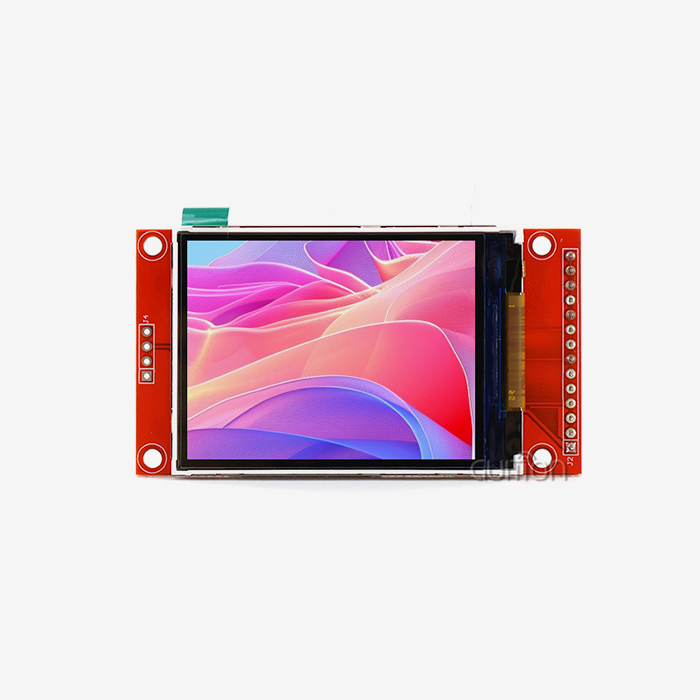
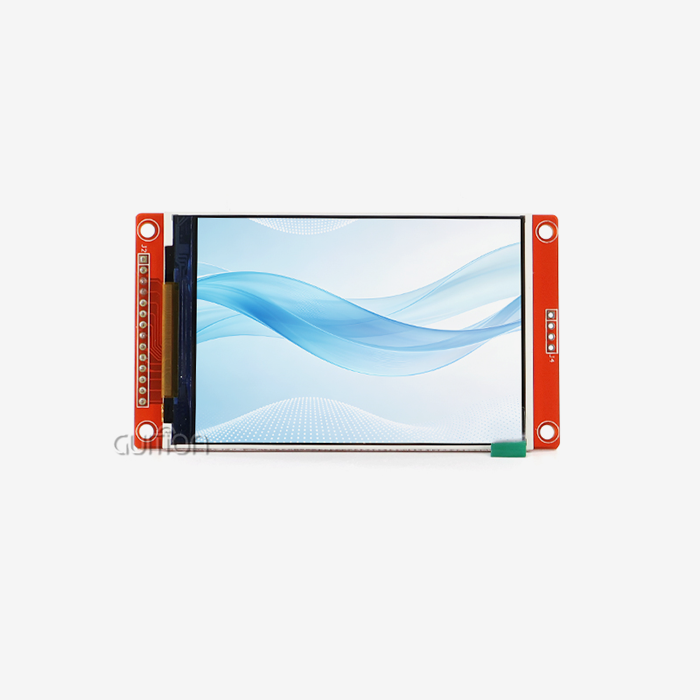
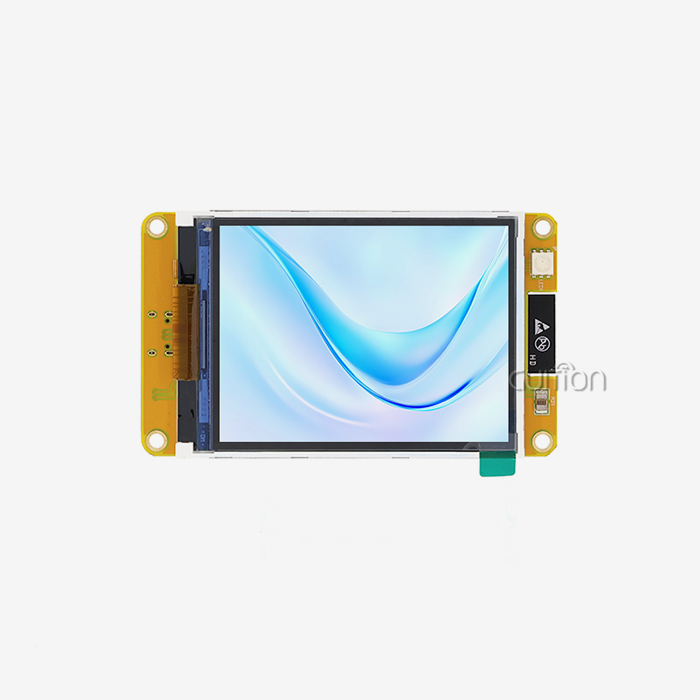
The GUITION JC4827W543N_I has its own twist. Your program may run directly on its onboard ESP32-S3R8 processor. The module may be used as a serial display or as a standalone IoT screen that does not need an external controller.
How Does an IoT Screen Simplify Hardware Integration and UI Development?
Integration pain usually comes from wiring, memory, and radio design. A good IoT screen removes much of it.
What Hardware Work Does the Module Remove?
Driving a display directly requires numerous signal lines and rapid memory. Serial connectivity requires a few of wires. That frees pins on your MCU and reduces board layout.
The JC4827W543N_I also has Wi-Fi and Bluetooth capabilities, a TF card slot, and up to 10 IO pins accessible. You skip the radio module. You skip the storage chip. You skip the display driver design. Every part you miss also takes out one more piece of your supply chain.
How Does Visual UI Design Change the Workflow?
Guition’s program has a library of built-in controls. You click to create a control, then drag it to the proper spot and customize its size and style. The editor is WYSIWYG, so the canvas is like the final Serial Screen.
Compare it to typed layout code. Every modification requires editing, compiling, flashing, and testing. That cycle may be truncated using a visual editor. It happens when stakeholders continuously request adjustments.
Serial Screen vs. Traditional HMI: Key Features and Technical Differences
Specifications tell part of the story. Architecture tells the rest.
What Are the JC4827W543N_I Specifications?
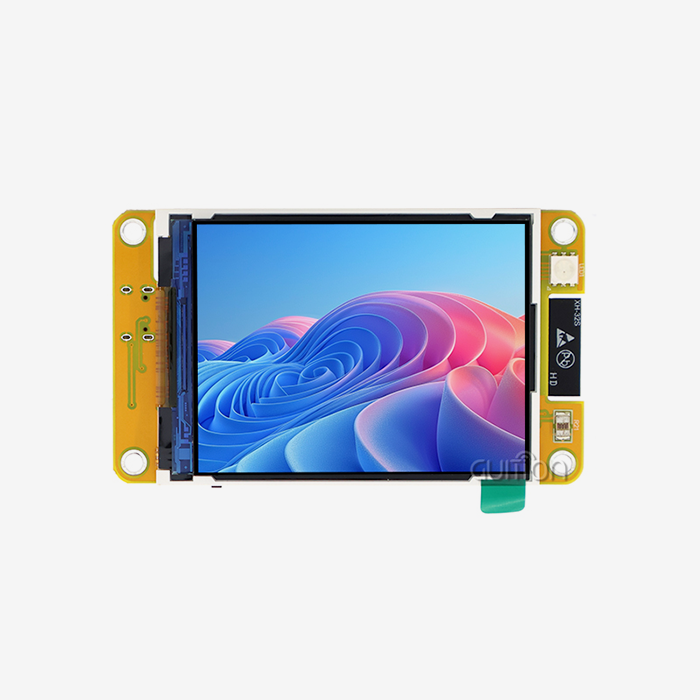
The module has a dual-core ESP32-S3R8 MCU operating up to 240 MHz, with 512 KB of SRAM, 384 KB of ROM, and 8 MB of PSRAM. The flash is 4 megabytes. The 4.3-inch IPS TFT display presents 480×272 pixels in 16-bit color, which is 65K colors.
This module contains the lighting control circuit, touch control circuit, and TF card interface. This version is sent without touch, so please confirm your touch option when requesting a quotation.
How Do the Two Approaches Compare Side by Side?
This table summarizes the main trade-offs:
| Factor | Traditional HMI | Serial Screen |
|---|---|---|
| UI rendering | Host MCU or panel runtime | Display’s own processor |
| Typical link | Parallel/RGB bus or vendor protocol | UART serial |
| Development tool | Vendor software or typed code | Visual editor plus simple commands |
| MCU load | Moderate to high | Low |
| Customization depth | Very high with custom code | High within the editor |
| Best fit | Large panels, certified systems | Compact devices, fast iteration |
Neither column wins everywhere. The right choice depends on your screen size, team skills, and product goals.
Does Display Quality Differ?
The image quality is determined by the panel, not the building. IPS panels have broad viewing angles, which is helpful when operators stand behind a machine instead of in front of it. Colors hold up off-axis with IPS TFT in the JC4827W543N_I.
At 480×272, it’s good for concentrated dashboards with a few gauges and controllers. For dense engineering displays with plenty of trends, a bigger, better resolution panel is required.
Which Display Offers Easier Programming and Faster Development?
For most small teams, the Serial Screen wins on speed. The reason is simple: less code between an idea and a working screen.
How Many Development Paths Does Each Option Give You?
The JC4827W543N_I is compatible with Arduino IDE, ESP-IDF, MicroPython, and the Guition environment. Arduino IDE fits rapid prototyping. ESP-IDF is Espressif’s own framework, offering extensive control, and is now running on millions of devices. MicroPython is great for scripting teams.
Many classic panels tie you to one vendor tool. Environmental choice means your current engineers may start without retraining.
How Much Time Can You Save?
This is a planning estimate and not real client data. Say a manually developed six-screen interface takes 60 engineering hours. If we had a visual approach, we could cut out half the layout and revision labor and save ourselves 30 hours per project.
A team that ships three versions a year would save around 90 hours. Create a business case and use your own project history to replace these statistics.
How Do Serial Screens Reduce MCU Workload and Software Complexity?
Every redraw costs processor time. When the display does the drawing, your controller keeps its cycles for control work.
Why Does Offloading Graphics Help Real-Time Control?
Your MCU could execute a motor loop or read a sensor every millisecond. A graphics library vies with that loop for time and memory. Animations, and also text rendering, may generate jitter.
With a Serial Screen, the controller communicates “temperature = 24.5” and then goes on. The screen is pixel-based. Your time-sensitive code remains predictable.
What Does the Software Stack Look Like?
Your firmware is reduced to a few jobs: read inputs, perform logic, transmit updates, and handle button events. You don't manage a graphics library or adjust its memory use.
The ESP32-S3 itself has headroom in stand-alone mode. Its twin cores peak at 1329.92 CoreMark at 240 MHz. One core handles communication and the other one handles drawing, keeping an IoT screen responsive.
Connectivity and Communication Protocols: UART, RS232, RS485, and IoT Integration
Protocols decide whether a display fits your existing equipment. Here is how each one works.
How Does UART Connect the Screen to Your Controller?
UART has one transmission wire and one receiving wire. Both parties agree on a speed, termed the baud rate. Most MCUs include a UART interface so you can connect a Serial Screen to any family of controllers.
Verify voltage levels before wiring. Many of the modules have 3.3 V logic, and mixing levels may destroy a pin.
Where Do RS232 and RS485 Fit?
RS232 and RS485 are electrical standards for serial communication. RS232 is for short point-to-point connections; RS485 can do longer runs and support numerous devices on one bus. So it is commonly used in manufacturing.
The module’s UART is a logic-level signal. Just add a transceiver chip or tiny converter board to interface with RS232 or RS485 devices. Your host MCU translates between the field protocol and the screen.
How Does Wireless IoT Integration Compare?
Traditional panels need an external gateway to reach the cloud. The ESP32-S3 has 2.4 GHz Wi-Fi (802.11 b/g/n) and Bluetooth 5 (LE). An IoT screen may display local data and communicate it to a server.
The market supports this decision. In 2025, there were over 21.1 billion linked IoT devices, an increase of nearly 14%. Bluetooth accounts for 24% of these devices.
What Are the Cost Differences Between Serial Screens and Traditional HMI Systems?
Price tags on the hardware only tell part of the story. Total project cost includes engineering time, boards, and maintenance.
Where Does a Serial Screen Save Money?
It saves engineering hours, board space, and unnecessary parts. You leave out a radio module, storage chip, and display driver. You also end up writing less firmware.
Remote updates provide long-term savings. Guition offers remote updating of user projects so that updates reach installed units without a site visit. A visit to the technician may cost more than the screen itself.
Where Can a Traditional HMI Cost Less?
If your project requires a wide Serial Screen, a PLC connection, and standard templates, a panel with authorized software may cost you less. You get a whole bundle for one payment.
Select the whole project. A panel may be a one-off machine with a PLC. A module is generally favored by volume-build.
How Large Is the Market Behind These Choices?
Fortune Business Insights has evaluated the worldwide HMI market at USD 6.1 billion in 2025 and is projected to reach USD 12.74 billion by 2034. In 2025, hardware accounted for 56.3% of the market, according to Mordor Intelligence.
Hardware still receives the bigger slice of the pie; therefore, display choices really matter in product budgets. The smaller teams are the ones that benefit the most from cutting the engineering side of that spending.
Which Display Is Better for Industrial Automation and Smart IoT Devices?
Fit depends on the job. Three scenarios show the pattern. They are typical use cases, not named client results.
Industrial Equipment Monitoring
A status screen on each machine is needed for a line builder. The Serial Screen displays cycle counts, error codes, and temperatures from the existing controller via UART. TF card slot records faults for weekly assessment.
A classic panel is the superior instrument for big control rooms or certified safety functions. The module is well suited for tiny machine-side displays.
Smart Home and Consumer Devices
A thermostat manufacturer wants a slick screen, Wi-Fi, and phone pairing. The cost of materials is small as the whole device operates off the IoT screen. Setup is done via Bluetooth and cloud control via Wi-Fi.
Guition says their software allows multi-language switching and UTF encoding, which helps if a product delivers to many locations.
Medical, 3D Printing, and Portable Gear
Some of the short applications for the JC4827W543N_I include patient monitoring, 3D printer controllers, charging station interfaces, and handheld testers. All of these items have one requirement: a clear IoT screen that can be built rapidly by a small team.
Regulated devices need further certification. Check your compliance route before you commit to any display.
Key Limitations to Consider Before Choosing a Serial Screen
Honest limits build better projects. Know them before you order.
What Are the Technical Limits?
The points below warrant a check against your requirements:
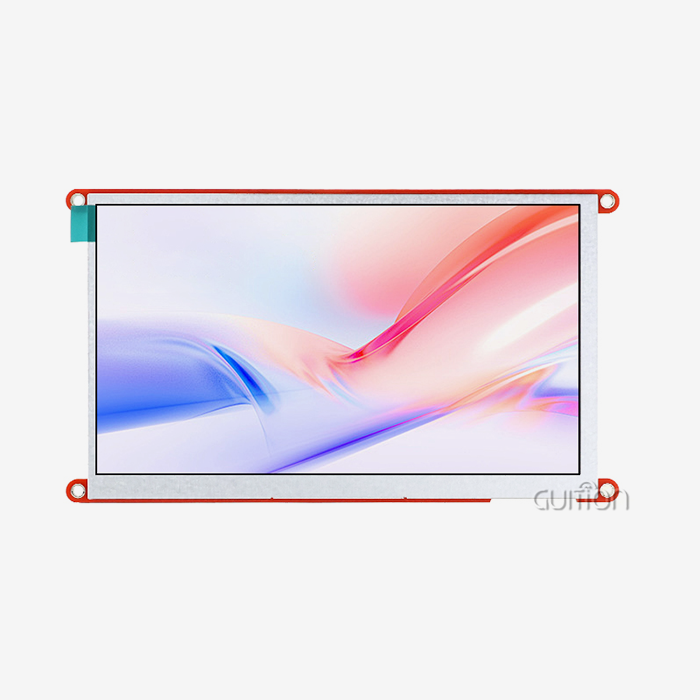
- Resolution and size: The JC4827W543N_I has a resolution of 480×272 pixels with a 4.3-inch display. That works for specialized dashboards, but not for thick multi-trend displays. Whether you require a big area or precise detail, Guition’s bigger models can be better. The range is from 1.28 inches to 21.5 inches.
- Memory budget: Flash size 4 MB; PSRAM for graphics buffers 8 MB. That space may fill up rapidly with various typefaces and large picture collections. Plan assets early, compress pictures, and utilize the TF card slot for additional files to prevent your interface from outgrowing the module.
- Wireless band & touch option: The radio supports 2.4GHz Wi-Fi and Bluetooth LE; It does not support 5 GHz networks. This variation also comes without touch. Verify your network band and tap choice by tapping the quotation so that the units you get are the ones you designed.
When you arrange for these constraints, they are doable. The majority of difficulties arise when teams discover a limitation after the hardware design is locked.
When Should You Choose a Traditional HMI Instead?
Pick a traditional panel when you need a large screen, deep PLC integration, or certified templates your customer already approves. Also consider one when your team has strong vendor-tool experience and no wish to change.
A Serial Screen is not the answer to every problem. It is a strong answer for compact, connected products built by lean teams.
How to Choose the Right HMI Display for Your Next Embedded Project
A clear process beats a long spec comparison. Work through the questions below in order.
What Questions Should You Ask Yourself?
Start with the user. How large must the screen be, and how many values must it show at once? Next, look at the controller. Does it have a free UART, and does it need to run alone?
Then check the network: Wi-Fi, Bluetooth, or none. Finally, count volume and lifespan. Products that ship for years benefit from remote upgrades.
What Should You Ask a Supplier?
Ask for technical documents, sample code, and secondary development interfaces before you buy. Request a sample, then confirm lead times and long-term availability.
Pre-programmed test applications on the JC4827W543N_I let you power on and see output right away. Use that moment to test your own assumptions. Run your real sensor data through it before you order volume.
Conclusion
If you own the interface work, you must choose between a Serial IoT screen and a conventional HMI. A serial module transfers the drawing to the display. This frees your MCU, speeds up development, and reduces board design. A traditional panel delivers size and deep PLC integration.
The JC4827W543N_I has a dual-core ESP32-S3R8, 4.3-inch IPS display, Wi-Fi, Bluetooth, and a TF card slot. Check the resolution, memory, and touch option to see whether it meets your demands. Then make a bench prototype and test it with actual data.
FAQ
1. What is the main difference between a serial screen and a traditional HMI?
A serial screen runs the interface on the display’s own processor and talks to your controller over UART. A traditional HMI runs the interface on the host MCU or inside a vendor panel with its own software. The serial approach lowers MCU load and development effort.
2. Is an IoT screen the same as a serial screen?
Not always. An IoT screen includes network connectivity such as Wi-Fi or Bluetooth. A serial screen refers to the UART-based control method. The JC4827W543N_I is both: it connects over serial and has built-in wireless.
3. Can a serial screen work with RS232 or RS485 equipment?
Yes, with a transceiver. The module’s UART uses logic-level signals. Add an RS232 or RS485 converter and let your host MCU translate between the field protocol and the screen.
4. Do I need to write code to design the interface?
Not for layout. You add controls with a click and place them by dragging. Your controller still needs firmware to send and receive data. Guition supports Arduino IDE, ESP-IDF, MicroPython, and its own visual software.
5. Does the JC4827W543N_I support touch?
This variant is described as without touch. The module includes a touch control circuit, and other options exist. Confirm the touch configuration on your quote.
6. Can I update installed displays remotely?
Yes. Guition supports remote upgrade of user projects. You can deliver fixes and new features without visiting the site, which lowers after-sales costs.
Get Sample Pricing and Engineering Support for Your Next Display
Want to test an IoT screen on your own bench? Guition works as a supplier and manufacturer of HMI display solutions, and our engineers help you pick the right model. Email david@guition.com or call phone number] with your project details. Ask about the Serial Screen JC4827W543N_I for sale, and we will discuss samples, pricing, and development support.
References
1. Fortune Business Insights, 2026. Human Machine Interface Market Size, Share & Industry Analysis (used for market size forecasts). https://www.fortunebusinessinsights.com/human-machine-interface-market-114618
2. Mordor Intelligence, 2026. Human Machine Interface Market: Share Analysis, Trends & Forecasts 2026–2031 (used for hardware share). https://www.researchandmarkets.com/reports/4535752/human-machine-interface-market-growth-trends
3. IoT Analytics, 2025. Connected IoT Device Market Update, Fall 2025 (used for device counts and Bluetooth share). https://iot-analytics.com/Number-Connected-Iot-Devices
4. Espressif Systems, 2026. ESP32-S3 SoC Product Page (used for CPU, SRAM, Wi-Fi, and Bluetooth specifications). https://www.espressif.com/en/products/socs/esp32-S3
5. Espressif Systems, 2026. ESP32-S3 Series Datasheet v2.0 (used for CoreMark performance). https://www.espressif.com/documentation/esp32-s3_datasheet_en.pdf
6. Guition (Jingcai Intelligence), 2026. Company and product information (used for software features, development modes, applications, and remote upgrades). https://jingcaizhineng.aixdb.cn/
About the author
David is the CEO of Guition. He leads the company’s HMI display and interface software work and speaks with engineers worldwide about serial screen integration. His team supports customers from the first prototype through volume production. He writes about practical embedded design, no-code interface tools, and IoT product development. Contact him at david@guition.com.
Learn about our latest products and discounts through SMS or email