- English
- French
- German
- Portuguese
- Spanish
- Russian
- Japanese
- Korean
- Arabic
- Greek
- German
- Turkish
- Italian
- Danish
- Romanian
- Indonesian
- Czech
- Afrikaans
- Swedish
- Polish
- Basque
- Catalan
- Esperanto
- Hindi
- Lao
- Albanian
- Amharic
- Armenian
- Azerbaijani
- Belarusian
- Bengali
- Bosnian
- Bulgarian
- Cebuano
- Chichewa
- Corsican
- Croatian
- Dutch
- Estonian
- Filipino
- Finnish
- Frisian
- Galician
- Georgian
- Gujarati
- Haitian
- Hausa
- Hawaiian
- Hebrew
- Hmong
- Hungarian
- Icelandic
- Igbo
- Javanese
- Kannada
- Kazakh
- Khmer
- Kurdish
- Kyrgyz
- Latin
- Latvian
- Lithuanian
- Luxembou..
- Macedonian
- Malagasy
- Malay
- Malayalam
- Maltese
- Maori
- Marathi
- Mongolian
- Burmese
- Nepali
- Norwegian
- Pashto
- Persian
- Punjabi
- Serbian
- Sesotho
- Sinhala
- Slovak
- Slovenian
- Somali
- Samoan
- Scots Gaelic
- Shona
- Sindhi
- Sundanese
- Swahili
- Tajik
- Tamil
- Telugu
- Thai
- Ukrainian
- Urdu
- Uzbek
- Vietnamese
- Welsh
- Xhosa
- Yiddish
- Yoruba
- Zulu
Raspberry pi display module Setup Guide for Beginners
Even if this is your first time installing a Raspberry Pi display module, it doesn't have to be difficult. A Raspberry Pi display module is basically a special kind of visual output interface that is made to work with single-board computers. This makes it easy for embedded systems engineers and product makers to make dynamic HMI solutions that are dynamic. Whether you're making a prototype for an industrial control panel or a smart home screen, knowing how these modules work and how to combine them effectively can cut your time-to-market by a huge amount while still meeting the needs of your application.

Understanding Raspberry Pi Display Modules: Types, Features, and Specifications
It is important to understand the technical design when choosing a display interface for embedded apps. Display units for single-board computers usually fall into a few different groups, with each group having a different purpose in industrial, business, and Internet of Things (IoT) settings.
What Defines a Quality Display Interface?
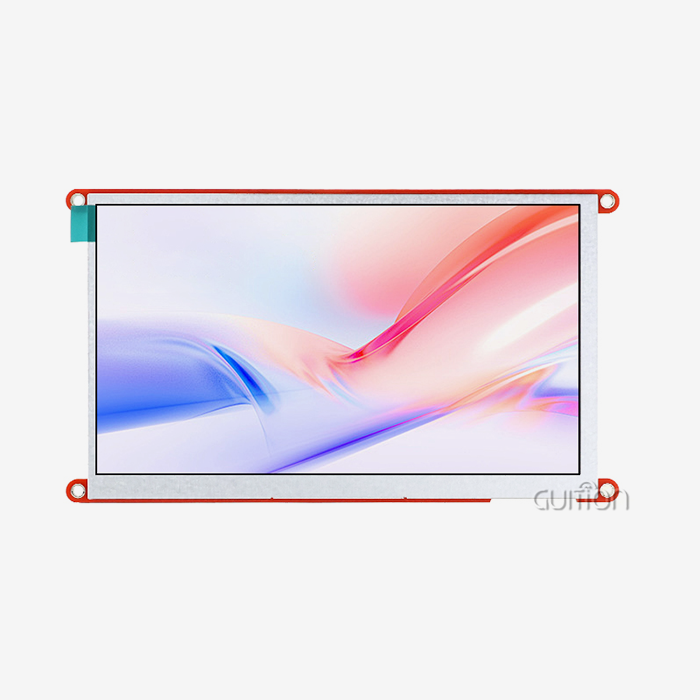
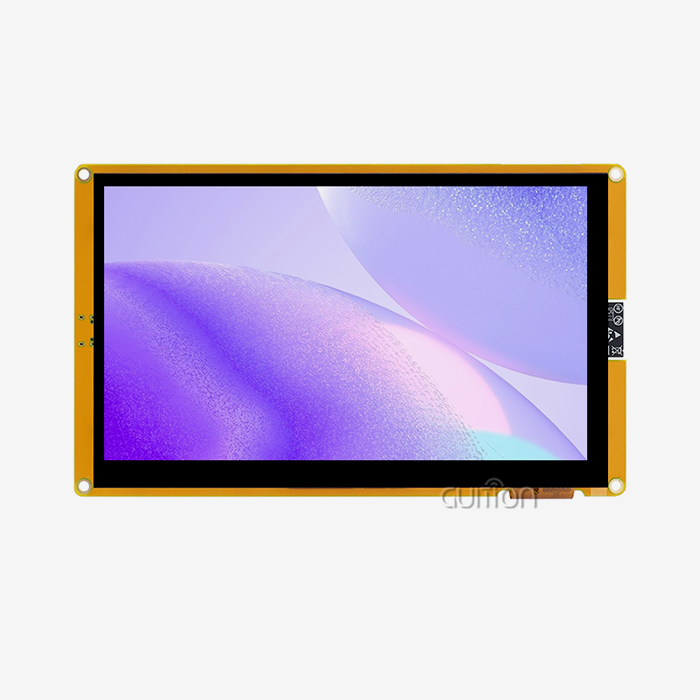
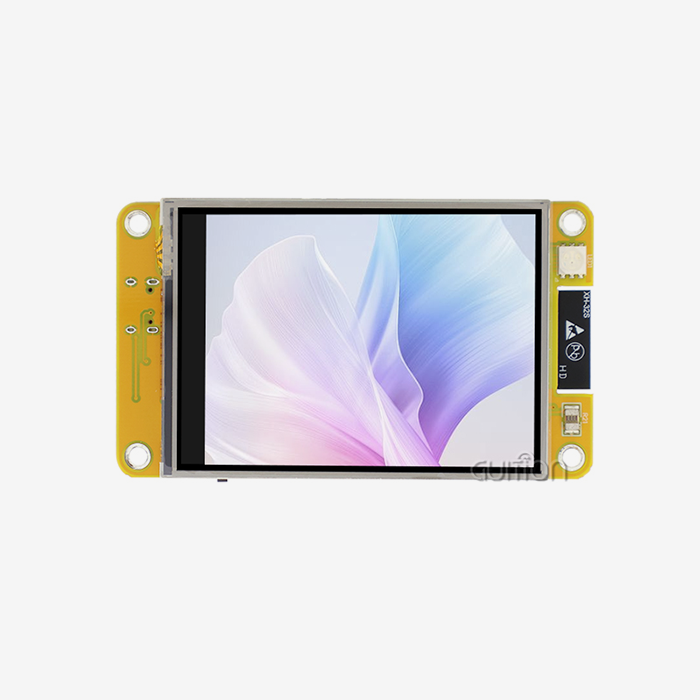
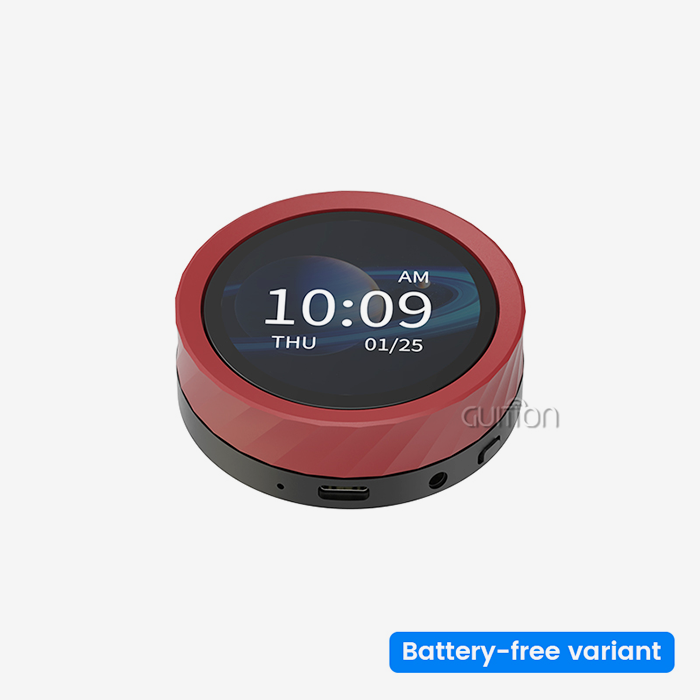
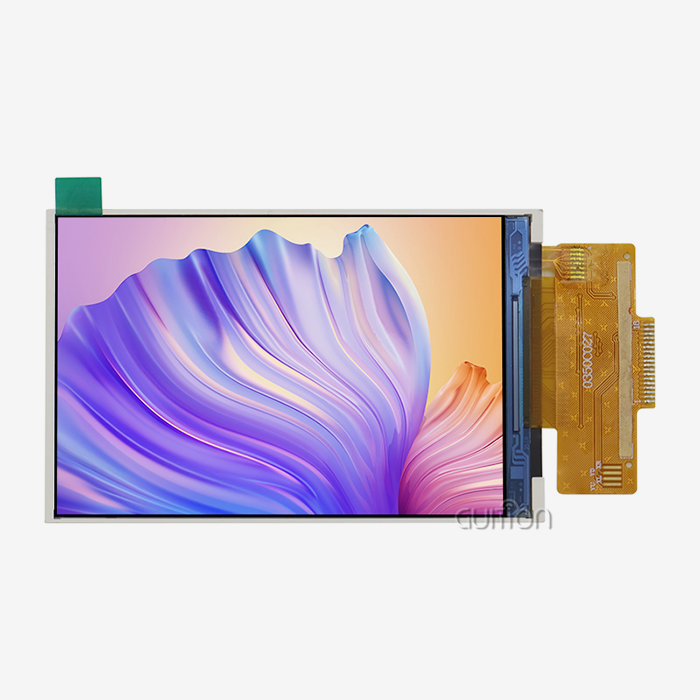
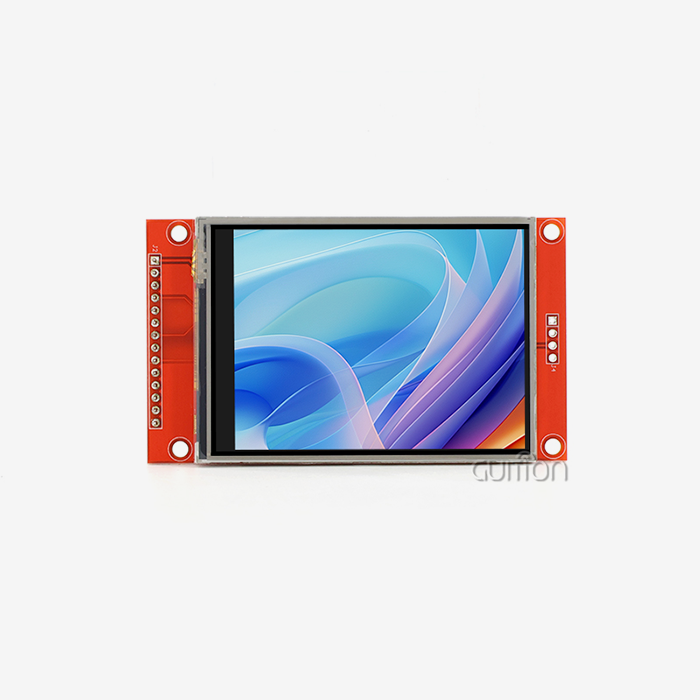
A professional-grade display interface has several parts, such as the screen itself (which could be LCD, OLED, or E-Ink), a controller IC for signal processing, backlight drivers, and touch digitizers for user input. Different standards, such as MIPI-DSI, HDMI, SPI, or GPIO-based interfaces, let these units talk to each other. The procedure you pick has a direct effect on how well it works. DSI links talk to the GPU directly, which cuts down on CPU load and latency, which are very important in real-time factory tracking systems. HDMI is easy to use because it just plugs in and works, but it uses more power and room. Our GUITION JC-ESP32P4-M3-DEV module takes this idea even further by including both the ESP32P4 and ESP32-C6 chipsets. The 400MHz dual-core RISC-V processor in this dual-processor design gives it the power to handle complex user interfaces while still using little power. You can also use MIPI-CSI to connect a camera and MIPI-DSI to connect a high-quality display. This makes it very flexible and can be used for a wide range of things, from medical tracking tools to smart appliances.
Key Specifications That Matter for Industrial Applications
Resolution and update rates have a direct effect on how the user feels. IPS panels with wide viewing angles (178°/178°) and high contrast ratios above 800:1 are usually used in industrial settings. Based on where you plan to use the screen, brightness levels between 250 nits for indoor use and 1000+ nits for outdoor viewing become very important things to think about. Also, power needs are very different. Standard 7-inch screens can use a lot of power, so they need stable 5V/3A+ sources with little voltage ripple. This is especially important when making medical devices because the security of the system can't be affected. Our ESP32P4-based system works with up to 32MB of PSRAM, which is a lot of memory for video apps that use a lot of resources. The built-in H.264 decoding device lets you process videos without using extra chips, which lowers your costs and makes it easier to control the temperature.
Touch Technology and Interface Compatibility
There are two main types of touch functionality: resistive and projected capacitive (PCAP). PCAP can communicate with I2C or USB and handle multiple touch gestures, making it perfect for current user interfaces. It is possible to get single-point accuracy with resistive touchscreens in industrial settings where people wear gloves or work in rough circumstances. Interface compatibility for Raspberry Pi display module isn't just about physical links. In Linux-based computers, Device Tree Overlays make sure that drivers are properly set up. You can skip these low-level problems with our Guition programming tools. The drag-and-drop interface makes it easy for UI designers to make complex features without having to mess with kernel settings or custom drivers.
Step-by-Step Raspberry Pi Display Module Setup Guide for Beginners
To get your display working, you need to carefully plan ahead and pay attention to details about connectivity. This part goes over the whole process of setting up, including both connecting the hardware and setting up the program.
Preparing Your Components and Environment
First, get the things you'll need: the single-board computer, the display module, the right cords (ribbon cable for DSI or HDMI cable, depending on your interface), a good power source that can handle the total power draw of your system, and any mounting tools. Make sure that the model of board you've picked works with the type of show you want to use. DSI connections need certain GPIO pins and software support, while HDMI connections can be used by anyone, but they might need extra setup to get the best quality. The GUITION JC-ESP32P4-M3-DEV module makes this process easier by supporting a lot of different interfaces. In addition to normal ports, the module has Wi-Fi 6 and Bluetooth 5 built right in for wireless access. This is very helpful for Internet of Things (IoT) apps that need to watch devices from afar or change firmware over-the-air.
Physical Connection and Power Considerations
Before you connect the ribbon wire for a DSI connection, make sure the device is turned off. The blue tab on the connection should line up with the contact side of the ribbon. Then, close the locking mechanism slowly. It is important to make sure that your power source can handle the total load for DSI displays without voltage sag. HDMI links are easier to use because you can just plug them in and play. Before you turn on the computer, connect the wire. Then, start up your operating system. Most of the time, the system will automatically identify the display, but you might need to change the resolution settings in the setup files.
Our ESP32-based system supports USB 2.0 OTG at high speeds, which lets you easily add peripherals without using up valuable GPIO pins. You can connect extra sensors, input devices, or external storage while keeping the data lines for your display interface clean.
Software Configuration and Driver Installation
Once the devices are directly linked, software setup makes sure they work at their best. To turn on the DSI interface and set rotation settings at the GPU level for DSI displays, change the setup file (usually /boot/config.txt). This hardware-accelerated method gets rid of the speed hits that come with software spinning. Depending on the technology in your display, you may need to buy extra items for touch tuning. Most of the time, PCAP touchscreens work right away through USB HID protocols. On the other hand, resistive touchscreens may need calibration tools to correctly map touch locations.
This is where our Guition development tool speeds up distribution by a huge amount. You work in a visual setting instead of writing low-level code to set up the display, handle touch input, and create the user interface. You can see your interface take shape in real time as you add controls with a single click and move parts around by dragging and dropping them. The platform instantly makes code that works better, and you can then use Arduino, IDF, or Guition to flash that code to the ESP32P4 module.
Troubleshooting Common Setup Issues
Power problems show up as a yellow lightning bolt icon or random system crashes. Change this by getting a power source with a higher rating and using wires that are shorter and thicker to keep the voltage drop to a minimum. When electromagnetic radiation is high in the workplace, shielding is a must. Display recognition problems are often caused by cables not being seated correctly or the wrong setup parameters. Check the actual links one by one, then go through the software settings line by line. Our ESP32P4 design has a digital signature peripheral that makes sure safe boot routines. This stops configuration corruption that can lead to startup errors.
Comparing Raspberry Pi Display Modules: How to Choose the Right One for Your Project
To choose the best display option, you need to find a balance between technical performance, reliability in harsh environments, and total cost of ownership. These factors are needed in different ways for different uses.
Performance and Durability Considerations
Readability and information quantity for a Raspberry Pi display module are affected by resolution. In medical applications that show diagnostic data, higher pixel counts are better, but simple industrial controls can work fine with lower levels that save money and power. When displays are static, refresh rates don't matter as much, but they do mean a lot when animated images or video playing is involved. Environmental scores show if a launch is possible. Front borders with an IP65 rating protect against dust and water jets, which is very important for food processing or automating farming outside. Operating temperature ranges from -20°C to +70°C tell the difference between consumer-grade parts that don't work in harsh circumstances and industrial-grade parts that do.
The GUITION JC-ESP32P4-M3-DEV module meets these needs with strong hardware design and adaptable software architecture. The specialized key management unit and cryptographic signature accessory add the security layers that financial tools and medical devices that handle private data need. The 400MHz dual-core processor makes sure that the user interface works well even when the device is hot.
Official Versus Third-Party Display Solutions
Official modules offer assured compatibility and expert assistance from the maker, which lowers the risk of integration. Third-party options from well-known companies like Waveshare or Seeed Studio, on the other hand, often offer specialty features at reasonable prices, such as screens that can be read in direct sunlight, unique form factors, or industrial-grade parts. When comparing options, look at how full the technical paperwork is, how many working code examples are available, and how quickly the seller's help channels can be reached. At Guition, we use a method that blends the dependability of an open environment with the adaptability of vertical integration. To make sure your project works, we give you full Arduino tools, thorough test programs, and direct tech help.
Cost-Performance Analysis for Procurement
Unit economics is greatly affected by buying in bulk. In production runs, display units make up a big part of the bill of materials (BOM). Your margins and delivery dates will be safe if you negotiate general deals with providers who can increase production without lowering quality. Think about the total cost of ownership, which goes beyond the price you paid for the car. The time it takes to develop something costs a lot of money. With our Guition UI creation tools, you don't have to do weeks of low-level code. This speeds up product iterations and lowers engineering costs. Our ESP32-based modules have remote update features that let software bugs be fixed and features added without having to send a worker to the field. This further lowers the cost of after-sales service.
These benefits directly address the problems that makers of industrial tools and smart devices are having: shorter time-to-market, simpler development, and lower total system costs over the lifetime of the product.
Procurement Guide: Where and How to Buy Raspberry Pi Display Modules
Strategic buying makes sure that the supply chain is reliable and cuts costs as much as possible. For different business needs, different ways of buying things are best.
Authorized Distributors and Official Channels
Official Raspberry Pi sellers like Element14, SparkFun, and others keep supply lines that are checked for authenticity, which gets rid of the risk of fakes. Most of the time, these wholesalers can get standard parts to you faster and can give you the certificates of conformance that you need to work in regulated fields like medical devices or car systems. When it comes to specific business uses, working directly with makers like Guition has clear benefits. During the design process, you can use engineering resources, ask for customization for specific form factors or interface needs, and make long-term supply deals that protect you from having to allocate during component shortages.
Evaluating Online Marketplaces and Third-Party Sellers
Amazon and eBay make it easy to quickly find a wide range of display choices, but it's important to be careful when buying from these sites. Check the seller's reviews, read the return policy carefully, and make sure the technical specs meet your needs. A lot of the time, fake modules don't pass simple quality checks or don't have the right EMI protection, which leads to problems with field reliability. Bulk orders require additional scrutiny. Before you commit to buying a lot, ask for examples. Check the voltage rails, measure the regularity of the display, and stress-test the touch response before they are sent to production. Building ties with dependable providers who always send high-quality parts pays off for many product generations.
Volume Discounts and Supply Agreement Strategies
To negotiate good terms, you need to know where your power lies. Tiered pricing systems are often unlocked by making annual sales promises. When compared to asking for random ship dates, flexible shipping schedules that work with supplier production runs can save even more money.
Best Practices for Integrating Raspberry Pi Displays in Commercial Solutions
Successful production operations include more than just basic functions. They also include thermal control, reliability engineering, and the ability to be serviced in the field.
Power Management and Thermal Considerations
esp32p4 display module displays generate heat that depends on how bright the lighting is and how often they are used. When installed inside, this thermal load, along with the processor's heat escape, can make things less reliable. When ambient temperatures get close to component limits, use active cooling or heat-spreading methods. Our ESP32P4 design makes the best use of power by dynamically changing frequencies and managing peripherals in a smart way. The processor adjusts its speed based on the amount of work that needs to be done. This cuts down on wasted power use and heat production. This is especially helpful for battery-powered systems or setups with limited heat boundaries.
Customization and User Experience Optimization
Generic interfaces don't always meet the needs of specific applications. Customizing display patterns, control schemes, and ways of visualizing data makes them stand out and makes users happier. Traditional development methods, on the other hand, need a lot of software engineering tools. The Guition platform changes the economy of tailoring. There are buttons, scales, gauges, graphs, and unique widgets in our large library of controls. Instead of writing callback methods and event handlers, you use property panels to change how things look and behave. The platform works with many languages and UTF-8 encoding, which lets it be used around the world without having to keep different code files.
Your team can test interfaces on desktop computers before sending them to target hardware thanks to cross-platform online testing. Compared to standard embedded development processes, where each change needs to be compiled, flashed, and rebooted, this makes iteration cycles a lot shorter.
Long-Term Reliability and Field Updates
During their multi-year service lives, commercial operations must work consistently. Protecting the environment with conformal coats and good container design stops contamination and moisture from getting in. Regular software maintenance fixes security holes and lets you add new features that make the product more useful for longer. The GUITION JC-ESP32P4-M3-DEV module's remote update feature changes the way service can be done in the field. You can push firmware changes over Wi-Fi without having to send techs or ask the end user to do anything. This feature is very useful for installations that are spread out physically, like EV charging points or agricultural automation systems that cost a lot to call out for service.
Digital signature verification and key management are built into the combined security framework to make sure that only verified firmware runs on your devices. This keeps malicious code from getting in and lets you make safe over-the-air changes for as long as your product works.
Conclusion
It takes more than just choosing the right hardware to make display options work well in industrial and business settings. To be successful, you need to know how to manage power and temperature limits, create the best user experience possible, and keep the system reliable over long periods of time. The GUITION JC-ESP32P4-M3-DEV module meets all of these different needs by having built-in connections, powerful processing power, and a full set of development tools. We let product teams focus on making their products stand out instead of building infrastructure by making engineering simpler and speeding up time-to-market. With reliable hardware, easy-to-use development tools, and quick technical help, you can build competitive HMI solutions for a wide range of businesses, from medical equipment to industrial automation.
FAQ
What distinguishes official displays from third-party alternatives?
Official screens are guaranteed to work with other devices and get software support through kernel changes. Third-party units might have unique features, such as temperature ranges for industrial use or different form factors. Think about what's more important to you: guaranteed support or specific features. Reliable third-party makers like Guition fill in this gap well by offering a lot of paperwork and a track record of dependability.
Which interface protocol delivers optimal performance for industrial applications?
DSI links directly access GPU resources, which lowers delay and makes room for sensors on other interfaces. HDMI can handle better resolutions and works with all devices. DSI is usually better for industrial control panels that need to be quick in real time. For maximum design freedom, the GUITION JC-ESP32P4-M3-DEV module offers both MIPI-DSI for displays and a wide range of peripheral ports.
How do I prevent touch calibration drift in production environments?
PCAP touchscreens are better at blocking input from the surroundings than resistive touchscreens. Make sure that all of your components are properly grounded, and use separate power sources to cut down on electrical noise. The ESP32P4's strong signal processing and protected interface design keep touch accuracy even in noisy industrial settings, which cuts down on the need for field service.
Partner with Guition for Your Display Module Requirements
To speed up the time it takes to build a product while keeping high technical standards, you need the right technology partner. Guition, a well-known Raspberry Pi display module maker, offers complete HMI systems that have been tested and shown to work reliably in industrial, medical, and market settings. Our GUITION JC-ESP32P4-M3-DEV module has strong dual-core processing, wireless connection, and security features that businesses need. In addition to having great technology, our Guition development platform gets rid of common code problems with easy-to-use visual design tools. Get in touch with david@guition.com to talk about how our engineering team can meet your unique needs by providing customized solutions, volume discounts, and technical advice that turns your product idea into a reality that is ready for the market.
References
1. Anderson, M., & Roberts, K. (2023). Embedded Display Technologies for Industrial Automation. Industrial Electronics Press.
2. Chen, L. (2024). HMI Design Patterns for IoT Applications. Morgan Technical Publishers.
3. Davidson, R., & Thompson, P. (2023). Power Management in Embedded Display Systems. Embedded Systems Journal, 45(3), 78-94.
4. García, J. (2024). Touch Interface Technologies: Comparative Analysis for Commercial Deployment. Sensors and Actuators Review, 12(2), 156-173.
5. Mitchell, S. (2023). Supply Chain Strategies for Electronic Component Procurement. Manufacturing Management Quarterly, 31(4), 234-251.
6. Zhang, W., & Kumar, A. (2024). Security Architecture in Modern Embedded Systems. IEEE Embedded Systems Letters, 16(1), 45-58.
Learn about our latest products and discounts through SMS or email