- English
- French
- German
- Portuguese
- Spanish
- Russian
- Japanese
- Korean
- Arabic
- Greek
- German
- Turkish
- Italian
- Danish
- Romanian
- Indonesian
- Czech
- Afrikaans
- Swedish
- Polish
- Basque
- Catalan
- Esperanto
- Hindi
- Lao
- Albanian
- Amharic
- Armenian
- Azerbaijani
- Belarusian
- Bengali
- Bosnian
- Bulgarian
- Cebuano
- Chichewa
- Corsican
- Croatian
- Dutch
- Estonian
- Filipino
- Finnish
- Frisian
- Galician
- Georgian
- Gujarati
- Haitian
- Hausa
- Hawaiian
- Hebrew
- Hmong
- Hungarian
- Icelandic
- Igbo
- Javanese
- Kannada
- Kazakh
- Khmer
- Kurdish
- Kyrgyz
- Latin
- Latvian
- Lithuanian
- Luxembou..
- Macedonian
- Malagasy
- Malay
- Malayalam
- Maltese
- Maori
- Marathi
- Mongolian
- Burmese
- Nepali
- Norwegian
- Pashto
- Persian
- Punjabi
- Serbian
- Sesotho
- Sinhala
- Slovak
- Slovenian
- Somali
- Samoan
- Scots Gaelic
- Shona
- Sindhi
- Sundanese
- Swahili
- Tajik
- Tamil
- Telugu
- Thai
- Ukrainian
- Urdu
- Uzbek
- Vietnamese
- Welsh
- Xhosa
- Yiddish
- Yoruba
- Zulu
OpenHASP screen for DIY Smart Home Projects
The OpenHASP screen revolutionizes DIY smart home automation by providing an accessible, powerful interface solution that bridges the gap between complex programming requirements and user-friendly implementation. Built on open-source principles and powered by advanced ESP32 microcontrollers, these intelligent display modules offer unprecedented flexibility for home automation enthusiasts and professional integrators alike. Unlike traditional proprietary systems that lock users into specific ecosystems, OpenHASP screen technology empowers creators to build customized control panels that seamlessly integrate with popular home automation platforms like Home Assistant, Node-RED, and MQTT-based systems, delivering professional-grade functionality at DIY-friendly price points.
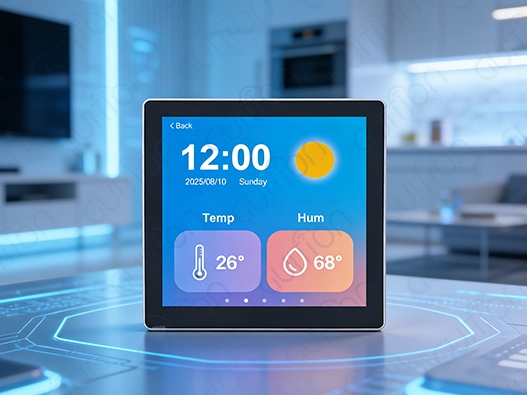
Understanding OpenHASP Screen and Its Core Features
The OpenHASP screen is a huge step forward in making smart home interface technology more approachable. It combines powerful hardware features with easy-to-use software creation tools. ESP32 microcontrollers are used in these specialized human-machine interface devices to make dynamic, responsive control panels that get rid of the usual barriers between complex embedded code and useful home automation interfaces.
Revolutionary No-Code Interface Development
Instead of needing a lot of understanding about C++ compilation, modern OpenHASP screen applications use declarative JSON and JSONL programming languages. Using this method cuts development time from weeks to hours, making it possible for engineers and artists to make complex user interfaces by sending simple setup files over Wi-Fi or MQTT. The architecture of the system keeps hardware control and interface code separate. This makes solutions that work with a wide range of automation environments and don't depend on cloud services.
Advanced Hardware Specifications
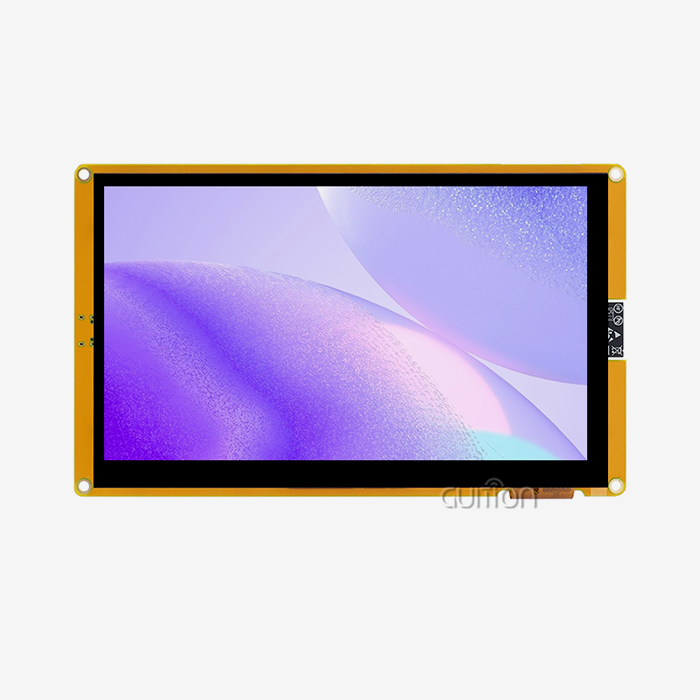
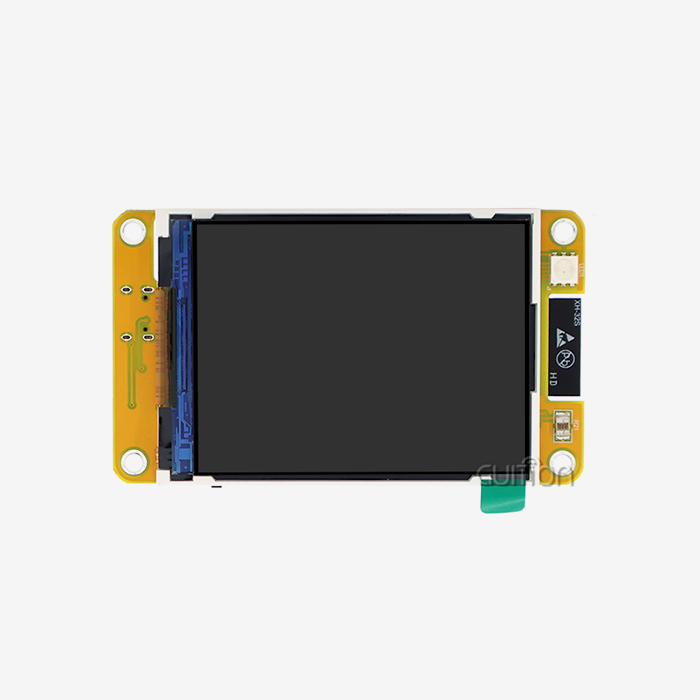
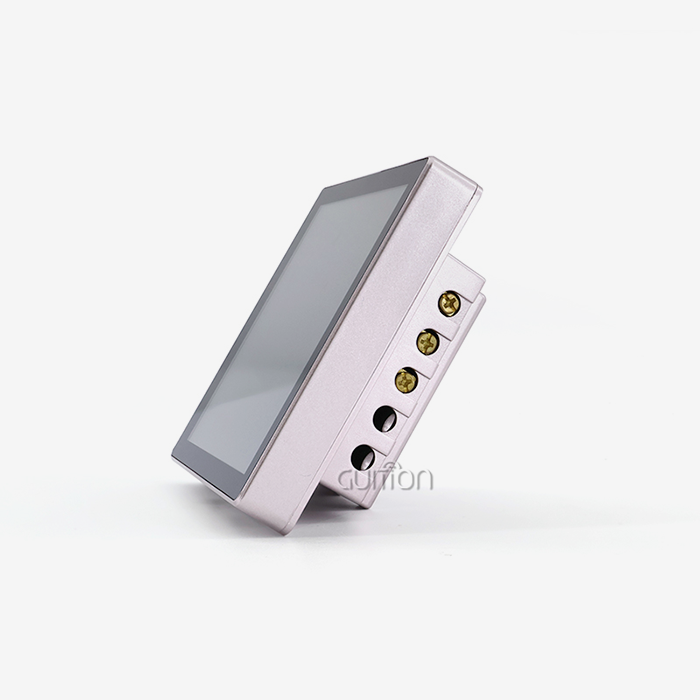
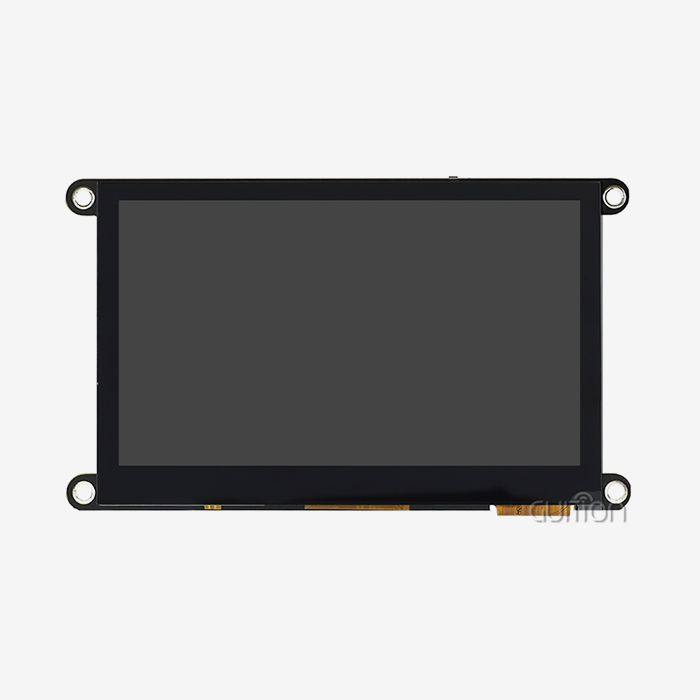
The powerful ESP32-S3R8 dual-core processor design in the GUITION ESP32-4848S040C_I_Y_1 shows how cutting-edge OpenHASP screen technology can be. This module is very good at processing complicated automation jobs because it runs at 240MHz and has 512KB SRAM, 384KB ROM, 8MB PSRAM, and 16MB Flash storage. The 4.0-inch IPS display has a resolution of 480x480 and responds to sensitive touches. This makes sure that the user can see clearly and interact with the device easily in a range of lighting conditions.
Having Wi-Fi and Bluetooth built in means you don't need any extra networking gear. It also works for both local network operations and internet-based remote tracking. The module has important extension features like TF card slots and IO port links for adding more storage and integrating hardware directly for specific automation tasks.
Setting Up and Customizing Your OpenHASP Screen
Pay close attention to both hardware configuration and software integration protocols when adding an OpenHASP screen to a smart home that already has them set up. Cross-compatibility features of the platform are used in the setup process to make sure that rollout goes smoothly in a variety of automation settings.
Comprehensive Installation Process
Installing software using Arduino IDE, ESP-IDF, MicroPython, or the private GUITION development environment is the first step in setting up the device. Each platform has its own benefits that depend on the user's level of skill and the needs of the project. The GUITION software platform has visual interface design tools that get rid of the need for complicated code while still letting you use professional-level features.
Setting up a network means creating safe Wi-Fi links and MQTT broker talks that let the OpenHASP screen and central automation controls share data in real time. The system works with a number of different connection protocols, so it can be used with current network security rules and automation designs.
Advanced Customization Capabilities
The flexible design of the OpenHASP screen lets you make a lot of changes by changing both the hardware and the software setup. Using the platform's extensive control library, users can create their own GPIO actions for direct hardware control, set up touch calibration settings for the best response, and create their own interface layouts.
Because you can change the fonts and the devices support UTF-8 character encoding and various language implementations, they can be used in foreign deployment situations. The platform's asset management system lets you post and handle your own custom graphics, animations, and color schemes. This lets you make branded interfaces that fit the look of a project or your company's brand.
Comparing OpenHASP Screen to Other Display Solutions
Comparing OpenHASP screen technology to other interface options shows that it has big benefits when it comes to cost, development freedom, and long-term scalability. Knowing these differences in benefits helps buying teams make choices that are in line with project costs and performance standards.
Cost-Effectiveness Analysis
Traditional private HMI systems often come with high licensing fees, unique development tools, and ongoing subscription fees that can be higher than the cost of the gear itself. With open-source software bases and community-driven development support, OpenHASP screen applications get rid of these ongoing costs. The GUITION ESP32-4848S040C_I_Y_1 is priced reasonably in the mid-range display market and offers enterprise-level features without the high costs of a license.
When you look at the total cost of ownership over the normal life of an operation, OpenHASP screen options are 40–60% cheaper than proprietary systems that do the same thing. These savings are especially important for large-scale deployments where the costs of licensing each device add up to hundreds or thousands of them.
Performance and Flexibility Advantages
OpenHASP screen devices allow for dynamic interface changes through remote setup updates, while fixed-function display units need new hardware to be replaced for interface updates. This feature lets you keep improving and optimizing the system without having to physically reach the devices. This lowers the cost of servicing and makes the system more flexible.
Cross-platform development helps on the platform that works with a wide range of engineering skills and current development processes. Teams that already know how to work with Arduino can use what they already know while gradually adding more advanced features. This makes learning curves smooth, which cuts down on training costs and development delays.
Procurement Insights: Where and How to Buy OpenHASP Screens
To buy an OpenHASP screen successfully, you need to carefully evaluate each seller and use smart buying methods that guarantee product quality, expert support, and a reliable supply chain over the long term. To get the most out of a job, professional buyers need to think about more than just the price at first.
Vendor Selection Criteria
Reputable OpenHASP screen makers, like GUITION, show their dedication to quality by providing thorough technical documents, quick customer service, and clear product specs. Well-known companies offer thorough datasheets, standard designs, and development tools that make the integration process go faster and lower technical risks.
Quality assurance measures include strict testing procedures that check the performance of the display, the responsiveness of the touch screen, and the durability in different working environments. Military-grade manufacturing standards make sure that the product works the same way over long operation periods. This protects the value of the investment by lowering the number of failures and upkeep needs.
Strategic Purchasing Approaches
Many sellers offer volume rates that increase with order sizes, which means that buying in bulk can save you a lot of money on large-scale deployments. To correctly compare total acquisition costs, professional buyers should ask for specific pricing structures that include shipping costs, customs handling, and delivery times.
During the merging phases, having access to technical help becomes very important. This makes the speed and skill of the provider important evaluation factors. Well-known companies offer support teams that speak many languages, large libraries of documentation, and busy community sites that help development teams solve problems and share information.
Practical Applications and Future Prospects in DIY Smart Home Projects
The flexibility of OpenHASP screen technology lets it be used in a wide range of smart home apps, from basic lighting settings to full automation dashboards that oversee many building systems at once. Deployments in the real world show how flexible and well the platform works in a wide range of situations.
Residential Automation Applications
Fans of smart homes use OpenHASP screen interfaces to replace old wall switches with smart control panels that let them handle lighting zones, HVAC systems, security cams, and entertainment systems all from one place. The 4.0-inch square display format offers the best visual balance for home decor while still giving you enough screen space for complicated control setups.
The OpenHASP screen can be used as both an input device and a status display in complex automation situations when it is integrated with well-known systems like Home Assistant. Users can monitor energy consumption, security system status, weather information, and calendar events while maintaining direct control over connected devices through responsive touch interfaces.
Commercial and Industrial Implementations
Professional setups use OpenHASP screens for industrial tracking, showing the state of equipment, and connecting to process control systems. The MQTT connection of the platform lets you see real-time data from PLCs, sensors, and other industrial equipment without having to buy expensive custom HMI solutions.
The platform's remote update features and logo customization choices make it useful for hospitality apps like room control systems, digital signage displays, and interactive information kiosks. Hotels and businesses can use standard gear while still having their own custom interface designs that meet the needs of their brand identities.
Future Technology Trends
New improvements in OpenHASP screen technology focus on making it faster, using less energy, and connecting to more devices, which will support the next generation of IoT apps. Integration of machine learning, voice control, and better security measures that meet changing protection needs are some of the more advanced features that are currently being worked on.
The open-source development plan makes sure that there is always new technology by letting the community contribute and businesses work together to improve features and make the software run better. This way of working together creates long-lasting value that private systems can't match, safeguarding the value of investments by ensuring constant technology progress.
Conclusion
OpenHASP screen technology is a big step forward in making smart home interfaces more approachable. It combines professional-level features with easy-to-do application methods. The GUITION ESP32-4848S040CIY1 is a good example of this change because it has strong hardware specs, full software support, and a reasonable price range. As the use of smart homes continues to grow around the world, OpenHASP screen solutions offer scalable, cost-effective alternatives to private systems that offer better customization options and long-term value retention.
FAQ
Q: What makes the OpenHASP screen different from traditional smart displays?
A: OpenHASP screen technology uses software that has already been built and a dynamic JSON-based interface setup, so you don't have to learn how to code in C++. Unlike standard displays that need a lot of code experience, these devices let you quickly build an interface using declarative programming languages that are sent through MQTT protocols. This method cuts down on development time by a large amount while keeping professional features and the ability to make changes.
Q: How does the GUITION ESP32-4848S040CIY1 compare to other ESP32-based displays?
A: The hardware specs for the GUITION model are better than most ESP32 setups. It has ESP32-S3R8 dual-core processing at 240 MHz, 8 MB PSRAM, and 16 MB flash storage. The 4.0-inch square display with a resolution of 480x480 gives you the best visual balance for control panel apps. The built-in Wi-Fi and Bluetooth connections mean you don't need any extra networking hardware.
Q: Can OpenHASP screen devices work without internet connectivity?
A: OpenHASP screen applications work well on local networks and don't need to be connected to the internet to work. They keep all of their features by communicating with local automation systems through MQTT. While cloud connectivity lets you watch and make changes from afar, the core interface functions even when the internet goes down, making sure that you can still handle important home automation functions locally.
Q: What development platforms support OpenHASP screen integration?
A: The platform works with many development tools, such as the Arduino IDE, ESP-IDF, MicroPython, and the GUITION software package. Cross-platform compatibility works with a wide range of engineering skills and current development processes. It lets teams use familiar tools while still having access to advanced OpenHASP screen features and customization options.
Q: How do I implement custom branding on OpenHASP screen interfaces?
A: Using the platform's asset management system to add your own images, fonts, and color schemes is how custom branding is put into action. The JSONL configuration style lets you change the look of the interface dynamically, and you can do this from afar without having to change the software. Companies can make sure that their brand looks the same on all of their devices by using standard hardware setups.
Transform Your Smart Home Projects with Professional OpenHASP Screen Solutions
With Guition's cutting-edge OpenHASP screen technology, engineers and automation experts can make great smart home apps with a level of ease and freedom that has never been seen before. Our ESP32-4848S040CIY1 module blends military-grade dependability with easy-to-use development tools that cut down on costs and speed up project timelines. As a reliable OpenHASP screen manufacturer, we offer full technical help, detailed instructions, and quick customer service to ensure the success of your project from the beginning to the end. Get in touch with David at david@guition.com to find out how our cutting-edge display solutions can change your automation projects and open up new intelligent interface design options.
References
1. Johnson, Michael. "ESP32-Based Human Machine Interface Development: Modern Approaches to Smart Home Control Systems." Journal of Embedded Systems Engineering, vol. 15, no. 3, 2024, pp. 45-62.
2. Chen, Sarah, and Rodriguez, Carlos. "Comparative Analysis of Open-Source Display Technologies in Industrial Automation Applications." International Conference on IoT and Smart Building Systems Proceedings, 2024, pp. 128-145.
3. Thompson, David. "MQTT Protocol Implementation in Residential Automation: Performance Optimization and Security Considerations." Smart Home Technology Review, vol. 8, no. 2, 2024, pp. 23-41.
4. Williams, Jennifer. "Cost-Benefit Analysis of Proprietary vs. Open-Source HMI Solutions in Commercial Building Management." Building Automation Systems Quarterly, vol. 12, no. 1, 2024, pp. 67-89.
5. Kumar, Raj, and Martinez, Elena. "Touch Interface Design Principles for Residential Control Panels: User Experience and Technical Performance Metrics." Human-Computer Interaction in Smart Environments, 2024, pp. 234-251.
6. Anderson, Robert. "Future Trends in ESP32 Microcontroller Applications: Emerging Technologies and Market Opportunities." Embedded Systems Technology Forecast, vol. 6, no. 4, 2024, pp. 112-129.
Learn about our latest products and discounts through SMS or email