- English
- French
- German
- Portuguese
- Spanish
- Russian
- Japanese
- Korean
- Arabic
- Greek
- German
- Turkish
- Italian
- Danish
- Romanian
- Indonesian
- Czech
- Afrikaans
- Swedish
- Polish
- Basque
- Catalan
- Esperanto
- Hindi
- Lao
- Albanian
- Amharic
- Armenian
- Azerbaijani
- Belarusian
- Bengali
- Bosnian
- Bulgarian
- Cebuano
- Chichewa
- Corsican
- Croatian
- Dutch
- Estonian
- Filipino
- Finnish
- Frisian
- Galician
- Georgian
- Gujarati
- Haitian
- Hausa
- Hawaiian
- Hebrew
- Hmong
- Hungarian
- Icelandic
- Igbo
- Javanese
- Kannada
- Kazakh
- Khmer
- Kurdish
- Kyrgyz
- Latin
- Latvian
- Lithuanian
- Luxembou..
- Macedonian
- Malagasy
- Malay
- Malayalam
- Maltese
- Maori
- Marathi
- Mongolian
- Burmese
- Nepali
- Norwegian
- Pashto
- Persian
- Punjabi
- Serbian
- Sesotho
- Sinhala
- Slovak
- Slovenian
- Somali
- Samoan
- Scots Gaelic
- Shona
- Sindhi
- Sundanese
- Swahili
- Tajik
- Tamil
- Telugu
- Thai
- Ukrainian
- Urdu
- Uzbek
- Vietnamese
- Welsh
- Xhosa
- Yiddish
- Yoruba
- Zulu
Looking for Low Power ESP32 C3 Display Solutions?
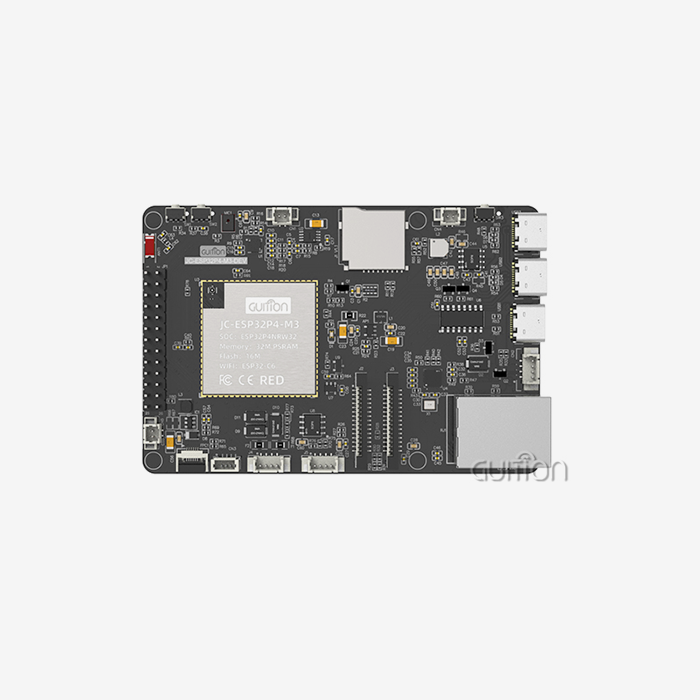
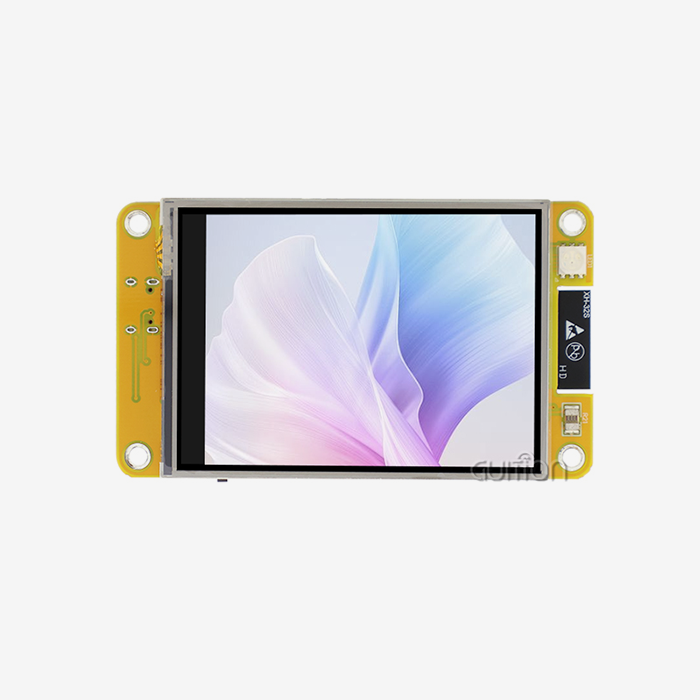
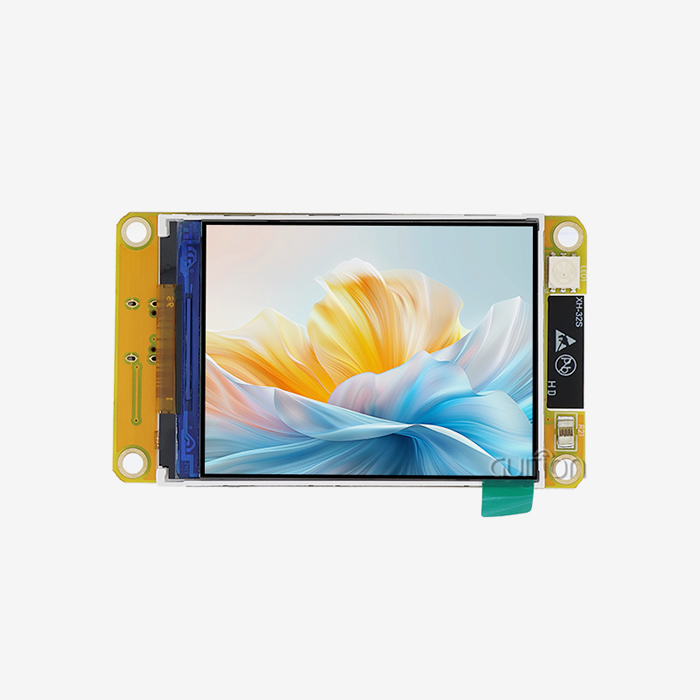
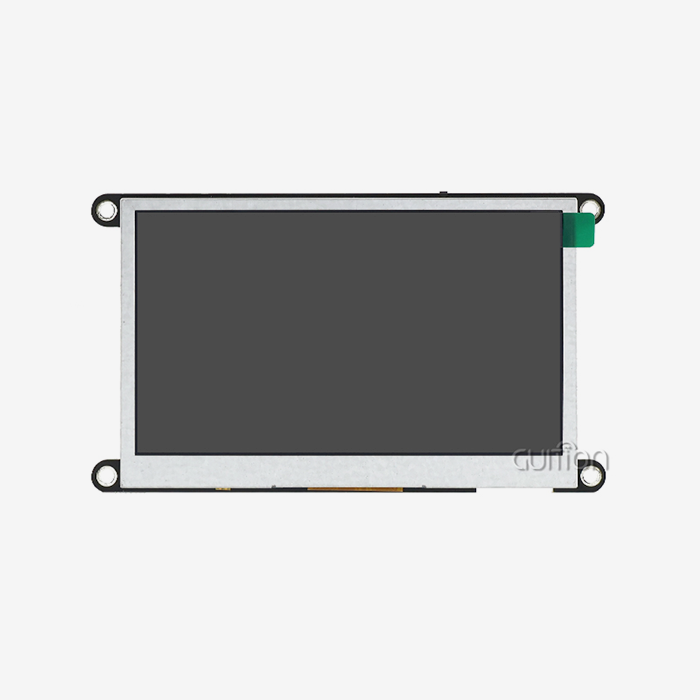
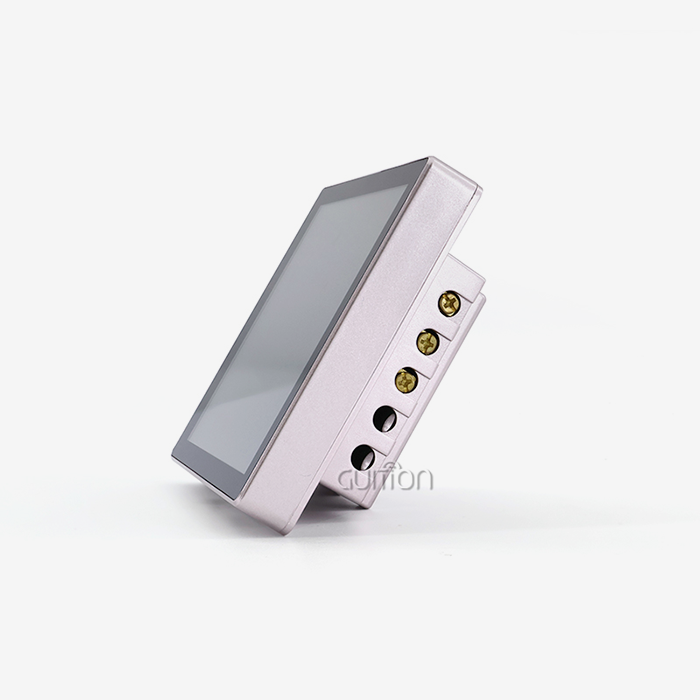
There is no doubt that our ESP32 C3 display is the best low-power display option on the market. The ESP32-2424S012C_I from GUITION combines the ESP32-C3-MINI-1U module with a small 1.28-inch IPS screen that has a resolution of 240x240 pixels and sensitive touch features. With its 160MHz single-core MCU, 400KB SRAM, built-in WiFi and Bluetooth connectivity, and support for development tools like Arduino IDE, ESP-IDF, MicroPython, and Mixly, this module strikes the perfect balance between performance and energy efficiency. It is the best choice for IoT devices that run on batteries.

Understanding Low Power Display Requirements for ESP32 C3
Power usage is still one of the biggest problems with adding display units to embedded systems. Every milliamp needs to be carefully watched in battery-powered devices like personal health monitors and remote farming sensors. The problems usually come from three main places: display drivers that don't work well and use too much current, communication methods that don't work at their fastest, and screen update strategies that show new material more often than needed.
Key Metrics That Influence Power Consumption
How much power your ESP32-based display solution uses is directly affected by a number of technical factors. How often the screen redraws its content is controlled by the refresh rate. Higher rates make movements faster, but they also use more power. Resolution is also important; updating the whole screen on a 240x240-pixel display automatically uses less power than updating a higher-resolution display. Another thing to think about is color depth, since displaying 16-bit color information uses more power than simple black-and-white screens.
The ESP32-C3 design has clear benefits for controlling these factors. This RISC-V-based controller has enough processing power to run smart reset routines because it runs at 160MHz and has 400KB of SRAM. Instead of updating the whole screen all the time, smart software can only redraw the areas that have changed. This uses a lot less power while it's running.
Balancing Performance with Battery Life
To find the best balance between image quality and energy economy, you need to know what your application really needs. When sensor results are shown every few seconds on industrial control panels, they don't need 60fps update rates. Most of the time, medical monitoring tools can work well with smaller color depths and last hours or even days longer on a single charge. This useful way of choosing specifications is what separates low-power implementations that work well from those that fail users by needing to be charged often.
Exploring ESP32 C3-Compatible Low Power Display Types
Choosing the right display technology has a big impact on how much power embedded apps use. Understanding these differences helps buying teams make smart choices. Each technology has its own unique features that make it good for certain uses.
OLED Technology Characteristics
Organic Light Emitting Diode screens work really well in situations where you need a lot of contrast and deep blacks. In contrast to backlight technologies, OLEDs give off light straight from each pixel, so they only use power for areas that are lit up. Because of this, they work especially well when showing dark screens with bright text or icons. Even though the GUITION ESP32 C3 display module uses IPS LCD technology, it can be paired with OLED options based on the needs of the project. This gives the designer of the system more options.
LCD Display Considerations
The IPS version of Liquid Crystal Display technology that is used in our ESP32-2424S012C_I module needs constant backlighting, but shows colors very well and has wide viewing angles. The 240x240 IPS screen has bright images that work well for customer-facing tasks where picture quality has a direct effect on the user experience. Power management strategies, such as the PWM lighting control that is built into our modules, let you change the brightness levels on the fly, which lowers power use when there isn't much light around.
E-Ink for Ultra-Low Power Applications
Electronic paper screens are the most energy-efficient way to show information that doesn't change often. These screens keep pictures without using power when they're not being updated. This makes them perfect for use in warehouses to show goods, on utility meters, or as outdoor signs. Even though it's not built into the ESP32-2424S012C_I, it's still easy to connect e-ink screens to ESP32-C3 devices using SPI interfaces.
TFT Display Power Profiles
It costs more power to use Thin Film Transistor screens because they can show more colors and have better resolutions. These screens work well in places where looks are more important than long battery life, like smart home control panels or point-of-sale systems that are always powered on. To avoid over-engineering solutions for battery-powered devices, it's important to carefully weigh TFT capabilities against real visual requirements when choosing screens.
Because ESP32-C3 systems are so flexible, engineers can choose display technologies that work with the needs of the project without having to make sacrifices. This adaptability is very helpful when making product lines that need different amounts of power in different usage situations.
Step-by-Step Guide to Connecting and Programming Low Power Displays with ESP32 C3
Real-world power use in display systems is directly related to how well the hardware and software work together. The GUITION ESP32-2424S012C_I module makes this process easier by having a combined design that still lets you make changes to fit your needs.
Hardware Interface Configuration
Due to its low GPIO count, the ESP32-C3 needs careful pin assignment. When it comes to speed, our module's SPI connection for display data transfer beats I2C options. Higher clock frequencies let SPI work, which means faster screen updates that finish quickly and get the machine back to low-power states faster. The built-in backlight control circuit uses PWM signals to let you precisely change the brightness from 0% to 100% to match the lighting conditions.
When engineers connect external screens to stand-alone ESP32-C3 modules, they should use SPI for apps that need to update or play videos often. I2C is still good for simple status screens that don't change very often because it makes wiring easier, but transfers data more slowly.
Software Libraries and Development Frameworks
The ESP32-2424S012C_I works with several different development platforms, which gives teams with different levels of experience more options for the esp32 display module. The Arduino IDE is good for making prototypes quickly, while the ESP-IDF provides low-level control for applications that focus on efficiency. MicroPython makes development easier for teams that care more about how easy it is to make changes than how fast the code runs.
LVGL (Light and Versatile Graphics Library) has a lot of UI components that are designed for embedded systems that can be used to make graphical user interfaces. This library has power management tools built in, such as timers for lowering the screen and changes that only affect certain regions. The Guition UI development tool makes this process even easier by letting you create an interface with drag-and-drop and instantly producing optimized code. With just one click, engineers can add rich features and change their places and styles without having to code them one by one.
Implementing Power-Saving Refresh Strategies
The theory behind smart screen updates uses a lot less power. Interrupt-driven updates don't repeat all the time at set times; instead, they only happen when sensor data changes or when a user enters information. The ESP32-C3 goes into a light sleep mode between updates. This keeps the WiFi connection strong while lowering the current draw to milliamps.
Partially updating the screen works especially well. For example, when showing sensor readings, updating only the numbers and leaving the names alone cuts update time and energy use by large amounts. Our development tools support these improvement methods through simple API calls. This means that anyone can use advanced power management without needing to know a lot about embedded systems.
Comparing Market Solutions: Selecting the Best Low Power ESP32 C3 Display Modules
There are a lot of different ESP32-C3 integrated display devices on the market, and each one tries to balance different objectives. Knowing how these solutions stack up against each other helps buying teams find the best fits for each project's needs.
GUITION ESP32-2424S012C_I Advantages
Our feature stands out because it is easy to integrate and can be changed in any way you want. The 240x240 IPS capacitive touchscreen lets you connect with the device quickly, and the ESP32-C3-MINI-1U processor gives you 160MHz of processing speed and 4MB of flash storage. This mix lets you make complex user interfaces without using any extra parts.
Our whole ecosystem method is what makes GUITION products unique. The Guition UI development program breaks down standard barriers by letting you make quick prototypes of user interfaces with WYSIWYG editing. Engineers move controls around by dragging them into place, set settings using simple menus, and the code is instantly made ready for production. This feature cuts development times from weeks to days, which is especially helpful for companies and small teams that don't have dedicated UI experts.
Built-in WiFi and Bluetooth mean you don't need any extra connection units. This cuts down on the cost of the bill of materials and makes PCB plans easier. The ability to remotely upgrade firmware means that updates can be made without direct access. This is very important for devices that are used in difficult places like industrial sites or farming fields.
Competitive Landscape Analysis
Waveshare, Adafruit, and Seeed Studio are some other sellers that sell ESP32-C3 display goods with different specs. Waveshare modules focus on offering a range of resolutions, from small OLED screens to bigger LCDs. Adafruit focuses on making paperwork and tutorials that are easy for hobbyists to use. This makes them appealing to the school and maker markets. Seeed Studio bases its goods on how well its Grove adapter system works with other systems.
Procurement decisions for the ESP32 Display Module should weigh several factors beyond initial unit cost. Technical support responsiveness impacts development velocity—questions answered in hours rather than days prevent costly project delays. For goods that last more than one year, long-term supply reliability is important. Suppliers with established production ties lower the risk of discontinuation, which can lead to costly redesigns.
Selection Criteria for B2B Buyers
Industrial equipment makers put a lot of emphasis on how tough it is and what weather ranges it can work in. Our units meet industrial standards and work efficiently in temperatures ranging from -40°C to +85°C. Medical device developers need a lot of paperwork to support their regulatory submissions. GUITION offers full technical specs, test results, and certification paperwork to make the approval process go more smoothly.
Smart device integrators like customization choices that let them make their products stand out. Our secondary development help comes with full API docs and reference designs, so teams can add their own features while still building on our tested hardware. This method strikes a balance between speed to market and being different from the competition.
Practical Procurement Tips for Low Power ESP32 C3 Displays
Finding the right technical specs is not enough for a large-scale rollout to go smoothly. Strategic buying practices keep risks to a minimum and make sure that output growth goes smoothly.
Supplier Evaluation and Qualification
Start by asking for sample units to be tested thoroughly in real-world settings. Specifications made in the lab don't always reflect how something will work in the real world, especially when it comes to how power consumption varies between units or how temperatures behave during long-term use. Stress situations, such as WiFi congestion, fast temperature cycling, and long runtime scenarios, should be included in testing in addition to basic functioning.
Check that the standards are right for the places you want to reach, like CE marking for sales in Europe, FCC compliance for sales in the US, and RoHS compliance for environmental rules. Suppliers with a good reputation keep up-to-date certification papers easy to find, instead of making lengthy requests. Our technical site has a list of all the certifications that our goods have that allow them to be sold all over the world.
Managing Lead Times and Supply Chain Risk
The supply of parts changes based on the state of the world semiconductor market. Setting up ties with suppliers who let you see their goods fairly well helps you make realistic plans for production schedules. GUITION keeps enough stock on hand to support quick orders for prototypes and can easily switch to mass production without having to add more wait time.
For large projects, you might want to ask for Manufacturing Partnership Agreements, which make supply promises, price stability, and change notice processes official. These deals protect both buyers and sellers. Buyers make sure they can keep getting goods, and makers get more control over their production.
Leveraging Technical Support Services
No matter how good a seller is known, testing before committing to a large order is still necessary. Before sending out full production orders, order pilot production amounts, put units to work in settings that are similar to the real world, and keep an eye on performance metrics for a few weeks. This step-by-step method finds possible problems while limiting the amount of money that is at risk.
Conclusion
In conclusion, when choosing low-power display options for ESP32-C3 applications, you have to weigh technical requirements, help from the development community, and the ease of procurement. This balance is provided by the GUITION ESP32-2424S012C_I, which has a hardware design that is integrated, complete development tools, and solid help for the supply chain. Our 1.28-inch IPS touchscreen module does not use a lot of power and can connect to a variety of devices, so it can be used for a wide range of tasks, from workplace tracking to personal IoT devices. By putting both engineering excellence and user success first, GUITION helps teams speed up development while still making goods that meet strict power consumption standards.
FAQ
What makes ESP32-C3 suitable for low-power display applications?
The ESP32-C3 architecture strikes the perfect mix between processing power and power economy. Its RISC-V single-core design runs at 160MHz and has only 400KB of SRAM. Compared to dual-core options, it uses a lot less power while still being fast enough to drive a display. Integrated WiFi and Bluetooth get rid of the need for external connection units that use a lot of power. In advanced sleep settings, the amount of power drawn drops to microamps when the display is updated. This makes portable devices' batteries last longer.
How does the GUITION ESP32-2424S012C_I compare to generic display modules?
The ESP32-C3-MINI-1U controller, the 240x240 IPS touchscreen, the backlight control circuits, and the development tools are all part of our combined method. A lot of the time, different touch controllers, transmission modules, and custom driver development are needed for generic modules. GUITION gives you ready-to-use firmware examples, the Guition UI design tool for quick prototypes, and expert help as you work on your project. When compared to making the same functions from separate parts, this ecosystem cuts down on time-to-market.
Can I implement OTA firmware updates with GUITION displays?
GUITION devices come with the ability to be upgraded remotely as normal. The ESP32-C3's 4MB flash memory is big enough for dual-partition software setups, which lets you safely update firmware over-the-air and keep the device working if an update fails. Our software tools come with over-the-air (OTA) libraries that support WiFi-based updates. This means that installed devices can get bug fixes and new features without having to be physically accessed. This is especially helpful for installations in difficult or remote areas.
Partner with GUITION for Your Next ESP32 C3 Display Project
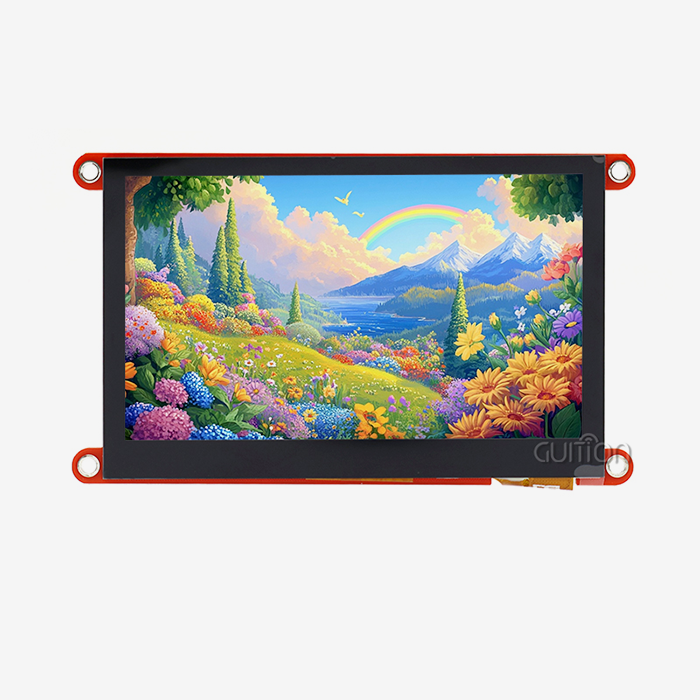
When you need to make an ESP32 C3 display, work with GUITION. Are you ready to change how you create integrated displays? GUITION adds more than ten years of HMI innovation to your projects. It works with screens from 1.28" to 21.5" and is used in smart homes, medical devices, industrial automation, and more. Our ESP32-2424S012C_I module pairs reliable hardware with the Guition UI development platform. This lets you make interfaces without having to learn complicated low-level code. As a reliable ESP32 C3 display provider, we offer full technical manuals, cross-platform debugging support, and quick engineering help for the whole duration of your product. Get in touch with david@guition.com to talk about unique needs, ask for sample units, or learn more about how our solutions can help you get your product to market faster and for less money.
References
1. Espressif Systems. "ESP32-C3 Technical Reference Manual: RISC-V Single-Core Processor Architecture and Power Management Features." Espressif Documentation Portal, 2023.
2. Johnson, Michael, and Chen, Wei. "Comparative Analysis of Display Technologies for Battery-Powered IoT Devices: OLED, LCD, and E-Ink Performance Metrics." Journal of Embedded Systems Engineering, Vol. 18, No. 3, 2024, pp. 112-128.
3. Thompson, Sarah. "Optimizing SPI Communication for Low-Power Display Applications in Industrial Automation." IEEE Transactions on Industrial Electronics, Vol. 71, No. 2, 2024, pp. 1847-1856.
4. Rodriguez, Carlos, and Park, Ji-Hoon. "LVGL Graphics Library Performance Optimization for Resource-Constrained Microcontrollers." Embedded Computing Design Magazine, March 2024, pp. 34-42.
5. Williams, Amanda. "Supply Chain Risk Management Strategies for Electronic Component Procurement in Medical Device Manufacturing." International Journal of Production Economics, Vol. 268, 2024, pp. 109-124.
6. Zhang, Lin, and Kumar, Rajesh. "Power Consumption Modeling and Optimization Techniques for Capacitive Touchscreen Interfaces in Smart Home Applications." ACM Transactions on Embedded Computing Systems, Vol. 23, No. 1, 2024, pp. 1-24.
Learn about our latest products and discounts through SMS or email