- English
- French
- German
- Portuguese
- Spanish
- Russian
- Japanese
- Korean
- Arabic
- Greek
- German
- Turkish
- Italian
- Danish
- Romanian
- Indonesian
- Czech
- Afrikaans
- Swedish
- Polish
- Basque
- Catalan
- Esperanto
- Hindi
- Lao
- Albanian
- Amharic
- Armenian
- Azerbaijani
- Belarusian
- Bengali
- Bosnian
- Bulgarian
- Cebuano
- Chichewa
- Corsican
- Croatian
- Dutch
- Estonian
- Filipino
- Finnish
- Frisian
- Galician
- Georgian
- Gujarati
- Haitian
- Hausa
- Hawaiian
- Hebrew
- Hmong
- Hungarian
- Icelandic
- Igbo
- Javanese
- Kannada
- Kazakh
- Khmer
- Kurdish
- Kyrgyz
- Latin
- Latvian
- Lithuanian
- Luxembou..
- Macedonian
- Malagasy
- Malay
- Malayalam
- Maltese
- Maori
- Marathi
- Mongolian
- Burmese
- Nepali
- Norwegian
- Pashto
- Persian
- Punjabi
- Serbian
- Sesotho
- Sinhala
- Slovak
- Slovenian
- Somali
- Samoan
- Scots Gaelic
- Shona
- Sindhi
- Sundanese
- Swahili
- Tajik
- Tamil
- Telugu
- Thai
- Ukrainian
- Urdu
- Uzbek
- Vietnamese
- Welsh
- Xhosa
- Yiddish
- Yoruba
- Zulu
Liquid crystal display module Customization Options for Product Designers
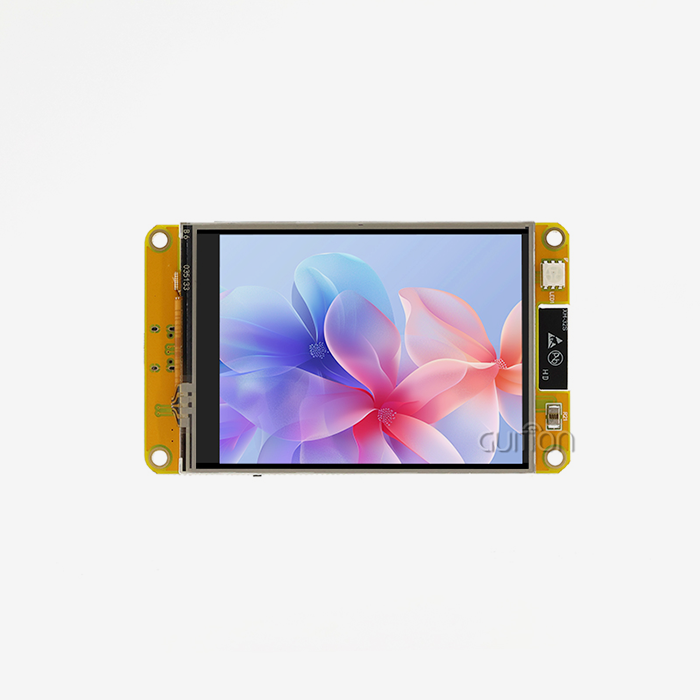
Picking the right display part is very important when making things for industrial control systems, medical devices, or smart homes. It can make or break your project. Liquid crystal display module customization lets product makers match exact specs, such as screen size and resolution, as well as interface methods and how long the module will last in different environments. Customization turns a normal part into a strategic asset, which speeds up time-to-market, lowers development costs, and makes the user experience better. When embedded engineers, HMI designers, and product managers know about the different ways that displays can be customized, they can choose displays that meet all of their technical needs and business goals.


Understanding Liquid Crystal Display Modules and Their Core Principles
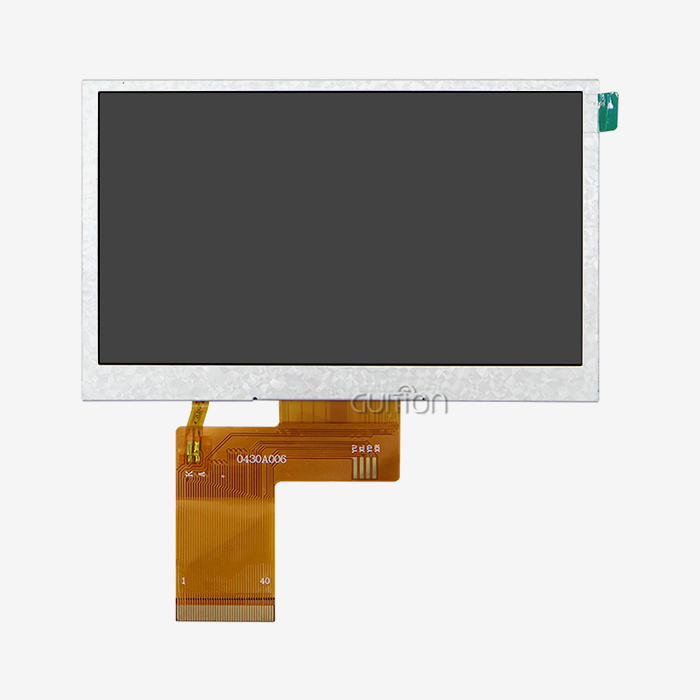
In order to be ready for system connection, a Liquid crystal display module combines several parts. These modules, as opposed to raw LCD glass, come with the display panel, driver integrated circuits, backlight unit, and link ports all in one box. When electrical signals reach the liquid crystal layer, it changes the direction of the molecules. This changes how light passes through the layer and makes patterns and pictures that can be seen.
Component Architecture
A normal module design has several functional layers that work together. The backlight unit gives off light, and it usually uses LED technology to save energy and let you set the strength. Thin-film transistors on the LCD screen itself control each pixel by applying the right amount of power. Driver ICs, which can be fixed using chip-on-glass or chip-on-board methods, turn input data into the analog voltages that activate pixels. Standardized connections, such as RGB, LVDS, MIPI, or UART standards, let the whole assembly talk to host computers. Designers can better understand how customization at each stage impacts speed as a whole when they understand this architecture. For example, the temperature stability depends on both the liquid crystal makeup and the specs of the driver IC. Response time includes making the driving waves and liquid crystal thickness work better together.
Display Technologies and Types
For certain uses, each state of the liquid crystal is better than the others. Twisted nematic displays have quick reaction times and are cheap, but they have restricted viewing angles. In-plane switching technology reproduces colors better and allows for wider viewing angles (up to 178 degrees), making it perfect for situations where more than one person needs to see the screen at the same time. Vertical alignment modes have high contrast ratios that work well for tasks that need to be seen clearly in a range of lighting situations. The ability to see colors is another important choice. Monochrome modules are good for simple monitoring or status screens because they use less power. With a color depth of 16.7 million, full-color screens can show complex graphical user interfaces for medical images or industrial panels.
Key Customization Dimensions for Liquid Crystal Display Modules
Setting the physical and performance factors that meet the needs of your program is the first step in customization. Each choice has an effect on the design as a whole, changing cost, power use, the difficulty of merging, and the user experience.
Display Size and Resolution
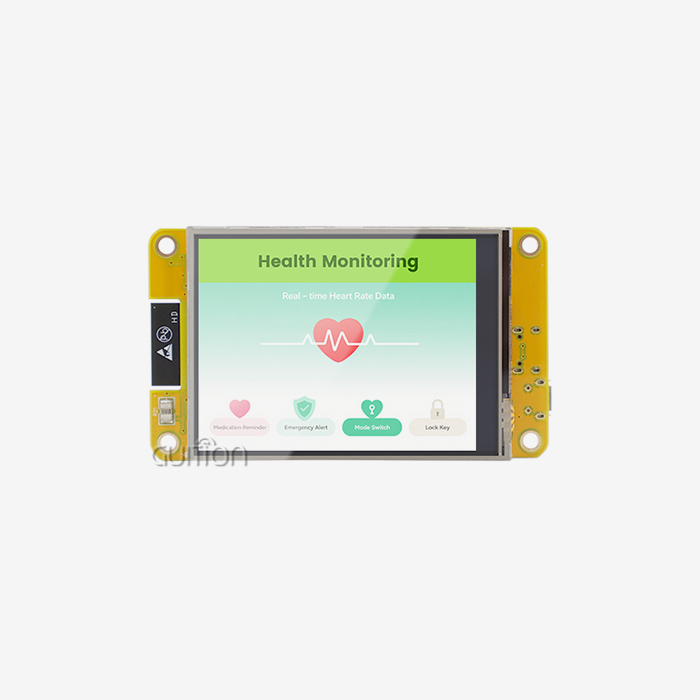
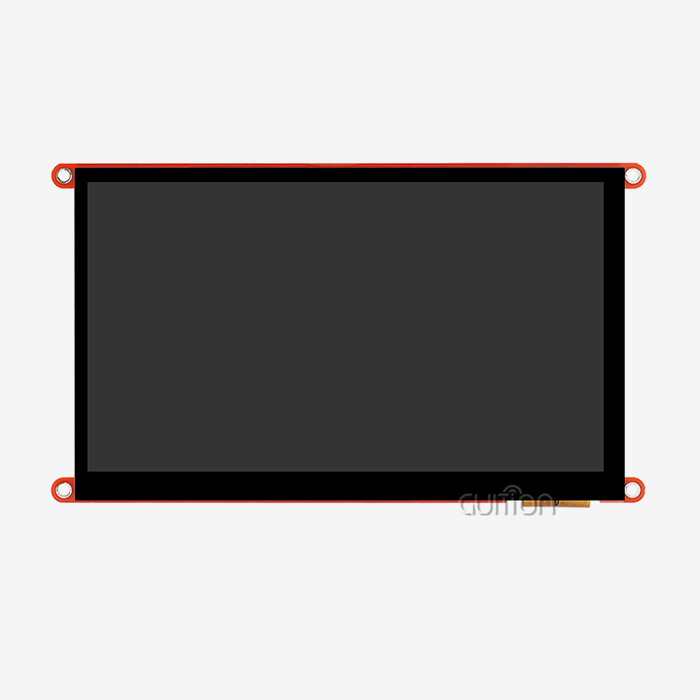
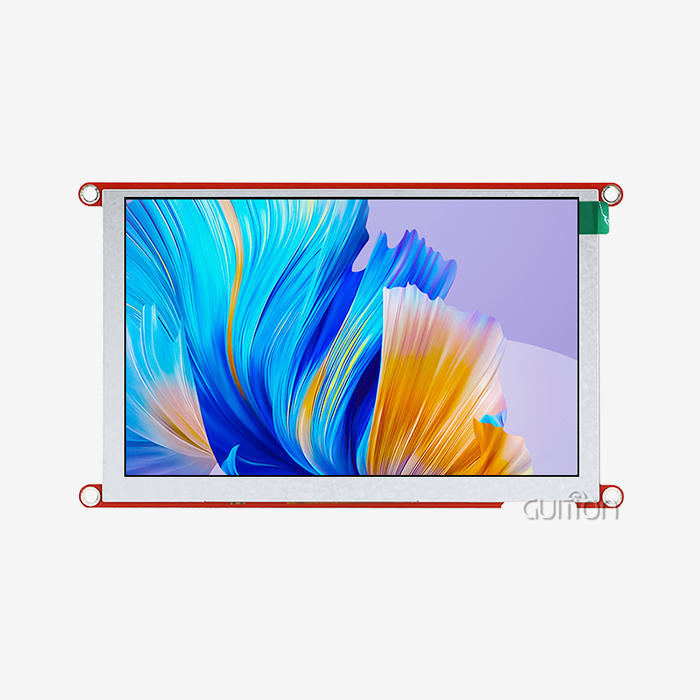
Displays for Liquid crystal display modules range in size from small 1.28-inch screens for personal tech to huge 21.5-inch screens for industrial control stations. With its 5.0-inch size, the GUITION JC8048B050C_I is a flexible middle ground that strikes a balance between being visible and being small. It can be used in equipment control screens, medical tracking devices, and charging station interfaces. Resolution tells you how clear and detailed your display is. As long as the JC8048B050C_I's resolution is 800x480 pixels, it can show clear writing, detailed images, and smooth animations without requiring too much processing power. More memory, speed, and processing power are needed for higher resolutions, which affects the design of your whole system. Resolution should be matched to viewing distance—higher pixel density is needed for closer watching to keep pixels from showing through.
Interface and Communication Protocols
With the communication link, your host engine and the display module can talk to each other. RGB connections, like the one in the JC8048B050C_I, make it easy to send data in parallel and have great color clarity and refresh rates. This type of link works great in places where the wire length stays short and electromagnetic interference is easy to handle. Different platforms are useful for different reasons. For designs with limited room, serial peripheral connections cut down on the number of pins needed. MIPI connections work best for mobile apps that need to send and receive data quickly and with little power use. UART-based HMI modules make integration easier because they handle creating images on the fly, which means your main controller doesn't have to do as much work. The JC8048B050C_I's ST7265 driver chip takes care of the complicated timing and power needs, so your system can focus on application logic instead of low-level display control.
Touch Technology Integration
When you touch a device, it turns from a passive one into an engaging one. The JC8048B050C_I has capacitive touch technology, which detects touches quickly and correctly and supports multiple touches. When a sensitive item gets close to the sensor grid, this technology can pick up on changes in electrical capacitance. Because of this, users can get the accurate touch registration and smooth motion recognition they expect from current interfaces. Different types of resistive touch have their own benefits, such as being cheaper and able to be used while wearing gloves, which is useful in medical or industrial settings. Touch sensors can be connected in a number of different ways. Optical bonding gets rid of the air gap between the display and touch sensor. This makes it easier to read in bright sunlight and more resistant to drops, which are important for harsh settings.
Environmental and Operational Specifications
The operating temperature range tells you where your product will work reliably. The JC8048B050C_I can work in temperatures ranging from -20°C to +70°C, which means it can be used in a wide range of industrial settings, from climate-controlled buildings to outdoor setups in mild climates. For applications in harsh settings, it may be necessary to use wider temperature ranges or heating parts to make sure the liquid crystal responds when it starts up cold. Different uses have very different brightness needs. Devices that are used indoors usually need 250 to 400 nits, while screens that can be seen outside need 800 to 1000+ nits to get through strong sunlight. The 16.7M color depth makes sure that images look good in a range of lighting situations. Readability is affected by contrast ratio. Higher ratios make text and pictures clearer, which is especially important for medical uses that need accurate visual interpretation.
Tailoring LCD Modules for Specific Industry Applications
Customization objectives are set by the specific needs of each industry. When designers know about these industry-specific needs, they can choose parts that work well and meet operational and legal standards.
Industrial Control and Automation
Displays that can handle shaking, temperature changes, dust, and electromagnetic interference are needed in industrial settings. In this industry, display units often have a stronger build, a conformal coating that protects the circuit, and a wide viewing angle so that workers can keep an eye on systems from different places. Modules like the JC8048B050C_I are 3.00 mm thick, which makes them easier to fit into panel-mounted casings while still keeping their structural integrity.
Medical Device Applications
Medical technology has to be very reliable and follow strict rules set by regulators. For medical uses, display modules often need accurate color reproduction for diagnostic images, antibacterial surface treatments, and proof that the modules are biocompatible. IPS technology makes sure that doctors can correctly read vital signs, test data, and equipment state by giving them clear, detailed images.
Consumer Electronics and Smart Home Devices
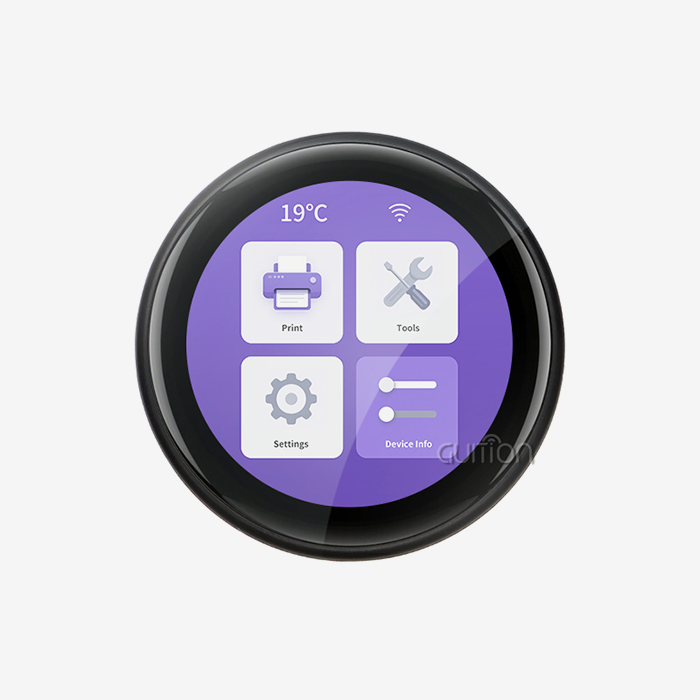
Aesthetics, easy contact, and connectivity are important to Liquid crystal display module consumer apps. High color accuracy, smooth animations, and easy merging with wireless communication standards are all good things about displays in this field. Display modules with built-in WiFi and Bluetooth support become connected objects that can be monitored and controlled from afar, which are important features for smart home environments.
Charging Infrastructure and Energy Management
Charging stations for electric cars and energy management systems need screens that can talk to users clearly and work consistently in partly outdoor settings. The screen is very bright, so you can read it even in full sunlight, and the construction is strong enough to resist weather and physical damage. Clear state information and easy-to-use payment systems have a direct effect on how happy users are and how efficiently operations run.
How to Select and Work with a Custom Liquid Crystal Display Module Supplier
For customization to work, you need to work with sellers who know your technology needs and can keep the quality of your products high throughout their lifecycle.
Defining Technical Requirements
Clear design papers keep people from misunderstanding each other and make sure that the modules you receive work well with your system. Write down the physical limits, such as the size of the mounting area, the viewing area needs, and the places of the connectors. Set electrical factors like source power, signal levels, and timing needs for the link. Set the working temperature, the storage temperature, the humidity level, and the resistance to shocks and vibrations. Performance specs should include things like reaction time, viewing angle needs, brightness levels, and contrast ratios. Information about touch must include accurate touch points, the ability to use multiple touches, and surface techniques. Don't forget about certification needs. For example, industrial equipment may need to be CE marked, AEC-Q100 compliance is needed for car use, and ISO 13485 manufacturing quality systems are needed for medical devices.
Evaluating Supplier Capabilities
In addition to unit price, other factors that go into choosing a supplier include the quality of technical help, the ability to make changes, and the supplier's dependability over the long run. Check to see if the suppliers provide complete datasheets with thorough mechanical, optical, and electrical specs. Application notes, reference designs, and connection guides from good providers speed up the development process. Guition stands out because it has integrated development tools that make making HMIs easier. The Guition software platform supports different development modes, such as Arduino and IDF, so it can work with a variety of engineering styles and current codebases. This adaptability speeds up the learning process and makes the most of your team's current skills. The quality of technical documentation is closely linked to success in integration. Suppliers who put money into clear, complete documentation show that they care about their customers' success.
Managing Customization and Production
Knowing the difference between OEM and ODM models helps you set up relationships with suppliers in the right way. OEM deals offer basic modules that can be slightly customized by changing things like the length of the wire or the type of connector. In ODM partnerships, the seller provides design knowledge to make solutions that are specifically made for the customer. The right model for you will rely on your company's building skills and how unique you need the display part to be. To handle lead time, you need to know how deep the customization goes. Standard setups ship quickly, but special LCD panel specs may need 12 to 16 weeks for setting up the tools and production. Putting together, testing, and moving the modules around take more time. Product development plans for successful projects take these dates into account and start specifying displays early in the design process. Keeping a buffer stock for production and making sure you have a supply deal in place saves you from changes in the market and lack of parts.
Troubleshooting and Optimizing Custom LCD Module Integration
Even display units that are well-specified can be hard to integrate. Predicting common problems and setting up strong testing methods are key to a good deployment.
Common Integration Challenges
Problems with signal integrity for parallel lcd display show up as flashing screens, distorted colors, or operation that stops and starts. Most of the time, these problems are caused by bad grounding, cables that are too long, or impedance mismatches in high-speed connections. RGB connections need to be carefully laid out on a PCB, with impedance-controlled lines and the right way to terminate them. The steadiness of the monitor is greatly affected by the quality of the power source. Noise and ripple can cause noticeable artifacts. These issues can be avoided with clean, well-regulated power sources that have enough separation. During outdoor testing, problems related to temperature may come up. When it's cold, the reaction time of liquid crystals slows down, which could lead to slow display changes or less contrast. On the other hand, high temperatures may make the lighting less effective or speed up the aging process of parts. The working temperature range of -20°C to +70°C is enough for most uses, but for harsh conditions, you'll need to find other ways to handle heat.
Validation and Quality Assurance
Comprehensive testing procedures make sure that the gadget works in all operating settings. Visual inspection finds flaws in the way something looks, strange pixels, and problems with symmetry. Calibrated tools are used for electro-optical measurements that measure brightness, contrast ratio, color precision, and viewing angle performance. Functional testing checks that all display modes work, that touches are accurate across the sensor area, and that the interface time is correct. In environmental stress testing, modules are put through a series of temperature changes, humidity exposure, and mechanical vibrations that are meant to mimic years of use in the field sped up into shorter test routines. These tests show any possible problems with dependability before they are put into production. Recording test results sets basic performance standards for future inspections and ongoing quality checks.
Building Strategic Supplier Relationships
Long-term relationships with suppliers provide value beyond the original purchase. When you have established relationships, you can get answers to technical questions faster, set priorities when parts are in short supply, and work together to solve problems when they come up out of the blue. Suppliers who know your product plan can let you know about changes to parts ahead of time and offer next-generation technologies that will make future goods better. Communication on a regular basis keeps your changing needs and the supplier's skills in line. When you do an annual business review, you can talk about your volume forecasts, look into new technologies, and talk about how to change your prices to match the current market conditions. Strong ties with your suppliers lower risk and give you a competitive edge by giving you special treatment, letting you make changes, and giving you detailed information that helps you plan your product strategy.
Conclusion
In conclusion, customization turns common display parts into perfectly matching ones that speed up development, cut costs, and make the user experience better. If you know about the technical aspects of display modules, like their resolution, communication protocols, and environmental needs, you can make choices that are right for your application. Concerns unique to industrial control, medical devices, consumer goods, and charging infrastructure show how customization meets the needs of each sector. Clear requirements, skilled providers, and systematic integration practices are all needed for implementation to go well. The GUITION JC8048B050C_I is a great example of how careful engineering can offer performance that can be used in a variety of situations while still meeting the reliability needs of industrial users.
FAQ
What customization options matter most when selecting display modules?
Any design starts with the physical size, resolution, and type of interface. The size of the display must fit the space limitations of your cage and the distance you need to see it. Resolution tells you how clear and detailed your interface can be. Higher resolutions make images more realistic, but they also need more computer power. Data speed, pin count, and complexity are all balanced when choosing an interface. RGB connections, like the one in the JC8048B050C_I, make coupling easy and provide great performance. Whether you choose sensitive or resistive touch technology depends on whether you need to be able to use multiple touches or gloves. Your deployment area must meet certain environmental requirements, such as the working temperature and brightness.
How do development tools affect display module selection?
Integrated development platforms cut engineering work and time to market by a huge amount. The Guition software platform turns complicated interface programming into visual design work. This lets engineers make professional HMIs by putting together parts with drag-and-drop instead of writing a lot of code. Cross-platform debugging speeds up troubleshooting, and support for various development tools, such as Arduino and IDF, makes the most of the team's current knowledge. These tools make it easier to learn, cut down on the time needed for testing, and allow for quick iteration, all of which have a big effect on project costs and plans.
What distinguishes industrial-grade from consumer-grade modules?
Industrial units can work in a wider range of temperatures, are more mechanically durable, and are intended to last longer. More thorough tests are done on the components, such as temperature cycling, vibration resistance, and routines for faster aging. Most of the time, industrial units can handle a wider range of input voltages and are better at blocking electromagnetic fields. The quality of the documents and the level of professional help are usually better than those of consumer-oriented goods. These things allow for price differences while also making sure that the system works reliably in tough settings where mistakes have big effects on operations.
Partner with Guition for Your Display Module Requirements
Guition can help you with your display module needs. Picking the right Liquid crystal display module provider will affect how easily your product development goes or if you have to deal with costly delays and integration issues. Guition offers complete HMI systems that combine high-quality hardware with strong development tools that make interfaces easier. Our JC8048B050C_I module is reliable enough for industrial use and has IPS visual quality, capacitive touch responsiveness, and a range of communication options, including RGB ports and WiFi protocols.
With its easy-to-use drag-and-drop interface, cross-platform debugging, and support for Arduino, IDF, and local programming environments, the Guition development platform speeds up the time it takes to finish your project. Remote upgrades protect your launched goods for the future, and support for multiple languages lets you reach customers all over the world. Our options give you the speed, stability, and development efficiency your project needs, whether you're making 3D printing tools, medical monitoring devices, or smart home controllers. Get in touch with David at david@guition.com to talk about your needs and find out how Guition can become your reliable display module maker and development partner.
References
1. Chen, Y. & Wang, L. (2022). "Advanced TFT-LCD Technology: Customization Strategies for Industrial Applications." Journal of Display Technology, Vol. 18, pp. 245-258.
2. Morrison, R. (2021). "HMI Design Principles for Industrial Control Systems: Display Selection and Integration Best Practices." Industrial Automation Press, Second Edition.
3. Nakamura, H. & Suzuki, T. (2023). "Touch Panel Technologies: Comparative Analysis of Capacitive and Resistive Systems for Industrial Applications." International Display Symposium Proceedings, pp. 112-127.
4. Schmidt, A. (2022). "Display Module Reliability in Harsh Environments: Testing Protocols and Specification Guidelines." Reliability Engineering Quarterly, Vol. 34, No. 2, pp. 67-81.
5. Williams, K. & Thompson, J. (2023). "Interface Standards for Embedded Display Systems: RGB, LVDS, and MIPI Comparison." Embedded Systems Design Magazine, March Issue, pp. 34-42.
6. Zhang, Q., Liu, P. & Anderson, M. (2021). "Optimizing LCD Module Selection for Medical Device Applications: Regulatory Compliance and Performance Requirements." Medical Device Technology Journal, Vol. 15, No. 4, pp. 156-169.
Learn about our latest products and discounts through SMS or email