- English
- French
- German
- Portuguese
- Spanish
- Russian
- Japanese
- Korean
- Arabic
- Greek
- German
- Turkish
- Italian
- Danish
- Romanian
- Indonesian
- Czech
- Afrikaans
- Swedish
- Polish
- Basque
- Catalan
- Esperanto
- Hindi
- Lao
- Albanian
- Amharic
- Armenian
- Azerbaijani
- Belarusian
- Bengali
- Bosnian
- Bulgarian
- Cebuano
- Chichewa
- Corsican
- Croatian
- Dutch
- Estonian
- Filipino
- Finnish
- Frisian
- Galician
- Georgian
- Gujarati
- Haitian
- Hausa
- Hawaiian
- Hebrew
- Hmong
- Hungarian
- Icelandic
- Igbo
- Javanese
- Kannada
- Kazakh
- Khmer
- Kurdish
- Kyrgyz
- Latin
- Latvian
- Lithuanian
- Luxembou..
- Macedonian
- Malagasy
- Malay
- Malayalam
- Maltese
- Maori
- Marathi
- Mongolian
- Burmese
- Nepali
- Norwegian
- Pashto
- Persian
- Punjabi
- Serbian
- Sesotho
- Sinhala
- Slovak
- Slovenian
- Somali
- Samoan
- Scots Gaelic
- Shona
- Sindhi
- Sundanese
- Swahili
- Tajik
- Tamil
- Telugu
- Thai
- Ukrainian
- Urdu
- Uzbek
- Vietnamese
- Welsh
- Xhosa
- Yiddish
- Yoruba
- Zulu
Industrial HMI Panel for Embedded Systems Integration
The Industrial HMI panel for Embedded Systems Integration is the most important part of modern industrial automation. It's how people interact with complicated embedded control systems. An industrial HMI panel is a tough, mission-critical display that turns raw protocol data from PLCs, RTUs, and microcontrollers into easy-to-understand visual dashboards. This lets manufacturers watch, control, and diagnose problems in real time, even in harsh settings. When embedded systems need to talk to each other, these panels make it possible by offering touchscreen or button-based interfaces that make it easier for operators to connect while still being resistant to dust, vibration, high temperatures, and electromagnetic interference. Engineers and buying teams can choose solutions that improve business insight, lower error rates, and speed up time-to-market by understanding how these screens fit into embedded ecosystems.
What Is an Industrial HMI Panel and How Does It Work?
An Industrial HMI panel turns complicated machine states into easy-to-understand visual formats and acts as the core control hub in embedded system designs. Data streams are sent to these devices from embedded processors through serial communication methods, Ethernet connections, or wireless pathways. The panel's built-in processor analyzes this data and shows it on tough screens that can handle harsh conditions in the workplace.
Core Architecture of Human-Machine Interfaces
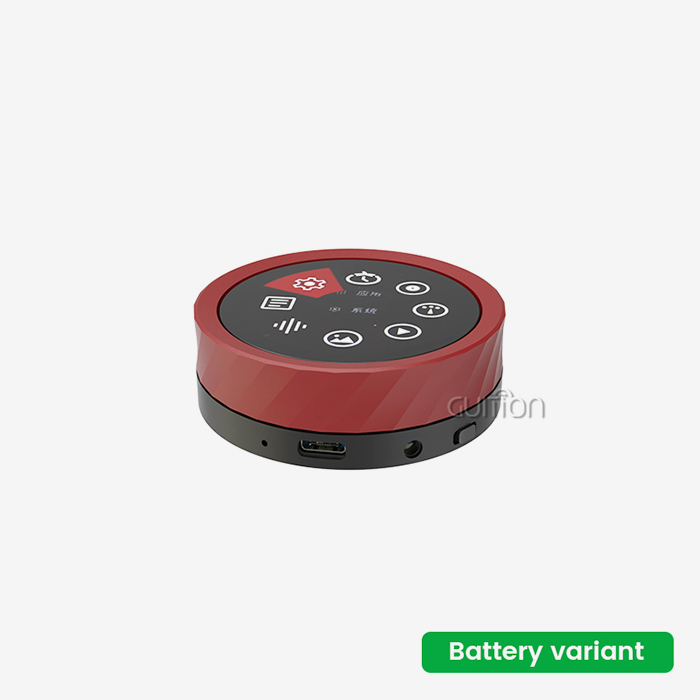
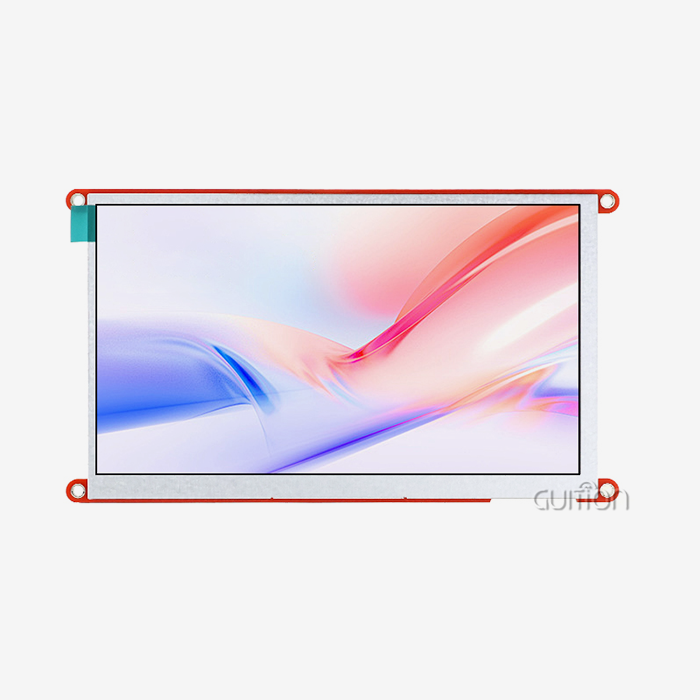
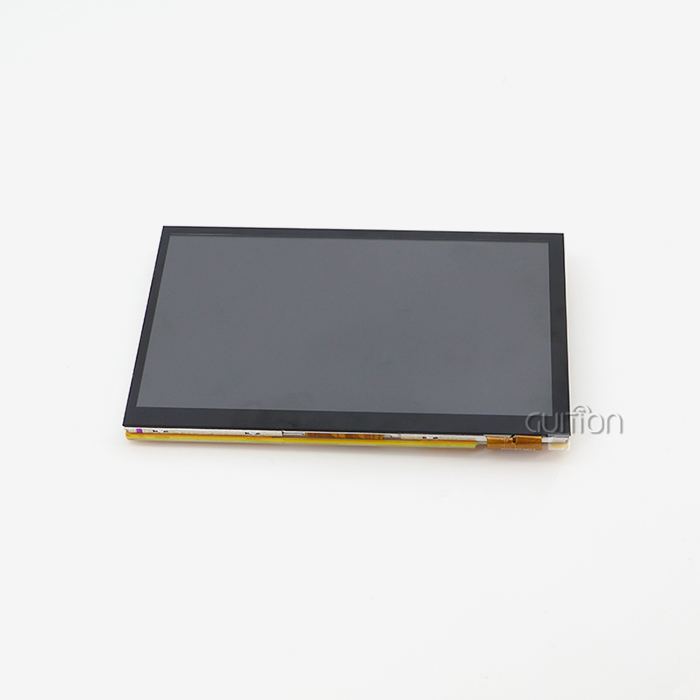
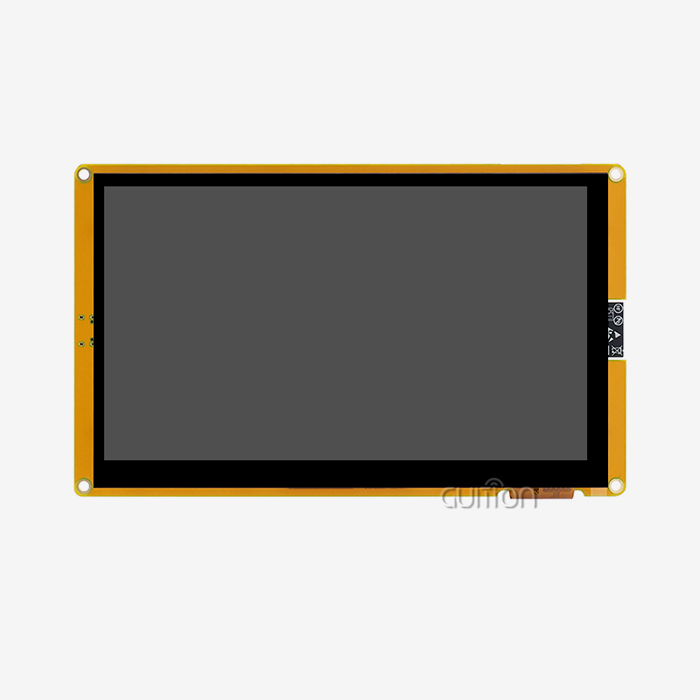
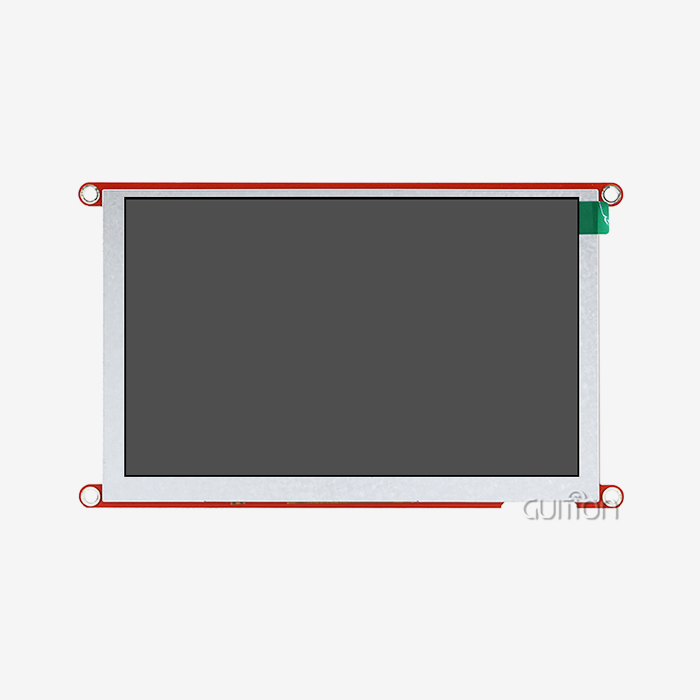
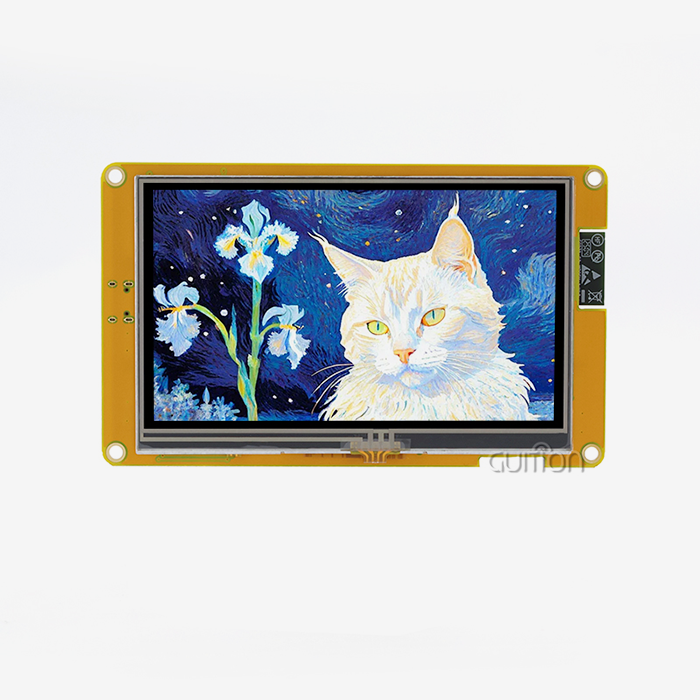
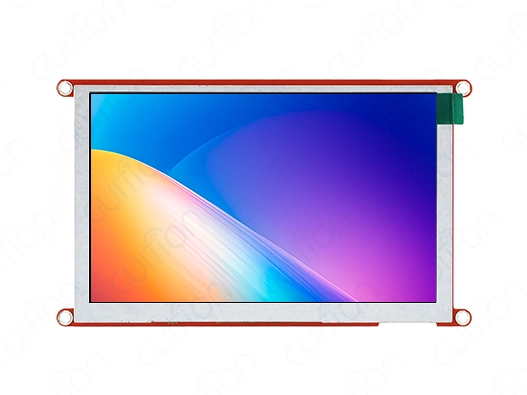
Usually, a design has three layers: the display hardware layer has LCD or TFT screens, the processing layer has MCUs or ARM processors that are built in, and the connection layer supports protocols such as Modbus RTU, Profinet, and UART. This design is shown by the Guition JC8048Q350N_I, which has an Artinchip D121BBV single-core MCU running at 400MHz and an 800×480 IPS monitor with 16-bit RGB 65K color depth. This 5.0-inch module has IO port connections and circuits for controlling the backlight, so it can easily connect to Arduino, ESP-IDF, and other embedded development platforms.
Data Flow in Embedded System Integration
When these panels are built into embedded devices, they set up two-way contact pathways. Sensor data from devices in the field is sent to the HMI panel by integrated controls. The panel then processes the data and shows it on a screen. When an operator enters information through the interface, it is sent back to the embedded system, and controls are activated. This feedback loop works in real time, so operators can change settings, respond to alarms, and keep an eye on process factors without having to handle low-level code.
Practical Applications in Industrial Settings
On plant floors where workers need to see production numbers right away, industrial control screens are common. These interfaces are what make it possible for medical tracking tools to show vital signs with clinical accuracy. HMI panels are used in energy management systems to show patterns of usage and the state of the grid. These screens are used in agricultural technology to handle irrigation and keep an eye on the environment in harsh outdoor conditions.
Key Types and Features of Industrial HMI Panels for Embedded Systems
To choose the right Industrial HMI panel type, you need to know about the different specs that are offered in the industrial automation markets. Panels have a lot of different display technologies, input methods, connection choices, and grades for different environments.
Display Technologies and Resolution Standards
Readability and info density are directly affected by screen size. The JC8048Q350N_I's 800×480 resolution gives you enough pixels per inch for rich process images while still keeping processing speed high. IPS display technology has better viewing angles than TN panels, so more than one person can look at the screen at the same time without color confusion. Screen sizes range from small 1.28-inch units for situations where space is limited to large 21.5-inch panels for control room installations.
Before deciding on monitor specs, tech teams have to look at how bright the room is and how far away the operators can see. Here are the main types of displays that are available:
- Monochrome LCD Panels: These are good for showing simple information where color separation isn't important, use little power, and are easy to read in direct sunlight.
- Color TFT Modules: These give you detailed pictures with RGB color support, making them perfect for uses that need to show states through color code and complicated pictures.
- Ruggedized Industrial Displays: These have stronger glass, entry protection of IP65 or higher, and can work in temperatures ranging from -20°C to 70°C, making them suitable for harsh settings.
- High-Brightness Options: These include better backlighting systems that reach 1000+ nits for clear viewing outside in full sunlight.
These display choices meet different operating needs in the medical field, the farming sector, and the manufacturing sector. Different types of displays are chosen based on the surroundings, the amount of info, and the budget.
Communication Protocol Support
How well an integration works with current embedded technology depends on how well the protocols work together. For simple uses, UART interfaces make point-to-point transmission easy. An Ethernet connection lets SCADA and remote tracking systems work together with other networks. The JC8048Q350N_I works with many development modes, such as the Arduino and ESP-IDF frameworks, so coders can use known toolchains. Built-in Wi-Fi and Bluetooth modules get rid of the need for extra transmission hardware. This lowers the cost of the bill of materials and makes the design of the system easier to understand.
Input Methods and Interaction Models
Non-touch display modules like the JC8048Q350N_I work with external buttons or rotating encoders to accept user input. This makes them reliable in places where touchscreens could get dirty. Capacitive touchscreens let you use gesture-based displays with multiple touches that work together. Resistive touch technology can be used with gloves on and can handle harsh cleaning methods in pharmacy and food processing settings.
How to Choose the Best Industrial HMI Panel for Your Embedded Systems Integration Needs
When making procurement choices, you have to weigh technical requirements against project limits like cost, time, and the difficulty of integration. When using strategic selection methods, more than just the original purchase price is taken into account for the Industrial HMI panel.
Evaluation of Performance Needs
Processing power decides how quickly an interface responds and how well images can be rendered. The D121BBV MCU's 400MHz clock speed makes sure that movements run smoothly and changes to the screen happen quickly. Memory size impacts the variety of screens, the length of time data is stored, and the ability to store past trends. Before finishing specifications, embedded engineers should figure out how much memory is needed based on the number of screens, how often they are updated, and how long data is kept.
Standards for Environmental Durability
The operating temperature ranges, vibration strength, and ingress protection grades need to match the places where they will be installed. Manufacturing plants that use big equipment need support that doesn't move and shock safety. For outdoor applications, shelters that can withstand UV light and a wide range of temperatures are needed. Coatings that kill germs and work with hospital-grade cleaners are needed for medical uses.
Ecosystem and toolchain for development
With drag-and-drop, the Guition online GUI development tool changes the way interfaces are made and gets rid of the need for boring low-level code. WYSIWYG interface design lets engineers add features with just one click and move parts around visually. Cross-platform online coding speeds up development by letting testing and improvements be made from afar. This method is very different from the old way of writing HMIs, which needed special software rights and was hard to learn.
Supporting various development tools, such as Arduino, ESP-IDF, and native Guition frameworks, gives tech teams with different sets of skills more options. When projects move from Arduino prototypes to production systems, they keep the same code, which cuts down on rework and speeds up time to market.
Comparative Vendor Analysis
Big names in automation like Siemens, Allen Bradley, Schneider Electric, and Mitsubishi all have full HMI products with well-established ecosystems. These systems have a lot of features, but they usually cost a lot and require special programming tools. Guition markets itself as a technology-based option that offers similar performance with easier development processes and reasonable prices. Focusing on secondary development helps and lots of paperwork makes engineering work easier and speeds up the learning process.
Connectivity Infrastructure Decisions
Radio interference doesn't affect conversation over wired Ethernet links, so they are reliable and predictable. Wireless options, such as Wi-Fi and Bluetooth, give you more connection options and let you watch from your phone. Guition's integrated wireless modules get rid of the need for external communication links. This makes the system design simpler and cuts down on failure spots. With remote upgrade capabilities, software updates and interface changes can be made without having to visit the site. This cuts down on after-sales support costs by a large amount.
Programming and Troubleshooting Industrial HMI Panels
To get the best return on investment, you need to use good computing techniques and be proactive about fixing problems with the Industrial HMI panel. Structured development processes cut down on the time needed to launch a system and make it more reliable in the long run.
Step-by-Step Programming Workflow
The first step in developing an interface is getting requirements, which include figuring out what process factors, alarm conditions, and user actions are needed. The screen layout design organizes the information hierarchically, making the most important information stand out and making less important information easy to find through scrolling. The drag-and-drop interface builder in the Guition development tool makes this process faster. Engineers can use it to visually build screens, add controls like buttons and gauges, and set up data connections without having to write communication protocol handles.
Setting up the protocol configuration sets up the transmission parameters so that they fit the settings for the embedded controller. Systems that use UARTs need to be set up with a baud rate, data bits, parity, and stop bits. Panels that are linked to a network need to be given an IP address and a protocol. Screen resolution optimization makes sure that images look good on all screen sizes, and that the sizes of fonts and buttons are adjusted to fit the lengths between operators.
Common Problems with Integration
Mismatches in protocols or bad wiring are common causes of communication failures. Systematic troubleshooting starts with making sure the physical connections are correct, the voltage levels on the serial lines are correct, and the protocol settings on both the hmi display module and the embedded controller are correct. Backlight control settings or power source steadiness are often to blame for display problems like flickering or color distortion. Environmental factors that are too high may cause hardware problems, so the environment needs to be looked at, and maybe the shelter needs to be upgraded.
Real-World Implementation Case Study
A company that makes medical devices put the Guition JC8048Q350N_I into a system for tracking patients that needed to show vital signs from several built-in sensors. The development team used the free Guition tool to make a multi-screen interface that could show alarms, show past trends, and let users change parameters. Cross-platform coding made it possible to make changes quickly while trying prototypes. When compared to their former HMI provider, the final implementation cut development hours by 40% while still meeting FDA compliance deadlines. The remote upgrade feature allows interface improvements to be made after the product is sold to address user comments without having to return hardware.
Procurement Considerations and Vendor Insights for Industrial HMI Panels
Strategic procurement looks at more than just the unit price for the Industrial HMI panel. It also looks at the total cost of ownership, which includes things like development time, upkeep costs, and the dependability of the supply chain.
Pricing Models and Volume Considerations
Unit costs go down a lot as volume promises rise, so it's important to make accurate demand forecasts. Distributors and original equipment makers (OEMs) should talk about price levels based on how much they expect to sell each year. Warranty terms change a lot from one provider to the next, but most cover you for one to three years. Options for longer warranties protect against early failures, but they raise the cost per unit. Long product lifecycles make it important to have replacement parts on hand, so vendors must either guarantee component supply or offer programs to control obsolescence.
Lead Time Management
Customized solutions need more time for engineering, prototyping, and production approval, so they take longer to ship than standard HMI screens. When a project has a tight date for commissioning, it should either add extra time to its procurement plan or choose vendors that offer fast manufacturing choices. Supply chain problems that affect the supply of semiconductors have a negative effect on HMI panel lead times across the board. This makes early contact with suppliers even more important for project planning.
Customization and Technical Support
In OEM uses, branding needs to be changed, the hardware needs to be mounted in a certain way, or the software needs to have special features. Guition's secondary development support gives full technical docs and adaptable customization interfaces so that engineering teams can change how functions work without having to pay for a full custom design. The company's support for multiple languages and UTF-8 encoding makes it possible for global rollout scenarios. This makes it easier to start products in other countries without having to worry about localization issues.
Technical help that is quick to respond cuts down on downtime during setup and ongoing operations. Companies that offer cross-platform online debugging and virtual help can fix problems faster than companies that need service technicians to come to the customer's location. Long-term relationship success can be predicted by checking references and doing test projects to see how responsive provider's support is.
Conclusion
Industrial HMI panels for integrating embedded systems are important parts of modern automation designs because they turn complicated data streams into user interfaces that can be used. The Guition JC8048Q350N_I is a great example of how easy development is getting easier by having simple tools, flexible connections, and strong hardware. For procurement to go well, technical specs, environmental needs, development environments, and vendor skills must all be carefully looked at. Cross-platform compatibility, extra development help, and the ability to do remote upkeep are all benefits that engineering teams can get from solutions. Strategic relationships with vendors that focus on good paperwork, quick technical support, and a reliable supply chain offer long-term benefits that go beyond initial cost concerns, setting up businesses for scalable automation growth.
FAQ
What distinguishes an industrial HMI panel from a consumer touchscreen?
Ruggedized components are included in industrial HMI panels that are rated for extended temperature ranges, vibration protection, and continued operation. Instead of customer interfaces, they support industrial communication protocols like Modbus and Profinet, and they are tested for stability in mission-critical situations. The design of the gear puts durability and repairability ahead of how it looks.
Can the Guition JC8048Q350N_I work with PLC systems that are already in place?
The module works with UART communication and several development tools, such as Arduino and ESP-IDF. This means that it can be used with most PLC types as long as the right protocols are implemented. The IO port interface lets different types of controllers connect in a variety of ways. During the planning process, engineers should make sure that the protocols are compatible to make sure that data exchange goes smoothly.
How does the drag-and-drop build tool lower the cost of engineering?
To create an HMI the old way, you had to learn how to use proprietary software and write a communication protocol and drivers. These problems are solved by the online Guition tool, which lets you build a visual interface and generate code automatically. Functional prototypes are made by engineering teams in hours instead of weeks, which shortens development processes and lowers the cost of labor. Cross-platform programming speeds up fixing even more.
Partner with a Trusted Industrial HMI Panel Supplier for Your Next Automation Project
Guition is ready to help you with your embedded systems integration needs by offering a wide range of display options in sizes from 1.28" to 21.5". Our technology-driven method combines strong hardware like the JC8048Q350N_I with the easy-to-use Guition development tool. This speeds up the development of your product while making engineering less complicated. The platform's secondary development support, ability to work with multiple protocols, and ability to update remotely cover the whole lifecycle of industrial automation projects. Email our expert team at david@guition.com to talk about the specifics of your application needs and get personalized suggestions. To make sure that our services work well with your embedded system design, we offer clear documentation, quick engineering help, and customizable options.
References
1. Industrial Automation Systems and Integration - Human-Machine Interface Design Principles, International Society of Automation Technical Standards Committee, 2021.
2. Embedded Systems Design for Industrial Control Applications, Journal of Manufacturing Technology and Management, Volume 34, Issue 7, 2022.
3. Comparative Analysis of HMI Development Platforms in Industrial Automation, IEEE Transactions on Industrial Informatics, March 2023.
4. Best Practices for UART-HMI Communication Protocol Implementation, Embedded Computing Design Magazine, August 2022.
5. Total Cost of Ownership Analysis for Industrial Display Technologies, Automation World Research Report, January 2023.
6. Integration Strategies for IoT-Enabled HMI Panels in Smart Manufacturing, International Journal of Advanced Manufacturing Technology, Volume 126, 2023.
Learn about our latest products and discounts through SMS or email