- English
- French
- German
- Portuguese
- Spanish
- Russian
- Japanese
- Korean
- Arabic
- Greek
- German
- Turkish
- Italian
- Danish
- Romanian
- Indonesian
- Czech
- Afrikaans
- Swedish
- Polish
- Basque
- Catalan
- Esperanto
- Hindi
- Lao
- Albanian
- Amharic
- Armenian
- Azerbaijani
- Belarusian
- Bengali
- Bosnian
- Bulgarian
- Cebuano
- Chichewa
- Corsican
- Croatian
- Dutch
- Estonian
- Filipino
- Finnish
- Frisian
- Galician
- Georgian
- Gujarati
- Haitian
- Hausa
- Hawaiian
- Hebrew
- Hmong
- Hungarian
- Icelandic
- Igbo
- Javanese
- Kannada
- Kazakh
- Khmer
- Kurdish
- Kyrgyz
- Latin
- Latvian
- Lithuanian
- Luxembou..
- Macedonian
- Malagasy
- Malay
- Malayalam
- Maltese
- Maori
- Marathi
- Mongolian
- Burmese
- Nepali
- Norwegian
- Pashto
- Persian
- Punjabi
- Serbian
- Sesotho
- Sinhala
- Slovak
- Slovenian
- Somali
- Samoan
- Scots Gaelic
- Shona
- Sindhi
- Sundanese
- Swahili
- Tajik
- Tamil
- Telugu
- Thai
- Ukrainian
- Urdu
- Uzbek
- Vietnamese
- Welsh
- Xhosa
- Yiddish
- Yoruba
- Zulu
Industrial HMI Panel Buying Guide for Automation Engineers
For an automation engineer, one of the most important considerations is choosing the correct industrial HMI panel. You are designing a CNC control station, an energy management terminal or a medical monitoring device Your display module may directly effect operator efficiency, system uptime and long term maintenance costs. In this article, we’ll go through everything you need to know, from understanding what makes an industrial HMI panel different from a commercial display, to comparing panel types, choosing technical requirements, programming your interface, and purchasing from a source you can trust. Throughout, we refer to GUITION JC8048Q350N\_I as an actual product reference.

Understanding Industrial HMI Panels
What Is an Industrial HMI Panel?
Industrial hmi panels are tough screens and controllers that connect a person operating automatic machines (PLCs, RTUs, or embedded controllers) to a human user. It is not like other tablets because it can handle shocks, dust, electromagnetic interference, and big changes in temperature. It still gives the user real-time process data. The global HMI market was worth USD 5.6 billion in 2023, and it will reach USD 8.0 billion by 2028, according to MarketsandMarkets. This is mostly because more factories will use automation.
How Industrial HMI Panels Differ from Consumer Displays
Users of consumer computers care most about price and looks. An industrial HDMI panel, on the other hand, is made to have long-lasting parts, accept a wide range of DC voltages, and meet standards such as IP65 for water resistance and EMC immunity near heavy drives. On the other hand, the GUITION JC8048Q350N^_I is based on the Artinchip D121BBV 400 MHz single-core MCU. This controller was picked not only because it gets good benchmark scores, but also because it stays stable over years of use.
Core Functions That Drive Automation Value
If you have Modbus RTU, RS-232/485, or CAN Bus signals, the main job of any hmi display module is to turn them into graphical dashboards that an operator can read quickly. This makes things more accurate, speeds up response times to alarms, and gets rid of the need for real switchboards. A study from 2022 by Automation World found that real-time graphics can cut down on unexpected downtime by up to 25% in places like energy substations and car assembly lines.
Comparing and Choosing the Right Industrial HMI Panel
HMI Panels vs. SCADA Systems vs. PLC Operator Terminals
These three interface types are often confused. SCADA system is running on server infrastructure and handles data across a whole plant network. PLC operator terminals are basic text-based input devices. The industrial HMI panel that runs locally on the machine, produces a graphical UI, and connects directly with the controller without needing a separate server is somewhere in the middle. The most economical way for machine level control is the HMI display module.
Touch vs. Non-Touch, Embedded vs. Standalone
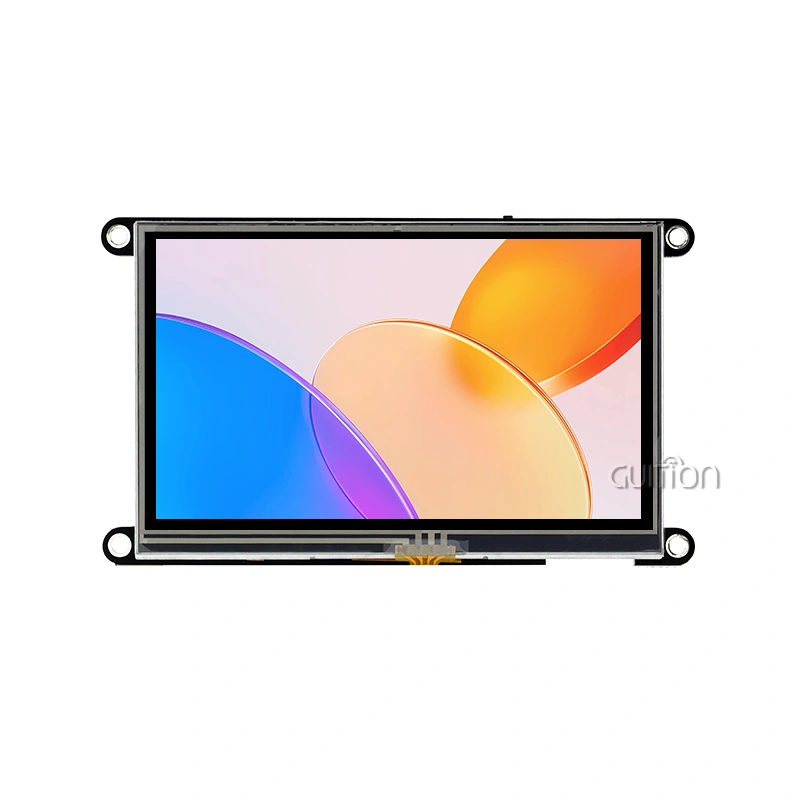
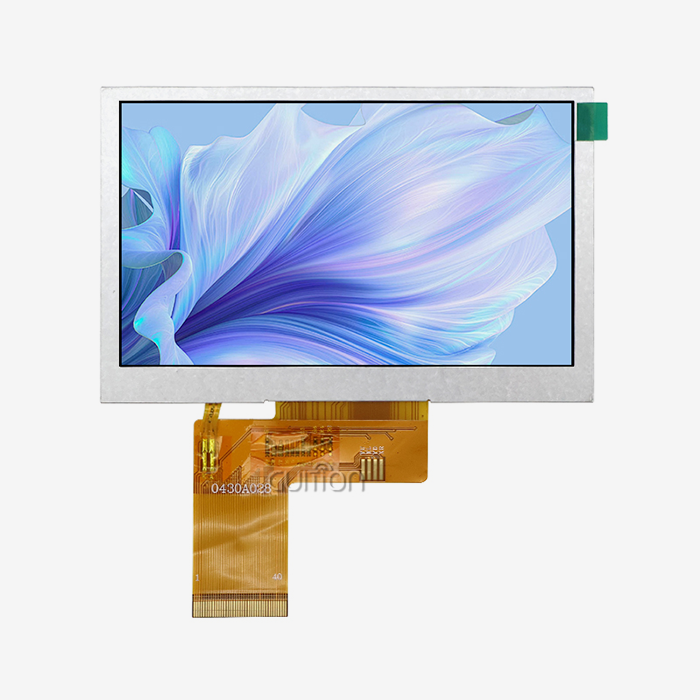
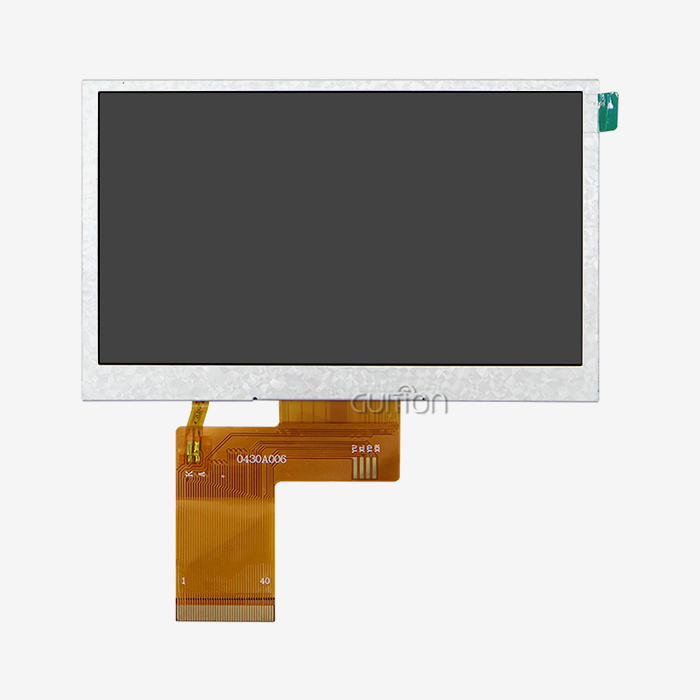
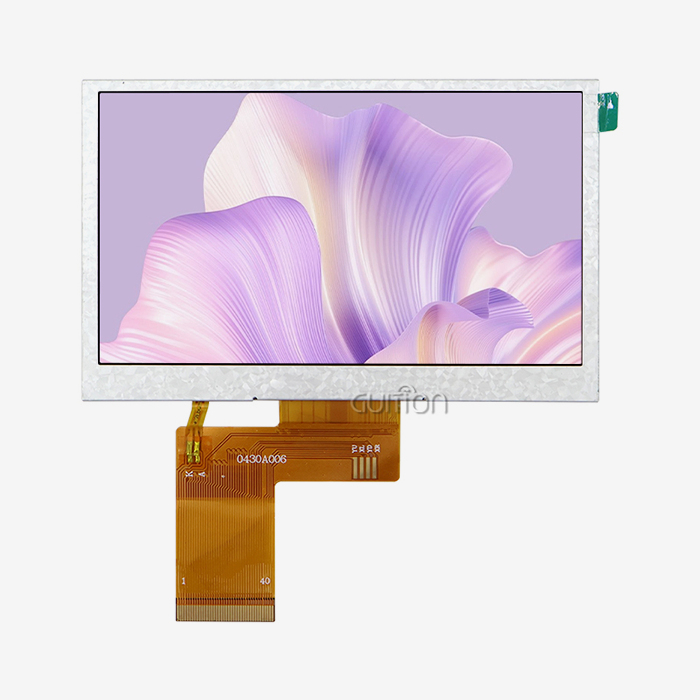
Not every application needs touch. The GUITION JC8048Q350N_I does not have a touch layer, a conscious design decision for locations where glove usage, grease, or metal shavings would create misleading inputs. The 800x480 IPS panel supports 16-bit RGB 65K color to provide sharp pictures for status monitoring without operator physical interaction. Built within your enclosure, these embedded modules save panel area compared to stand-alone box HMIs.
How Leading Brands Position Themselves in 2024
Siemens and Rockwell Automation dominate the high-end SCADA-connected HMI panels, with prices that reflect enterprise licensing. Schneider Electric targets the mid-range machine maker. GUITION is targeted at embedded engineers, R&D departments and OEM product developers looking for a robust HMI display module that provides quick development tools, versatile communications, and a reasonable price, especially for product lines needing regular UI iterations.
How to Select the Best Industrial HMI Panel for Your Project
Define Your Technical Parameters First
You need to know four things about two display units before you can compare them: the working temperature range, the screen size, the resolution, and the communication interface. It runs on a 400 MHz D121BBV MCU and has a 5-inch screen with an 800x480 resolution. It can connect to other devices through IO ports. Guide's full line of goods goes from 1.28 inches to 21.5 inches, so it's easy to find a panel size that fits the space you have.
Software Compatibility and Development Mode Support
It doesn't matter how good the hardware specs are for an Industrial HMI panel if the software environment makes it take six months to make new features. With GUITION's online GUI development tool, designers and engineers can make screens without having to write low-level graphics code. The tool lets them drag and drop UI elements into place. If you built your project on Arduino or ESP-IDF, you don't have to change any of your code to connect it to the platform because it works with all of them.
There are a few important technical things you should check before you place an order:
- Screen size and mounting format: Confirm panel cutout dimensions match your enclosure. The JC8048Q350N\_I is a 5.0-inch embedded module with defined IO port and backlight control circuit footprints.
- MCU performance: The D121BBV single-core MCU at 400 MHz handles real-time screen refresh and serial communication simultaneously without frame drops under normal industrial load.
- Development ecosystem: Verify that the supplier provides complete secondary development documentation. GUITION publishes full API references and supports remote OTA project upgrades, reducing on-site after-sales visits.
- Multi-language support: For products shipping to multiple regions, UTF-8 encoding and multi-language switching are non-negotiable. GUITION builds this into the platform at the firmware level.
Size of the screen and type of mounting: Make sure that the panel hole fits inside the casing. The JC8048Q350N^_I is the name of this 5-inch embedded module. It shows where the IO ports and lighting control circuits are. How well the MCU works: The D121BBV single-core MCU can handle real-time screen refresh and serial communication at 400 MHz without any frame drops when the system is under normal industrial load.
Make sure the provider gives you all the extra development documentation you need for the development environment. GUITION gives full API references and allows over-the-air (OTA) project changes, which means that after a sale, there is less need for visits.- Support for multiple languages: Products that are shipped to more than one region must have UTF-8 encoding and the ability to switch between languages. This is built into the hardware by GUITION at the software level.
Programming and Troubleshooting Industrial HMI Panels
Getting Started with the Guition GUI Tool
The Guition online GUI development tool removes the barrier that stops many embedded engineers from building polished interfaces. You add buttons, sliders, gauges, and data fields by clicking—not by writing pixel-coordinate rendering code. Once your layout is ready, the tool compiles the project and pushes it to the HMI display module over the designated interface. First-time users on the JC8048Q350N\_I typically complete a working dashboard in under two hours.
Connecting to Controllers and Debugging Communication
The Industrial HMI panel JC8048Q350N_I communicates through its IO port interface, which maps to standard serial protocols that PLCs and microcontrollers already speak. Cross-platform online debugging in the Guition environment lets engineers monitor data frames in real time and isolate where a communication error originates—whether at the MCU, the wiring, or the protocol configuration. This is materially faster than embedded printf debugging on raw firmware.
Handling Firmware Updates and Remote Maintenance
One underrated advantage of a well-designed HMI panel is remote upgrade capability. GUITION supports OTA (over-the-air) project updates, meaning you can push a UI revision or a bug fix to deployed units without sending a technician to the field. For product managers overseeing equipment installed across multiple sites, this feature alone can cut after-sales support costs significantly over a product's lifetime.
Procuring Industrial HMI Panels: Best Practices and Supplier Insights
Where to Source and What to Verify
Your supply chain will be safer if you buy a commercial HMI panel from a well-known company instead of one on the black market. You should be given datasheets, sample units, and a clear answer to the question of how long the product will be available. Bills of materials (BOMs) need to stay the same in business settings. For instance, if the MCU in a display module changes while it is being made, it can mess up the firmware that was built and needs to be re-certified, which can be pricey.
Evaluating Suppliers on Development Support, Not Just Price
If you choose the right Industrial hmi panel source, they will give you expert paperwork, quick engineering help, and software that grows with your product. The company that made GUITION is called Jingcai Intelligence, and it does research and development, production, and sales all in one place. Their range of products goes from 1.28 inches to 21.5 inches, and their engineering team helps with secondary development by giving full API references. This is very helpful for groups that are creating unique automation systems but don't have their own large firmware departments.
Bulk Ordering, Lead Times, and Customization
When OEMs buy in bulk, knowing the lead time is just as important as knowing the unit price. The guide displays parts that you can change to suit your needs. You can pick the IO structure, screen size, and where the lighting goes.
Conclusion
Selecting the right industrial HMI panel requires balancing hardware performance, software productivity, supply reliability, and total cost across the product's service life. The GUITION JC8048Q350N\_I demonstrates that a 5.0-inch, 800×480 IPS display module built around a 400 MHz D121BBV MCU can meet the demands of real industrial applications while keeping development accessible. From the Guition drag-and-drop GUI tool to OTA upgrade support and multi-language encoding, the product is built around the actual pain points engineers face in the field. Match your technical requirements carefully, verify supplier documentation, and prioritize long-term component availability over upfront savings.
FAQ
Should I choose a touch or non-touch industrial HMI panel?
If people are working with thick gloves on or the screen is dirty or oily, which could lead to wrong inputs, choose "non-touch." The GUIDE JC8048Q350N^_I is made to work in these situations. This type of touch is best for workers who need to use gestures and the area is clean enough to support them.
What communication protocols does a typical industrial HMI panel support?
Many built-in HMI display modules have RS-232 and RS-485 serial ports that can connect directly to Modbus RTU. The more expensive ones have CAN Bus. GUITION screens that have WiFi and Bluetooth built in also support network-layer protocols for IIoT data sharing, which is becoming more important for Industry 4.0 deployments.
How does an industrial HMI panel differ from a commercial panel PC?
With an industrial HDMI panel, the same MCU and display assembly can be used for five to seven years. This is possible because the panel ensures the stability of the parts over time. Commercial panel PCs get new parts inside every six to twelve months. This can lead to software compatibility problems in the middle of a production run and cost-prohibitive re-validation for companies that are in charge.
What is a realistic development timeline using the Guition tool?
It takes about two hours for engineers who know the basics of UI to make a first screen that works with the Guition drag-and-drop GUI tool. It can take anywhere from one to three days to make a full multi-screen interface for a machine control panel, depending on how many data points and alert paths are needed.
Partner with Guition for Your Next Industrial HMI Panel Project
Guition offers a wide range of screens, from 1.28 inches to 21.5 inches. It also has a drag-and-drop GUI builder, over-the-air (OTA) upgrade support, and the ability to encode in multiple languages so that it can be used anywhere in the world. We work with OEMs, system developers, and embedded engineers to find the best display module for your needs because we are a trusted maker of Industrial hmi panels. You can email our tech team at david@guition.com or visit https://jingcaizhineng.aixdb.cn/ to get samples, talk about your needs, or get a price based on the size of your project.
References
1. MarketsandMarkets. HMI Market – Global Forecast to 2028. 2023.
2. Automation World. State of Industrial HMI and Control Panel Technology. 2022.
3. International Society of Automation (ISA). ISA-101.01: Human Machine Interfaces for Process Automation Systems. 2015.
4. IEC. IEC 61131-3: Programmable Controllers – Programming Languages. 2013.
5. IEEE Transactions on Industrial Informatics. Real-Time Data Visualization in Industrial Control Systems. 2021.
6. Control Engineering. HMI Selection Guide for Machine Builders and System Integrators. 2023.
Learn about our latest products and discounts through SMS or email