- English
- French
- German
- Portuguese
- Spanish
- Russian
- Japanese
- Korean
- Arabic
- Greek
- German
- Turkish
- Italian
- Danish
- Romanian
- Indonesian
- Czech
- Afrikaans
- Swedish
- Polish
- Basque
- Catalan
- Esperanto
- Hindi
- Lao
- Albanian
- Amharic
- Armenian
- Azerbaijani
- Belarusian
- Bengali
- Bosnian
- Bulgarian
- Cebuano
- Chichewa
- Corsican
- Croatian
- Dutch
- Estonian
- Filipino
- Finnish
- Frisian
- Galician
- Georgian
- Gujarati
- Haitian
- Hausa
- Hawaiian
- Hebrew
- Hmong
- Hungarian
- Icelandic
- Igbo
- Javanese
- Kannada
- Kazakh
- Khmer
- Kurdish
- Kyrgyz
- Latin
- Latvian
- Lithuanian
- Luxembou..
- Macedonian
- Malagasy
- Malay
- Malayalam
- Maltese
- Maori
- Marathi
- Mongolian
- Burmese
- Nepali
- Norwegian
- Pashto
- Persian
- Punjabi
- Serbian
- Sesotho
- Sinhala
- Slovak
- Slovenian
- Somali
- Samoan
- Scots Gaelic
- Shona
- Sindhi
- Sundanese
- Swahili
- Tajik
- Tamil
- Telugu
- Thai
- Ukrainian
- Urdu
- Uzbek
- Vietnamese
- Welsh
- Xhosa
- Yiddish
- Yoruba
- Zulu
How to Select the Best Serial HMI display for Your System
Choosing the right serial HMI display can make or break your product development timeline. A serial HMI display is an intelligent TFT LCD module that integrates a display driver, touch controller, flash memory, and an on-board MCU into a single unit — communicating with host systems via UART, RS232, or RS485. Unlike passive displays, it handles all UI rendering locally, so your host MCU only sends lightweight commands. Understanding key selection criteria — display size, communication protocol, development ecosystem, and supplier reliability — helps engineers and product teams deploy the right HMI solution faster and with greater confidence.


Understanding Serial HMI Displays: Basics and Core Features
A Serial HMI display is built in a way that is very different from a raw RGB or parallel display. There is no direct rendering of pixels by the host controller. It sends simple ASCII or hexadecimal commands over a serial line instead. The Serial hmi display module then handles these commands, updates the user interface, handles touch events, and sends data back. This decoupled design makes firmware a lot simpler on microcontrollers with limited resources.
Key Hardware Properties That Define Performance
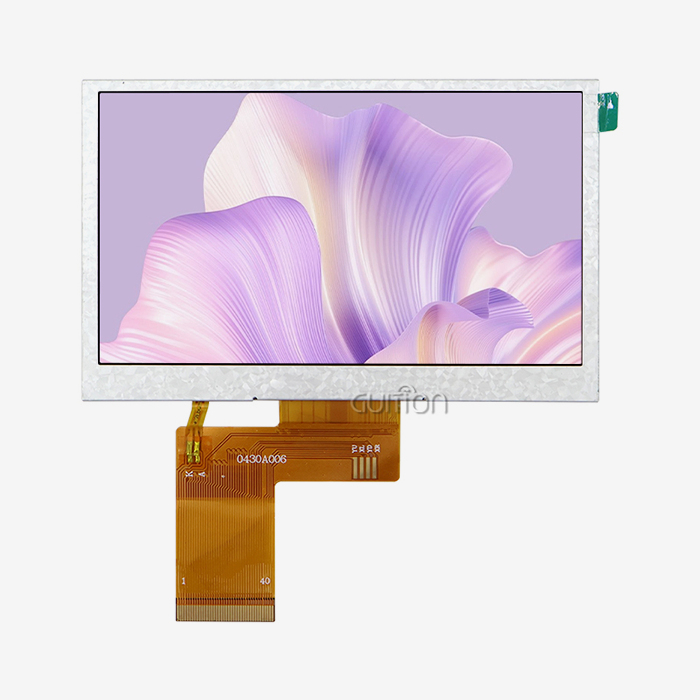
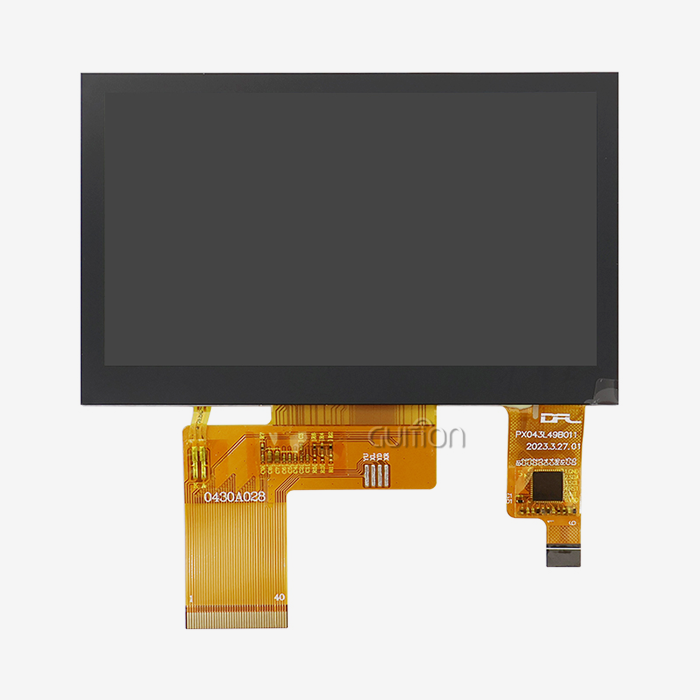
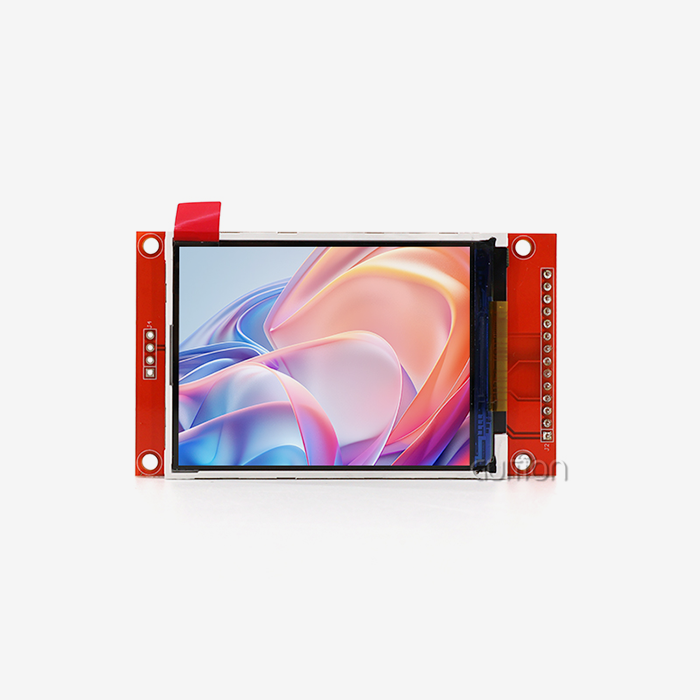
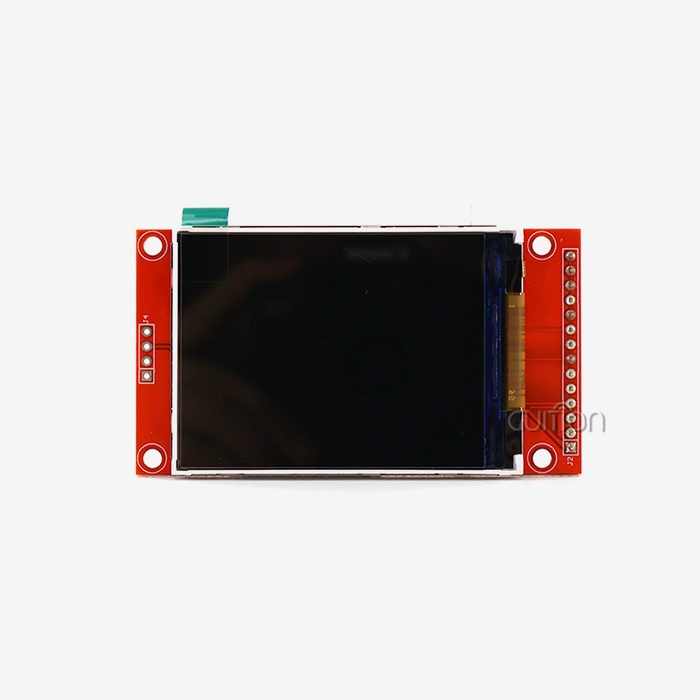
The quality of the hardware tells you which parts are solid and which aren't. Serial HMI displays made for industry usually have ARM Cortex-M or ESP32-series processors, IPS or TN panels with viewing angles greater than 170°, and onboard Flash memory of 4MB to 1GB for saving graphics assets. There are different types of touch, such as 4-wire resistive (great for gloves industrial use) and projected capacitive (good for user interfaces with customers). Industrial units are different from consumer-grade ones because they can work in temperatures ranging from -20°C to +70°C and have PCB conformal coating.
Real-World Deployment Scenarios
EV charging stations, smart home hubs, CNC machine panels, and farm automation terminals all use Serial HMI display modules that are built on serial protocols. Their flexibility comes from a standard communication layer. For example, RS485 lets cables run up to 1,200 meters in noisy factory settings, which is something that no parallel display interface can do.
Comparing Serial HMI Displays with Other Interface Technologies
When your team looks at input choices, they usually only compare Serial HMI displays, Ethernet HMI, and raw parallel/LVDS displays. Each has its own trade-offs between skill, cost, and complexity.
Ethernet HMI panels let you access data quickly and from afar over IP networks, but they cost more per unit, require more network configuration, and have more complicated firmware. Parallel and LVDS screens allow for pixel-perfect control, but they need a lot of host CPU bandwidth and complicated driver stacks, which means they can't be used with low-power MCUs like the ESP32 family.
There is a good middle ground with a Serial HMI display. It completely takes over GUI display from the host, works over a single UART line with baud rates ranging from 9,600 to 921,600 bps, and works with both TTL and RS232/RS485 signal levels. A Serial HMI display module is still the best way to go for most embedded systems on the market in 2024 and 2025, when engineers need to meet tight deadlines without having to write complicated display drivers.
Criteria for Selecting the Best Serial HMI Display for Your System
It's important to think about both technical fit and long-term business needs when choosing an embedded Serial HMI display. The system developers and R&D managers in this company use this structured decision paradigm all the time.
Technical Parameters to Define First
Before you compare providers, be clear on what you need: the screen size (usually between 2.4" and 21.5"), the resolution, the type of touch screen, and the connection voltage level (3.3V TTL vs. RS232). Early on, make sure you know what the operating temperature requirements are. Medical and outdoor deployments often need longer ranges. If you want to sell your product all over the world, make sure the display can handle over-the-air software updates and UTF-8 encoding for multiple languages.
Here are the core procurement criteria most teams evaluate when shortlisting a Serial HMI display supplier:
- Processor and memory: A dual-core MCU with ≥8MB PSRAM makes sure that the user interface renders smoothly while sensors are being processed at the same time. When real workloads are put on processors that aren't powerful enough, animations stutter.
- Development ecosystem: Being able to work with multiple platforms (Arduino IDE, ESP-IDF, MicroPython, and a custom GUI tool) makes it easier for mixed engineering teams to get started.
- Connectivity: Built-in WiFi and Bluetooth get rid of the need for extra wireless modules, which lowers the bill of materials (BOM) cost and PCB space in IoT and smart home apps.
- Expandability: A TF card slot for external storage and easily available GPIO pins let you add more features in the future without having to rethink the hardware.
- Supplier credibility: Check the credibility of the supplier by looking at how much documentation there is, how quickly expert help responds, and how reliable the supply will be in the long run before committing to large orders.
These criteria are not just general lists; they will directly lead to faster development, more stable production, and lower costs after the sale throughout the entire lifecycle of your product.
The GUITION JC4827W543C_I: A Benchmark Device
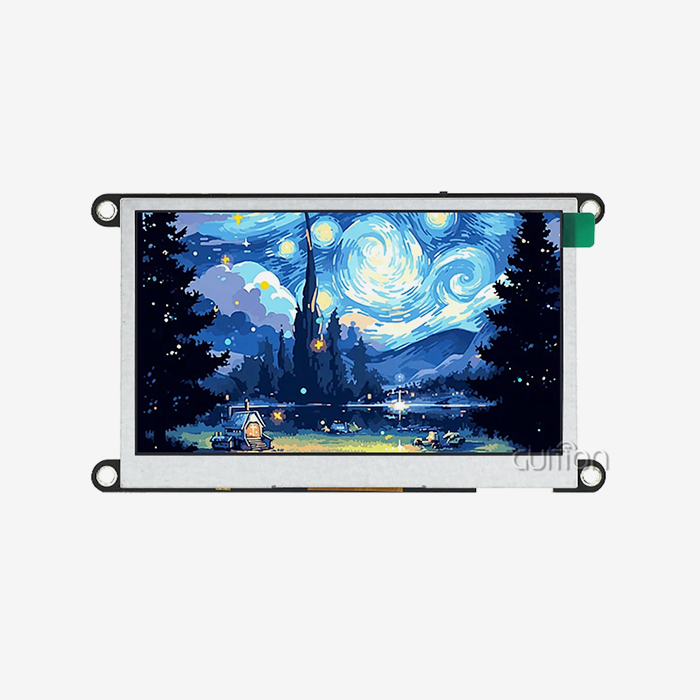
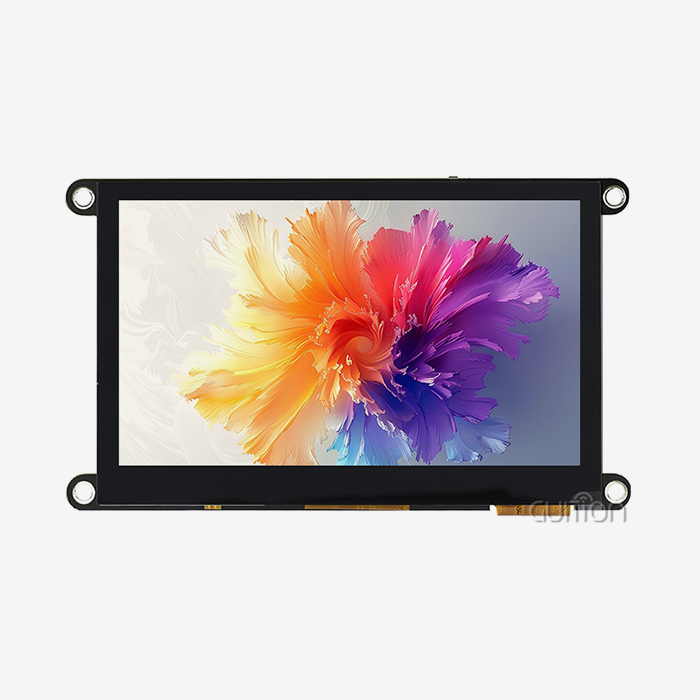
The GUITION JC4827W543C_I shows how a well-designed Serial HMI display module meets all of the requirements mentioned above. At 240MHz, the ESP32-S3R8 dual-core MCU runs it. It has 8MB of PSRAM, 512KB of SRAM, 384KB of ROM, and 4MB of onboard Flash. The 4.3-inch sensitive touch screen has a resolution of 480x272. It can be used right away in industrial, medical, and smart home settings thanks to its built-in WiFi and Bluetooth, TF card interface, and up to 10 GPIO pins. Arduino IDE, ESP-IDF, MicroPython, and the Guition platform are all supported for development. This gives engineers a truly open development environment right from the start.
Practical Guidance on Serial HMI Display Programming and Troubleshooting
Picking the right development environment for your team's skills is the first step to successfully implementing a Serial HMI display module. You don't have to write low-level rendering code because the Guition platform lets you create a GUI with drag-and-drop and WYSIWYG samples. Engineers who know how to use Arduino can use library functions and working sample sketches that are already made. Changing examples that already exist instead of making them from scratch speeds up prototyping a lot.
Common Issues and How to Resolve Them
Mismatched baud rates, wrong voltage levels, or moving UART lines are often to blame for communication problems between the host MCU and the monitor. Before you connect your display straight to a 3.3V MCU, make sure it uses TTL-level UART or true RS232 levels (±12V). If it uses the latter, the microcontroller will be damaged. When resistive screens don't respond to touches, most field problems can be fixed by regular calibration processes and shielded wire routes near power lines. On-site service calls are no longer needed for OTA project upgrades through the Guition platform. This is a clear reduction in the cost of doing business after the sale.
Where to Source Serial HMI Displays for Your Project?
There are well-known brands in the global Serial HMI display market, such as Weintek, Pro-face, Advantech, and Schneider Electric. There is also a growing group of technology-focused manufacturers that offer similar engineering quality at lower prices. When choosing a Serial HMI display maker, give more weight to those that offer detailed technical documentation, tested sample code, and a helpful pre-sales engineering team. These are better indicators of long-term support than simply name knowledge.
Guition, which is run by Jingcai Intelligence, has created a focused product line with a unified software environment for teams that want to make development faster and get ready for the Internet of Things (IoT). The products range from 1.28" to 21.5". The company's self-made Guition IDE, ability to work with multiple platforms, remote update feature, and support for multiple languages make it a strong Serial HMI display provider for both OEM and B2B deployments around the world. Through their official channels, you can get bulk discounts, make changes, and get direct technical support.
Conclusion
To choose the best Serial HMI display module for your project, you need to make sure that the hardware specs, software ecosystem, and provider stability all fit together perfectly. The GUITION JC4827W543C_I shows that a Serial HMI display can have powerful processing, wireless connectivity, and flexible development support all built into a single module that is ready for production. When engineers take the time to look at these criteria up front, they consistently report faster iteration cycles and lower maintenance costs after deployment. These benefits build on top of each other across product generations.
FAQ
What is the difference between a serial HMI display and a standard LVDS display?
A normal LVDS or RGB display needs the host processor to refresh every pixel all the time, which uses a lot of CPU cycles and RAM. All rendering is done by a Serial HMI display; the host only sends simple requests like "update value to 85." This architecture works well with low-power MCUs and makes firmware a lot easier to use.
Can a UART HMI display module replace an Ethernet HMI without major redesign?
Most of the time, yes, as long as your application doesn't need to view data over IP very often. Serial UART communication is better for most industrial control tasks because it requires less network configuration and costs less per unit.
How do I update the UI project on my HMI display module?
Updates can be sent via TF card (copy the project file to the card and insert it when the machine powers up) or remotely through the Guition OTA platform, which means that firmware revisions don't have to be done on-site.
Is resistive touch suitable for industrial environments?
As a result of being able to handle electrical noise and being used while wearing gloves, resistive touchscreens are the best choice for harsh industrial and medical device settings.
What voltage level does the GUITION JC4827W543C_I use?
The JC4827W543C_I talks at 3.3V TTL logic levels, so it works with the ESP32 line and most new 3.3V MCUs without the need for level-shifting hardware.
Partner With Guition for Your Next HMI Project
The GUITION JC4827W543C_I is one of Guition's Serial HMI display modules. It has ESP32-S3 processing power, built-in WiFi and Bluetooth, and a full-featured GUI development platform made for engineers who value speed and reliability. As a reliable maker of Serial HMI displays, Guition helps OEMs customize their products, buy in bulk, and set them up all over the world. You can email our expert team at david@guition.com or go to https://jingcaizhineng.aixdb.cn/ to ask for samples, documents, or a personalized advice on our products.
References
1. Espressif Systems. (2023). ESP32-S3 Series Datasheet. Espressif Official Documentation. https://www.espressif.com/sites/default/files/documentation/esp32-s3_datasheet_en.pdf
2. Arduino. (2024). Arduino IDE Documentation and Library Reference. Arduino Official. https://docs.arduino.cc/
3. Grand View Research. (2024). Human Machine Interface (HMI) Market Size & Trends Report. Grand View Research. https://www.grandviewresearch.com/industry-analysis/human-machine-interface-hmi-market
4. IEC. (2020). IEC 61131-3: Programmable Controllers – Programming Languages. International Electrotechnical Commission. https://www.iec.ch/homepage
5. MicroPython. (2024). MicroPython Documentation for ESP32. MicroPython Official. https://docs.micropython.org/en/latest/esp32/quickref.html
6. Advantech. (2023). HMI Display Selection Guide for Industrial Applications. Advantech Co., Ltd. https://www.advantech.com/en/resources/white-paper
Learn about our latest products and discounts through SMS or email