- English
- French
- German
- Portuguese
- Spanish
- Russian
- Japanese
- Korean
- Arabic
- Greek
- German
- Turkish
- Italian
- Danish
- Romanian
- Indonesian
- Czech
- Afrikaans
- Swedish
- Polish
- Basque
- Catalan
- Esperanto
- Hindi
- Lao
- Albanian
- Amharic
- Armenian
- Azerbaijani
- Belarusian
- Bengali
- Bosnian
- Bulgarian
- Cebuano
- Chichewa
- Corsican
- Croatian
- Dutch
- Estonian
- Filipino
- Finnish
- Frisian
- Galician
- Georgian
- Gujarati
- Haitian
- Hausa
- Hawaiian
- Hebrew
- Hmong
- Hungarian
- Icelandic
- Igbo
- Javanese
- Kannada
- Kazakh
- Khmer
- Kurdish
- Kyrgyz
- Latin
- Latvian
- Lithuanian
- Luxembou..
- Macedonian
- Malagasy
- Malay
- Malayalam
- Maltese
- Maori
- Marathi
- Mongolian
- Burmese
- Nepali
- Norwegian
- Pashto
- Persian
- Punjabi
- Serbian
- Sesotho
- Sinhala
- Slovak
- Slovenian
- Somali
- Samoan
- Scots Gaelic
- Shona
- Sindhi
- Sundanese
- Swahili
- Tajik
- Tamil
- Telugu
- Thai
- Ukrainian
- Urdu
- Uzbek
- Vietnamese
- Welsh
- Xhosa
- Yiddish
- Yoruba
- Zulu
How to Select an HMI display screen for Harsh Environments?
Selecting the right HMI display screen for a harsh industrial environment directly affects how long your equipment lasts and how reliably your operators can work. Whether you manage an automated production line, a medical monitoring station, or an outdoor energy system, the wrong display can fail within months. This guide walks through the technical criteria, real procurement steps, and a featured product — the GUITION JC8048Q350C_I — to help embedded engineers, R&D managers, and system integrators make a confident, well-informed decision.

Understanding the Challenges of Harsh Environments for HMI Displays
Standard commercial displays are built for office or consumer settings. When you place them on a factory floor or outdoor installation, they quickly show their limitations. Understanding what actually goes wrong helps you specify correctly from the start.
Extreme Temperatures and Thermal Stress
Industrial sites can swing from -20°C in a cold storage facility to over 60°C near furnaces or outdoor enclosures. Standard LCDs lose contrast or develop dead zones outside their rated thermal range. A rugged HMI display screen with a rated operating range of -20°C to +70°C maintains stable performance where consumer panels fail.
Dust, Moisture, and Chemical Exposure
Dust particles infiltrate unsealed bezels and scratch polarizer films. In food processing or pharmaceutical plants, washdown procedures expose screens to high-pressure water and cleaning agents. An IP65-rated front panel stops both fine dust and direct water jets, protecting the panel surface and internal backlight circuitry.
Vibration, Shock, and EMI
Heavy machinery produces constant vibration. CNC machines and motor drives also generate electromagnetic interference (EMI) that can trigger ghost touches on poorly shielded capacitive panels. According to IEC 60068-2-6, vibration testing is mandatory for any display intended for mobile or heavy-equipment applications.
Key Criteria for Selecting HMI Display Screens for Harsh Environments
Once you know what the failure modes are, you can make a clear list of them. The next four sections talk about physical safety, how well it looks, touch technology, and how well it can talk to other devices.
IP Rating and Mechanical Housing
IP65 keeps dust out totally and water jets out for the HMI display screen. A short time of protection against immersion is given by IP67. A metal housing, like one made of steel or aluminum, can take more hits than a plastic one. If the hardness of the glass is 7H or higher, tools and rough particles can't scratch it.
Display Technology and Brightness
IPS screens have a color depth of 65K or more and a wide viewing angle, which is usually 178°/178°. This is helpful for people who work at a control station and want to see the screen from different places. It should be brighter than 600 nits in places that are outside or have a lot of extra light. It's been shown that many LED backlights last more than 50,000 hours before they break. They also use less power than older CCFL options.
Touchscreen Technology: Resistive vs. Capacitive
Any kind of pressure can make resistive touch work, even through gloves that are very thick. If you work in the oil field, in construction, or in cold places, this makes it great. Capacitive (PCAP) touch works great in clean or medical rooms, lets you make movements with more than one finger, and is easier on the eyes. You should look at both the screen specs and the operator's hands to make the best choice.
Connectivity and Protocol Compatibility
Your HDMI monitor screen needs to be able to understand the language of your automation system. Does the panel handle Modbus RTU/TCP, RS232/485, CAN Bus, and Ethernet/IP? If so, it should work well with Siemens, Allen-Bradley, or Mitsubishi PLCs. With WiFi and Bluetooth built in, you can keep an eye on things from afar without having to buy extra gateway hardware.
Comparing HMI Display Screens for Industrial Automation
On the market, there are both well-known and new companies that make embedded modules. In terms of how they work and what they're good for, they are different:
Established Industrial HMI Brands
Siemens SIMATIC HMI panels are a type of HMI display screen widely used in large-scale factory automation. That being said, both Weintek and Red Lion have strong protocol libraries and their products are available for a long time. Advantech is focusing on areas of IIoT that have a lot of connections. These brands have been approved for a long time and have large networks for customer service after the sale. This is good for big businesses that already have a lot of infrastructure set up.
Embedded Module Vendors: The GUITION JC8048Q350C_I
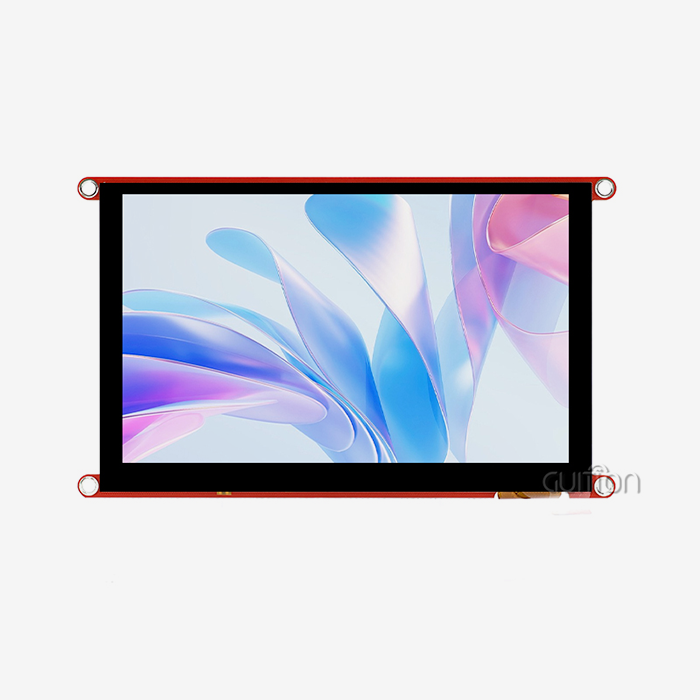
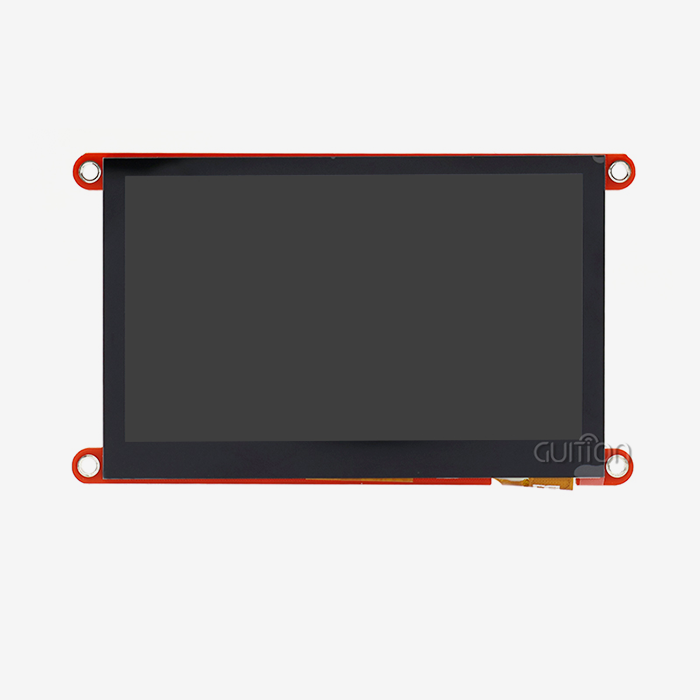
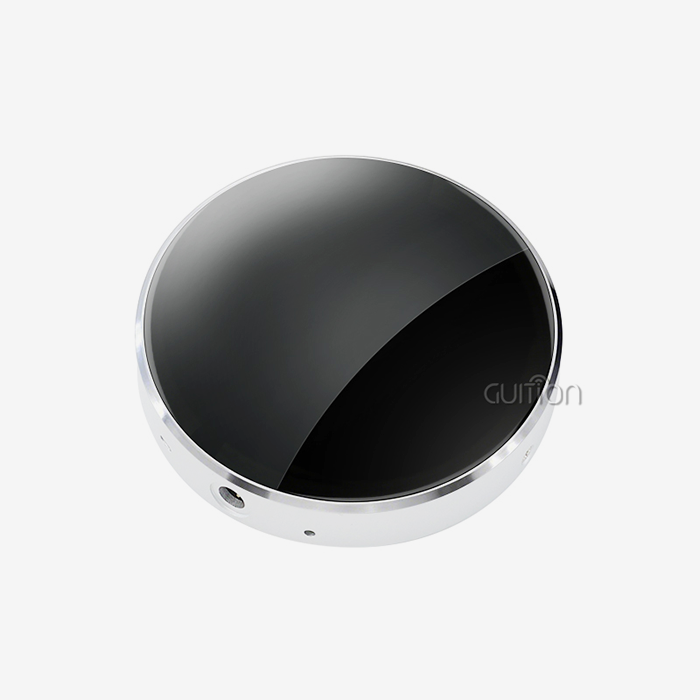
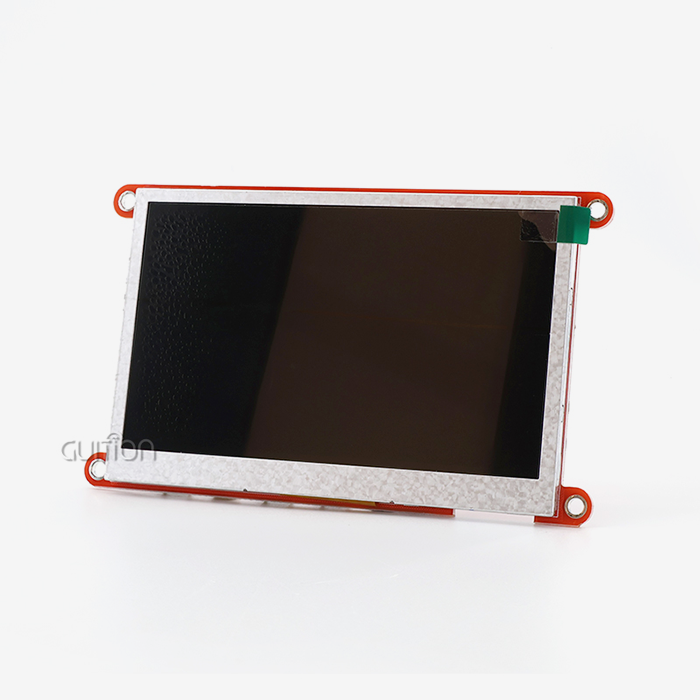
For developers who need to make prototypes faster and need a more flexible workspace, an embedded display module like the GUITION JC8048Q350C_I is a good choice. This 5-inch IPS screen works because it has a resolution of 800x480 and a color depth of 65K. It has a 400MHz Artinchip D121BBV single-core MCU. With 60 frames per second for JPEGs and 30 frames per second for PNGs, screens that have a lot of graphics won't lag.
Here are some of the best things about this piece of hardware:
- Processing power: The D121BBV MCU at 400MHz handles multimedia-rich UI pages without frame drops, making it suitable for real-time dashboards in energy management and medical monitoring applications.
- Connectivity breadth: Built-in WiFi and Bluetooth modules, plus a TF card slot, serial ports, sensor inputs, and expandable IO ports give engineers the flexibility to grow the feature set without redesigning the hardware.
- Development flexibility: Compatible with Arduino, ESP-IDF, and Guition's own drag-and-drop GUI platform, the module adapts to your team's existing workflow rather than forcing a new one.
The device comes with built-in Bluetooth and WiFi modules, as well as a TF card slot, serial ports, sensor inputs, and IO ports that can be expanded. So, engineers can add more features to the hardware without having to change how it works.
Wired vs. Wireless HMI Connections
Most HMI projects have trouble with how long it takes to make an interface and with tools that are ready to use. These perks directly address that issue. Low-level graphics code is replaced by visual planning in the online development tool Guition. This speeds up development a lot. OTA remote support lets units that have been sent out get updates without having to be visited in the field. This lowers the cost of support after the sale.
Practical Steps for Procuring HMI Display Screens
You need to do more than just know what to look for. How you buy something is more important than what you buy.
Define Your Application Requirements First
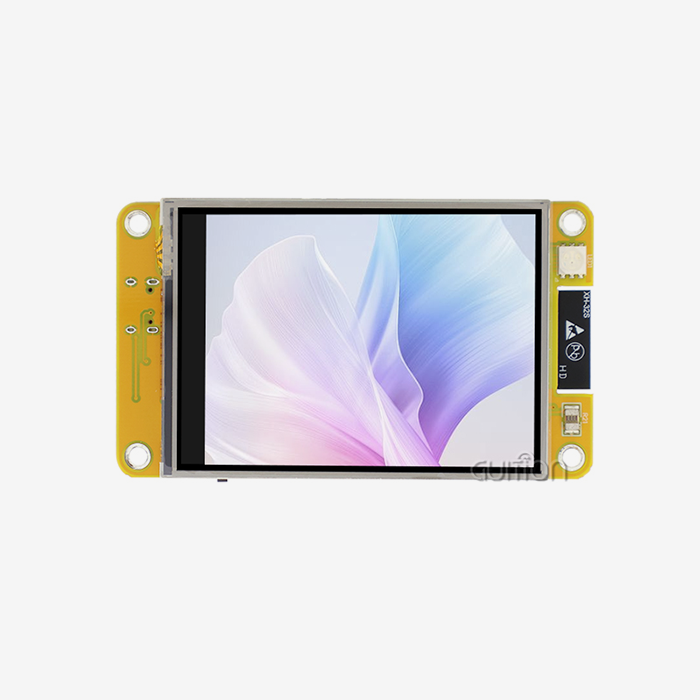
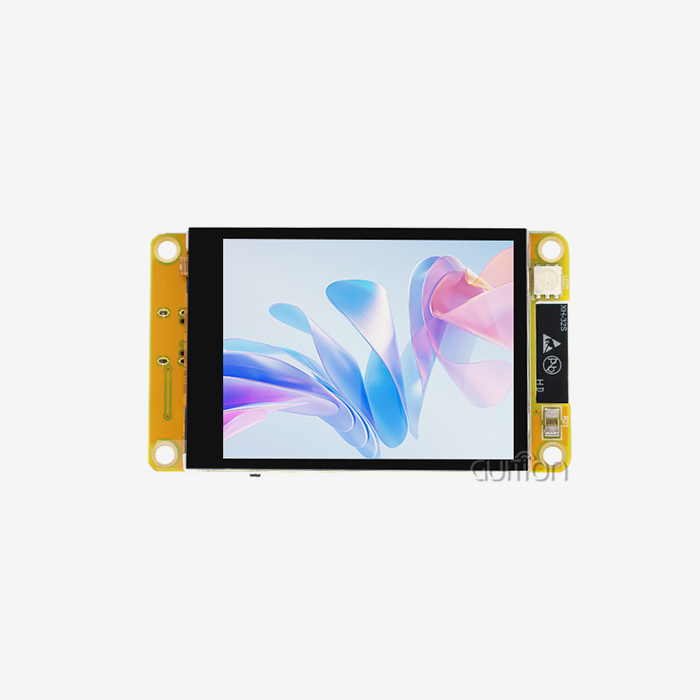
First, pick the screen size for your HMI display screen (the JC8048Q350C_I has a 5.0-inch screen, but Guition has screens from 1.28" to 21.5" in size), resolution, the transmission methods you need, the temperature range you can work in, and the IP protection level. Before you call any providers, write these down. Specifications that aren't lined up right cause delays that cost a lot of money.
Evaluate Supplier Documentation and Support Quality
A company's detailed papers show how well they know their product. Things you should look for are full datasheets, sample code, development guides, and quick engineering support before the sale. It gives already-made test programs to programmers so that they can check the hardware right away without having to write setup code from scratch.
Account for Lead Times and Total Cost of Ownership
It can take anywhere from 4 to 8 weeks to make large orders, depending on how they are designed. You should look at more than just the unit price. You should also think about how much it costs to buy programming tools, get service after the sale, and compare the costs of on-site help and the ability to upgrade remotely. Modifications that are made over-the-air (OTA) can save a lot of time in the field over the life of a device.
Real-World Case Studies and Best Practices
Two cases show how picking the right HMI can have a direct effect on how well a project turns out.
A chemical company in the Midwest switched from regular touchscreens to tough MCUs that ran on IP65-rated IPS displays. The plant said that damage to screens had cut down on downtime by 40% in the first year. They said this was because the seals were better and the temperature range was wider.
An agricultural automation integrator put 5.0-inch HMI modules embedded in equipment used to move grain. Using the Guition drag-and-drop tool, the team made an interface that could be used by people who spoke both English and Spanish in less than three weeks. It would have taken two months longer to use standard embedded graphics programming.
In both cases, the best thing to do is to make sure that the physical protection requirements match the site's conditions. After that, choose a development platform that lets your team build and test the UI without having to know a lot about firmware.
Conclusion
If you want to buy a rugged HMI display screen, you should make sure that the scores for physical safety, optical performance, and touch technology all fit the way you plan to use it. You can get to production more quickly and cheaply if you have a good working setup with documentation, software tools, and help after the sale. These needs are met by the GUITION JC8048Q350C_I, which has a 400MHz MCU, a 65K color IPS panel, WiFi and Bluetooth built in, and multiple development modes that can be used. If you are clear on what you need, make sure the provider you choose is reliable, and think about the total cost of ownership; you can find the right display for even the toughest industrial setting.
FAQ
What IP rating does an HMI display screen need for factory use?
The front panel of most plant floors needs to have at least an IP65 grade. Water jets can't clean it because it keeps dust out. In some places, like outside or wet areas, IP67 may be needed to make it more resistant to soaking. It is important that the IP rating always includes both the front cover and the main box.
Can a capacitive touchscreen work with gloves?
Standard PCAP screens don't work with thick gloves that keep you warm. Some capacitive screens have a "glove mode" that makes them easier to touch. If your workers always wear heavy gloves, a resistive touchscreen is still the better choice for stable touch registration.
How does display resolution affect outdoor readability?
Resolution doesn't tell you anything about how easy it is to read outside. It's more important that the glass doesn't reflect light and is bright. Another type of screen with only 300 nits doesn't work as well in direct sunlight as an 800x480 IPS panel with 600+ nits and toughened glass.
What communication protocols should an industrial HMI support?
At the very least, you should look for Ethernet, RS232/485, and Modbus RTU/TCP. Before you buy, you should ask the seller if they support Ethernet/IP and Profinet to make sure they will work with more PLCs.
Does the GUITION JC8048Q350C_I support remote firmware updates?
Yes. Over-the-air (OTA) updates can be sent to the JC8048Q350C_I from afar using the Guition app. This makes it possible to send project changes to units that are already set up, even when no one is there.
Partner with Guition for Your Next HMI Display Screen Project
The industrial-grade HDMI display screen modules that Guition sells range in size from 1.28" to 21.5". The JC8048Q350C_I is a good place for teams to begin if they want to grow quickly and do well in the field. Guition is a trusted company that makes HMI display screens. They offer thorough documentation, cross-platform development support, and the option to remotely update their products. Email our team at david@guition.com or visit https://jingcaizhineng.aixdb.cn/ right away to get details, samples, or a bulk price.
References
1. IEEE Transactions on Industrial Electronics — "Reliability and Failure Analysis of Human-Machine Interface Systems in Industrial Environments," 2021.
2. ISA (International Society of Automation) — ISA-101.01-2015: Human Machine Interfaces for Process Automation Systems, 2015.
3. IEC 60068-2-6 — "Environmental Testing — Part 2-6: Tests — Test Fc: Vibration (Sinusoidal)," International Electrotechnical Commission, 2007.
4. Machine Design Magazine — "How to Choose the Right HMI for Your Industrial Application," 2022.
5. Control Engineering — "HMI Hardware Selection Guide for Harsh Industrial Environments," 2023.
6. Electronics Weekly — "Embedded Display Modules and the Shift Toward GUI-Driven Development Tools," 2023.
Learn about our latest products and discounts through SMS or email