- English
- French
- German
- Portuguese
- Spanish
- Russian
- Japanese
- Korean
- Arabic
- Greek
- German
- Turkish
- Italian
- Danish
- Romanian
- Indonesian
- Czech
- Afrikaans
- Swedish
- Polish
- Basque
- Catalan
- Esperanto
- Hindi
- Lao
- Albanian
- Amharic
- Armenian
- Azerbaijani
- Belarusian
- Bengali
- Bosnian
- Bulgarian
- Cebuano
- Chichewa
- Corsican
- Croatian
- Dutch
- Estonian
- Filipino
- Finnish
- Frisian
- Galician
- Georgian
- Gujarati
- Haitian
- Hausa
- Hawaiian
- Hebrew
- Hmong
- Hungarian
- Icelandic
- Igbo
- Javanese
- Kannada
- Kazakh
- Khmer
- Kurdish
- Kyrgyz
- Latin
- Latvian
- Lithuanian
- Luxembou..
- Macedonian
- Malagasy
- Malay
- Malayalam
- Maltese
- Maori
- Marathi
- Mongolian
- Burmese
- Nepali
- Norwegian
- Pashto
- Persian
- Punjabi
- Serbian
- Sesotho
- Sinhala
- Slovak
- Slovenian
- Somali
- Samoan
- Scots Gaelic
- Shona
- Sindhi
- Sundanese
- Swahili
- Tajik
- Tamil
- Telugu
- Thai
- Ukrainian
- Urdu
- Uzbek
- Vietnamese
- Welsh
- Xhosa
- Yiddish
- Yoruba
- Zulu
How to Configure an ESPHome Display for Smart Home Data
By setting up a display ESPHome, you can turn raw sensor data into useful, real-time visual dashboards. An ESPHome-compatible display gives your system a professional look without the need for complicated embedded C++ code, whether you're responsible for industrial automation panels or smart home controllers. Engineers can show real-time data on temperature, humidity, energy use, and gadget state on the screen using declarative YAML configurations. This guide explains how to choose hardware, set up YAML, choose a supplier, and fix problems. It is meant to help embedded engineers, R&D managers, and product teams put together solid HMI solutions more quickly and with more trust.

Understanding ESPHome Displays and Their Role in Smart Homes
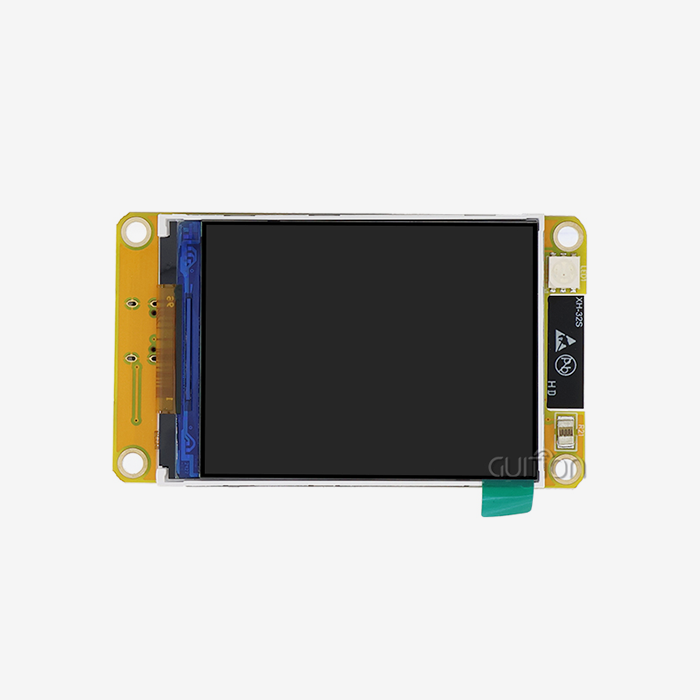
An ESPHome display is more than just a screen hooked up to a microcontroller. It's a layer of abstraction that connects the ESP32 or ESP8266 hardware to Home Assistant and other automation systems. It does this job by sending sensor data in real time with very little delay. The ecosystem works with many types of screen technologies, including OLED (SSD1306), TFT LCD (ILI9341, ILI6485), e-ink (Waveshare), and LED matrix panels. Each type of screen technology is best for a different type of deployment situation.
Supported Display Technologies and Their Trade-offs
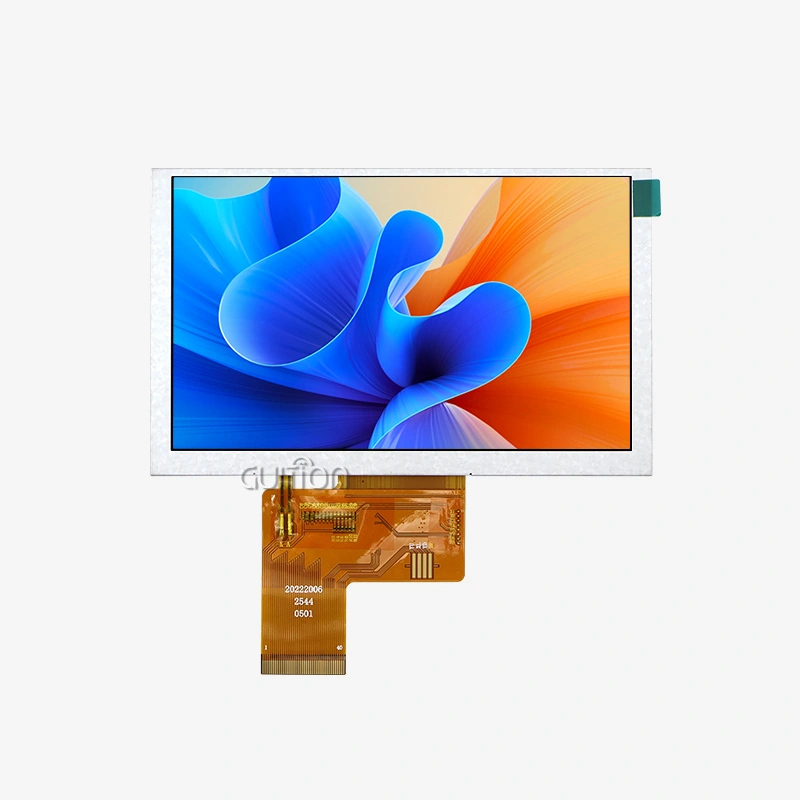
Because they can show bright colours and update quickly, TFT LCD modules are the best choice for industrial control screens and dashboards for smart appliances. OLED screens work best in places with little power and where contrast is more important than colour depth. E-ink displays remember their last image without using power, which makes them perfect for sensor nodes in agricultural automation that run on batteries. When procurement teams know about these trade-offs, they can match display technology directly to application needs instead of just going with the most popular choice.
Connectivity Protocols That Define Performance
ESPHome works with I2C, SPI (up to 80 MHz on ESP32), and parallel devices from the 8080 series. When rendering 16.7M colour images on larger TFT screens, the RGB parallel interface is especially important, as it provides much better pixel throughput. Picking the right protocol affects the frame rate, the resolutions that can be used, and the CPU's load, so choosing the right interface when buying gear saves you a lot of money in the long run.
Step-by-Step Guide to Configuring an ESPHome Display for Your Smart Home Data
Setting up a display ESPHome setup has three steps, which must be done in order: preparing the hardware, writing the YAML, and integrating the sensor data. Skipping any stage causes instability that is difficult to figure out after the fact.
Hardware Preparation and Board Selection
Start with an ESP32-based development board because it has a dual-core design and more RAM, so it can handle both WiFi connection and rendering the screen without any problems. Connect your display module using the correct port (SPI or RGB parallel), and ensure the wiring remains connected before flashing the software. A lot of the original setup problems people have posted in the ESPHome community thread are caused by wrong pin assignments.
Integrating Sensor Data for Real-Time Visualisation
Once the display looks good, connect it to sensor entities that you've set up elsewhere in your YAML. Readings for temperature, humidity, occupancy, and energy all come directly from Home Assistant through the Native API, so you don't need to use external tools to check the device. When a sensor changes, this design makes sure that your ESPHome-compatible TFT display shows the current system state within milliseconds. This is crucial for medical monitoring tools and energy management dashboards that need to show up-to-date data all the time.
ESPHome Display Comparison for Informed Procurement Decisions
When buying something, more than just the price per bit is important. The total cost of ownership of a product changes over its lifecycle based on its durability, driver maturity, ecosystem compatibility, and vendor support.
The ESPHome ecosystem provides the most driver support for TFT LCD modules powered by mature chipsets like ILI9341 or ILI6485. Even though OLED screens have better contrast, they are smaller and don't last as long when they get burnt in. E-ink modules work well for data that doesn't change quickly or at all, but they update too slowly for user interfaces that do.
ESPHome's YAML-driven method cuts down on setup time by a large amount compared to Tasmota or raw Arduino display libraries. Tasmota doesn't have a built-in display rendering engine with text rasterisation, and Arduino versions need to manually initialise the driver, which can go wrong at any time. The rendering engine in ESPHome handles font loading, geometric drawing, and image rendering declaratively, which cuts down on development time by a large amount.
The GUITION JC4827B043C: A Purpose-Built ESPHome Display Module
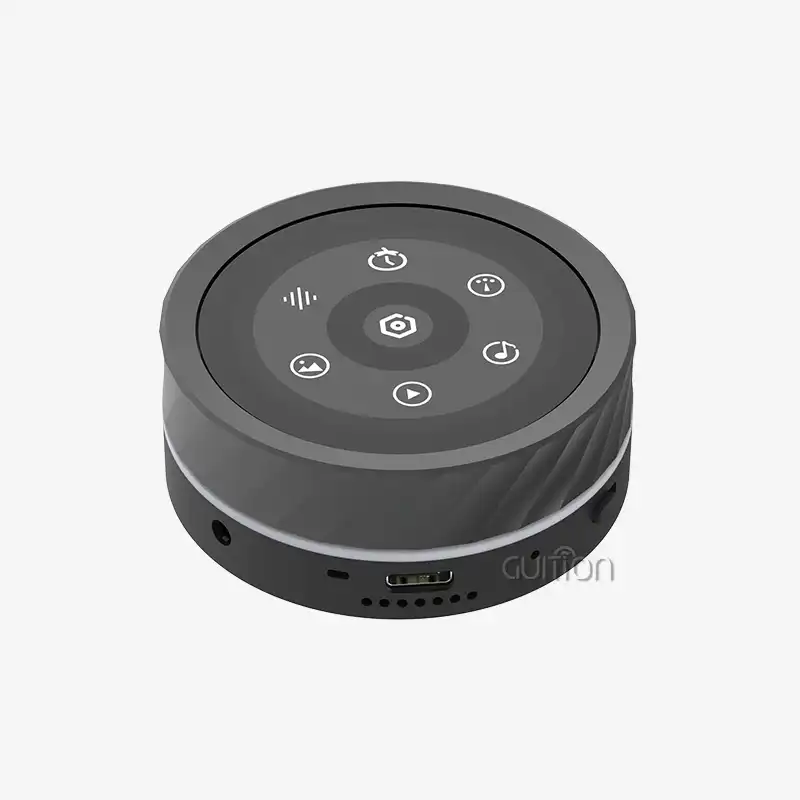
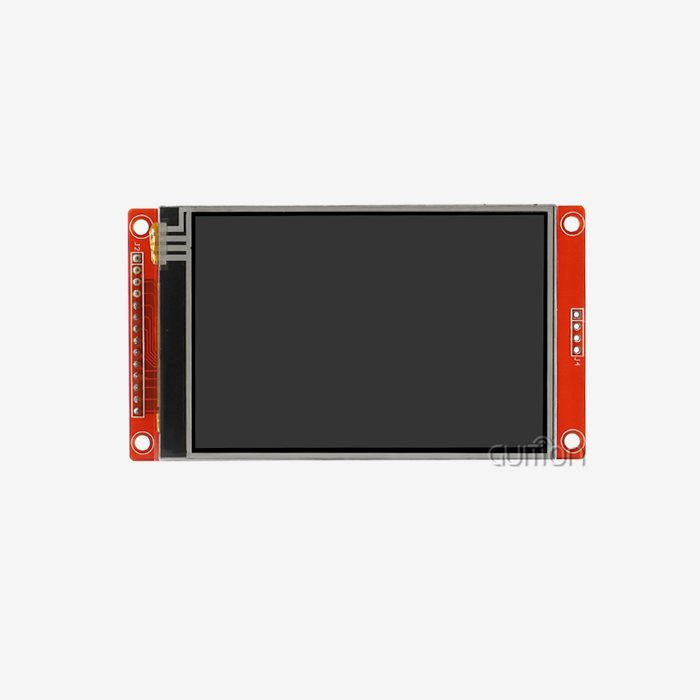
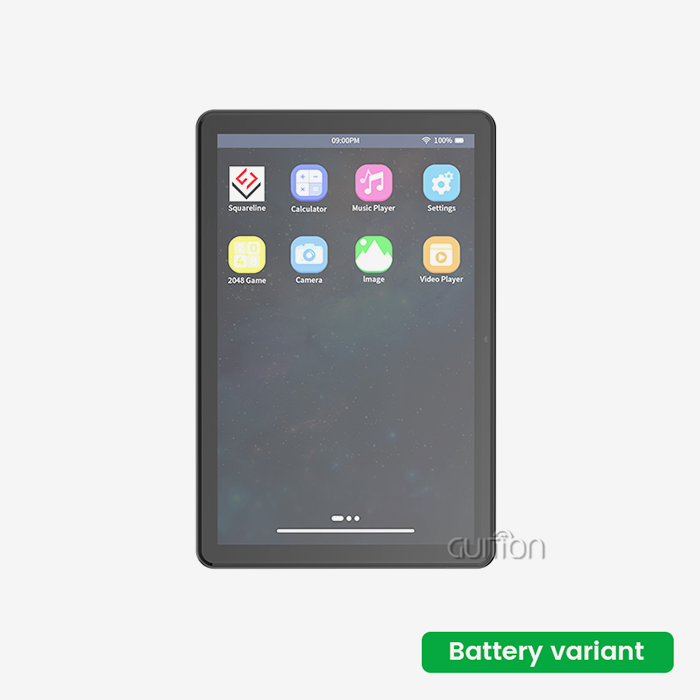
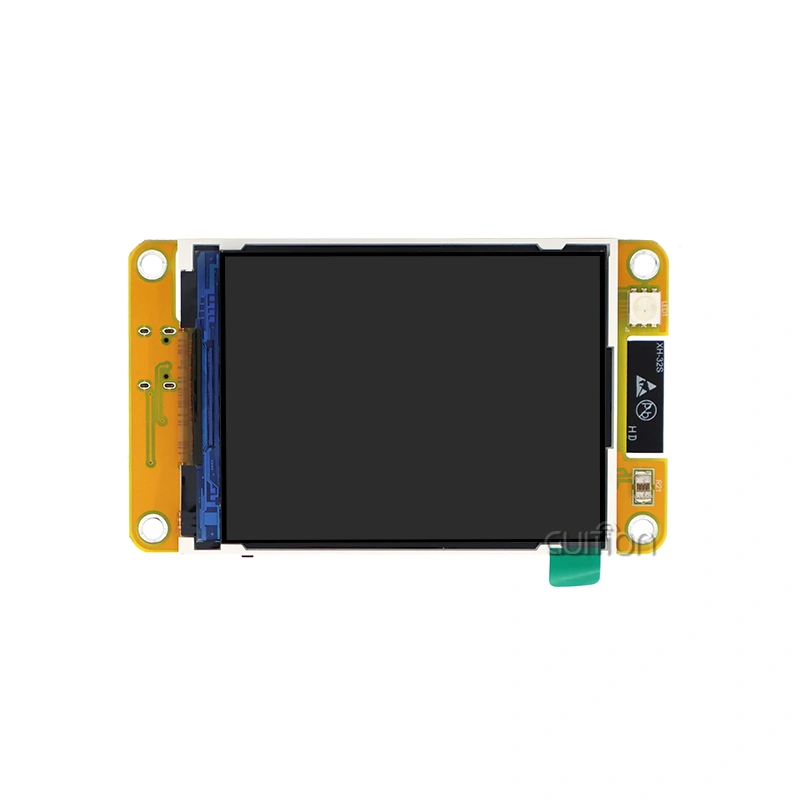
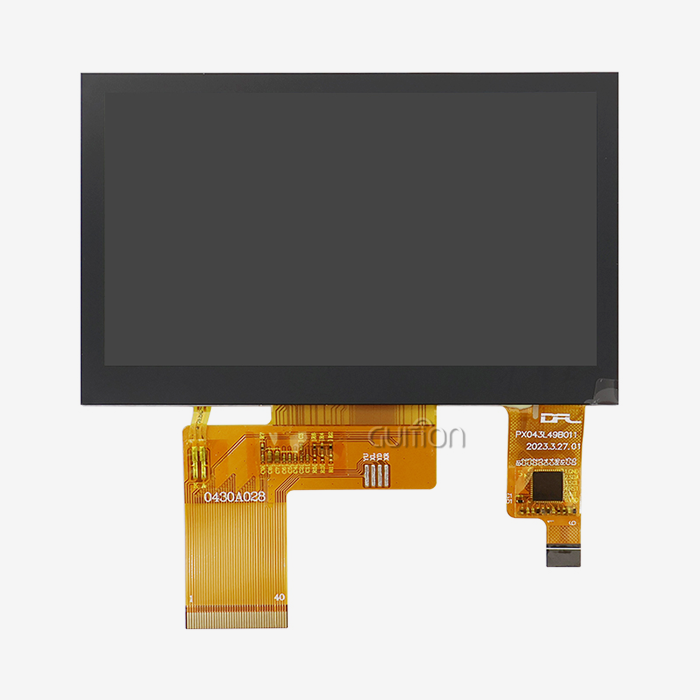
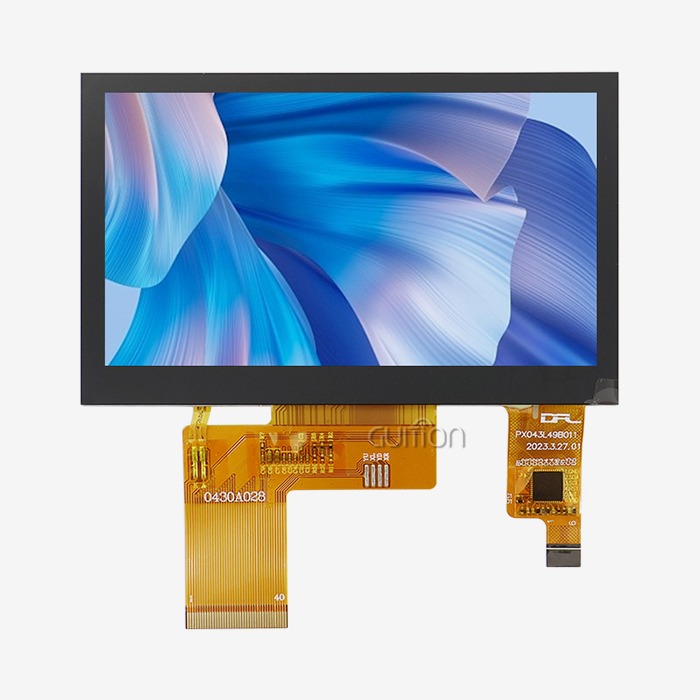
The GUITION JC4827B043C is a 4.3-inch TFT LCD module powered by the ILI6485 chipset. It has an RGB parallel port and a resolution of 480x272 pixels with 16.7 million colors. Its capacitive touch screen lets you connect with it as accurately as a smartphone, and its ILI6485 driver works perfectly with ESPHome's ili9xxx display platform. The module can work in a number of different temperatures, which means it can be used in 3D printer interfaces, charging station screens, medical esthetics equipment, and industrial control panels.
One of the best things about this lesson is the following:
- True 24-bit RGB rendering creates bright, clear images that help operators understand in high-stakes monitoring settings.
- Capacitive multi-touch input recognizes exact taps and gestures, which lets you move around in the user interface quickly and without resistive touch delay.
- RGB parallel interface gives you the pixel flow you need for smooth, flicker-free processing at 480x272 resolution.
- Built-in WiFi and Bluetooth make it easy to update firmware over-the-air (OTA) and keep an eye on deployed units from afar, without having to physically access them.
- Cross-platform development support, including Arduino, ESP-IDF, and the custom Guition IDE, lets engineers use a single hardware platform for a variety of tasks.
Because of these benefits, the JC4827B043C works especially well for teams that need to quickly change UI designs without having to rewrite low-level drivers for each product version.
Procurement Guide: How to Source and Buy ESPHome-Compatible Displays?
To get a lot of ESPHome-compatible screens, you have to look at sellers on more than just their prices in a catalogue. If a supplier relationship works well across multiple product versions, it's based on quality certifications, recorded driver compatibility, and expert help after the sale.
When looking at vendors, give more weight to those that publish datasheets with full electrical specifications, offer sample YAML configurations, and have their own engineering support channels. A lot of fake or copied modules don't include the calibration data that touch controls need. This means that touch registration is off, which can't be fixed in software alone.
The company that made the JC4827B043C display ESPHome, Guition, offers full secondary development documentation, pre-built UI controls, and cross-platform debugging tools. Their product line ranges from 1.28 inches to 21.5 inches, so it can be used for projects ranging from small wearable interfaces to big business booth screens. You can get volume discounts and long-term supply deals straight from david@guition.com. This lowers the risk of procurement for OEM clients who are in charge of deployments of more than a thousand units.
Best Practices and Troubleshooting for ESPHome Displays in Smart Home Systems
For long-term stability, you need to follow strict setup guidelines and do regular preventative maintenance.
Screen stuttering is usually caused by an update_interval that is too short and by complex lambda drawing. Most flicker complaints can be solved by extending the interval to 2–5 seconds for data that isn't critical and using sensor filters in YAML to smooth out sudden changes in value. Dropped connections between the display node and Home Assistant are usually caused by RF interference or not enough power supply separation, both of which can be fixed during the hardware design stage.
ESPHome natively supports over-the-air (OTA) firmware updates, which let engineers introduce changes to the user interface and fix bugs on deployed units without having to physically access them. This feature is especially useful for business kiosks and distributed energy management nodes that need to be maintained on-site, which costs a lot of time and money. Schedule over-the-air (OTA) updates for times when the device won't be being used much, and keep a rollback image in case the flash doesn't finish.
Conclusion
You don't need to know a lot about embedded programming to set up an ESPHome display esphome for smart home data, as long as you choose hardware with mature driver support and follow disciplined YAML authoring practices. The GUITION JC4827B043C has the colour depth, touch accuracy, and connection that business HMI installations need. Guition is a reliable partner for B2B teams building scalable smart home and industrial automation solutions because their cross-platform tools and detailed documents cut down on development time and after-sales work.
FAQ
Which display types does ESPHome natively support?
It works with OLED panels (SSD1306, SH1106), TFT LCD modules (ILI9341, ILI9488, ILI6485), e-ink displays (Waveshare series), and LED matrix panels. The ili9xxx platform supports the most TFT drivers, such as the ILI6485 used in the GUITION JC4827B043C.
Can I control display brightness through ESPHome YAML?
Yes, ESPHome can control the lights using PWM. Set a ledc or output component to the backlight pin and then use it in the display configuration to directly control the brightness or connect it to data from an ambient light sensor.
How do I prevent screen flickering during data updates?
Set update_interval to a number that works with how often you want to refresh your info. Don't create complex images every time. In YAML, you can use sensor filters to smooth out values that change quickly before they hit the show lambda.
Does the GUITION JC4827B043C support OTA updates?
Yes. It fully supports over-the-air (OTA) firmware delivery because it runs on an ESP32 platform within the ESPHome ecosystem. This means that remote UI updates can be made without physically accessing the deployed device.
What development environments are compatible with this module?
The JC4827B043C works with Arduino, ESP-IDF, and the Guition proprietary IDE, so it can be used by engineers who like different toolchains.
Partner With Guition for Your Display ESPHome Needs
Guition makes HMI display units that are designed to work in tough real-world settings. The JC4827B043C is a display ESPHome maker option that has been used successfully in 3D printing, medical aesthetics, charging infrastructure, and industrial control. Guition cuts down on your time to market and costs after the sale by offering a wide range of products from 1.28 inches to 21.5 inches, full secondary development support, and a technical team that is quick to respond. To get a sample or bulk price, email David at david@guition.com or go to https://jingcaizhineng.aixdb.cn/ today.
References
1. Espressif Systems. ESP32 Technical Reference Manual. Espressif Systems, 2023.
2. Home Assistant Contributors. ESPHome Display Component Documentation. Home Assistant / ESPHome Project, 2024.
3. Patel, R. & Chen, L. IoT Interface Design: HMI Principles for Embedded Systems. IEEE Press, 2022.
4. International Electrotechnical Commission. IEC 62443: Industrial Communication Networks and System Security. IEC, 2023.
5. Molloy, D. Exploring Raspberry Pi and ESP32 for IoT Applications. Wiley, 2021. Wiley, 2021.
6. Grand View Research. Human-Machine Interface (HMI) Market Size & Forecast Report. Grand View Research, 2023.
Learn about our latest products and discounts through SMS or email