- English
- French
- German
- Portuguese
- Spanish
- Russian
- Japanese
- Korean
- Arabic
- Greek
- German
- Turkish
- Italian
- Danish
- Romanian
- Indonesian
- Czech
- Afrikaans
- Swedish
- Polish
- Basque
- Catalan
- Esperanto
- Hindi
- Lao
- Albanian
- Amharic
- Armenian
- Azerbaijani
- Belarusian
- Bengali
- Bosnian
- Bulgarian
- Cebuano
- Chichewa
- Corsican
- Croatian
- Dutch
- Estonian
- Filipino
- Finnish
- Frisian
- Galician
- Georgian
- Gujarati
- Haitian
- Hausa
- Hawaiian
- Hebrew
- Hmong
- Hungarian
- Icelandic
- Igbo
- Javanese
- Kannada
- Kazakh
- Khmer
- Kurdish
- Kyrgyz
- Latin
- Latvian
- Lithuanian
- Luxembou..
- Macedonian
- Malagasy
- Malay
- Malayalam
- Maltese
- Maori
- Marathi
- Mongolian
- Burmese
- Nepali
- Norwegian
- Pashto
- Persian
- Punjabi
- Serbian
- Sesotho
- Sinhala
- Slovak
- Slovenian
- Somali
- Samoan
- Scots Gaelic
- Shona
- Sindhi
- Sundanese
- Swahili
- Tajik
- Tamil
- Telugu
- Thai
- Ukrainian
- Urdu
- Uzbek
- Vietnamese
- Welsh
- Xhosa
- Yiddish
- Yoruba
- Zulu
How to Choose an Hmi human interface for Industrial Control
Choosing the right HMI human interface for industrial control starts with understanding your operational environment, display requirements, connectivity needs, and development workflow. A well-matched human-machine interface reduces operator error, accelerates product deployment, and lowers long-term maintenance costs. Whether you are building an industrial control panel, a medical monitoring device, or an energy management system, the criteria remain consistent: processing power, visual clarity, integration flexibility, and supplier reliability. This guide walks you through every decision point so you can procure with confidence.

Understanding HMI Human Interfaces: Fundamentals and Key Types
The software and hardware layer known as an HMI human interface transforms raw machine data into information that an operator can see and interact with. In industrial automation, this means turning the numbers in PLC registers into graphs, trend charts, and alarms. Without a good human-machine link, the state of the machine can't be seen, and finding the problem takes a long time.
Panel-Mounted vs. Remote HMI Displays
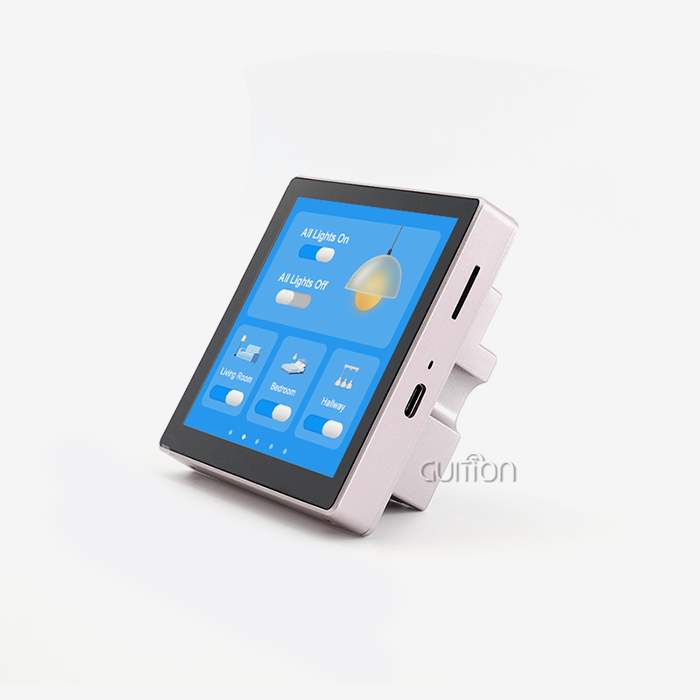
Panel-mounted units are directly fixed on control boxes and give real-time information at the point of use. Supervisors can see more of a building when they use remote and wireless HMI panels. Display-only units and other modules that don't have touchscreens are especially useful in places with a lot of vibration or electromagnetic interference (EMI) where accidental input needs to be avoided. Before you can evaluate a product, you need to know which physical setup works best with your floor plan.
HMI vs. SCADA vs. PLC Interface
A lot of buyers mix these two methods up. Local viewing and user control are managed by a standalone HMI human interface. SCADA gathers information from many PLCs in large facilities. The layer of transmission between the processor and the display is called the PLC interface. Knowing which layer you need keeps you from over-engineering and keeps your budget for buying things in check.
Core Criteria to Evaluate When Choosing Your HMI System
Costly mismatches can be avoided with a systematic review. Before choosing an HMI human interface, you should know what your environment can't do, how complicated your process is, and how technically skilled your operators are.
Display Specifications and Processing Power
Resolution, brightness, and color depth all have a direct effect on how easy it is for an operator to read in tough conditions. Industrial-grade TFT-LCD panels that are at least 400 nits bright make sure that the screen can be read in fluorescent lighting above. Processing speed is also important. For example, a controller that runs at less than 200MHz will lag when displaying dynamic data screens, which can be annoying and could lead to safety gaps.
Integration, Security, and Programming Ease
A good hmi display module should be able to work with the communication protocols that are already in place in your building, such as Modbus, UART, RS-485, or Ethernet-based options. When your device links to an IIoT network, security compliance, such as encrypted software channels, is a must. How fast your tech team can build and change the UI is also very important. Platforms that get rid of low-level coding cut time-to-market by a huge amount, which is very important for R&D managers and product leads who are working on tight deadlines.
A real-life example backs this up: an auto assembly plant looking at HMI solutions put vibration resistance and Arduino compatibility across platforms at the top of their list of priorities. When they switched to a drag-and-drop GUI environment, their team cut development time by 40%. This proved that easy programming is not a luxury, but a real competitive edge.
Exploring Top HMI Human Interface Brands and Solutions
Siemens, Rockwell Automation, Schneider Electric, Weintek, and Advantech are some of the well-known names in the industrial HMI market. Siemens and Rockwell are the best at large-scale SCADA-integrated environments, while Weintek and Advantech are known for being flexible in mid-tier automation. But these old platforms often add extra work that isn't needed for embedded engineers and product teams that need a cheap and flexible HMI human interface solution.
Why GUITION Stands Out for Embedded and IoT Applications?
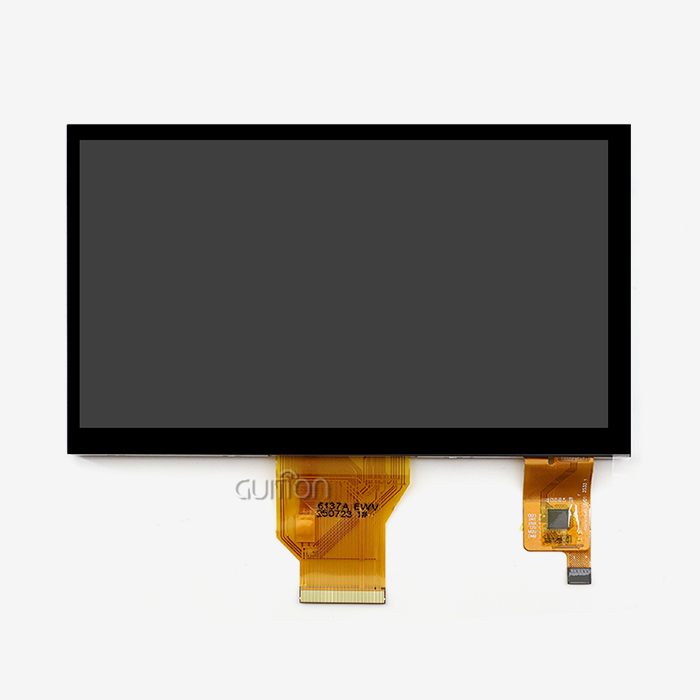
GUITION fills a unique need: it offers industrial-grade HMI performance with an environment that is easy for developers to use and is built to go fast. To make the GUITION JC1060Q370N_I, Artinchip used a single-core MCU that runs at 400MHz. It has a 7.0-inch IPS screen with a resolution of 1024x600 pixels and a 65K-color display. This gives it clear, moving images that can be used for control panels, energy dashboards, and medical tracking displays. The part comes with a test program already installed, so engineers can start putting it together right away.
Here are some of the best things about this device:
- 400MHz Processing Power: The D121BBV processor can handle complicated graphics rendering and real-time data refresh without any lag, which is what industrial process visualization needs.
- 1024x600 IPS Display: Important readings can be seen from a variety of positions on the factory floor thanks to the wide viewing angles and accurate color reproduction.
- Guition Drag-and-Drop UI Tool: The online GUI tool Guition, which is owned by Guition, gets rid of the need for low-level code. Engineers use visual drag-and-drop operations to make interfaces that are ready for production. This cuts UI development time by a large amount.
- Multi-Platform Compatibility: The module works with Arduino, ESP-IDF, and the original development mode of Guition, so it can be used with a variety of engineering processes without having to switch platforms.
- Built-in Wi-Fi and Bluetooth: Wireless connectivity that works without a hitch allows for the integration of IIoT devices, remote diagnostics, and pairing of smart devices, all of which are necessary for modern automation and smart appliance use.
- OTA Remote Upgrade: Fixed units get firmware and user interface updates without having to be physically accessed. This cuts down on service costs after the sale and stops production downtime.
- UTF-8 Support for Multiple Languages: Interfaces need to be available in more than one language for global applications. UTF-8 encoding makes sure that Latin, CJK, and other character sets all display the same.
These benefits directly address the problems that most embedded engineers and product managers have, such as tight deadlines, a lack of code tools, and the need for a steady supply over the long term. The JC1060Q370N_I is not a compromise; it is an HMI display module that was designed to meet the needs of teams that value speed and the ability to grow.
Procurement Considerations: How to Buy, Customize, and Maintain Your HMI
Decisions about purchases go far beyond the hardware specification sheet. If you buy from a verified HMI human interface supplier, you can be sure that you will get real parts with quality records that can be tracked. Ask for certifications, check the quality of the after-sales paperwork, and make sure the seller offers pricing tiers and guarantee terms that are right for your production volume.
When your app isn't used in the usual way, customization is important. Engineers can add more features to GUITION without having to start from scratch because it comes with full secondary development tools and detailed technical documents. This saves engineering time and keeps your original UI investment safe during product updates. For long-term dependability, check the supplier's policy on component lifecycles. Display modules with a clear product plan to avoid expensive changes in the middle of production.
Future Trends and Innovations in HMI Human Interfaces for Industrial Control
The world of HMI is changing from passive display tools to smart edge nodes. Augmented reality overlays, cloud-connected panels, and AI-assisted anomaly spotting are moving from test projects to full-scale use. Operators can now predict failures before they happen thanks to predictive maintenance algorithms built into the HMI layer. This cuts down on the Mean Time To Repair and raises OEE scores in a wide range of industries, from automotive to water treatment.
Wireless connectivity is no longer a luxury item; it's becoming a normal assumption. To avoid expensive upgrades as their facilities change, procurement teams should look for HMI human interface solutions that come with built-in Wi-Fi and Bluetooth. Investing in a flexible and scalable human-machine interface now sets the stage for data-driven operations in the future.
Conclusion
Display performance, development flexibility, connectivity, and supplier dependability must all be considered when choosing an HMI human interface. The GUITION JC1060Q370N_I has a 400MHz IPS display module, supports cross-platform programming with drag-and-drop, can be used over-the-air (OTA), and encodes in multiple languages. This module speeds up the process from concept to production, no matter what you're making: an industrial control panel, a smart gadget, or a medical device. Work with a provider that knows how engineering works in your area.
FAQ
What are the primary benefits of using a dedicated HMI display module in industrial control?
A dedicated human-machine interface turns raw PLC data into pictures that can be read. It also replaces real button arrays with virtual ones, which makes wiring simpler, and it speeds up fault detection by logging alarms. This directly cuts down on the Mean Time To Repair and makes the user more productive.
Does wireless connectivity affect HMI reliability in high-EMI environments?
Good HMI human interface solutions have Wi-Fi and Bluetooth modules that are built in. These modules have shielded antenna designs and protocol-level error correction. They keep ties stable in most industry settings. For situations with very high EMI, UART or RS-485 cable transmission is still a good backup.
Can I upgrade an existing PLC interface setup with a modern HMI module?
Yes. A lot of different PLCs can talk to modules like the GUITION JC1060Q370N_I because they support UART serial communication. The new display can be added by your tech team without having to change the control system underneath.
How difficult is UI development if my team has limited coding experience?
The online drag-and-drop platform Guition doesn't require any low-level programming. Engineers who know the basics of UI design can make professional interfaces that work in hours instead of weeks.
Connect with GUITION — Your Trusted HMI Human Interface Manufacturer
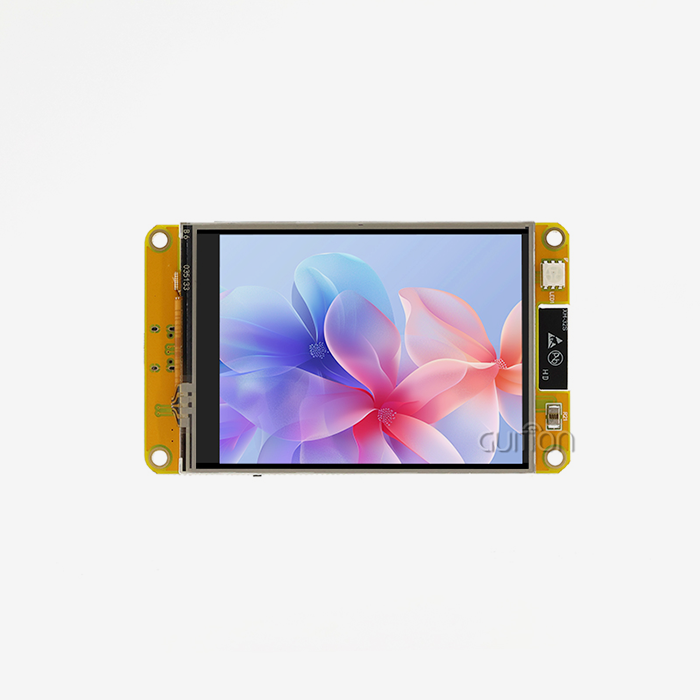
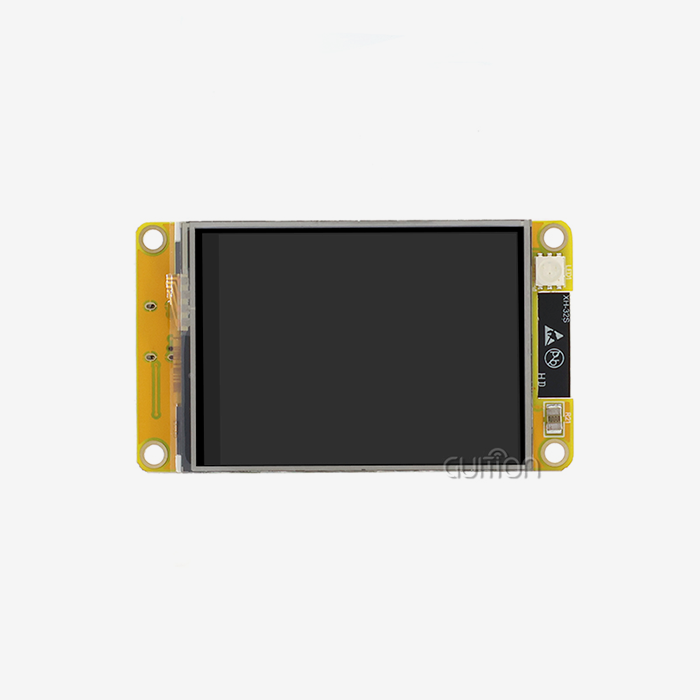
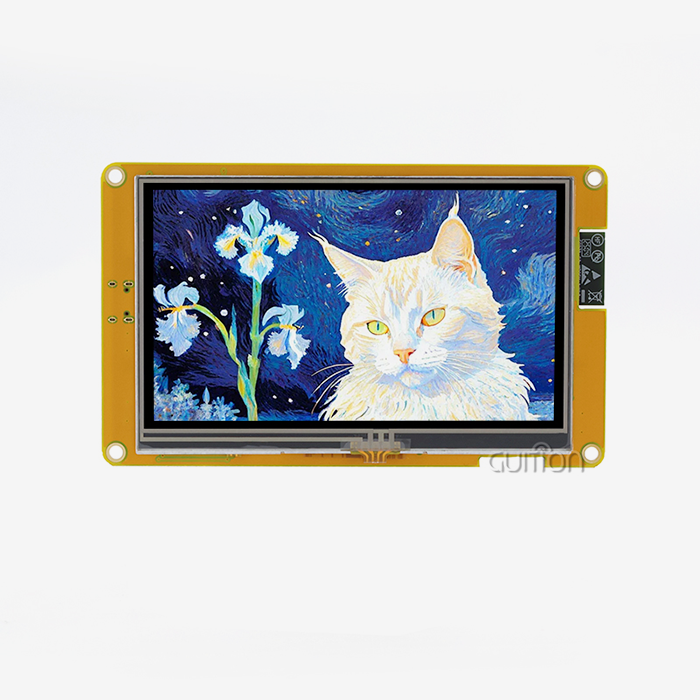
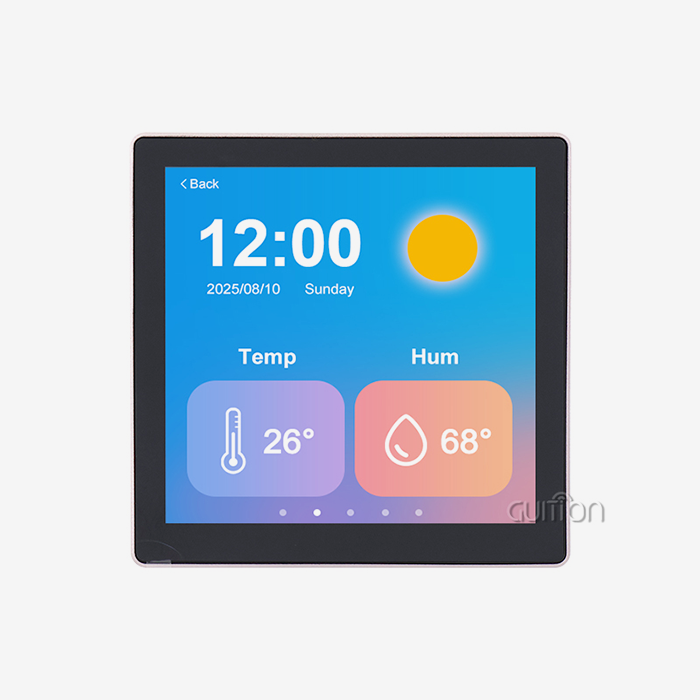
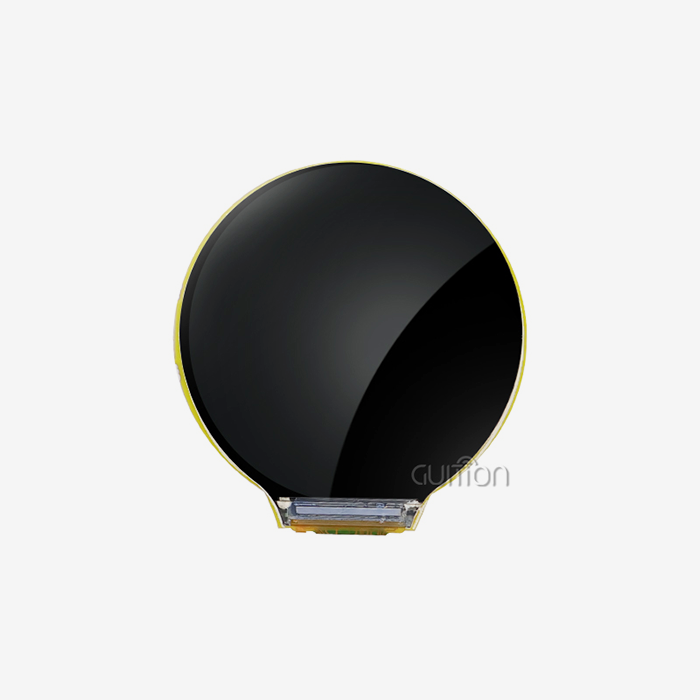
Are you ready to speed up your next project? GUITION has a full line of products, from 1.28" to 21.5" display modules, and is a master in designing them. The JC1060Q370N_I can be tested and bought in large quantities right now. To get a quote, email our technical team at david@guition.com. Work with a trustworthy HMI human interface maker who will support your product from the trial stage to its global release.
References
1. Weintek Labs. (2022). HMI Selection Guide for Industrial Automation. Weintek Official Documentation. https://www.weintek.com/globalw/Download/Download.aspx
2. Rockwell Automation. (2023). Human-Machine Interface and Visualization Solutions. Rockwell Automation Product Catalog. https://www.rockwellautomation.com/en-us/products/hardware/allen-bradley/hmi-operator-interfaces.html
3. Siemens AG. (2023). SIMATIC HMI Panels — Product Overview. Siemens Digital Industries. https://www.siemens.com/global/en/products/automation/simatic-hmi.html
4. AutomationDirect. (2022). Buying Guide: Industrial HMI Touchscreens and Display Panels. AutomationDirect Technical Resources. https://www.automationdirect.com/adc/overview/catalog/hmi_-a-_operator_interface
5. ARC Advisory Group. (2023). HMI and Industrial Visualization Market Research Report. ARC Advisory Group Publications. https://www.arcweb.com/market-studies/hmi-scada
6. International Society of Automation. (2022). ISA101 Human-Machine Interfaces Standard Overview. ISA Technical Publications. https://www.isa.org/standards-and-publications/isa-standards/isa-standards-committees/isa101
Learn about our latest products and discounts through SMS or email