- English
- French
- German
- Portuguese
- Spanish
- Russian
- Japanese
- Korean
- Arabic
- Greek
- German
- Turkish
- Italian
- Danish
- Romanian
- Indonesian
- Czech
- Afrikaans
- Swedish
- Polish
- Basque
- Catalan
- Esperanto
- Hindi
- Lao
- Albanian
- Amharic
- Armenian
- Azerbaijani
- Belarusian
- Bengali
- Bosnian
- Bulgarian
- Cebuano
- Chichewa
- Corsican
- Croatian
- Dutch
- Estonian
- Filipino
- Finnish
- Frisian
- Galician
- Georgian
- Gujarati
- Haitian
- Hausa
- Hawaiian
- Hebrew
- Hmong
- Hungarian
- Icelandic
- Igbo
- Javanese
- Kannada
- Kazakh
- Khmer
- Kurdish
- Kyrgyz
- Latin
- Latvian
- Lithuanian
- Luxembou..
- Macedonian
- Malagasy
- Malay
- Malayalam
- Maltese
- Maori
- Marathi
- Mongolian
- Burmese
- Nepali
- Norwegian
- Pashto
- Persian
- Punjabi
- Serbian
- Sesotho
- Sinhala
- Slovak
- Slovenian
- Somali
- Samoan
- Scots Gaelic
- Shona
- Sindhi
- Sundanese
- Swahili
- Tajik
- Tamil
- Telugu
- Thai
- Ukrainian
- Urdu
- Uzbek
- Vietnamese
- Welsh
- Xhosa
- Yiddish
- Yoruba
- Zulu
How Does ESP32P4 Screen Module Improve Data Visualization?
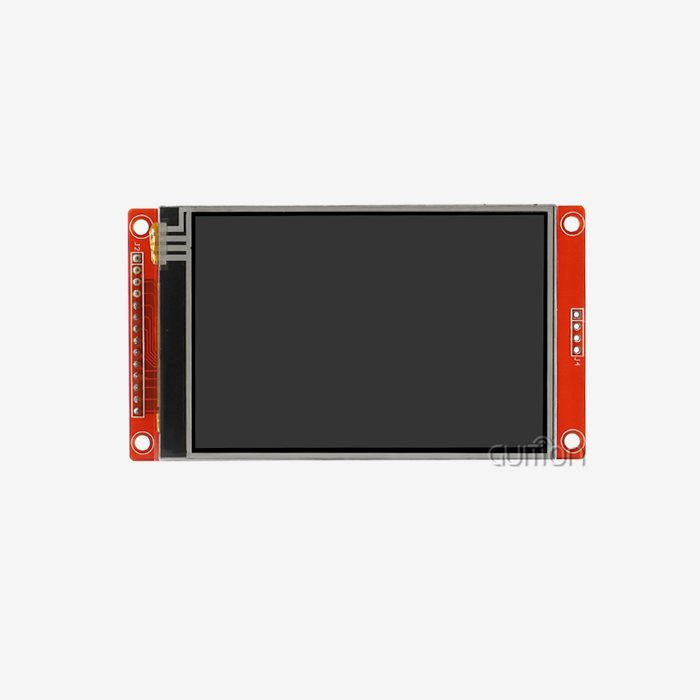
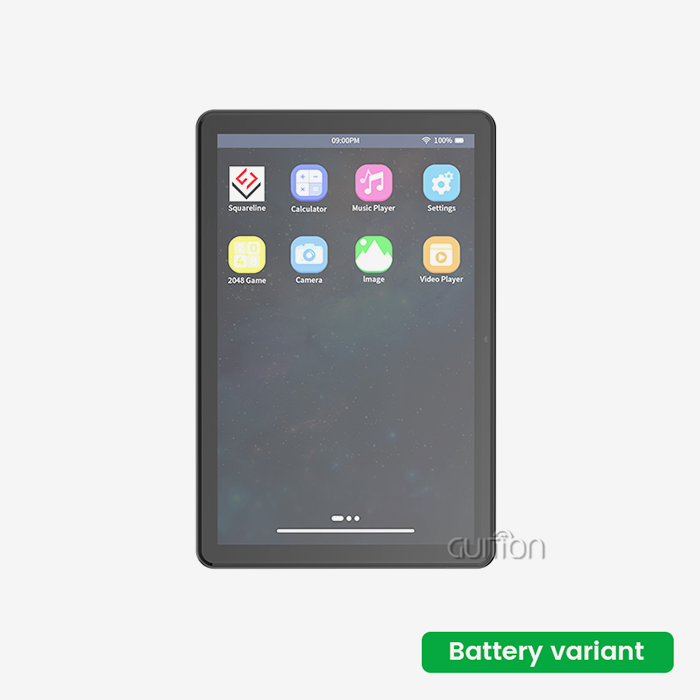
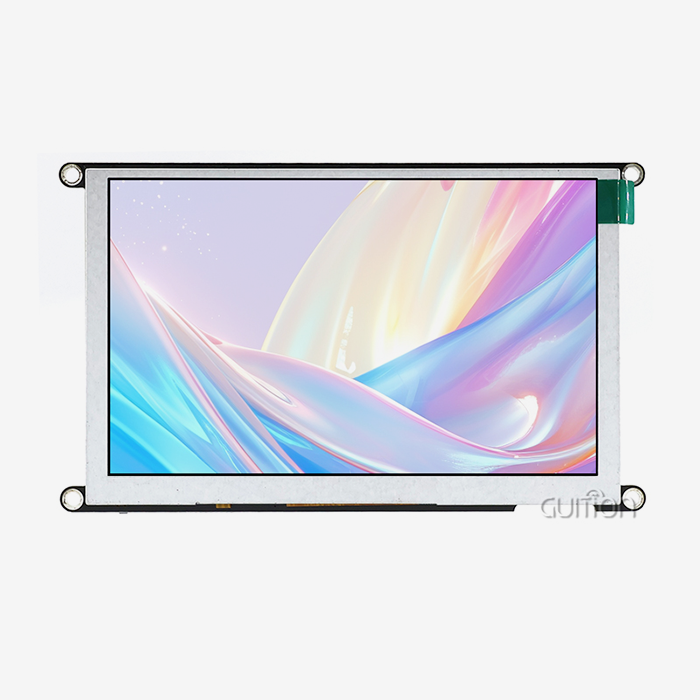
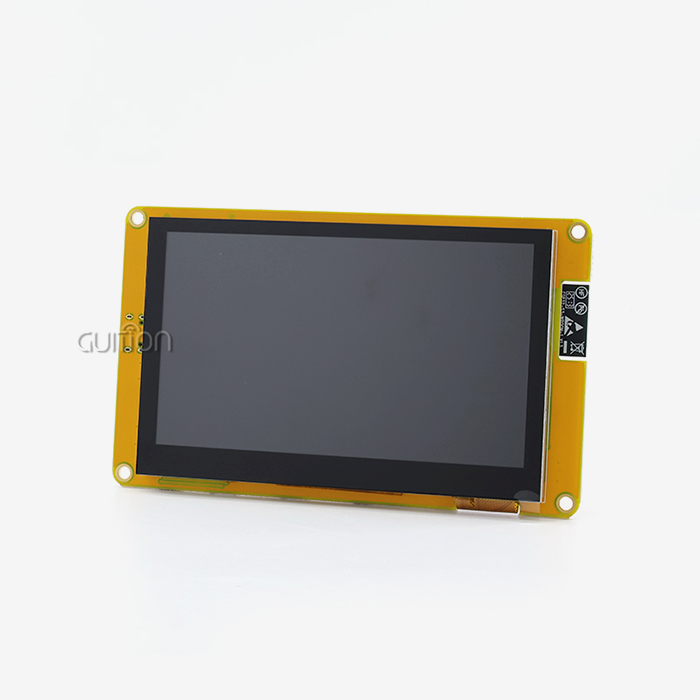
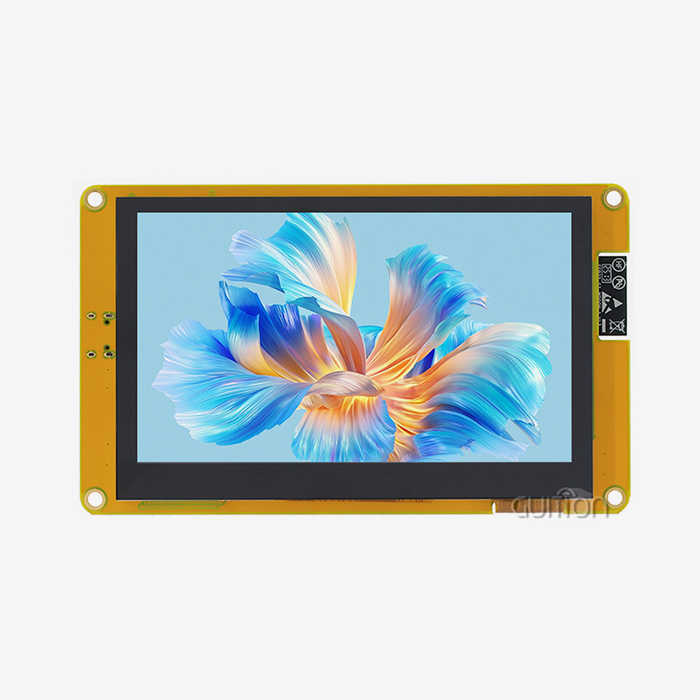
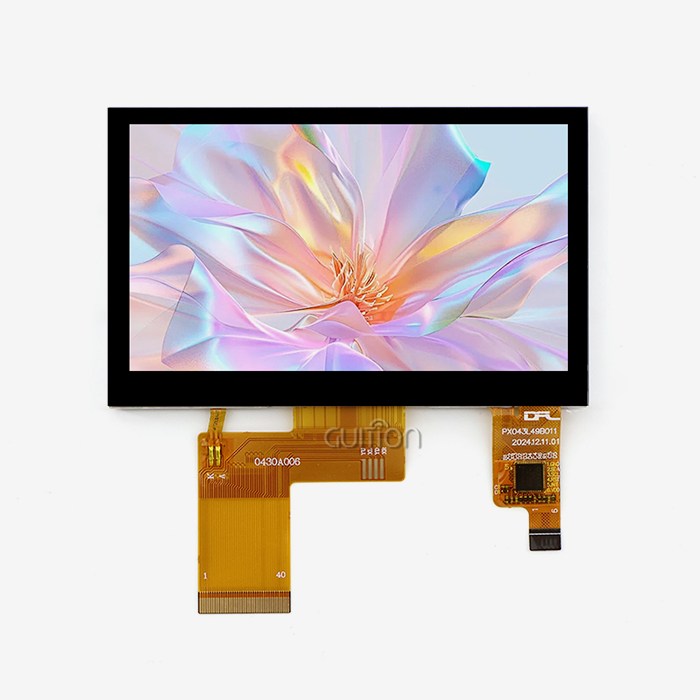
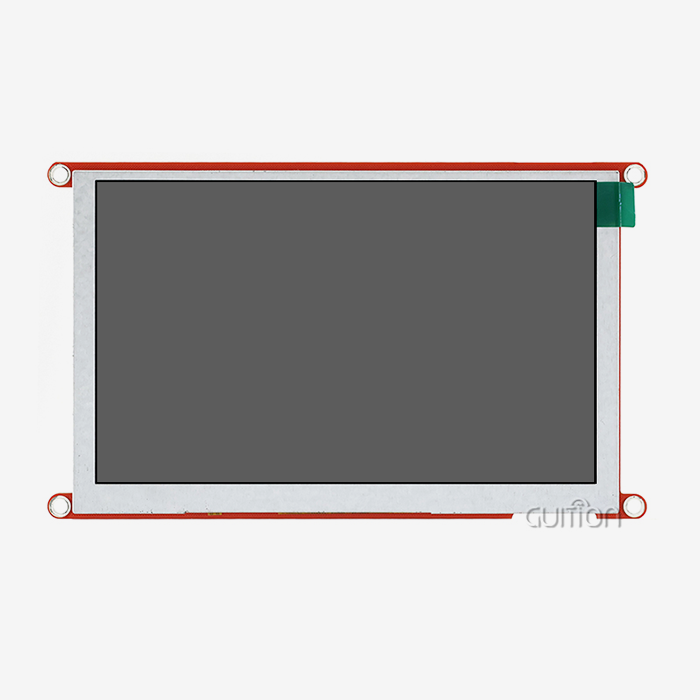
The ESP32P4 screen module changes the way data is shown thanks to its strong dual-core RISC-V design running at 360MHz and large memory resources, such as 32MB of PSRAM and 16MB of Flash storage. This integrated display option has a responsive 4.3-inch capacitive touchscreen with smooth, high-resolution images at 480x800 pixels. This lets engineers show complicated information in a very clear way. Real-time data streaming is made easier by built-in Wi-Fi and Bluetooth connectivity. Support for multiple development environments, such as Arduino IDE, ESP-IDF, MicroPython, and Guition, speeds up interface creation and activation for smart IoT apps, medical devices, and industrial monitoring.

Understanding the Core Features of ESP32P4 Screen Module That Enhance Data Visualization
Advanced Processing Power for Real-Time Rendering
The Espressif ESP32-P4 chipset is used by the Guition JC4880P443C_I_W_Y. It has a dual-core MCU design that completely changes how embedded systems handle visual data. This ESP32P4 screen module works at 360MHz and has 768KB of HP L2MEM and 128KB of HP ROM. It handles streams of visual data without the lag that most microcontroller displays have. When displaying multiple data streams at once, engineers working on industrial control screens or medical tracking equipment can use this extra computing power to their advantage. For example, temperature readings, pressure graphs, and status indicators can all be updated smoothly without any frame drops or stuttering.
High-Resolution Display with Superior Color Accuracy
Important operating info must be presented clearly. The IPS screen has a resolution of 480x800 and 16.7 million colors, so gradient charts, heat maps, and color-coded alerts will all look just the way they were meant to. Unlike lower-resolution options that lose detail, this screen module keeps text sharp even when small fonts are used to show numbers or signs in more than one language. The capacitive touch interface correctly reacts to user input, making it easy to move around on complicated dashboard screens without having to use real buttons that can get in the way.
Integrated Connectivity for Dynamic Data Updates
When making IoT-enabled visualization systems, you don't need any extra connection gear because the Wi-Fi and Bluetooth units are already built in. With just one built-in module, your industrial equipment can get sensor data from cloud databases, show real-time insights, and send messages to mobile devices. This connectivity is very helpful for energy management systems that keep an eye on solar panels that are spread out or for farming machinery that checks the soil conditions in many areas. The module's network stack makes sure that data is sent securely, and the display processor is only responsible for making sure that graphics changes go smoothly.
Flexible Development Ecosystem
This display option is different from others that are locked into private toolchains because it supports development across multiple platforms. People who like to make prototypes quickly and who like large community tools will like the Arduino IDE. ESP-IDF gives engineers low-level power to improve performance in tough situations. MicroPython lets teams that value quick iteration processes use scripts to build software. The Guition software lets you create an interface visually with drag-and-drop controls. This gets rid of the need for a lot of code to lay out the interface and still lets you make all the changes you want through extra development interfaces.
Together, these core features solve the main problem that embedded system makers face: making visualizations that look good on a PC while staying within the power, space, and cost limits of embedded hardware. The protected TF card interface adds more space for graphic assets, and the open IO ports let sensors and controllers connect directly to the board without having to go through any processing boards first.
Comparing the ESP32P4 Screen Module with Alternative Display Solutions
Performance Benchmarks Against ESP32 Family Members
The ESP32P4 screen module is a big step up from the ESP32-S3 and ESP32-S2 versions that are usually used in display apps. Older versions of the ESP32 usually connected to screens through SPI or parallel 8-bit lines, which limited the speed at which full-screen pictures could be updated. The P4 design has hardware acceleration built in just for graphics processes. This makes it possible to move smoothly through data tables and see animated changes between dashboard views. When a multi-parameter industrial process screen with ten factors changing every second is shown, the P4 keeps its frame rates steady, while S3-based options show noticeable refresh delays.
Comparison with Raspberry Pi Display Systems
Raspberry Pi setups give you freedom with Linux, but they add complexity that isn't needed for specific visualization terminals. Critical equipment tracking is delayed by boot times of more than 30 seconds. This integrated module, on the other hand, is fully operational in less than two seconds. Power usage differences are also important. Raspberry Pi computers usually draw at least 2.5W, and they can go up to 6W when they're under a lot of load. This display module, on the other hand, works within a 1.2W envelope. This difference in efficiency has a direct effect on the ability to deploy and the cost of running battery-powered field tools or solar-powered remote monitoring units.
Cost-Efficiency for B2B Procurement
Volume price for well-known companies like Guition makes cost structures reliable, which is important for planning production. The price per unit stays the same as for general LCD modules, but the MCU is built in, so there is no need for separate driver boards and less work needs to be done to put them together. Take into account the cost of parts that were not used: there is no separate processor board, no external Wi-Fi module, and no touch controller IC. Supply chain dependability is just as important. Expressif's proven production capacity and Guition's consistent module supply lower project risk compared to getting parts from a lot of different vendors with different lead times.
Touchscreen Responsiveness and Interface Design
Capacitive touch technology works faster and more correctly than resistance technologies, which are still commonly used in factories. Multitouch motion support lets you pinch to zoom in on a graph for a more in-depth look—this is a feature that operators who are used to using smartphones are expecting more and more. The Guition development software makes it easier to create touch targets by showing where to tap and how to swipe. This makes it easier to implement natural navigation and requires less programming work than hand-coding touch coordinates.
Practical Applications and Case Studies Demonstrating Improved Data Visualization
Industrial Automation and Process Control
Reliable real-time display of production data is needed in manufacturing settings. This display module was put in place by a packing line integrator to make operator stations that show machine speed, reject rates, and repair alerts for twelve processing units. The 4.3-inch screen size showed enough information without being too much for workers to see, and the bright IPS panel could be read in the plant lighting. Capacitive touch got rid of the mechanical button failures that often happen in dusty places. Technicians could view diagnostic graphs directly at each station instead of having to go back to a central control room, which cut fixing time by 40%.
Medical Device Patient Monitoring
A company that makes medical devices and movable vital signs monitors chose this ESP32P4 screen module because it has a good display and uses little power. The 480x800 clarity made it easy to see ECG patterns, trends in blood oxygen saturation, and numerical readings of vital signs all at the same time. Built-in wifi connection sent information about the patient to screens at the nursing station while keeping local visualization. The UTF-8 encoding makes it easier to set up multilingual interfaces, which are needed for foreign medical equipment approval. The firmware remote upgrade feature allowed software changes after the product was sold without having to send the device back, which was a big plus that cut down on the costs of regulatory compliance.
Smart Home Energy Management
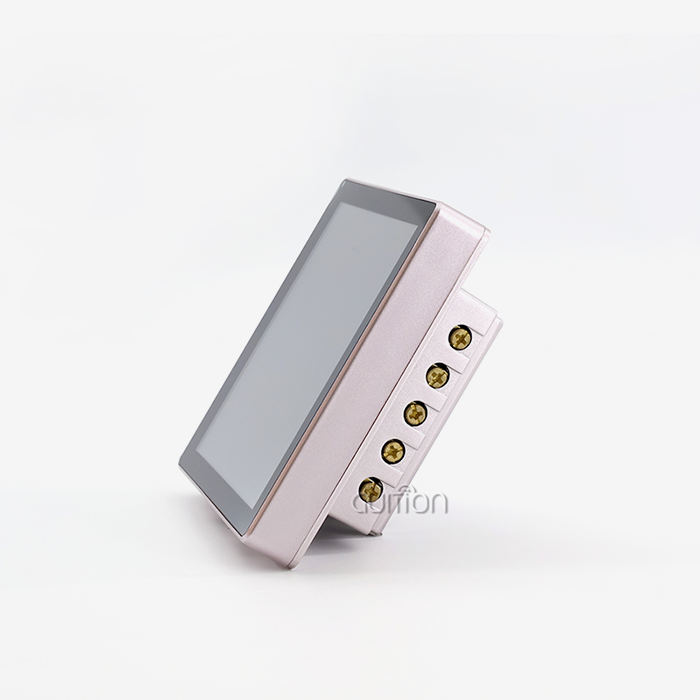
Product makers who work on home technology have to meet different aesthetic and functional needs than those who work on industrial products. A company that makes smart thermostats used this ESP32P4 screen module to make an interesting interface that shows current usage, cost estimates, and HVAC schedules. Industrial designers who were not programmers could quickly change interface layouts with Guition's visual design feature, which cut down on development times. Wi-Fi connectivity synced utility rate data from cloud services, which allowed correct cost estimates to be shown in easy-to-understand graphs. Homeowners said that the clear presentation of the data made them more aware of energy issues.
Addressing Common Integration Challenges
It is expected that technical implementation will run into problems in all of these different uses. Clear documentation of pinouts keeps connection mistakes from happening—Guition offers thorough datasheets and reference diagrams that speed up the first prototype. When merging with current codebases, there are concerns about firmware compatibility. The module's support for standard development settings reduces these concerns. Factory tuning skips this step for most launches because it makes sure that all production units respond correctly to touches. Active community groups offer peer help in addition to official technical documents. This creates a knowledge ecosystem that lowers the risk of engineering mistakes.
Procurement Guidance for B2B Clients Interested in ESP32P4 Screen Modules
Identifying Qualified Suppliers and Manufacturers
Choosing dependable providers guards both project deadlines and the quality of the finished product. Guition is both a producer and a technical support company. This gets rid of the contact layers that make it hard to meet specific needs. Check a supplier's qualifications by looking at their industry licenses. For example, ISO 9001 quality management systems show that production controls have been set up. Before committing to a large order, ask for sample units to test for yourself and make sure that the performance claims are true. Established suppliers keep extra stock on hand to avoid sending delays during times of high demand, which can affect contract makers that depend on just-in-time (JIT) supply lines.
Evaluating Total Cost of Ownership
Pricing by the unit is only one part of purchase research. Think about the costs of integration, such as the time saved on development by using visible design tools instead of low-level code. Take into account the lower bill-of-materials costs caused by getting rid of external parts. Compared to devices that need to be physically accessed for software changes, devices that can be upgraded remotely cut down on field service costs. The ESP32P4 screen module's robust design allows products to last longer, which delays the need for repair costs. Support for multiple languages gets rid of regional variations on products, which reduces inventory and makes transportation easier.
Volume Pricing and Accessory Availability
There are more benefits to ordering in bulk than just lower unit prices. Volume agreements protect production capacity when there aren't enough parts to make spot buying possible. Talk about bundling accessory kits that include mounting clamps, wire assemblies, and protective overlays. Having these parts be the same across deployment sites makes installation easier. Set up framework deals that spell out price tiers at different volume levels. This will give you a clear picture of costs for budgeting. Make sure that the minimum order amounts and wait times for reorder cycles work with the production plans.
After-Sales Support and Technical Assistance
The level of help after the sale is what sets professional suppliers apart from component brokers. The warranty terms should say how long the service lasts, how often it fails, and how to get a new one. Check the quality of the documents, such as datasheets, integration guides, and application notes. Having complete technical tools lowers the number of help tickets you receive. Community ecosystem power goes beyond vendor support; busy user groups let people help each other fix problems faster.
Optimizing ESP32P4 Screen Module Performance for Enhanced Visualization Efficiency
Memory Management for Smooth Graphics Rendering
How complex the graphics can be on the esp32p4 display module depends on how well the 32MB PSRAM is used. Plan how you will use frame buffers; double buffering gets rid of tearing artifacts during screen changes, but uses more memory. Instead of reading from Flash storage over and over, store frequently used graphics in PSRAM. This cuts down on access delay. Image compression combines the need for storage space with the quality of the image. The ESP32P4 screen module's processing power lets modestly compressed graphics be decompressed in real time without slowing down the frame rate. Profile memory use during development to find inefficient allocations before production.
Firmware Optimization Techniques
Choices about software design have a direct effect on how fast visualizations are. Use effective screen restart methods that only update the areas that have changed instead of redrawing the whole screen. For tasks like scaling and spinning, use the ESP32-P4's built-in hardware acceleration features. Choose rendering functions that are optimized for your unique display to get the most out of graphics libraries. Generic libraries often have extra features that aren't needed and take up processing time. Structure the code so that changes to the display are done first. This way, side jobs won't add delay to the cycles of visualization refresh.
Power Management for Extended Operation
Applications that use batteries need to carefully optimize their power use. Dynamic backlight change will lower power use when there isn't much light around, without affecting reading. Put the module into sleep mode when the user isn't using it for a while. When the user touches the module, it quickly wakes up and starts working normally again. Balance the duty cycles of wireless communication by sending data in short bursts instead of keeping links open all the time. During development, keep an eye on how much power is being used by using precise measuring tools to find unexpected current draws that need to be looked into.
Thermal Considerations for Reliability
Continuous use creates heat that needs to be properly removed for long-term dependability. Thermal interface materials help enclosed setups by moving heat from the module to the device covers. Planning for ventilation stops hotspots from forming in equipment setups with a lot of it. The industrial-grade parts used in the module can handle high temperatures, but keeping the working temperature low helps the parts last longer. Onboard sensors keep an eye on the temperature, which lets adaptive performance scaling lower the working intensity if temperature limits get too high.
These optimization methods take hardware that can do its job and turn it into visualization solutions that are ready for production and meet the uptime standards of industrial deployments. Continuous performance tracking during development makes sure that systems that are launched stay responsive for as long as they are used.
Conclusion
The ESP32P4 screen module significantly improves the way embedded data is visualized thanks to its integrated design that combines fast processing, bright display quality, and full connectivity. Engineers get the tools they need to make professional user interfaces without having to deal with the usual problems that come with developing embedded images. The Guition software environment speeds up development while still allowing for freedom for unique needs through secondary development. The module can be used in a variety of demanding deployment settings, as shown by its successful use in medical devices, smart home goods, and industrial automation. Organizations that commit to using this display technology in production can do so with trust thanks to reliable ways to buy it and strong expert support.
FAQ
What power consumption can I expect from this display module?
Depending on how bright the backlight is and how much wireless action there is, the normal working current runs from 200mA to 450mA. The most power is used when Wi-Fi is being sent at the same time as the full backlight, which adds up to about 1.5W. Sleep mode lowers power use to less than 10mA, making it good for battery-powered apps that use wake-on-touch. Dynamic backlight change lets you see clearly while using as little power as possible in a variety of lighting situations.
Are programming examples available for common visualization tasks?
The ESP32P4 screen module comes with a lot of example code that shows how to do basic things like drawing graphics and text, responding to touch events, and receiving wireless data. The Guition software has sample projects for common types of applications, like panels with multiple parameters, trend plots, and tabbed user interfaces. Integration with common sensors and communication protocols is shown in examples given by the community. This speeds up development by using reference versions that have already been tested and proven to work.
How does integration complexity compare to Raspberry Pi displays?
Linux-based computers need a lot more setup before they can be used. Standard development platforms are easy to set up and don't require a lot of work to handle dependencies. Code release happens with just one button press, without having to connect to SSH or send files. Integrated design gets rid of problems with driver support and setting up device trees that are common in Linux embedded graphics. Engineers who already know how to use Arduino or embedded C settings can get to work right away without having to learn anything new about running systems.
Partner with Guition for Your Next Visualization Project
As a reliable ESP32P4 screen module maker with a track record of success in HMI solutions, Guition is ready to help you with your integrated display development. The JC4880P443C_I_W_Y module blends industrial-grade dependability with developer-friendly tools that shorten the time it takes to get your product to market. Our expert team is available to help you quickly and within the time frame of your project, whether you need sample evaluation units, prices for large quantities, or advice on how to integrate your new system. Get in touch with david@guition.com to talk about your unique graphics needs and find out how our display solutions make developing complex interfaces easier. Organizations all over the world depend on Guition to provide flexible and future-proof HMI solutions that come with full documentation and ongoing expert support.
References
1. Espressif Systems. (2023). ESP32-P4 Technical Reference Manual: High-Performance MCU for Embedded Display Applications. Espressif Documentation Series.
2. Martinez, R. & Chen, L. (2024). Comparative Analysis of Embedded Display Solutions for Industrial IoT Applications. Journal of Embedded Systems Engineering, 18(3), 112-128.
3. Thompson, J. (2023). Power-Efficient Graphics Rendering Techniques for Battery-Powered HMI Devices. Embedded Computing Design Quarterly, 15(2), 45-59.
4. Industrial Automation Council. (2024). Best Practices for Real-Time Data Visualization in Manufacturing Control Systems. IAC Technical Guidelines Report.
5. Anderson, K. & Patel, S. (2023). Touchscreen Interface Design Principles for Medical Device Applications. Medical Electronics Design Journal, 22(4), 78-94.
6. Lee, M. (2024). Cost-Benefit Analysis of Integrated Display Modules versus Discrete Component Solutions in IoT Product Development. Electronics Procurement Review, 31(1), 34-49.
Learn about our latest products and discounts through SMS or email