- English
- French
- German
- Portuguese
- Spanish
- Russian
- Japanese
- Korean
- Arabic
- Greek
- German
- Turkish
- Italian
- Danish
- Romanian
- Indonesian
- Czech
- Afrikaans
- Swedish
- Polish
- Basque
- Catalan
- Esperanto
- Hindi
- Lao
- Albanian
- Amharic
- Armenian
- Azerbaijani
- Belarusian
- Bengali
- Bosnian
- Bulgarian
- Cebuano
- Chichewa
- Corsican
- Croatian
- Dutch
- Estonian
- Filipino
- Finnish
- Frisian
- Galician
- Georgian
- Gujarati
- Haitian
- Hausa
- Hawaiian
- Hebrew
- Hmong
- Hungarian
- Icelandic
- Igbo
- Javanese
- Kannada
- Kazakh
- Khmer
- Kurdish
- Kyrgyz
- Latin
- Latvian
- Lithuanian
- Luxembou..
- Macedonian
- Malagasy
- Malay
- Malayalam
- Maltese
- Maori
- Marathi
- Mongolian
- Burmese
- Nepali
- Norwegian
- Pashto
- Persian
- Punjabi
- Serbian
- Sesotho
- Sinhala
- Slovak
- Slovenian
- Somali
- Samoan
- Scots Gaelic
- Shona
- Sindhi
- Sundanese
- Swahili
- Tajik
- Tamil
- Telugu
- Thai
- Ukrainian
- Urdu
- Uzbek
- Vietnamese
- Welsh
- Xhosa
- Yiddish
- Yoruba
- Zulu
How Does an ESP32 P4 Display Module Simplify UI Development?
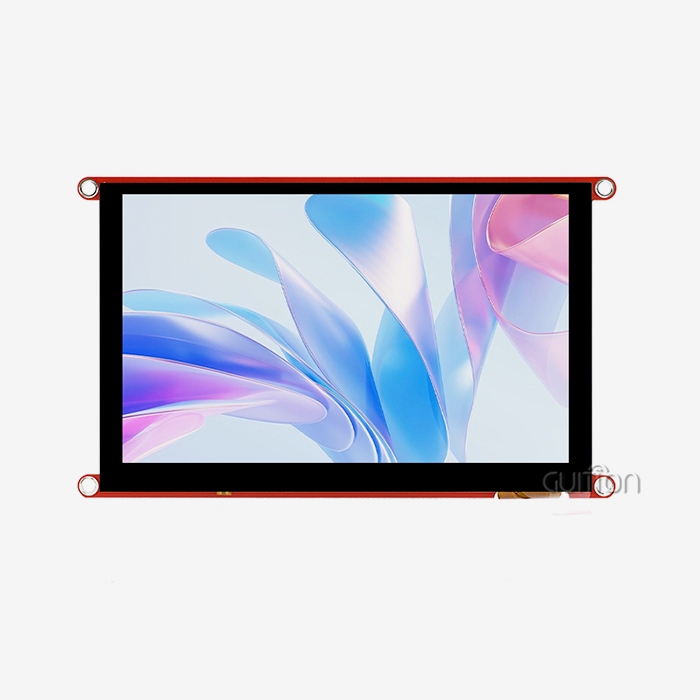
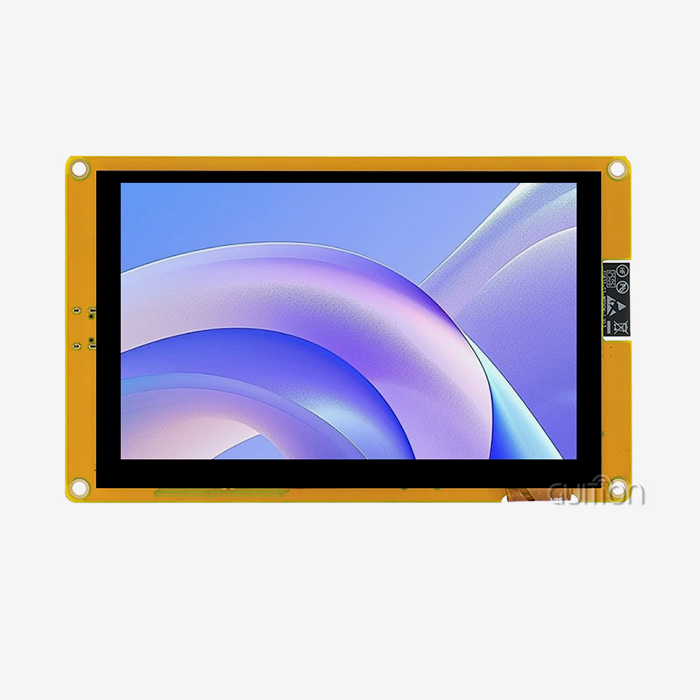
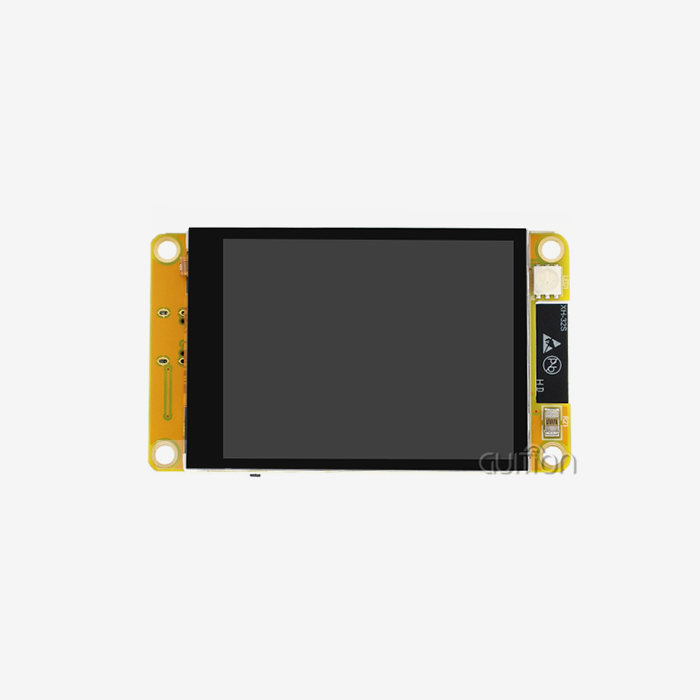
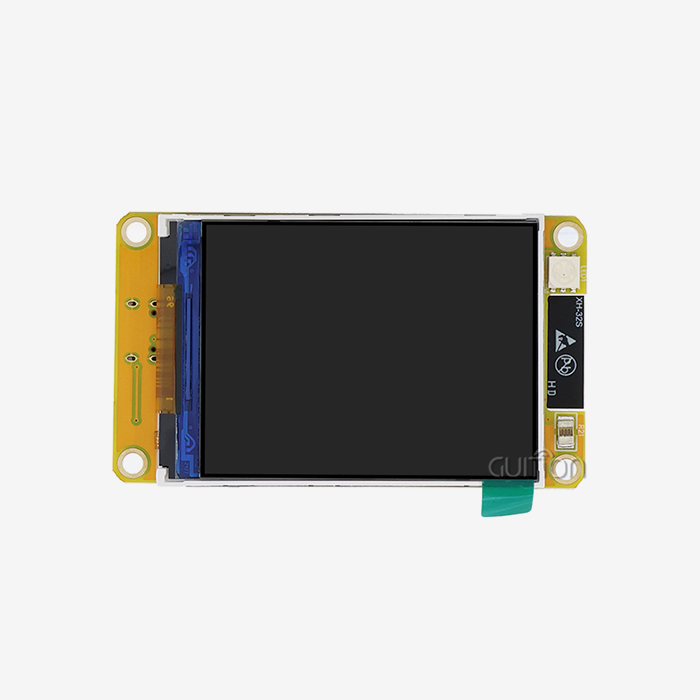
An ESP32 P4 display module offloads the heavy lifting of graphics from your code to the hardware, making UI creation easy. The ESP32-P4 chip integrates a 400MHz dual-core RISC-V CPU, MIPI-DSI output, pixel processing accelerator, and supports displays up to 1080p. Guition’s JC-ESP32P4-M3-C6 core board includes an ESP32-C6 for Wi-Fi 6 and BT 5. This post covers how an ESP32-P4 Display setup reduces rendering effort, which frameworks are a good fit, and what to look for when you buy. It has original memory and bandwidth calculations that you may reuse in your own design assessments.

Want to read with the hardware in hand? Guition develops the JC-ESP32P4-M3-C6. We can quote you an ESP32 P4 display module factory order or a single evaluation unit at david@guition.com. Please provide us with your panel size, interface, and volume. We provide cost, lead time, and example code so your ESP32-P4 Display prototype goes from concept to bench test fast.
What Makes the ESP32 P4 Display Module Easier to Integrate with LVGL?
Most embedded UI projects get stuck in the same area. The panel lights up, but the interface stutters, frame rate dips, and the team spends weeks tweaking buffers. I’ve seen that trend across a lot of new HMI designs.
The ESP32-P4 is a game changer. Espressif mentions a dual-core RISC-V CPU operating up to 400 MHz, 768 KB of SRAM on-chip, external PSRAM support, and hardware for GUI operations. The open-source embedded graphics library LVGL then hooks into that device via an official port.
Why the Processor Matters for UI Work
A GUI is a loop. The software receives the input, changes the widgets, draws the modified areas, and delivers pixels to the panel. Every step takes CPU time. A dual-core 400 MHz device with a single-precision floating-point unit allows space for both animation and application logic.
Dual cores also enable you to share the workload. One core may operate the interface; the other could do networking or sensor operations. This allows for touch responsiveness while the device is busy uploading data.
What the JC-ESP32P4-M3-C6 Core Board Adds
Guition’s JC-ESP32P4-M3-C6 pairs an ESP32-C6 with the ESP32-P4. The P4 is the host and the C6 is a communication slave via SDIO; SPI is also supported. The result is Wi-Fi 6 and Bluetooth 5 on a little board.
The board also exposes MIPI-CSI with an integrated image signal processor, MIPI-DSI, SPI, I2S, I2C, LED PWM, MCPWM, RMT, ADC, UART, and TWAI. Supports USB OTG 2.0 high-speed. The platform is summarized in the table below.
| Item | JC-ESP32P4-M3-C6 |
|---|---|
| Brand | GUITION |
| Main processor | ESP32-P4, dual-core RISC-V, 400 MHz |
| Wireless co-processor | ESP32-C6 (Wi-Fi 6, Bluetooth 5) |
| External memory | Up to 32 MB PSRAM |
| Display output | MIPI-DSI, up to 800×1280 pixels |
| Camera input | MIPI-CSI with integrated ISP |
| Video | H.264 encoding |
| Other interfaces | SPI, I2S, I2C, LED PWM, MCPWM, RMT, ADC, UART, TWAI, USB OTG 2.0 HS |
| Security | Digital signature peripheral, dedicated key management unit |
| Board size | 27×27×3.4 mm |
How Does Hardware Acceleration Improve ESP32-P4 Display Performance?
Software rendering wastes CPU cycles on things that hardware can accomplish quicker. Filling a rectangle, rotating a screen, mixing a picture. These are boring tasks. The ESP32 P4 display module contains a pixel-processing accelerator, dubbed the PPA, created for it.
The Espressif manual mentions three PPA operations: scale-rotate-mirror, blend, and fill. They target GUI tasks using 2D-DMA, a direct memory access engine for graphics. This means less CPU time for each frame.
What the PPA Does, Step by Step
Scale-rotate-mirror alters the size and orientation of a chunk of picture. It enables mirroring both ways and 90-degree rotation steps. The scaling is performed in 1/16 stages and employs bilinear filtering.
Blend combines a foreground and backdrop with alpha values. The Fill action paints a block in one color. The engine also supports other formats as RGB565, RGB888 and ARGB8888. It may execute in blocking or non-blocking mode with completion callbacks.
| PPA operation | What it does | Typical UI use |
|---|---|---|
| Scale-rotate-mirror | Scales, rotates (0/90/180/270), mirrors a block | Screen rotation, icon scaling |
| Blend | Alpha-blends foreground over background | Overlays, transparent widgets |
| Fill | Paints a block with a single color | Backgrounds, rectangles, clears |
Measured Gains and Honest Limits
LVGL’s own documentation provides figures from its benchmark demo. It reports roughly 30% average rendering time reductions for picture and rectangle-fill draw workloads, and in rare instances up to 9 times quicker pure fills. PPA rotation saved ~40% on average compared to software rotation.
Limits are flagged on the same page. It labels the support as experimental. DMA-2D memory bandwidth limitation results in no significant improvement in image blending. Partial rendering mode does not provide any improvements; hence, double buffering is recommended. Test on your own displays before you claim frame rate.
Simplifying UI Design with LVGL and Visual Development Tools
For any ESP32-P4 Display build, hardware speed takes care of half of the issue. The other half is solved by the design speed. Engineers don’t often want to hand-code every button and slider. They want to drag a control, style it, and see the effect.
LVGL is the widget layer of ESP32 P4 display module. Plus, Guition adds its own interface development software. Together they shorten the route from drawing to a working screen.
Enabling the LVGL PPA Draw Unit
Acceleration is about setup, not additional code. The LVGL handbook says to set CONFIG_LV_USE_PPA=y and CONFIG_LV_DRAW_BUF_ALIGN=64 in your project settings and rebuild. The 64-byte value is the cache line size.
To enable rotation and mirroring in the Espressif LVGL port component, specify CONFIG_LVGL_PORT_ENABLE_PPA=y. No user code is required. That is what "simplify" means in practice: a few lines in a config file instead of a bespoke driver.
Guition Interface Software: Click, Drag, See
With our expert interface creation program Guition, you may create a control with a single click. Then you drag it to a spot, resize and re-style it. The editor is a what-you-see-is-what-you-get editor, meaning that the screen on your display is identical to the screen on the device.
We created it to break a frequent bottleneck. Designers may modify layouts without waiting for firmware revisions. Developers obtain cleaner handovers. Cross-platform online debugging enables you to find errors fast, reducing debugging time and expense.
Which Development Frameworks Support ESP32-P4 Display Projects?
Teams come with distinct behaviors. Some dwell in Arduino. Some create manufacturing firmware in ESP-IDF. Some prefer a visual tool and little coding. A good platform respects them all.
Guition JC-ESP32P4-M3-C6 is compatible with Arduino, IDF, and Guition development mode. This flexibility preserves old code and decreases time to onboard new developers.
Arduino, ESP-IDF, and Guition Mode Compared
ESP-IDF is Espressif’s native framework. It offers you complete access to the MIPI-DSI driver, the PPA, and the LVGL port component. Arduino is good for rapid experimentation and pairs with Arduino libraries. Guition mode is for teams who wish to use drag-and-drop displays.
| Framework | Best for | Trade-off |
|---|---|---|
| ESP-IDF | Production firmware, full hardware access | Steeper learning curve |
| Arduino | Rapid prototypes, familiar libraries | Less direct control of advanced features |
| Guition mode | Visual UI design, short project cycles | Tied to the Guition workflow |
Choosing by Team Skill and Product Stage
Prototype 1: quick rewards. Choose the tool your team already knows. Prove the notion. Later stages reward control. ESP-IDF for crucial screens. Move tasks and time to ESP-IDF when you need to optimize memory.
You don't have to choose just one. A lot of teams start in Arduino or Guition mode, and subsequently transfer hot routes to ESP-IDF. The hardware doesn't move as the software evolves since all three modes are targeted at the same board.
How Can Developers Build Interactive Touchscreen Interfaces Faster?
For a current ESP32 P4 display module, touch is the primary interaction method. It replaces buttons, dials, and menus with a single flat surface. This also adds a challenge: the interface must respond within a moment, or the user will touch twice.
The JC-ESP32P4-M3-C6 has I2C, SPI, and other interfaces used by touch controllers. Please confirm the precise touch panel configuration with us before ordering, since panel and controller options vary per project.
Keeping Touch Response Smooth
Broken feels slow touch. There are three behaviors that assist. “Only redraw the modified areas.” Run the UI job on one core, and heavy work on the other. The PPA can handle fills and rotation, leaving the CPU to read input.
With the PPA, LVGL advises double buffering with the Espressif port, since partial rendering mode doesn't provide any benefits. That option costs RAM. I measure that using my frame-buffer math later in this tutorial.
Reusable Controls Save Build Time
A touch interface requires the same things over and over again: buttons, sliders, switches, lists and charts. Rebuilding them is a waste of weeks. Built-in controls take care of it.
Our program offers a plethora of controls you set with a single click. Then you style them without affecting any low-level code. When a consumer wants a fresh appearance, you change properties, not rewrite drawing procedures.
ESP32-P4 Display Graphics, MIPI-DSI and RGB Interface Support
The processor-to-panel interface impacts cost, wiring, and performance. The ESP32-P4 supports several of these. Espressif’s LCD handbook includes SPI, I80, RGB, and MIPI-DSI. In that table, MIPI-DSI is only supported on the ESP32-P4, and RGB is only supported on three chips, including the P4.
That is important to purchasers. MIPI-DSI is the interface the chip family is developed upon for a high-resolution display with a tiny wire.
MIPI-DSI in Plain Terms
MIPI-DSI, or Display Serial Interface, delivers pixels via a few high-speed differential channels. It uses fewer wires than a parallel RGB bus. The ESP-IDF driver allows you to configure the number of data lanes and the lane bit rate.
The driver then transmits a frame buffer to the panel via a DPI interface. You specify resolution, porches, and sync widths from the panel data sheet. greater pixel frequency means a greater refresh rate but may produce flicker if the memory bandwidth is not enough.
Interface Comparison for Buyers
Each interface suits a different class of product. The table summarizes what Espressif's guide says about frame-buffer location and chip support.
| Interface | Panel memory | ESP32-P4 support | Typical fit |
|---|---|---|---|
| SPI / QSPI | Panel driver IC holds full-screen GRAM | Yes | Small, low-cost screens |
| I80 | Panel driver IC holds full-screen GRAM | Yes (native) | Mid-size parallel panels |
| RGB | No GRAM on panel; ESP provides frame buffer, usually in PSRAM | Yes | Direct-drive panels |
| MIPI-DSI | Configured through DPI; driver allocates frame buffers | Yes (only P4 in the table) | High-resolution HMI |
Original Analysis: Memory and Bandwidth for an 800×1280 Panel
This is the math I do for every new client. An 800-by-1280 panel has 1,024,000 pixels. That’s nearly 13 times the 76,800 pixels of a 240×320 panel.
So one frame takes 2,048,000 bytes at 16 bits per pixel. It uses 3,072,000 bytes at 24 bits. The chip has 768KB (786,432 bytes) of on-chip SRAM. A single 16-bit frame is already nearly 2.6 times the size. External PSRAM is thus not optional for a screen this big.
| Buffer plan (800×1280) | Size | Share of 32 MB PSRAM |
|---|---|---|
| One frame, 16-bit color | 2,048,000 bytes | about 6% |
| One frame, 24-bit color | 3,072,000 bytes | about 9% |
| Two frames (double buffer), 16-bit | 4,096,000 bytes | about 12% |
| Two frames (double buffer), 24-bit | 6,144,000 bytes | about 18% |
Bandwidth is important, too. 60 Hz refresh implies 60 complete frames sent every 1000 ms. That’s around 123 MB of traffic every 1000 ms at 16 bits, and about 184 MB at 24 bits. These values do not include blanking time and command overhead; thus, actual demand is greater.
The takeaway is pragmatic. 24-bit double buffering requires less than a quarter of the 32MB option. Memory is seldom the bottleneck. These are things to test: Bandwidth. Clock settings . These values are our own math based on public specs, not lab measurements, so test them on your gear.
How Do Ready-to-Use UI Components Reduce Development Time?
All ESP32 P4 display module projects use the same basic pieces. Writing them from scratch is a fee, not adding value. “Off-the-shelf components pay that tax once.
The widget collection is provided by LVGL. Guition’s tools provide drag-and-drop positioning. Espressif provides the port that links the display and touch to LVGL. Each layer cuts off a chunk of effort.
What Ready-Made Components Remove
No components. A team builds a button class, a slider class, touch handling, redraw logic, and style management. That list gets longer with every screen. Those things become property settings with components.
I’ve seen small teams go from idea to a functional interface in days instead of weeks after they embrace a component library. The saving is not magic. From not having to re-solve solved issues. From having fewer flaws in code that someone else had tested.
Secondary Development Without Low-Level Work
Real goods need bespoke behavior. We provide full secondary developer interfaces and technical manuals. Your team builds features, a bespoke gauge or a particular menu, for example, without understanding the lowest software layers.
And balance is important. The pure drag-and-drop tools strike barriers. Pure low-level coding is not fast. Our technique allows you to remain high-level for ninety percent of the work and just descend when the product requires it.
Flexible Display Configuration for Different HMI Applications
No two HMI products look the same, and an ESP32 P4 display module design must bend to meet. 3D printer requires a big status screen. “A compact dashboard for an air quality monitor.” An EV charger requires a clear and easy flow. All of them are managed via a customizable platform.
Guition’s products range in size from 1.28 inches to 21.5 inches. The JC-ESP32P4-M3-C6 can drive panels up to 800x1280 pixels. You may hook up the screen to the task and use the same software stack.
Application Scenarios
The board works for numerous sectors. These are the situations that clients most typically ask us:
- 3D printing with industrial automation. Operators need to see temperature, progress, and fault status in real time on one screen. The MIPI-DSI panel has sufficient resolution for a live graph next to controls, and the PPA maintains animations fluid. Remote update allows you to deploy changes to previously installed equipment on manufacturing floors without having to visit the location.
- Smart home panels and air quality monitoring. These items provide a look at sensor trends, scenarios, and device controls. The panel connects to the home network via Wi-Fi 6 and Bluetooth 5 using the ESP32-C6. With multi-language switching, a single design may be used in multiple locations without hardware changes.
- Medical, EV charging, audio equipment. Therapy gadgets, chargers, and audio gear all benefit from clear, high-contrast control displays. Built-in security hardware such as a digital signature peripheral and key management unit promotes product integrity. Large buttons and little menu depth prevent user mistakes.
- Security panels and handheld gadgets. The access control and field devices need a fast reaction and a decent battery life. The ESP32-P4 has a low-power core up to 40 MHz for lightweight monitoring. Remote upgrading significantly reduces the after-sales costs for equipment installed at many locations.
There is a pattern to these occurrences. The hardware is the same, but the software and panel are different. As your product family increases, this strategy helps limit development expense.
Client case placeholder (replace before publishing): [Insert one genuine Guition client story here: customer type, issue, configuration utilized, and two or three quantifiable outcomes, such as development weeks saved or frame rate gained.] Get written authorization from the consumer before posting.]
Multi-Language and Remote Upgrade
Global goods need more than one language. Our technology offers multi-language switching using UTF encoding, so one design may serve various locations. You send a new device, not a language file.
Remote upgrading provides online maintenance of user projects. When an issue comes up, you push a fix across the network. That means fewer truck rolls and a lower cost of support, which is especially important once a product has thousands of units out in the field.
What Should Developers Consider When Selecting an ESP32 P4 Display Module?
Specifications are not the full story when selecting an ESP32 P4 display module. Before recommending any board, I look at five categories, and they are memory, interface, wifi, software, and support. A gap in any one of these may delay a launch.
Price per unit is important too, but it obscures costs elsewhere. A cheaper board and inadequate documentation might waste weeks of engineer work. I would advise you to look at the whole project cost.
A Buyer's Checklist
Use this list when you are comparing vendors. There is a definite pass mark for each item.
- Memory overheads. Check how much PSRAM the board has and size your frame buffers accordingly. An 800x1280 double buffer at 24 bits is around 6.1MB; thus, a 32MB option gives you plenty of space to put fonts, graphics, and application data. Provide the precise memory component number and speed grade.
- Display interface and panel support. The board controls the timing and interface for your panel. MIPI-DSI requires lane count, lane rate, and video timing information from the panel datasheet. Ask the provider for a tested panel list to prevent surprises in bring-up.
- Wireless Architecture: The ESP32-P4 lacks a built-in radio; the ESP32-C6 adds Wi-Fi 6 and Bluetooth 5. Espressif recommends matching host and slave software versions. Ask what versions the supplier tests, and how updates are handled.
- Software and documentation. Find example code, library support, and manuals for your framework. Look for LVGL samples, PPA configuration, debugging tools… strong documentation cuts down on bring-up time, and strong examples allow a fresh engineer to get to a functional screen in a day.
These four checks identify most errors before they get to your schedule. If you’d like a second opinion on your design, please contact david@guition.com with your panel datasheet, and our experts will examine your setup.
Questions About Security and Longevity
Years. The products last. The ESP32-P4 features secure boot, flash encryption, a digital signature peripheral, and a key management device. These features assist in safeguarding firmware and keys.
Ask also about supply and life cycle. “A display project can stall out if a key piece disappears. Guition is integrated into R&D, manufacturing, and sales, so we control the supply from design to delivery.
Faster Prototyping and Scalable UI Development for Embedded Products
Speed to a functional prototype is the deciding factor for many projects. A team that can present a live interface by week one builds stakeholder confidence. A team still debugging drivers in week six loses it.
An ESP32 P4 display module helps on both counts. It accelerates the prototype and scales to a product. You use the same chip, same framework, a lot of the same code.
From Prototype to Production
Start with the evaluation board and the tools that are ready to use out of the box from the manufacturer. Make screens using the Guition editor or with LVGL. Validate memory, bandwidth, and thermals on the actual panel.
Then fill in the design. Move important code to ESP-IDF if applicable. Enable PPA draw unit and test frametime. Lock down your software versions. You avoid a difficult rewrite since both stages operate on the same platform.
Scaling Across a Product Family
One product shipped. The next one is on its way. A bigger panel or different choice of languages or a new case style shouldn’t indicate a new platform. Guition’s range of 1.28 to 21.5 inches means you can continue with one supplier and one process.
Remote upgrade scales also. You may enhance items in the field and maintain each unit on a supported version. That cuts down the long tail of outdated firmware that makes support costly.
Conclusion
The ESP32 P4 display module makes it easy to design a UI with rapid processing, hardware graphics support, and mature software. The ESP32-P4 has a 400 MHz dual-core CPU, MIPI-DSI output, and a pixel-processing accelerator. LVGL’s PPA support claims roughly 30% average rendering savings on fills and pictures, with obvious restrictions.
The Guition JC-ESP32P4-M3-C6 adds an ESP32-C6 with Wi-Fi 6 and Bluetooth 5, up to 32MB of PSRAM, and compatibility for panels up to 800×1280. Our drag-and-drop software, alternative development interfaces, remote updates, and multi-language support minimize the time to market. Plan memory and bandwidth early, as shown above in the calculations, and an ESP32-P4 Display project remains on time.
FAQ
1. What is an ESP32 P4 display module?
An ESP32 P4 display module is a board built around Espressif's ESP32-P4 processor with display output for HMI products. The ESP32-P4 has a dual-core RISC-V CPU up to 400 MHz, MIPI-DSI support, and hardware for graphics work. Guition's version adds an ESP32-C6 for wireless.
2. Does the ESP32-P4 have built-in Wi-Fi and Bluetooth?
No. The ESP32-P4 does not include a radio. Guition's JC-ESP32P4-M3-C6 pairs it with an ESP32-C6, which provides Wi-Fi 6 and Bluetooth 5. In Espressif's ESP-Hosted setup, the P4 is the host and the C6 is the slave over SDIO or SPI.
3. How does the PPA make UI development easier?
The PPA is a hardware block that handles scaling, rotating, mirroring, blending, and filling. In LVGL, you enable it with a few configuration options rather than new code. LVGL reports about 30% average rendering-time savings for image and rectangle-fill tasks, though it calls the support experimental.
4. How much memory does an 800×1280 display need?
One frame needs 2,048,000 bytes at 16-bit color and 3,072,000 bytes at 24-bit color. That exceeds the chip's 768 KB of on-chip SRAM, so PSRAM is required. A 24-bit double buffer uses about 6.1 MB, roughly 18% of a 32 MB PSRAM option.
5. Which development tools work with the JC-ESP32P4-M3-C6?
The board supports Arduino, IDF, and the Guition development mode. Espressif also provides LVGL integration and MIPI-DSI drivers in ESP-IDF. Our interface software offers drag-and-drop controls, online debugging, and remote upgrades.
6. Can Guition customize the module for my product?
Yes. We provide complete secondary development interfaces and technical documents. Send your panel, interface, and volume requirements to david@guition.com, and we will outline options, lead times, and pricing.
Ready to Evaluate an ESP32 P4 Display Module for Your Next HMI Build?
Choose your next step based on where your project stands. If you are comparing options, request a sample and test the PPA settings on your own panel. If your specs are set, send them to us, and we will quote.
Guition welcomes inquiries from buyers searching for an ESP32 P4 display module supplier or a dependable ESP32-P4 Display manufacturer. Email david@guition.com with your volume, panel, and target market.
References
1. Espressif Systems. ESP32-P4 Product Page (accessed 2026). Used for CPU, memory, MIPI-DSI, PPA, H.264, and security features. https://www.espressif.com/en/products/socs/esp32-p4
2. Espressif Systems. MIPI DSI Interfaced LCD, ESP-IDF Programming Guide for ESP32-P4 (2026). Used for lane, bit rate, DPI, and frame buffer details. https://docs.espressif.com/projects/esp-idf/en/latest/esp32p4/api-reference/peripherals/lcd/dsi_lcd.html
3. Espressif Systems. Pixel-Processing Accelerator (PPA), ESP-IDF Programming Guide for ESP32-P4 (2026). Used for PPA operations, rotation, scaling, and formats. https://docs.espressif.com/projects/esp-idf/en/latest/esp32p4/api-reference/peripherals/ppa.html
4. LVGL. PPA (Pixel Processing Accelerator) Support, LVGL 9.5 Documentation (2026). Used for LVGL acceleration settings and benchmark figures. https://lvgl.io/docs/open/9.5/integration/chip_vendors/espressif/hardware_accelerator_ppa
5. Espressif Systems. ESP-Hosted-MCU Solution, ESP Techpedia (2026). Used for the P4 host and C6 slave wireless design. https://docs.espressif.com/projects/esp-techpedia/en/latest/esp-friends/solution-introduction/multimedia/application-solution/esp-hosted-mcu.html
6. Espressif Systems. LCD Development Guide, ESP-IoT-Solution (2026). Used for interface support and frame-buffer behavior. https://docs.espressif.com/projects/esp-iot-solution/en/latest/display/lcd/lcd_development_guide.html
About the author
David is the CEO of Guition, the human-machine interaction display brand of Jingcai Intelligence. He works directly with engineers and procurement teams on display selection, ESP32 integration, and UI tooling, across a product line that spans 1.28-inch to 21.5-inch modules. He writes about practical embedded display design.
Learn about our latest products and discounts through SMS or email