- English
- French
- German
- Portuguese
- Spanish
- Russian
- Japanese
- Korean
- Arabic
- Greek
- German
- Turkish
- Italian
- Danish
- Romanian
- Indonesian
- Czech
- Afrikaans
- Swedish
- Polish
- Basque
- Catalan
- Esperanto
- Hindi
- Lao
- Albanian
- Amharic
- Armenian
- Azerbaijani
- Belarusian
- Bengali
- Bosnian
- Bulgarian
- Cebuano
- Chichewa
- Corsican
- Croatian
- Dutch
- Estonian
- Filipino
- Finnish
- Frisian
- Galician
- Georgian
- Gujarati
- Haitian
- Hausa
- Hawaiian
- Hebrew
- Hmong
- Hungarian
- Icelandic
- Igbo
- Javanese
- Kannada
- Kazakh
- Khmer
- Kurdish
- Kyrgyz
- Latin
- Latvian
- Lithuanian
- Luxembou..
- Macedonian
- Malagasy
- Malay
- Malayalam
- Maltese
- Maori
- Marathi
- Mongolian
- Burmese
- Nepali
- Norwegian
- Pashto
- Persian
- Punjabi
- Serbian
- Sesotho
- Sinhala
- Slovak
- Slovenian
- Somali
- Samoan
- Scots Gaelic
- Shona
- Sindhi
- Sundanese
- Swahili
- Tajik
- Tamil
- Telugu
- Thai
- Ukrainian
- Urdu
- Uzbek
- Vietnamese
- Welsh
- Xhosa
- Yiddish
- Yoruba
- Zulu
ESP32P4 Display Module OEM Guide: Design, MOQ, and Support
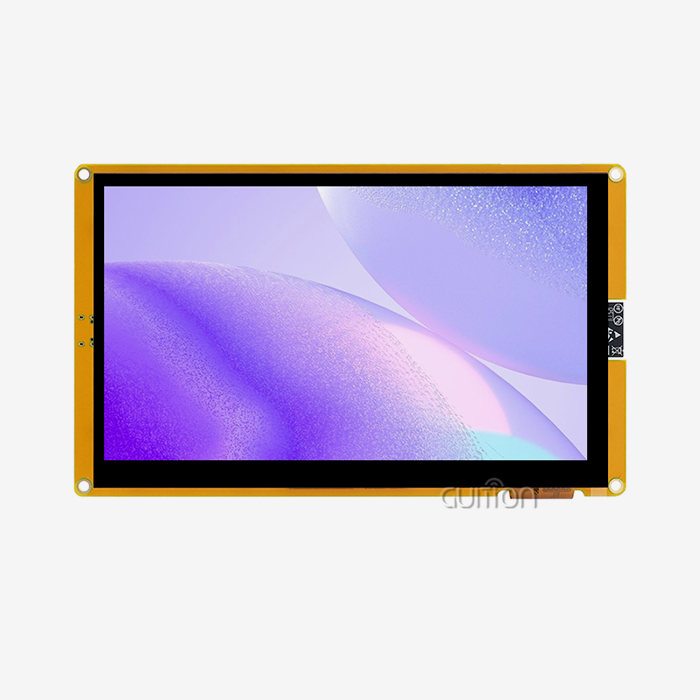
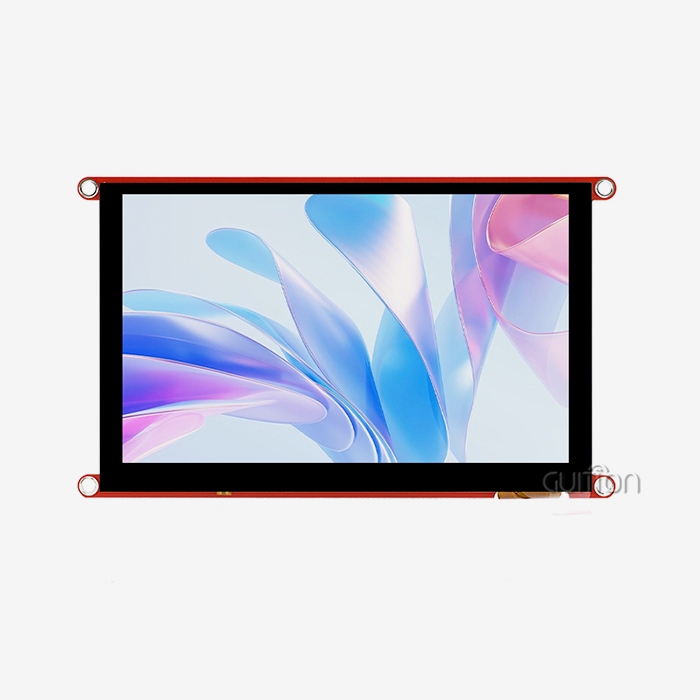
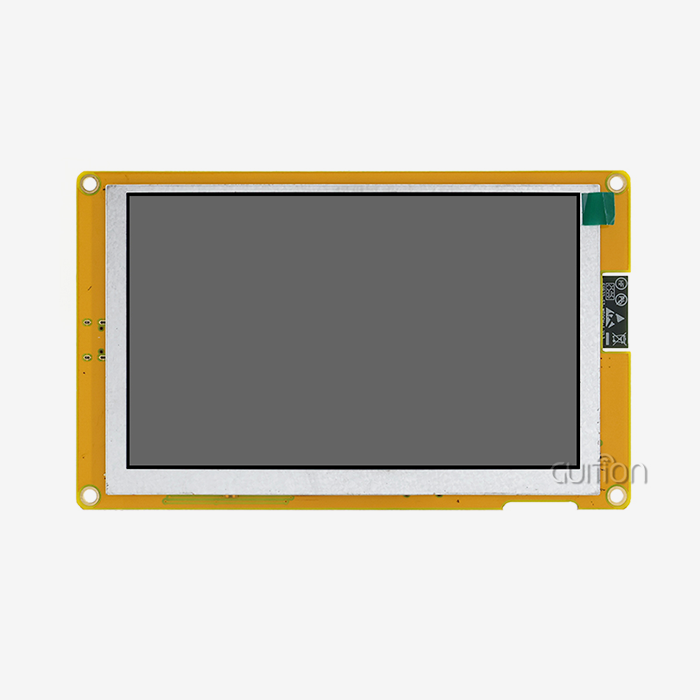
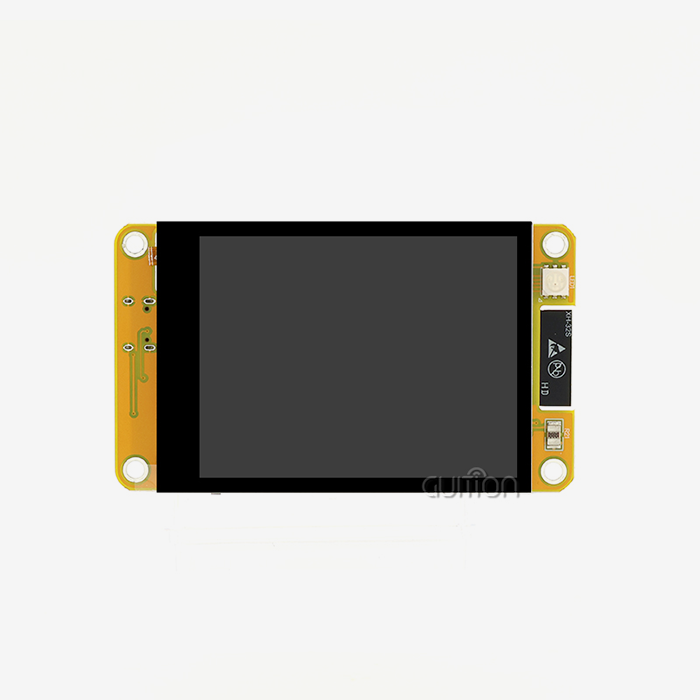
An esp32p4 display module combines the ESP32-P4 processor, memory, display interfaces, touch input, and a carrier board on one platform. OEM teams can then build a human-machine interface without designing every circuit from scratch. A sound OEM programme covers three areas. Design matches the panel, interface, and memory to your product. MOQ balances order volume against engineering cost. Support keeps the supplier involved from the first sample to mass production. I wrote this guide to walk through each area and show where the guidance JC-ESP32P4-M3-DEV fits.

Understanding the ESP32P4 Display Module and Its Specifications
Product Categories: From Development Board to OEM Panel
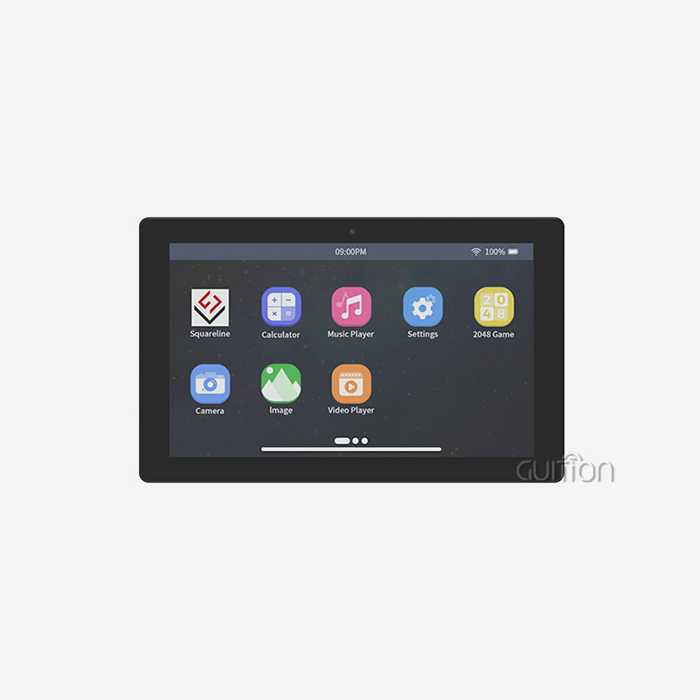
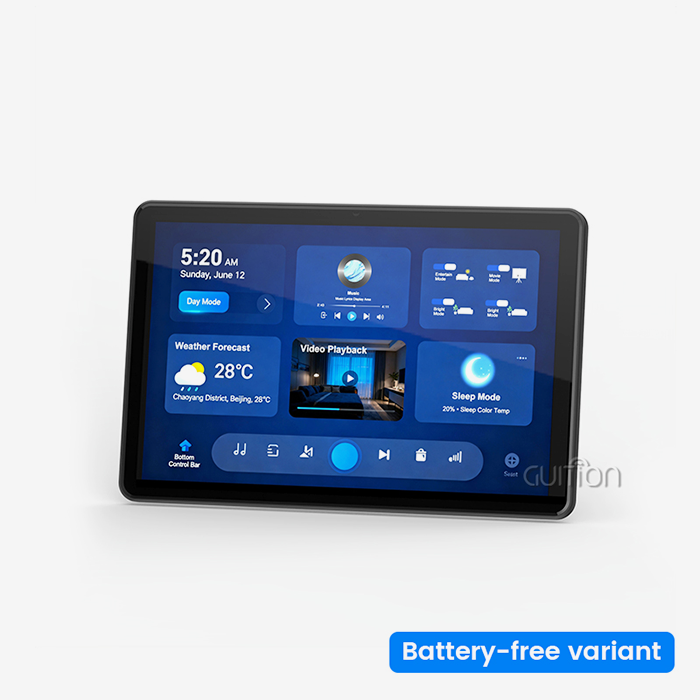
You can purchase an ESP32-P4 display module as a development board, an LCD module, a touchscreen module, a complete HMI panel, or an OEM product fully customised for you. A development board is good for early development of programmes and to prove that the idea is working. A full panel can be used in industrial control panels, smart home interfaces, medical monitoring equipment, energy management systems, agricultural automation, and commercial kiosks. Evaluation hardware and production designs have some big differences. Production designs need a clear enclosure fit, EMI control, thermal planning, factory test firmware, and a supply plan. These are the things that evaluation boards often skip. I think it's a good idea to decide early on what category you want to buy in because that sets your budget and your schedule.
JC-ESP32P4-M3-DEV Core Specifications
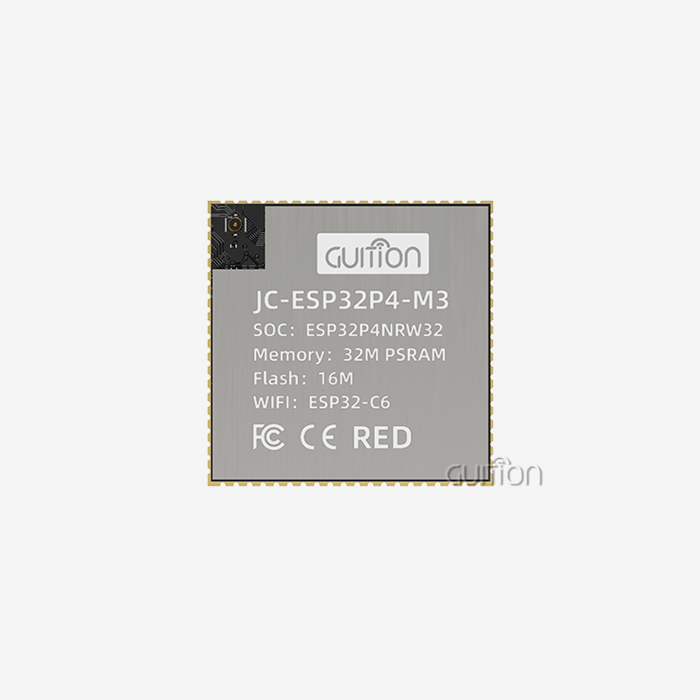
The Guition JC-ESP32P4-M3-DEV combines the ESP32-P4 with an ESP32-C6 chip. The ESP32-P4 is equipped with a 400 MHz RISC-V processor that has two cores and can support up to 32 MB of PSRAM. The ESP32-C6 handles Wi-Fi 6 and Bluetooth 5 because the P4 lacks an onboard radio. MIPI-CSI with a built-in image signal processor, MIPI-DSI, SPI, I2S, I2C, LED PWM, MCPWM, RMT, ADC, UART, TWAI, and USB OTG 2.0 HS are some of the peripherals. You can work with cameras and videos with H.264 encoding. A dedicated key management unit and digital signature peripheral protect data and operations. The module supports screens up to 800x1280. Always check the details with the latest Espressif datasheet before freezing a design.
Interface Options and Frame Buffer Planning
Select the proper interface for best results. An 80 MHz single-line SPI link can only move at most 10 MB/sec. A 800x1280 frame in 16-bit colour takes about 2.05 MB to store. This means that SPI can only send about five frames per second before there are costs. MIPI-DSI has fast differential lanes, so it can handle big, high-resolution screens and let the CPU do program logic. I2C is used mostly for touch controllers and not for pixel data. The more colour depth, the more you can recall. The same screen with 24-bit colour needs about 3.07 MB per frame buffer. Double the buffer size, and that number becomes 8 MB. The best ESP32P4 display module will require you to plan PSRAM size, resolution, and interface at the same time.
Choosing the Right ESP32P4 Display Module for an OEM Product
Match Display Size, Touch, and Memory to the Application
Define the use case, then pick the hardware. A thermostat should be cheap and have a small screen. An industrial control panel should have a large screen, a touch screen that works in a plant, and stable operation. Guition has products from 1.28" to 21.5", so often a single source can suit the needs of a group of devices. You need to ask four questions. How big is the screen? What kind of touch technology works best? How much PSRAM do the pictures need? Does the product need Wi-Fi or Bluetooth? LCD and OLED panels have different trade-offs in terms of brightness, contrast, power, lifetime, and supply consistency. Be sure you can get a panel before you decide.
ESP32-P4 Versus ESP32-S3
Many teams are asking themselves if they should stick with the ESP32-S3. The S3 works well for smaller displays with RGB or 8080-style interfaces. The chip itself includes Wi-Fi 4 and Bluetooth LE. The ESP32-P4 adds native MIPI-DSI, MIPI-CSI, an image signal processor, a pixel processing accelerator, and H.264 encoding. These features work better on screens with better resolution and camera capabilities. For wireless links, P4 needs a companion chip like the ESP32-C6 on the JC-ESP32P4-M3-DEV. If your interface is simple and money is tight, the S3 might be enough. If your product plan calls for bigger screens, video, or smoother animation, an ESP32P4 display module is worth a look.
Build a weighted decision matrix.
A weighted matrix reduces the guessing of things. Five metrics: effectiveness (technical), cost (total), conformance (to requirements), support (of quality), and stability of supply. Give each a weight according to your project. A medical device team might have 30% compliance and paperwork. A startup might put more weight on cost and speed. Assign each candidate a score from 1 to 5. Multiply by the weight and sum them up. Expert score: Add tools for creation. The module supports Arduino, ESP-IDF, and Guition development modes. Guition software uses drag-and-drop tools to debug on multiple platforms. Both of these things can help mixed teams learn faster. Find any requirement where a candidate scores less than 3.
OEM Design, Customisation, and Workflow for an ESP32P4 Display Module
Information Your Supplier Needs
The supplier will need a clear brief to be able to provide an accurate quote. Specify the screen size, resolution, touch capability, any enclosure limitations, how it will be mounted, interfaces, environmental issues, annual volume, and software requirements. Include your target markets, as buyers in the U.S. will need documentation that meets the requirements of their country. The most helpful are mechanical drawings. If you don’t have them, teams find out problems with the cover glass or connection spacing too late, when it’s more expensive to fix. It would also be useful to state the ownership of the test tools, software, and GUI source files. If the title is clear from the beginning, there are no problems during the shift of production.
Standard, Semi-Custom, or Full Custom
Choose the solution that meets the requirements and is the lightest. You can use a standard module like JC-ESP32P4-M3-DEV, provided the module's size, interfaces, and firmware are compatible with your product. Some of the semi-custom design is modified, such as the connector, wire, or the software that is already loaded. A fully customised platform modifies the hardware and software so that it can be used with a specific product. Each step adds to NRE cost and time but also makes the plan fit better. Guition offers secondary development interfaces and technical documents. Many teams can change the way functions work through software before they consider making changes to the hardware. Talk to Guition about what customisation options will work for your project.
A Six-Stage Validation Workflow
There are six steps that I take. First, make a list of requirements. Second, select a rough design. Third, conduct a thorough technical and business review. 4. Verify the samples are correct. Fifth, accept the pilot run. Sixth, address long-term supply. At the end of each step, there should be some deliverable, like specs, drawings, power budgets, golden samples, test methods, acceptance criteria, predictions, and change records. Test samples are inside the final box, not on an open bench, as heat and electromagnetic interference (EMI) behave differently in a closed case. We are still working out details of the hardware, so the plan keeps changing, but work on the JC-ESP32P4-M3-DEV can start.
MOQ, Pricing, and Procurement Planning for an ESP32P4 Display Module
What Drives Total Cost
The price of a quote is only part of the story. Cost depends on the type of MCU/memory used, size of the display, touch technology, complexity of the PCB, number of tools needed, work to be done on the firmware, testing, certification, packaging, and number of orders. Using bigger panels and more PSRAM means higher material costs. Looking for tools for custom casings/cover glass. Compliance testing is a one-off fee. When you compare prices, separate regular costs and non-recurring engineering (NRE) charges to make it fair. After-sales costs are also reduced by remote upgrades as there is no need for technicians to visit your home for upgrades. Add that savings to your business case.
Understanding MOQ Across Stages
The MOQ will vary depending on the type of goods and the stage of the project. Engineering and sample work orders are generally small, and they are more expensive per unit. Builds are pilot runs that let you try out the production process. Buy in bulk. The more you buy, the cheaper each unit will be. A regular module MOQ is generally smaller than a custom design. This is because special materials and setups are required for unique parts. As Guition confirms the MOQ for each configuration, I suggest you share your prediction early on instead of winging it. Don’t fib about how much you make each year. This helps suppliers to plan their supply, and the more precise the forecast, the more precise the price.
Prepare a Clear RFQ and Supply Plan
A good RFQ sets out configuration, display and touch, firmware needs, quantity per stage, destination and planned date. Please ask the seller for the unit price, NRE, wait time, shipping terms, payment terms, warranty, and the length of time the price is good for. Then plan your supplies. Keep an inventory of long-lead items. Develop a communication process for suppliers to notify you of changes to parts. Utilise revision control for firmware and drawings. You may find that your display screens and touch controls have run out of life, so find out what other options are available before you start making things. Follow these steps to lock in your launch date and avoid unexpected cost changes.
Supplier Evaluation, Technical Support, and Common Pitfalls
How to Evaluate a Supplier
A good supplier gives you more than a PCB stuffed with components. See how fast, flexible, captive, and cost-controlled OEM, ODM, contract manufacturing, distributor, and factory-direct models. Find out about the quality system. ISO 9001:2015 is widely used as a standard for quality management, and IPC-A-610 is often used as a guide for what makes an electronic assembly, such as an ESP32P4 display module, acceptable. Review incoming receiving inspection, functional testing, burn-in, traceability, nonconformance handling, and revision control. “Make sure any compliance report is for your end setup and not a different board. Guition is a one-stop shop, with R&D, production, and sales all in-house, so engineers can talk directly to the people that make the hardware and software.
Support From Prototype to Production
There are four parts to good support. The supplier helps with choosing the display, making sure it works with the interface, setting power limits, integrating touch, minimum order quantity (MOQ), and assessing supply risk before the purchase. You can expect configuration confirmation, demo firmware, pinout review, drawings, and issue tracking during sampling. In production, look for approval of the first article, inspection, tracking, corrective actions, and shipping documents. Maintenance for the software, spare parts, RMA processes, and expert support are all things you need after the start. The online debugging feature in Guition helps engineers find bugs faster, which cuts down on the time and money needed for development.
Common OEM Pitfalls
A short list of mistakes is the cause of most failures. Teams pick based on the name of the processor or the price of a sample, but they don't have to test the memory, display output, power, heat, or conditions of the case. Others agree to changes that aren't controlled, like a new touch device or a revised connection, without being told. These changes can change the brightness or make it hard to fit. Some teams don't test NRE enough or never test heat and cable routing in the final case. Another gap is who owns the software. To avoid expensive production problems, write down the requirements, set up acceptance tests, and make sure that formal change notifications are sent.
Final Buyer Checklist
I do one last review with all four groups before I give the go-ahead for production. As part of the technical checks, the screen's fit, interface support, memory, touch compatibility, documented pinout, measured peak power, and thermal results in the enclosure are all looked at. Checks for business use include the cost of a sample and the full production run, as well as the minimum order quantity (MOQ), non-recurring engineering (NRE), tools, certification, lead time, payment, shipping, warranty, and other options. Checks on suppliers include their knowledge of the ESP32-P4, their ability to do OEM and ODM work, factory testing, regulatory support, and lifecycle management. Checks for readiness look at things like approved firmware, quality standards, production tests, and a plan for replacing something that breaks. This short study finds holes while it's still easy to make changes.
Conclusion
For a successful ESP32P4 display module project to work, the whole display system, not just the engine, needs to be right for the product. With a 400 MHz dual-core RISC-V CPU, MIPI-DSI, MIPI-CSI, H.264 decoding, and up to 32 MB of PSRAM, the ESP32-P4 has everything you need. The ESP32-C6, on the other hand, adds Wi-Fi 6 and Bluetooth 5 to the JC-ESP32P4-M3-DEV. Because of frame buffer math, you have to choose your interface and memory at the same time. Technical fit, MOQ, and cost are easy to see thanks to a weighted matrix, a clear design brief, a six-stage validation workflow, and an itemised RFQ. Change control, supplier quality systems, a final checklist, and documented support all lower the chances of mistakes, thermal surprises, and not knowing who owns the software. When teams treat design, procurement, and support as one plan, they get to production faster and with fewer redesigns.
FAQ
Q: What information do I need for an accurate ESP32P4 display module quotation?
A: Share the screen size, resolution, type of touch, enclosure plans, interfaces, working environment, annual volume, software needs, and places you want to reach. If you give the supplier a full brief, they can confirm the price, NRE, and lead time more quickly, and the quote will need to be changed less often.
Q: How does MOQ differ between standard and customised products?
A: Most standard units let you place smaller orders. MOQ goes up for customised gear because it needs special materials and setup. Guition confirms the MOQ for every configuration, so send them your project's forecast and needs to get a proper answer.
Q: Which tools and update methods does the JC-ESP32P4-M3-DEV support?
A: You can use the module with the Arduino, ESP-IDF, and Guition development modes. You can update devices without having to go to the site to do so with Guition's remote upgrades of user projects. With UTF-8 encoding and multi-language switching, operations can happen in more than one language.
Request an ESP32P4 Display Module OEM Evaluation from Guition.
Guition welcomes your project brief. To get fit, MOQ, and sample options for the JC-ESP32P4-M3-DEV, send your display size, touch needs, drawings, and volume forecast to david@guition.com. Our engineers will then look at their options. Looking for a company that makes and tests ESP32-P4 display modules in-house? Find out more about the product at https://jingcaizhineng.aixdb.cn/, and then get in touch with us to get a datasheet, quote, or review of the feasibility.
References
1. Espressif Systems, ESP32-P4 Series Datasheet, 2024.
2. Espressif Systems, ESP32-P4 Technical Reference Manual, 2024.
3. Espressif Systems, ESP32-C6 Series Datasheet, 2023.
4. Espressif Systems, ESP-IDF Programming Guide, 2024.
5. International Organization for Standardisation, ISO 9001:2015 Quality Management Systems — Requirements, 2015.
6. IPC, IPC-A-610 Acceptability of Electronic Assemblies, 2020.
Learn about our latest products and discounts through SMS or email