- English
- French
- German
- Portuguese
- Spanish
- Russian
- Japanese
- Korean
- Arabic
- Greek
- German
- Turkish
- Italian
- Danish
- Romanian
- Indonesian
- Czech
- Afrikaans
- Swedish
- Polish
- Basque
- Catalan
- Esperanto
- Hindi
- Lao
- Albanian
- Amharic
- Armenian
- Azerbaijani
- Belarusian
- Bengali
- Bosnian
- Bulgarian
- Cebuano
- Chichewa
- Corsican
- Croatian
- Dutch
- Estonian
- Filipino
- Finnish
- Frisian
- Galician
- Georgian
- Gujarati
- Haitian
- Hausa
- Hawaiian
- Hebrew
- Hmong
- Hungarian
- Icelandic
- Igbo
- Javanese
- Kannada
- Kazakh
- Khmer
- Kurdish
- Kyrgyz
- Latin
- Latvian
- Lithuanian
- Luxembou..
- Macedonian
- Malagasy
- Malay
- Malayalam
- Maltese
- Maori
- Marathi
- Mongolian
- Burmese
- Nepali
- Norwegian
- Pashto
- Persian
- Punjabi
- Serbian
- Sesotho
- Sinhala
- Slovak
- Slovenian
- Somali
- Samoan
- Scots Gaelic
- Shona
- Sindhi
- Sundanese
- Swahili
- Tajik
- Tamil
- Telugu
- Thai
- Ukrainian
- Urdu
- Uzbek
- Vietnamese
- Welsh
- Xhosa
- Yiddish
- Yoruba
- Zulu
HMI interactive interface Buying Guide for OEMs
If you are an OEM engineer or product manager searching for the right HMI interactive interface, this guide is written for you. A human-machine interface sits at the center of every modern control system, translating operator intent into machine action in real time. Choosing the wrong display module wastes development time and budget. This guide walks you through key concepts, selection criteria, procurement steps, integration practices, and market trends, so you can make a confident purchasing decision.

Understanding HMI Interactive Interfaces: Key Concepts and Benefits
What an HMI Interactive Interface Actually Does
The layer of contact between a person and a machine is called a human-machine interaction. It takes data from sensors, shows it to you, and lets you use a touch or a button to start control logic. This means that in an industrial setting, you can check temperature, pressure, or motor speed on a single screen instead of having to read dozens of conventional gauges.
Core Benefits for OEM Development Teams
Development times are cut down by a large amount when your team adds a display section early in the planning process. A report from 2022 by MarketsandMarkets said that the global HMI market was worth $5.74 billion. It is expected to grow at a compound annual growth rate (CAGR) of 9.8% through 2027, because people want faster product changes and lower rates of operator error.
Real-World Application Scenarios
Touch display modules are used in real life by OEMs in many different industries. They show what the PLC output looks like on industrial control panels. Vital signs are shown clearly and accurately on medical monitoring tools. With smart home devices, you can control your lights, temperature, and security all from one screen. Controllers for farm automation and energy management systems also need correct visual feedback in real time.
How to Choose the Right HMI Interactive Interface for OEM Applications
Define Your Decision Scenario First
Answer these three questions before you compare products: How big of a screen can your body hold? What kind of communication does your host controller use? Which programming platform does your team like best: Arduino, ESP-IDF, or MicroPython? By answering these, you can cut down your choice of modules from dozens to just a few that are likely to be useful.
Key Selection Criteria
Note that not all display modules can be used in all OEM projects. When experienced embedded engineers and R&D managers look at a touchscreen display option, they base their decisions on the following factors, including whether the HMI interactive interface meets their project requirements.
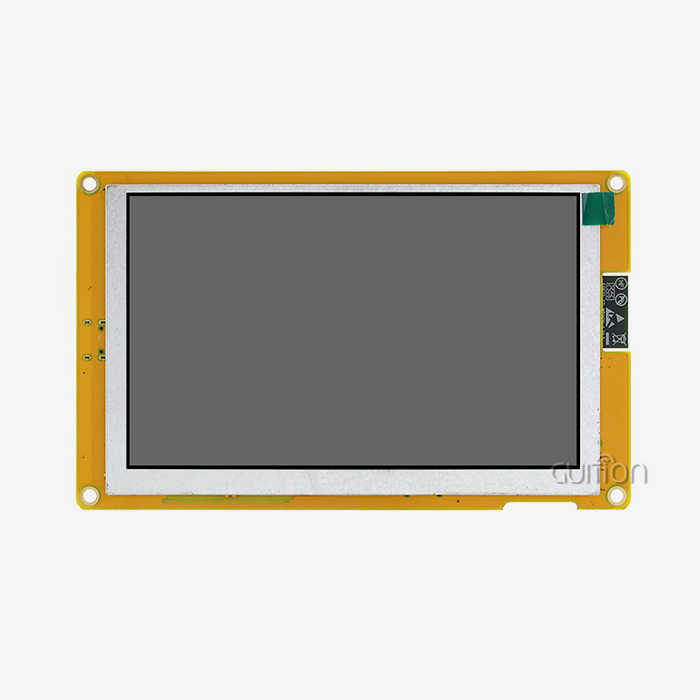
- Processing power: The GUITION JC4827W543R_I uses an ESP32-S3R8 dual-core MCU running at 240 MHz with 8 MB PSRAM and 4 MB Flash. This handles real-time data rendering without frame drops, which matters for medical and industrial dashboards.
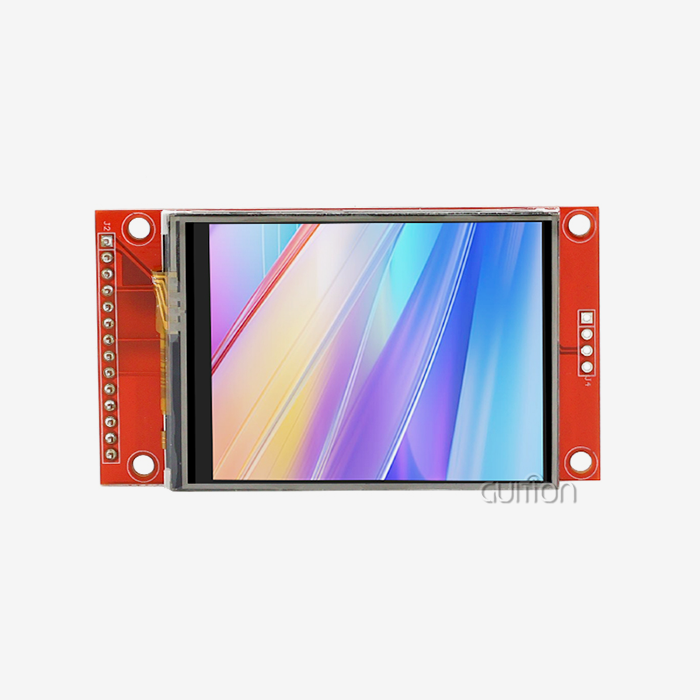
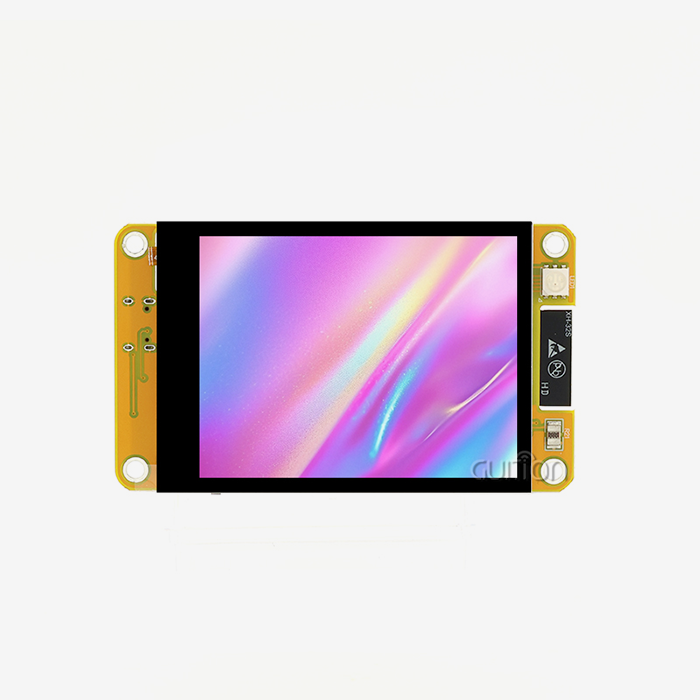
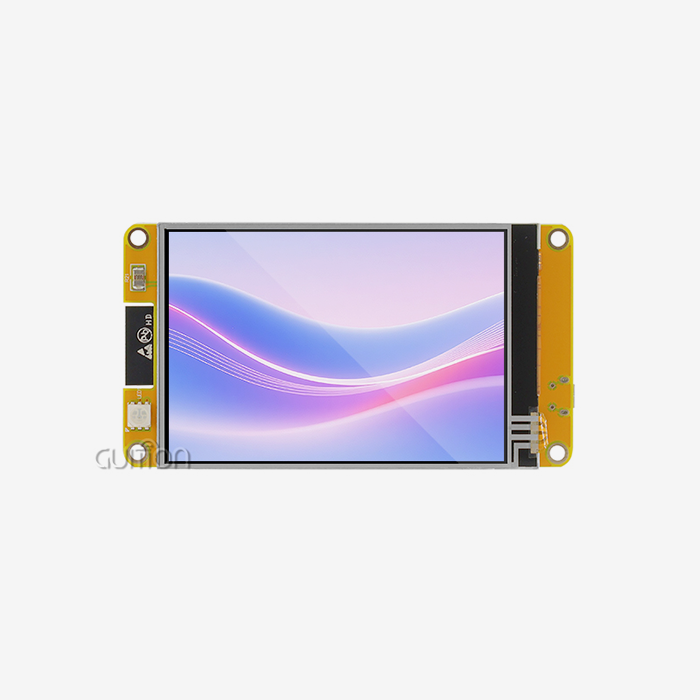
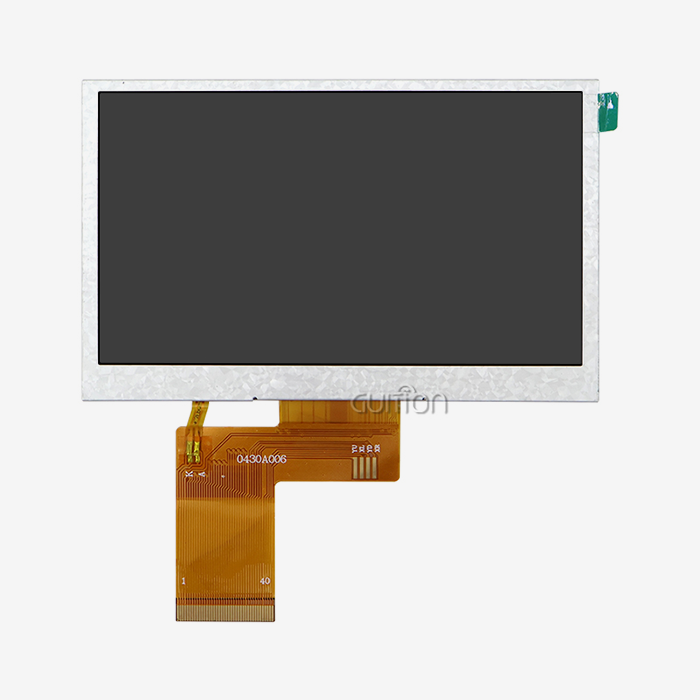
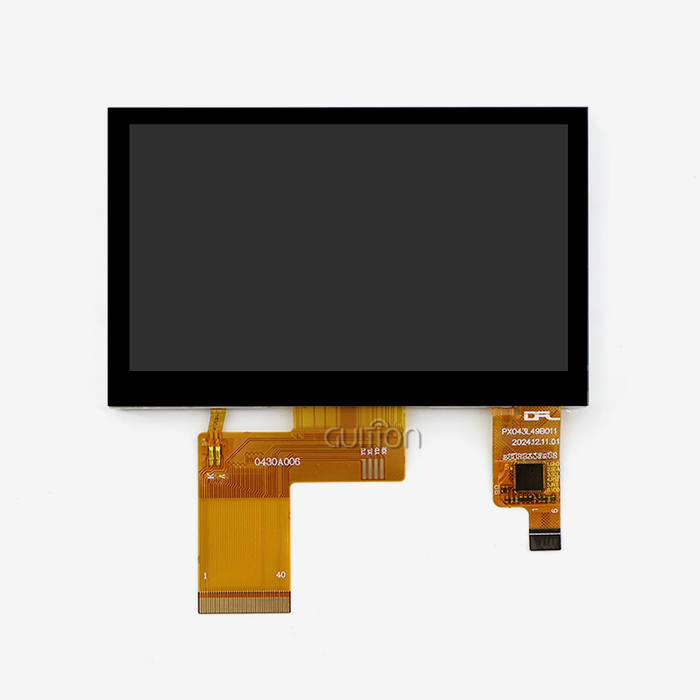
- Display specification: A 4.3-inch screen at 480×272 resolution with resistive touch covers the majority of OEM panel sizes. The module ships with a backlight control circuit and touch screen control circuit already integrated.
- Development flexibility: Support for Arduino IDE, ESP-IDF, MicroPython, and the proprietary Guition platform means your engineers work in the environment they already know, reducing the learning curve.
- Connectivity: Built-in Wi-Fi and Bluetooth allow remote monitoring and OTA firmware delivery without physical access to deployed units.
- Expandability: A TF card interface and up to 10 available IO pins give designers room to add storage for fonts, graphics, and data logs.
The most common problems for OEMs are a long time to market, high costs for debugging, and not enough flexibility after deployment. These criteria directly address these issues.
Comparing HMI Solutions Against Legacy Interfaces
When the control logic changes, traditional button and display screens need new hardware. On the other hand, a programmable touch display module lets you change the interface using software. This difference isn't small; it lowers the cost of revisions by a lot over the lifecycle of a product and lets product managers push feature updates from afar.
Procurement Process: How to Buy HMI Interactive Interfaces Efficiently
Evaluate Supplier Credibility
When looking for an HMI interactive interface source for OEM volumes, it's best to choose providers that offer full technical paperwork, sample units, and quick pre-sales support. Guition, which is run by Jingcai Intelligence, gives your team development guides, Arduino libraries, and factory-programmed test programs to try out the hardware before placing a large order.
Understand Pricing and Warranty Structure
Ask for detailed prices that show the unit cost along with any one-time engineering fees for special firmware or branding on the enclosure. Make sure the guarantee covers what you need and ask the seller if they offer online help with debugging after delivery. For OEMs making goods that will be made for more than one year, long-term supply dependability is just as important as unit price.
Integrating and Maintaining Your HMI Interactive Interface
Installation and PLC Integration Best Practices
Use the specified serial command set to connect the display module to your host device over USART. The JC4827W543R_I works with most PLCs and microcontrollers because it supports normal baud rates. Avoid EMI noise by properly grounding the module. EMI noise is known to cause ghost touches on sensitive screens in places with a lot of motors.
Software Setup and Customization
A drag-and-drop GUI builder is part of the Guition development platform. Designers click and drag to place controls, change the size and style visually, and see a preview of the results before they flash. There is no need for low-level graphics code. Teams that already use the Arduino IDE will find that the provided tools load quickly and come with well-documented example projects for standard control layouts.
Firmware Updates and Ongoing Maintenance
With remote OTA upgrade support, you can send new interface versions or bug fixes to units that are already out in the field, like in a factory, a commercial kiosk, or a medical cart, without having to send a technician. To keep downtime to a minimum during updates, make sure the firmware is checked regularly and backups of the TF card asset files are kept.
Industry Trends and Future Outlook for HMI Interactive Interfaces
Rising Demand for Connected Display Modules
As we move toward Industry 4.0, there is more demand for display units that already have Wi-Fi and Bluetooth built in. OEMs now expect their control panels to send data to cloud screens and receive changes to their settings from afar. Modules like the JC4827W543R_I, which are based on the ESP32-S3, meet this need without needing extra transmission hardware, providing an advanced HMI interactive interface solution through an esp32 display module for modern industrial applications.
AI and Edge Computing Integration
Embedded computers are getting fast enough that they can run small inference models locally. This means that alerts for planned maintenance can be shown directly on the HMI panel, without having to go back and forth to the cloud. OEMs working on the next generation of energy management and agricultural automation systems are already making prototypes of this architecture.
Multi-Language Support for Global Deployment
With UTF-8 support in the Guition platform, OEMs can put the same hardware in use in Asia, Europe, and North America by remotely switching between language packs. This makes after-sales help easier for customers in all areas and reduces the number of broken SKUs.
Conclusion
Choosing the right HMI display option affects how much it costs to make, how much it costs to maintain, and how long it lasts on the market. The GUITION JC4827W543R_I has a good mix of processing power, connectivity, and development freedom that makes it useful for many OEM uses as an HMI interactive interface solution. As an advanced ESP32 Display Module, it provides flexible integration options for various embedded applications. Your team can go from evaluation to deployment with more confidence and fewer surprises if they follow the steps in this guide for selection criteria and buying things.
FAQ
What is the difference between an HMI interactive interface and a SCADA system?
An HMI is the screen and touch panel at the machine level that the user sees and uses. SCADA is a type of control system that gathers information from many HMIs and tools in a building or network. Most SCADA systems use HMI screens as their input and output points for data.
How much customization does the GUITION JC4827W543R_I support?
Full secondary development is supported by the module. You can use the Guition platform to make your own UI layouts, the Arduino IDE or ESP-IDF to write your control logic, the TF card to store your own fonts and graphics, and the OTA to send updated firmware. The 10 IO pins also let you change things at the hardware level to link certain sensors or actuators.
What factors affect the total cost of ownership for an OEM display module?
Unit cost, development tooling fees, debugging time, the quality of after-sales support, and the ability to upgrade over-the-air (OTA) are some of the most important factors. A module that makes testing faster and lets you update it from afar usually has a lower total cost of ownership than a smaller unit that needs to be serviced often on-site. Because the Guition platform allows UTF-8 encoding and moving between languages, it is possible to make one set of hardware that works for many markets in different regions.
Does the module support multi-language interfaces for global products?
Yes. The Guition platform supports UTF-8 encoding and multi-language switching, making it practical to build one hardware configuration that serves multiple regional markets.
Get a Custom Quote from Guition — Trusted HMI Interactive Interface Manufacturer
For your next OEM job, you should get a display option that comes with real engineering help. The JC4827W543R_I from Guition is a 4.3-inch module that has ESP32-S3R8 processing power, built-in Wi-Fi and Bluetooth, and a flexible four-platform development environment. It is ready for use in industry. To get a sample, detailed information, or a price for a large order, please email our team at david@guition.com right now.
References
1. MarketsandMarkets. Human Machine Interface (HMI) Market — Global Forecast to 2027. 2022.
2. ARC Advisory Group. HMI and Industrial Automation Software Worldwide Outlook. 2021.
3. International Electrotechnical Commission. IEC 61131-3: Programmable Controllers — Programming Languages. 2013.
4. Espressif Systems. ESP32-S3 Technical Reference Manual. 2022.
5. Interact Analysis. Industrial HMI Market Intelligence Service Report. 2023.
6. ISA (International Society of Automation). ANSI/ISA-101.01: Human Machine Interfaces for Process Automation Systems. 2015.
Learn about our latest products and discounts through SMS or email