- English
- French
- German
- Portuguese
- Spanish
- Russian
- Japanese
- Korean
- Arabic
- Greek
- German
- Turkish
- Italian
- Danish
- Romanian
- Indonesian
- Czech
- Afrikaans
- Swedish
- Polish
- Basque
- Catalan
- Esperanto
- Hindi
- Lao
- Albanian
- Amharic
- Armenian
- Azerbaijani
- Belarusian
- Bengali
- Bosnian
- Bulgarian
- Cebuano
- Chichewa
- Corsican
- Croatian
- Dutch
- Estonian
- Filipino
- Finnish
- Frisian
- Galician
- Georgian
- Gujarati
- Haitian
- Hausa
- Hawaiian
- Hebrew
- Hmong
- Hungarian
- Icelandic
- Igbo
- Javanese
- Kannada
- Kazakh
- Khmer
- Kurdish
- Kyrgyz
- Latin
- Latvian
- Lithuanian
- Luxembou..
- Macedonian
- Malagasy
- Malay
- Malayalam
- Maltese
- Maori
- Marathi
- Mongolian
- Burmese
- Nepali
- Norwegian
- Pashto
- Persian
- Punjabi
- Serbian
- Sesotho
- Sinhala
- Slovak
- Slovenian
- Somali
- Samoan
- Scots Gaelic
- Shona
- Sindhi
- Sundanese
- Swahili
- Tajik
- Tamil
- Telugu
- Thai
- Ukrainian
- Urdu
- Uzbek
- Vietnamese
- Welsh
- Xhosa
- Yiddish
- Yoruba
- Zulu
HMI display screen Buying Tips for Industrial Applications
The success of your workplace automation will be significantly impacted by the HMI display screen you choose. These human-machine interface devices turn raw machine data into visible information that can be used. They are the key way for workers and complicated machines to talk to each other. When buying teams have to find display solutions, they need advice that takes into account real-world issues like how long the solutions will last in harsh environments and how well they will work with other systems. This book has tried-and-true buying advice for purchasing managers, embedded engineers, and system designers who work in industry settings. With the right knowledge of the important selection factors and the avoidance of common procurement mistakes, you can protect your investment and make factory lines, control panels, and automation systems run more efficiently.

Understanding HMI Display Screens for Industrial Use
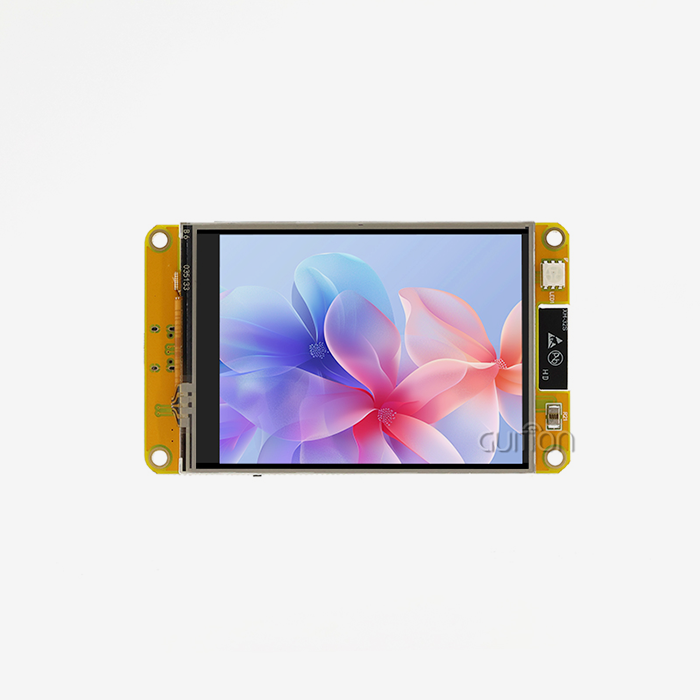
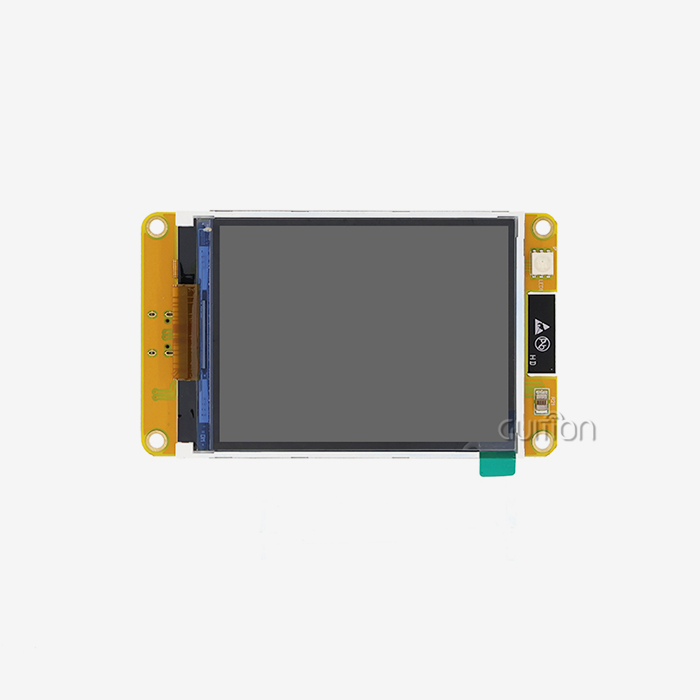
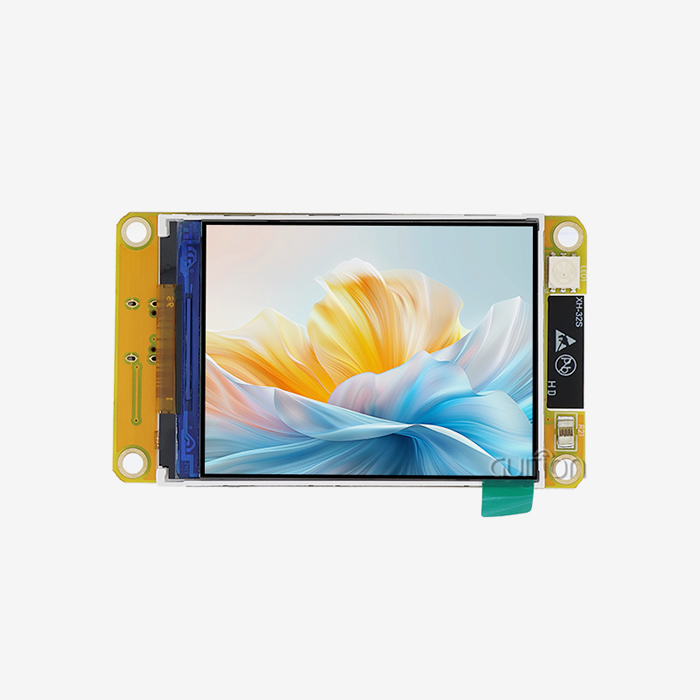
An HMI display screen turns complex process data into easy-to-understand visual displays that workers can quickly understand and act on. Industrial display units are different from consumer-grade tablets because they are designed to work reliably in harsh circumstances for long periods of time.
Core Operational Principles
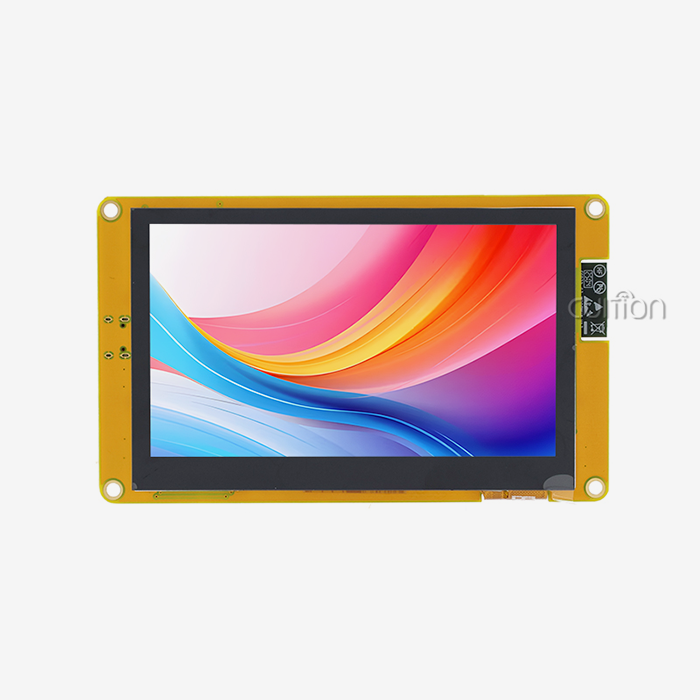
The driver and the visible interface must be able to talk to each other clearly for industrial display technology to work. These days, most units have a special microprocessor built in that takes information from PLCs or other control systems and shows it on the screen with buttons, gauges, charts, and status signs. The D121BBV controller, which runs at 400MHz, has the processing power of modern industrial screens. It can handle complex graphics rendering while keeping touch interactions fast.
Essential Feature Requirements
Usability is directly affected by resolution. An 800×480 screen gives enough information for most industrial uses, letting workers read small text and tell the difference between buttons that are close together. When multiple team members need to watch the same screen from different spots on the factory floor, IPS technology makes sure that everyone can see clearly from a wide range of angles.
Picking the right touch device is very important. Capacitive touch is better at responding and supporting multiple touches, making it perfect for clean rooms where people don't need to wear heavy gloves. When it's dirty or wet, resistive choices work better because pressure-based activation is more accurate than capacitance sensing.
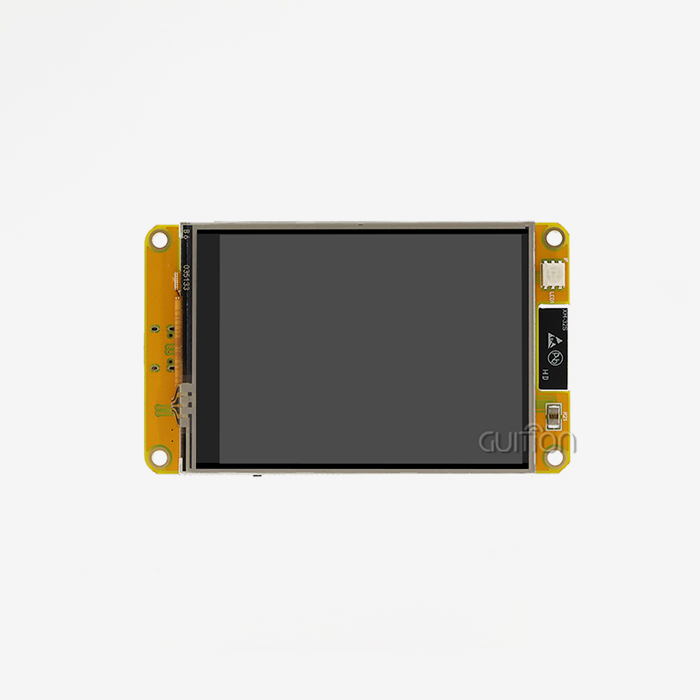
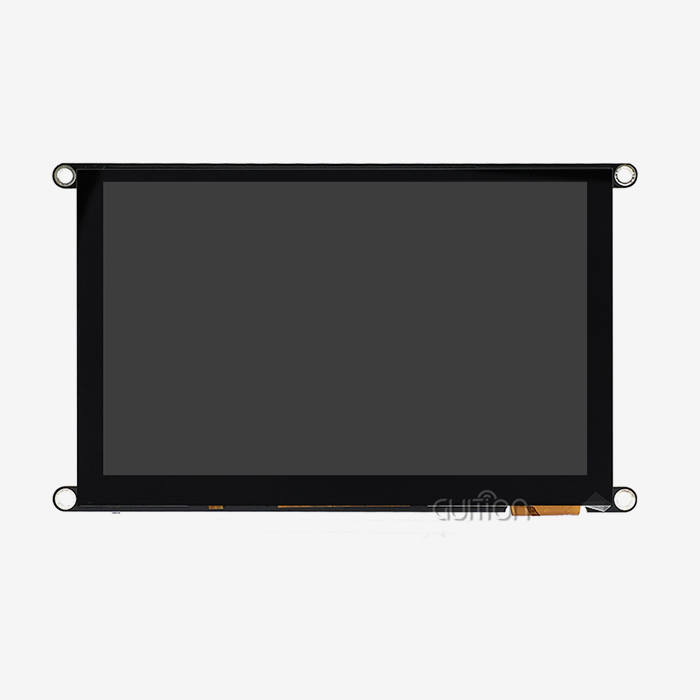
Screen size affects how much information is shown and how far away you can see it. A 5.0-inch screen is the perfect size for control panels where workers can easily reach it. It's small enough to carry around and big enough to read. Displays that are up to 21.5 inches are better for bigger uses, like centralized tracking units, but they need to be mounted differently and need more power.
Criteria for Selecting the Best HMI Display Screen
For selection to work well, it needs to be systematically evaluated against your unique business needs. This organized method avoids expensive mistakes when equipment capabilities don't match up with real application needs.
Environmental and Durability Factors
Minimum longevity standards for HMI display screens depend on where the work is going to be done. Places that make things with metal particles need sealed areas that keep dust out. Chemical processing plants need housings that can handle being exposed to a toxic atmosphere. Extreme temperatures, like those found in freezer stores and foundries, mean that screens need to be rated for wider temperature ranges than what is required by consumer devices.
IP scores tell you how safe something is. IP65 certification means that the building is dust-tight and can withstand water jets. It is perfect for most indoor industrial settings. For outdoor setups or places that need to be cleaned with high-pressure water, you need IP69K grades that can handle steam cleaning and a lot of moisture.
Connectivity and Protocol Compatibility
Modern industrial screens need to be able to talk to current control systems without any problems. Serial connections, like RS232 and RS485, are still common in older systems. On the other hand, Ethernet communication lets you connect to networked PLCs and SCADA platforms. Protocol support tells you if your display can share data with certain types of controllers without needing special bridge gear.
Using WiFi and Bluetooth units to join wirelessly gives you more options for how to set up your system. These features allow for remote tracking, data logging to cloud platforms, and diagnostics using a smartphone, all of which are becoming more and more important in Industry 4.0 uses. The GUITION JC8048Q350C_I supports both wireless protocols, which makes it easier to route cables in upgrade situations.
Processing Performance and Responsiveness
Specifications for controllers have a direct effect on how users feel. Standard control apps run smoothly on a 400MHz single-core MCU, which shows static images and makes simple movements without any noticeable lag. Applications that need to play videos or do complicated graphics changes need more processing power.
Touch reaction delay slows down operators' work. Users get frustrated when there are delays between touch input and visible feedback, and production processes are slowed down. Response times for good industrial displays stay below 50 milliseconds, giving workers the instant feedback they expect from physical controls.
Development Platform and Customization Capability
The skills of your tech team should match the development setting for the display. Teams that are used to open-source environments and a lot of community help will find Arduino compatibility useful. Engineers who are familiar with Espressif chipsets like ESP-IDF systems. Compared to low-level coding methods, proprietary platforms like Guition offer streamlined processes through drag-and-drop interface builders, which greatly shorten the time it takes to create.
Long-term adaptability is based on secondary growth flexibility. Full API instructions, example projects, and an open firmware design make it possible to customize features beyond what comes with the device. This ability to be expanded is very useful when new application needs come up during product development or launch in the field.
Practical Buying Tips to Avoid Common Pitfalls
A lot of the time, procurement mistakes happen because the needs analysis isn't full or the starting cost is more important than the total cost of ownership.
Overlooking Environmental Specifications
A lot of people choose displays based only on screen size and quality, without thinking about the temperature ranges they can work in. A normal monitor that works in temperatures between 0-50°C will break down quickly in cold places or near things that make heat. Make sure that the temperature ranges given have enough safety margins beyond the extremes you've recorded. For example, switching between jobs can expose electronics to wider temperature changes than constant operation.
Vibration endurance doesn't get enough attention until things break down too soon. In industrial settings, low-frequency vibrations are always present from machines that are turning, and shocks happen from time to time from strikes or valve actions. Displays that don't have the right internal fixing and component security break connections or delaminate the screen within months, instead of the two to three years that is expected.
Underestimating Integration Complexity
Assuming plug-and-play connectivity without checking the protocol details can cause costly delays in a project. Displays and controls may share similar interfaces like RS485, but if they have different baud rates, data framing, or command structures, they may need special middleware development. Before making large purchases, make sure you get full protocol specs and test them with your own controllers.
Power source compatibility should be checked very carefully. Most industrial displays can accept a wide range of DC inputs, with 12-24V being the most common. However, starting current spikes can cause power sources that aren't big enough to trip for no reason. Make sure that the specs for both steady-state and inrush current match the power facilities you already have.
Misjudging Display Readability
Screen specs for HMI display screens only tell you part of the story about how easy it is to read. The amount of light output is measured in nits, but how well you can see at the installation spot depends on the amount of light there already. For indoor use, 300-500 nits are usually enough, but screens near windows or outside need 1000+ nits or more to block the sun's glare. The 65K color depth of good IPS screens makes sure that there is enough contrast for reading text and telling the difference between state colors.
When there is more than one user, the viewing position is very important. When looked at off-axis, standard TN screens lose a lot of contrast and colors change. IPS technology keeps the image's appearance the same from 178-degree viewing angles. This keeps operators to the sides of control panels from misinterpreting state signs.
Engaging Cross-Functional Teams
Operations, repair, and technical partners need to be involved in the procurement process for it to go well. Operators give information about daily user needs, such as the size of buttons, glove support, and how to prioritize information. The people who work in maintenance know where equipment isn't reliable and where to get new parts. Engineering teams look at the needs for technical integration and the ability to grow in the long run. This way of working together brings up requirements that methods that only involve one area often miss.
How to Optimize Your HMI Display Screen Investment
Aside from choosing the right display, getting the most out of your investment in displays also means making sure they are set up correctly and keeping an eye on their performance.
Identifying Performance Bottlenecks
Most of the time, slow screen changes are caused by a lack of connection bandwidth, not problems with the display. By looking at how fast data moves between controls and screens, you can tell if the choice of protocol (Ethernet vs. serial) fits the amount of data that needs to be sent. Ethernet's higher throughput is better for displays that get full-screen changes often, while simple status displays work fine with serial links.
Operator reaction times are directly affected by how complicated the interface is. When you need to make a decision quickly, screens that are crowded with too much information or that require multiple levels of scrolling to get to important options slow you down. Watching operators work during real production runs shows problems with navigation and too much information that weren't clear during the initial interface design.
Implementing Performance Enhancements
Raising the screen's resolution can help workers be more productive when they are having trouble seeing small text or a lot of interface elements at once. Upgrading from basic QVGA displays to 800×480 resolution doubles the amount of space on the screen, which lets you use bigger fonts and better graphics without losing any information.
Protocol optimization cuts down on delay in apps that use a lot of data. When you switch from polling-based communication to interrupt-driven updates, you get rid of traffic that isn't needed and get important alarm alerts faster. Instead of writing registers by hand, the Guition development tool makes setting up protocols easier by letting you use graphical parameter settings.
Touch sensitivity tuning fixes common problems with how easy it is to use. Operators say that screens are "unresponsive" when they are calibrated differently from the original settings or when the touch targets are too small for their fingers. These problems can be fixed without replacing any hardware by using recalibration processes and redesigning the interface to make the control zones bigger.
Case Study: Manufacturing Line Efficiency
A precision machining facility had to stop working a lot because of "operator confusion" with their old single-line text screens. An analysis showed that workers wasted too much time trying to figure out complicated alphanumeric codes and multi-level menus in order to get to machine settings. The time it took to change parameters was cut by 73% when GUITION JC8048Q350C_I screens with special graphical interfaces were added. The easy-to-use touch interface got rid of wait times for menu access, and the color-coded status signs let you see at a glance what the machine state was. Even though graphical screens are more expensive than text-only ones, they paid for themselves in less than six months because production output went up 18% in the first quarter after installation.
Procurement Strategies: Securing the Best Value and Support
Strategic buying balances costs at the start with costs over the life of the product and lowering business risk.
Volume Purchase Considerations
Ordering in bulk lowers the cost per unit, but you need to be able to accurately predict demand. Industrial display technology changes quickly. Displays bought for long-term stock may not have features that are expected within 18 months. When weighing volume savings against the risk of becoming obsolete, it's usually best to keep a modest amount of inventory on hand and have good relationships with suppliers that allow for quick reorders as specs become stable.
For OEM uses, custom designs can help them stand out. Equipment makers can charge more because of branded splash screens, special mounting holes, or application software that comes pre-installed. The Guition development tool lets you completely change the interface, and there are no minimum order numbers like there are with fully customized hardware designs.
Logistics and Lead Time Planning
Unexpectedly long wait times for hmi display modules are caused by a lack of components, such as display screens and controller chips. Dual-sourcing methods or advance component allocation deals with providers are needed for important projects. Manufacturers who keep a variety of size ranges—from 1.28 to 21.5 inches—offer freedom when primary specs can't be met, which lets designs be changed instead of projects being held up.
Lead times for standard goods from Asian makers are usually between 4-8 weeks, while lead times for custom designs can be up to 10-14 weeks, which includes validation processes for prototypes. There are extra fees for rush processing that are often more than 30% of the normal price. Realistic wait times must be built into project schedules, along with buffers for shipping delays and customs clearance.
After-Sales Support Evaluation
How quickly problems with merging are fixed depends on how good the technical help is. When compared to vendors who only offer basic support, manufacturers who provide detailed paperwork, reference designs, and quick engineering advice speed up the finishing of projects. Finding out about support features like reaction time, technical depth, and availability of local language help during the first contact can help you guess how the experience will be after the purchase.
The terms of the warranty show that the maker trusts the product to work well. Standard one-year coverage is the bare minimum in the business, while longer guarantees show that the product has been rigorously tested for quality and is built to last. Platforms like Guition support the ability to remotely update products. This makes products last longer by allowing feature improvements and bug fixes to be made without field technicians having to visit the installation site, which is very helpful for installations that are spread out geographically.
Certified Supplier Verification
Buying from well-known makers instead of gray-market sellers guarantees real goods that meet written standards. Authentic units come with full paperwork, legal certificates, and insurance support, which are benefits that are often missing from cheaper gray-market options. Before committing to buy in bulk, verification steps include asking for proof of certification, checking lists of approved distributors, and making sure that serial numbers are correct through the manufacturer's channels.
Conclusion
When choosing an industrial display technology, you have to weigh the technical specs against the needs of the product and the total cost of ownership. This methodical evaluation approach—evaluation of the environment, confirmation of connection, validation of performance, and qualification of suppliers—increases buying trust while lowering common risks. Good display options like the GUITION JC8048Q350C_I show how to combine strong hardware, easy-to-use software tools, and all the connections that modern industrial uses need. Your choices about what to buy affect how well operations run and how much upkeep is needed for years after the initial installation. Spending time on detailed requirement analysis and collaboration across functions during the selection phase avoids costly repairs and replacements that are done too soon, leading to better ROI and operating reliability in the long run.
FAQ
What is the difference between resistive and capacitive touch options?
Because resistive screens can read physical touch, they can be used with heavy gloves and styluses in dirty places, which makes them perfect for heavy industrial settings. Capacitive screens react to electrical conductivity, allowing multiple touches and better visual clarity, making them ideal for medical equipment and clean-room settings where people work barehanded.
How does display resolution impact operational efficiency?
Higher clarity lets you see more information at once without having to go through menus. Industrial-grade displays with an 800×480 resolution let workers see more process parameters, trend graphs, and control elements on a single screen. This saves them time and effort because they don't have to move between screens as often with lower-resolution displays.
Can HMI display screens integrate with existing PLC or SCADA systems?
Modern HMI display screens work with common industrial protocols, like Modbus RTU/TCP, which lets them talk to PLCs made by big companies. To make sure that your device and potential display are compatible, you need to check that they use the same protocol versions and data formats. When compared to providers who don't provide much technical information, those who do offer protocol documentation and setup examples make integration easier.
Partner with a Trusted HMI Display Screen Manufacturer
Guition offers industrial display options that make development easier while still meeting strict operating needs. Our GUITION JC8048Q350C_I model has 400MHz processing power and an 800×480 IPS-sensitive touchscreen. It also comes with our easy-to-use drag-and-drop development tool, which helps embedded engineers and product managers get their products to market faster. We offer programming modes for Arduino, ESP-IDF, and our own Guition technology, so we can fit the way your team likes to work. Built-in WiFi and Bluetooth make it possible for IoT devices to join, and the ability to upgrade remotely lowers the cost of long-term upkeep. Email our team at david@guition.com to talk about the specifics of your application needs and get full technical documents. Our engineering support and flexible order numbers, from trials to production volumes, make us the partner you need for successful product launches, whether you're an automation developer looking for reliable parts or an equipment maker needing custom display solutions.
References
1. Smith, J. & Anderson, K. (2022). Industrial Human-Machine Interface Design: Principles and Best Practices. Manufacturing Technology Press.
2. Chen, L. (2023). "Optimizing Display Selection for Harsh Industrial Environments." Journal of Industrial Automation, 47(3), 112-128.
3. Roberts, M. (2021). Embedded Systems Integration: Communication Protocols and Display Technologies. Technical Publishing International.
4. Williams, D. & Thompson, R. (2023). "Total Cost of Ownership Analysis for Industrial Display Solutions." Procurement Engineering Quarterly, 15(2), 45-63.
5. Zhang, H. (2022). Touch Technology in Industrial Applications: Comparative Performance Study. Institute of Manufacturing Research.
6. Martinez, S. (2023). "IIoT Connectivity Requirements for Modern HMI Systems." Industrial IoT Technology Review, 8(4), 78-94.
Learn about our latest products and discounts through SMS or email