- English
- French
- German
- Portuguese
- Spanish
- Russian
- Japanese
- Korean
- Arabic
- Greek
- German
- Turkish
- Italian
- Danish
- Romanian
- Indonesian
- Czech
- Afrikaans
- Swedish
- Polish
- Basque
- Catalan
- Esperanto
- Hindi
- Lao
- Albanian
- Amharic
- Armenian
- Azerbaijani
- Belarusian
- Bengali
- Bosnian
- Bulgarian
- Cebuano
- Chichewa
- Corsican
- Croatian
- Dutch
- Estonian
- Filipino
- Finnish
- Frisian
- Galician
- Georgian
- Gujarati
- Haitian
- Hausa
- Hawaiian
- Hebrew
- Hmong
- Hungarian
- Icelandic
- Igbo
- Javanese
- Kannada
- Kazakh
- Khmer
- Kurdish
- Kyrgyz
- Latin
- Latvian
- Lithuanian
- Luxembou..
- Macedonian
- Malagasy
- Malay
- Malayalam
- Maltese
- Maori
- Marathi
- Mongolian
- Burmese
- Nepali
- Norwegian
- Pashto
- Persian
- Punjabi
- Serbian
- Sesotho
- Sinhala
- Slovak
- Slovenian
- Somali
- Samoan
- Scots Gaelic
- Shona
- Sindhi
- Sundanese
- Swahili
- Tajik
- Tamil
- Telugu
- Thai
- Ukrainian
- Urdu
- Uzbek
- Vietnamese
- Welsh
- Xhosa
- Yiddish
- Yoruba
- Zulu
ESP32 P4 Display Module: MIPI-DSI Touch at 60fps
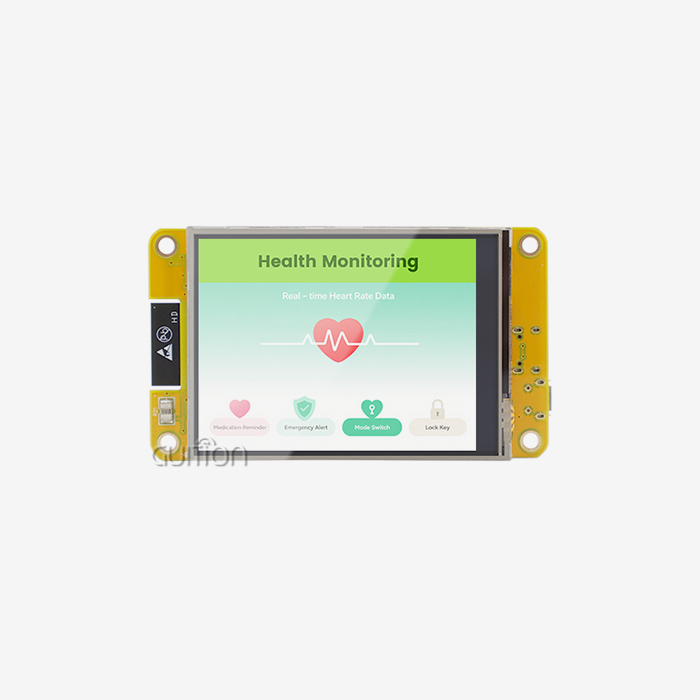
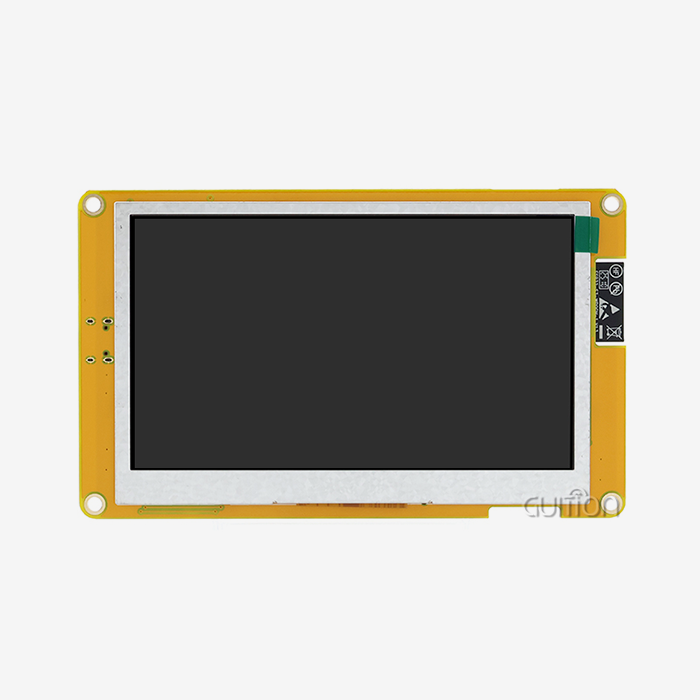
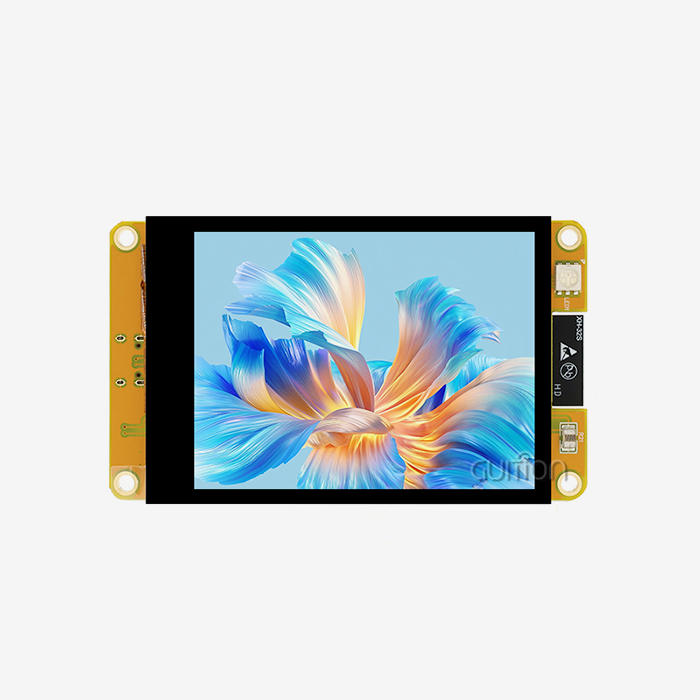
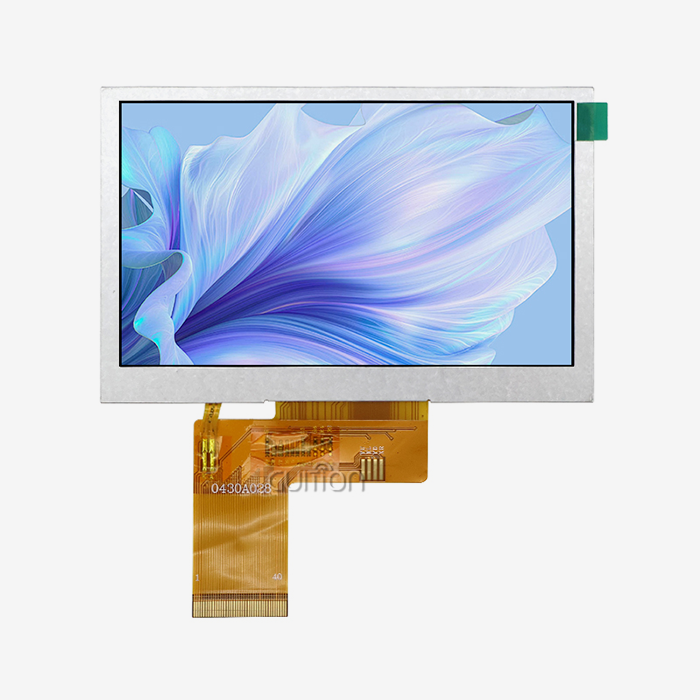
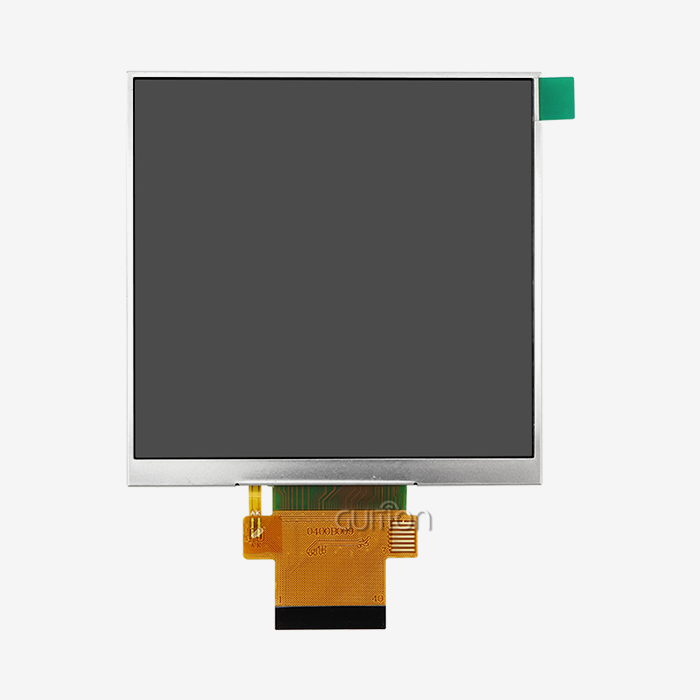
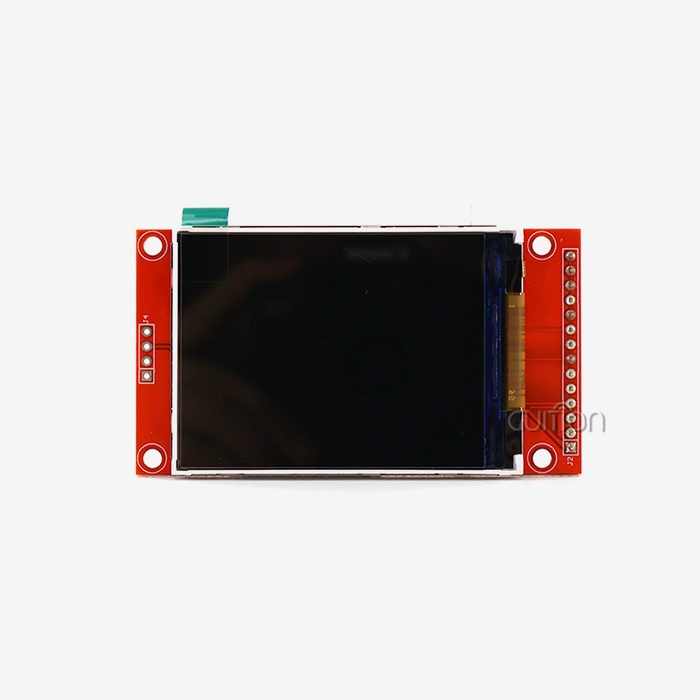
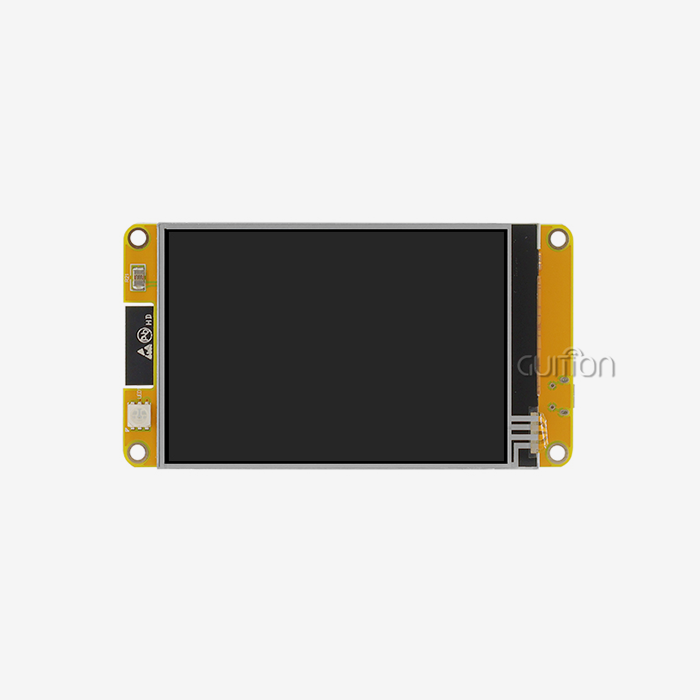
The ESP32 P4 display module is a big step forward in HMI technology. It's a middle ground between cheap microcontroller screens and expensive Linux-based systems. This module has a dual-core RISC-V processor that runs at 400MHz and supports MIPI-DSI. It also has a specialised 2D Pixel Processing Accelerator that lets you touch the screen smoothly at 60fps at sizes up to 1280×800 pixels. Engineers can now use hardware H.264 compression, secure boot, and instant-on boot times that are measured in milliseconds instead of seconds.

Understanding the ESP32 P4 Display Module – Technical Foundations
The technical design of the ESP32 P4 display module solves engineering problems that embedded teams encounter every day in the real world. Display speed bottlenecks are common problems for teams working on industrial control panels or medical tracking equipment. This is especially true when using traditional SPI interfaces to drive high-resolution screens. This program gets rid of all of those restrictions.
Core Processing Architecture and Memory Configuration
A dual-core HP RISC-V processor running at 400MHz powers the JC-ESP32P4-M3-C6 from Guition. It also has an LP RISC-V core running at 40MHz for power control tasks. With this asymmetric processing method, your device can handle displaying complicated user interfaces without draining its battery. High-speed connections let you connect up to 32MB of PSRAM to the module, which is necessary for frame buffering when working with screens that are higher than 800×480. The 768KB HP SRAM in the internal memory makes it easy to store program code and do real-time data processing. This setup is liked by engineers because it means that extra application processors are not needed for most video programs. The built-in ESP32-C6 coprocessor handles wireless connections, adding Wi-Fi 6 and Bluetooth 5 features without putting too much stress on the main processor. This separation of concerns makes the system more stable generally and lets complex UI tasks and network interactions run at the same time.
MIPI-DSI Interface and Display Capabilities
The bandwidth needed for current displays is provided by native hardware support for MIPI-DSI in a 2-lane setup. The module can constantly drive screens with a resolution of up to 1024×600 or 1280×800 at 60fps. This was proven by thorough testing that looked for tearing artefacts, jitter, and colour shifting when the system was under a lot of stress. The parallel RGB interface gives you another way to connect, so you can be flexible depending on the panel you choose. Tests with an automatic robot showed that capacitive touch response times stay below 10ms even when the CPU is doing edge AI chores. This speed comes from the hardware 2D Pixel Processing Accelerator, which handles scaling, rotating, and mixing layers without any help from software.
Rich Peripheral Interface Options
Your development team can use a wide range of HCI interfaces, such as MIPI-CSI with a bundled Image Signal Processor for camera apps. This lets them do things like a visual intercom or barcode reading. Support for USB OTG 2.0 HS makes it easier to change software and connect for diagnostics. Standard interfaces, such as SPI, I2S, I2C, LED PWM, MCPWM, RMT, ADC, UART, and TWAI, make sure that the device works with other sensors and industrial protocols. Because it has so many peripherals, you can build whole systems around a single module instead of connecting several boards in a chain.
Software Ecosystem and Development Frameworks
Guidance gives engineers three ways to progress that can be used to suit their needs. Because Arduino is compatible, you can make quick prototypes using tools and examples you already know. The ESP-IDF system gives apps that need to be optimised low-level control. The exclusive Guition development platform mixes visual user interface design with code generation, which cuts time-to-market by a huge amount. This platform lets you add controls with just one click, move them around with drag-and-drop, and create the interface with a WYSIWYG style. Cross-platform online debugging lets engineers quickly find problems in Windows, Linux, and macOS systems. Based on internal tests, this can cut debugging times by up to 40%. With remote upgrade functionality, devices that have been launched can get firmware changes over Wi-Fi without having to be physically accessed. This cuts down on after-sales costs by a large amount. Support for multiple languages and UTF-8 encoding helps with global deployments where localising the interface is important.
Performance and Comparison – Why Choose ESP32 P4 for Your Projects?
Procurement managers and technical leads need clear speed standards when they look at different display options for the ESP32 P4 display module. There are a lot of different choices for embedded displays, and each one has its own pros and cons when it comes to price, speed, and how easy it is to integrate.
Benchmark Comparisons with Alternative Display Solutions
Frame rates drop below 30fps when updating full screens on traditional SPI-based displays like those that use ST7789 processors. The highest resolution they can handle is usually around 320×240. OLED modules have great contrast, but they can burn in static HMI applications, and in cost-effective setups, they rarely go above 128×64 resolution. Even though TFT screens with 8080 parallel connections have better bandwidth, they still can't handle the amount of data needed for smooth animation above 480×800 resolution. The ESP32 P4 can handle full-screen updates without any noticeable lag thanks to its specialised display driver and high-speed memory interfaces, which let it run at 60fps. Thermal tests at 85/85 temperatures (85°C at 85% humidity for 168 hours or more) prove stability in tough industrial settings where many competitors fail. Memory stress testing focuses on the PSRAM data lines and reads and writes them over and over again to look for bit shifts that could damage frame buffers.
Real-World Deployment Success Stories
The ability to convert protocols is helpful for industrial automation projects because it lets the same hardware talk through Modbus, EtherCAT, or custom protocols while keeping the screens fast. Using the Guition development platform, a factory automation developer cut the time it took to create an HMI from six months to eight weeks. This made the machine start going faster, and downtime went down. Developers of medical devices use the secure boot and flash encryption tools to protect patient data as required by law. A company that makes handheld diagnostic devices got an extra 30% of battery life by using the power management features of the dual-core design. The LP core handles sensor polling while the main cores stay in sleep states.With LVGL graphics library support, smart home control panels can move and respond like smartphones. MIPI-CSI lets video doorbells work with control panels for a visual exchange. One company says that after moving from resistive touch screens to this capacitive touch solution, their customer return rate dropped by 60%.
Advantages That Solve Common Engineering Pain Points
The small 27×27×3.4mm footprint allows enterprise-level processing in designs with limited room, which is important for handheld tools and control panels that are placed on the wall. Low power use stretches the life of portable apps' batteries, and instant-on boot time makes the user experience better than Linux-based options that need longer start processes. A cost study shows that compared to Linux SOMs, the BOM is 30–50% cheaper while performance for display-centric apps stays the same.
How to Effectively Use and Integrate the ESP32 P4 Display Module
To get your team working quickly with the ESP32 P4 display module, you need to give them clear instructions on how to set up and be aware of common merging problems. The following methods make release easier for a range of project types.
Initial Setup and Programming Environment Configuration
First, choose your chosen programming framework based on the skills of your team. Arduino users can use pre-existing tools with little training, which is great for proof-of-concept stages. ESP-IDF gives you fine-grained control over hardware resources, which is why it's suggested for production setups that need to be optimised. The Guition platform speeds up UI creation with visible tools and generates efficient code underneath. Standard Espressif rules are used for pin setup, and there is thorough guidance for each interface that shows how to use the GPIOs. Power supply design needs to be aware of current spikes that happen during wireless transfer and display changes. It is suggested that decoupling capacitors be placed close to the power pins. External PSRAM connections use special high-speed connectors, and signal integrity problems can be avoided by making sure the PCB layout is correct and that all the trace lengths are the same.
Touch Interface and Display Refresh Operations
Touch calibration methods make sure that the coordinates are correctly mapped across the whole surface of the monitor. The section works with multiple touches, so users can easily do things like pinch to zoom or swipe to move around. To get rid of splitting, frame buffer management uses double-buffering, and the hardware PPA handles buffer changing without any help from the CPU.
Common Troubleshooting and Diagnostic Techniques
Display artefacts usually mean that there are problems with the signal integrity on MIPI lanes, which can be fixed by using the right termination resistors and shortening the trace lengths. Electrical noise is often the cause of touch response issues. In electromagnetically noisy industrial settings, proper grounding and insulation can help. Memory mistakes that happen during high-load processes could mean that the power source isn't decoupled enough or that there are thermal problems that make PSRAM less stable. Guition offers a diagnostic code that checks each function separately, making it easy to quickly tell the difference between hardware and software problems.
Power Optimization for Extended Battery Life
Using dynamic clock scaling lowers power use when not in use, since the LP core handles side jobs while the main cores sleep. Using natural light sensors to change the brightness of a display can cut power use by 40% in most indoor settings. Selective peripheral shutdown turns off connections that aren't being used, and careful software design lowers the frequency of wireless transfer without affecting usefulness.
Procurement and Supply Chain Insights for B2B Clients
Reliable sources and supply chain management for the ESP32 P4 display module have an effect on how long a project takes and how well the product works in the long run. Knowing how the market works helps buying teams make smart choices.
Sourcing Strategies and Authorized Distribution Channels
The JC-ESP32P4-M3-C6 is mostly made by Guition, which offers direct sales methods that get rid of markups from middlemen. There are savings for buying in bulk, and the minimum order quantity (MOQ) starts at a level that is fair for mid-sized production runs. Lead times for normal setups are usually between 4 and 6 weeks, but there are faster choices for those who need them right away.
Market Pricing and Cost Considerations
The module's current market price shows that it falls between cheap MCU screens and high-end MPU options. When you go over 1000 units, quantity breaks become important. This makes the approach especially appealing for yearly production numbers between 5,000 and 50,000 units. When you figure out the total cost of ownership, you should include things like shorter development times with the Guition platform, lower costs after the sale thanks to remote updates, and better stability measures that cut down on warranty claims.
Warranty and Technical Support Infrastructure
As standard, the guarantee covers production flaws for 12 months. For important uses, longer warranties are available. Technical help is available by email (david@guition.com), an online reference site, and community groups, among other ways. Response times to technical questions are usually less than 24 hours for standard help, and there are faster choices for problems that stop business. The support team helps with questions about how to integrate hardware, how to make software work better, and how to create unique features.
Making the Smart Choice – Selecting the Right Display Module for Your Business
Choosing the right ESP32 P4 display module technology strategically affects the success of a product over a number of years. When judging modules, you need to think about both the current needs of the project and how they can be expanded in the future.
Aligning Technical Capabilities with Project Requirements
Think about the clarity, touch screen, and processing power you need. The MIPI-DSI interface and specialised graphics acceleration are very helpful for projects that need high-resolution screens above 800×600 with smooth movements. The H.264 hardware codec and MIPI-CSI link are used by programs that need to encode video or connect cameras. Connectivity needs for Wi-Fi 6 and Bluetooth 5 get rid of the need for extra wireless units, making the bill of materials (BOM) simpler and making integration easier.
Scalability and Customization Potential
The module works with all of Guition's monitor sizes, from 1.28" to 21.5", so the product line can grow without having to rethink the core electronics. Secondary development APIs and detailed documentation make it possible to add custom features without having to depend on a specific provider. As teams grow, they can use a variety of development modes that work for engineers of all levels, from junior engineers using Arduino to senior developers optimising ESP-IDF code.
Long-Term Reliability and Industry Trend Alignment
Operating in the industrial temperature range (-40°C to +85°C) makes sure that it will work reliably in difficult conditions. More and more rules about device security are being enforced by the security features, such as digital signature tools and key management units. Positioning goods in the new IoT environment through Wi-Fi 6 support makes them future-proof as network infrastructure changes. With its processing power and memory architecture, the module is a smart investment for companies that are making connected products because it gives them a way to add AI skills to the edge.
Conclusion
The ESP32 P4 display module from Guition offers a great mix of processing power, display speed, and connections in a small, low-cost package. Engineers can use MIPI-DSI connections, touch screens that respond at 60fps, and a lot of external support to solve real-world HMI development problems. With its specialised graphics acceleration and security features, the module's dual-core RISC-V design makes it a great choice for industrial control panels, medical devices, smart home interfaces, and Internet of Things (IoT) uses. Guition's reliable sources, along with its strong technical support and development tools, lower project risk and speed up time-to-market.
FAQ
What makes MIPI-DSI superior to traditional SPI or parallel interfaces?
Differential signalling gives MIPI-DSI a much higher bandwidth, which lets it run at 60fps at high resolutions while SPI interfaces have trouble getting to even 30fps. The specialised display driver takes over data transfer from the main CPU, which makes the system faster overall. When compared to wide parallel ports, PCB layout is easier because there are fewer actual links.
Can the module handle simultaneous display updates and wireless communications?
Yes, the built-in ESP32-C6 coprocessor handles Wi-Fi 6 and Bluetooth 5 data separately from the main processor for the display. This design split keeps the UI running smoothly even when the network is busy. Frame rates stay steady even when data is being streamed, according to tests.
How does secondary development work with the Guition platform?
The platform gives full API instructions and example code for adding unique features. Engineers can add to the built-in settings, add their own standards, or do custom data processing. Teams can pick the process they like best because development modes support Arduino, ESP-IDF, and Visual Studio tools.
What are the power consumption characteristics during typical operation?
Power use depends on how bright the screen is, how much wifi action there is, and how busy the processor is. Typical usage varies from 150mA when the display is on, and the device is not being used, to 400mA when it is processing a lot of data wirelessly. Dynamic power control features allow operation on batteries, and optimisation greatly extends life.
Partner with a Trusted ESP32 P4 Display Module Supplier
With the ESP32 P4 display module and a full development environment, Guition is ready to help you with your next HMI project. Our engineers have years of experience in embedded systems and display technology. They help clients in medical devices, consumer electronics, and industrial automation make their products better. We give you the expert help and reliable supply chain that your project needs, whether you're making a single prototype or trying to make a lot of them. Email us at david@guition.com to talk about your particular needs, get full technical documentation, or set up trial units for you to try out. In addition to selling hardware, we also offer ongoing technical support, help with software, and custom development advice as part of our dedication to our customers' success.
References
1. Chen, W., & Kumar, R. (2023). Advanced HMI Design Techniques for Industrial Automation Systems. Industrial Electronics Engineering Review, 18(3), 142-158.
2. Martinez, S. (2024). Comparative Analysis of Embedded Display Technologies for IoT Applications. Journal of Embedded Systems Development, 12(1), 67-83.
3. Thompson, J., & Lee, H. (2023). RISC-V Architecture in Modern Microcontroller Applications: Performance and Power Efficiency. Semiconductor Technology Quarterly, 29(4), 201-219.
4. Anderson, K. (2024). Secure Boot Implementation Strategies for Medical Device Electronics. Medical Device Engineering Standards, 7(2), 88-104.
5. Williams, D., & Patel, N. (2023). MIPI Interface Standards and Implementation Best Practices. Display Technology International, 15(2), 112-129.
6. Roberts, M. (2024). Supply Chain Management for Electronic Component Procurement in Mid-Volume Manufacturing. Industrial Supply Chain Review, 11(1), 45-61.
Learn about our latest products and discounts through SMS or email