- English
- French
- German
- Portuguese
- Spanish
- Russian
- Japanese
- Korean
- Arabic
- Greek
- German
- Turkish
- Italian
- Danish
- Romanian
- Indonesian
- Czech
- Afrikaans
- Swedish
- Polish
- Basque
- Catalan
- Esperanto
- Hindi
- Lao
- Albanian
- Amharic
- Armenian
- Azerbaijani
- Belarusian
- Bengali
- Bosnian
- Bulgarian
- Cebuano
- Chichewa
- Corsican
- Croatian
- Dutch
- Estonian
- Filipino
- Finnish
- Frisian
- Galician
- Georgian
- Gujarati
- Haitian
- Hausa
- Hawaiian
- Hebrew
- Hmong
- Hungarian
- Icelandic
- Igbo
- Javanese
- Kannada
- Kazakh
- Khmer
- Kurdish
- Kyrgyz
- Latin
- Latvian
- Lithuanian
- Luxembou..
- Macedonian
- Malagasy
- Malay
- Malayalam
- Maltese
- Maori
- Marathi
- Mongolian
- Burmese
- Nepali
- Norwegian
- Pashto
- Persian
- Punjabi
- Serbian
- Sesotho
- Sinhala
- Slovak
- Slovenian
- Somali
- Samoan
- Scots Gaelic
- Shona
- Sindhi
- Sundanese
- Swahili
- Tajik
- Tamil
- Telugu
- Thai
- Ukrainian
- Urdu
- Uzbek
- Vietnamese
- Welsh
- Xhosa
- Yiddish
- Yoruba
- Zulu
Can ESP32 development board screen Show Graphics?
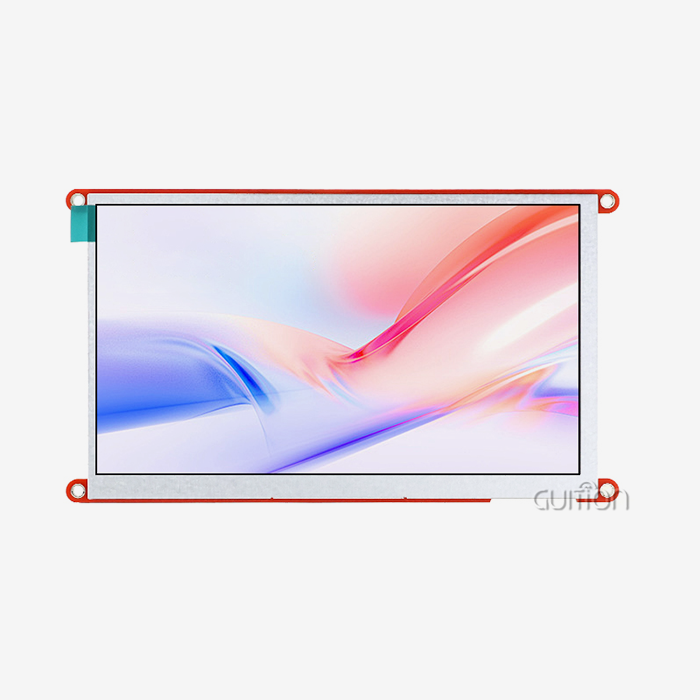
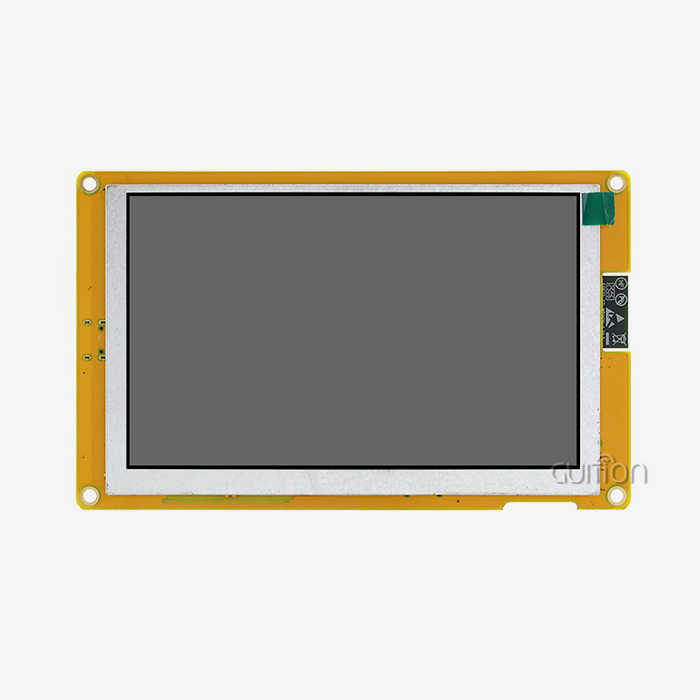
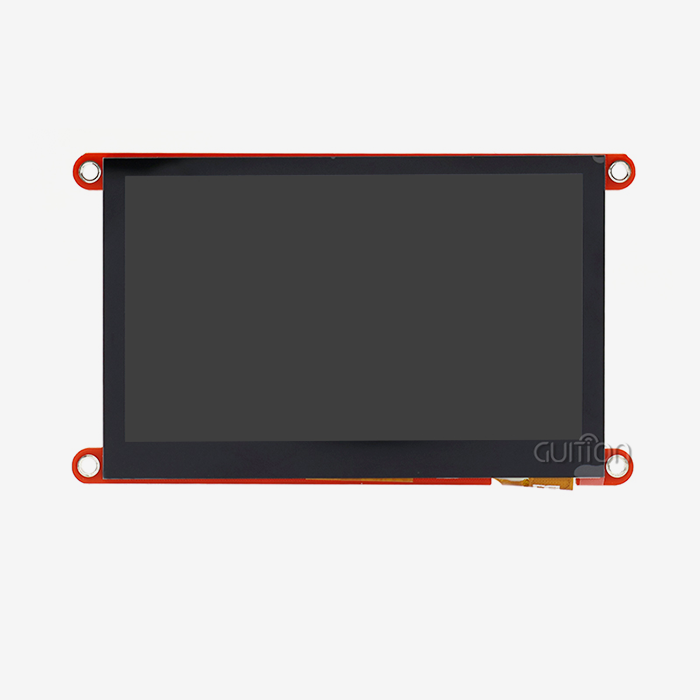
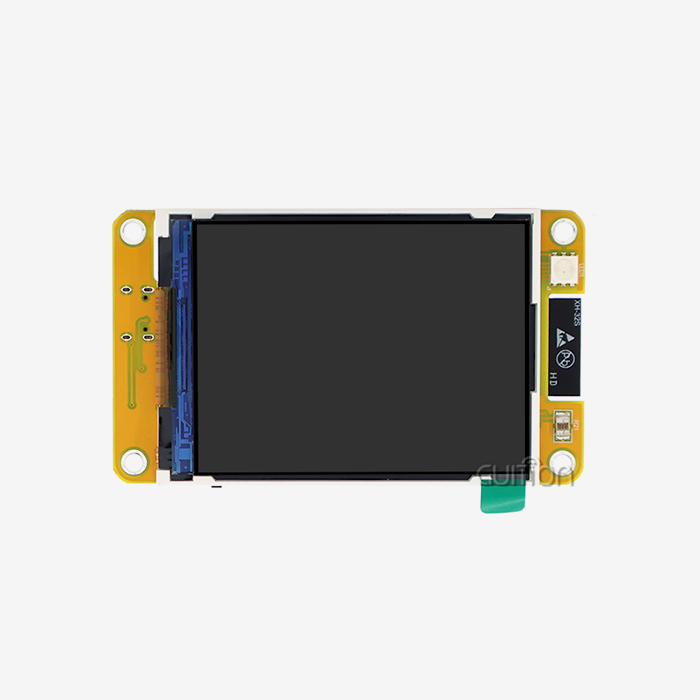
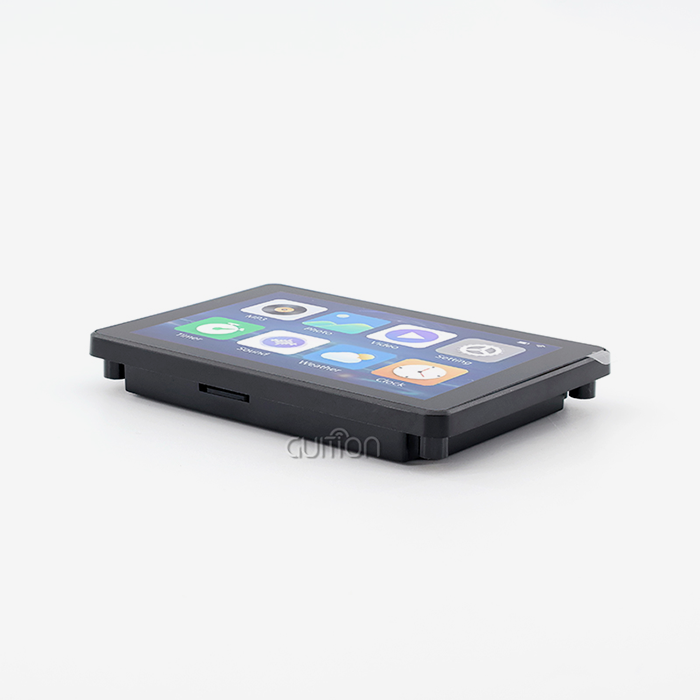
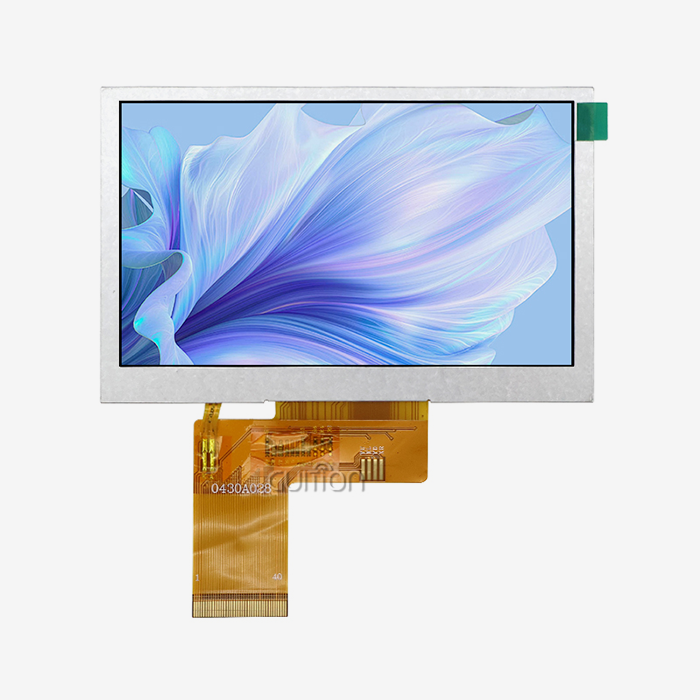
ESP32 development board screens can definitely show complex pictures and have amazing performance abilities. These built-in display units use Espressif's powerful ESP32 microprocessor along with different screen technologies, such as TFT LCD, OLED, and E-Paper displays. The ESP32 has two cores that can work together at up to 240MHz. It also has specialized display drivers and graphics libraries like LVGL that make it possible for pictures, animations, real-time data visualizations, and complicated user interfaces to run smoothly. Modern ESP32 development board screen options come with sizes ranging from 240x240 pixels to 800x480 pixels. These provide professional-grade graphics that can be used in smart device interfaces, industrial control panels, and IoT dashboards.
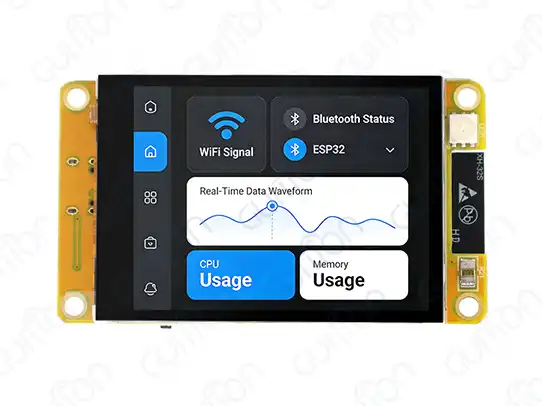
Understanding ESP32 Display Capabilities
Because it can handle visual processing well, the ESP32 microcontroller design is a great choice for embedded display applications. These devices can work with different monitor technologies that have different performance specs when they are built into research boards. The Tensilica Xtensa LX6 processor has two cores, which means it has enough processing power to create images while still being quick enough for other system tasks.
Display Technology Compatibility
ESP32 boards work with a number of different monitor systems, and each has its own benefits for certain uses. With support for 65K colors and great light levels, TFT LCD screens can show bright colors properly both inside and outside. OLED screens have better contrast ratios and use less power, which is especially helpful for battery-powered devices where deep blacks use little power. E-Paper screens work great in situations with very little power because they can keep static pictures without using power all the time. On ESP32 systems, you can connect to hardware through SPI (up to 80MHz), I2C, 8-bit parallel, and RGB parallel. These ports make it possible to easily connect to different display drivers, like ILI9341, ST7789, and SSD1306. Data throughput and refresh rates are affected by the type of link used. For example, parallel lines have higher bandwidth for bigger screens that need faster updates.
Memory Management and Graphics Performance
Because the ESP32's SRAM is limited, it needs to be carefully managed when generating graphics. Frame buffers for color screens can use up a lot of memory, especially when the resolution is high. A single frame file for a 320x240 device with 16 bits of color depth needs 153,600 bytes. To get around these problems, more advanced ESP32 units use external PSRAM, which lets them handle bigger screens and more complicated graphics processes. The graphics processing can do more than just static pictures. It can also make smooth animations and show real-time info. Some well-known graphics libraries, like LVGL (Light and Versatile Graphics Library), have rendering systems that work best in microcontroller settings. These libraries have drawing routines, partial screen updates, and memory optimization methods that work well with the hardware and give you the best speed possible.
Step-by-Step Guide to Connecting and Programming an ESP32 Screen
To put images on ESP32 development board ESP32 development board screen, you need to know how to connect the hardware and how to write the software. During the integration process, wiring specs, signal integrity, and software setup must all be carefully thought out in order to get reliable graphics performance.
Hardware Connection Fundamentals
Having the right connections is a very important part of getting stable image output. MOSI, MISO, CLK, CS, DC, and RST pins are usually needed for an SPI link. When sending signals, it's important to keep interference to a minimum. When thinking about the power source, you should make sure it has enough current to run the backlight and a clean power distribution to avoid display flaws. The stability of the ground plane affects the quality of the signal. This is especially important for high-frequency SPI communications that are running at full clock speed. Adding a touch screen makes things more complicated because capacitive touch controls like the GT911 or FT6236 need more I2C lines. For responsive touch sensing and motion recognition, these controllers need to be able to handle interrupts. When touch sensors and display functions are combined, proper insulation and grounding are needed to keep electromagnetic interference from happening between subsystems.
Programming and Graphics Libraries
These days, ESP32 graphics code uses complex libraries that hide low-level display functions. The TFT_eSPI library has drivers that work better with common TFT controllers. These drivers speed up sprite processes and make screen changes faster. Configuration is the process of choosing the right pin assignments and display values. This can be done by changing the header file or setting up the display during gameplay. With tools, animations, and flexible layouts, LVGL integration lets you make user interfaces that look like they were made by professionals. The library's event-driven design lets you interact with it through touch, button hits, and timer-based changes, all while keeping the system fast. When making complicated interfaces, memory allocation methods become very important because you have to carefully balance the quality of the graphics with the amount of RAM you have available. Some ways to improve the code are to use DMA transfers for screen updates, set up partial refresh areas to reduce the amount of data that needs to be sent, and use a dual-core to separate jobs like rendering images from communicating. These methods make sure that the visual performance is smooth, even when using demanding apps that need to handle real-time data changes and user interactions.
Comparing ESP32 Screens for Graphics Applications
There are a lot of technical and useful things to think about when choosing the right display technology for the ESP32 development board screens. Depending on the purpose, the location, and the amount of power available, different screen types have different benefits.
OLED versus TFT Display Technologies
When you need good contrast ratios and wide viewing angles, OLED screens are the best choice. Because OLED cells are self-emitting, they don't need backlighting. This means that there are true black levels and better viewing quality in low-light settings. Power use changes a lot depending on what is being shown. For example, dark styles use very little power, while bright, colorful images use more. When OLEDs are used in industrial settings, temperature sensitivity is important to think about because their performance can suffer in harsh conditions. TFT LCD technology works well in a wide range of environments because it maintains accurate colors and high light levels. Because they can be seen in bright conditions, backlight systems make TFT screens useful for outdoor use and industrial control panels. Most of the time, they can reproduce a wider range of colors than OLED alternatives. This is important for medical images or uses that need to match colors exactly.
Resolution and Touch Integration Considerations
Higher resolution screens show more detailed images and are easier to read, but they need more memory and computer power. When compared to 240x320 displays, 480x320 displays need a lot more frame buffer memory and take longer to update. The trade-off between system speed and visual quality needs to be carefully thought through based on the needs of the program and the hardware that is available. Capacitive touch integration lets users connect with current devices by supporting multiple touches and recognizing gestures. Touch capability, on the other hand, makes implementation more difficult because it needs more ESP32 development board screen interrupt handling, calibration steps, and software tools for processing touch events. Alternatives that use resistive touch are cheaper and easier to set up, but they don't work as well or last as long as capacitive options. Battery-powered apps benefit from careful power management techniques that take into account monitor refresh rates, backlight strength, and sleep modes. E-Paper screens are very power-efficient for uses that don't need to be updated very often because they keep the information on display without constantly using power.
How to Choose and Procure the Right ESP32 Development Board Screen
When buying an ESP32 development board screen, you need to carefully consider the technical specs, the supplier's skills, and the help that will be needed in the long run. When used in industry, efficiency, environmental scores, and supply chain stability need extra care.
Technical Specification Analysis
Resolution needs rely on how complicated the application is and how far away the screen is being viewed. Larger displays that can be touched are usually better for control panel apps, while simple text and graph displays may be enough for sensor tracking devices. Interface bandwidth estimates make sure that there is enough data flow for fast graphics changes. This is especially important for animations and showing data in real time. For workplace use, environmental requirements include working temperature ranges, humidity levels, and resistance to vibration. Display brightness needs range from 250 nits for indoor use to over 1000 nits for viewing in full sunlight. Ratings for how long a touch screen will last are important for uses where the user will be touching it a lot or where the conditions will be rough.
Supplier Evaluation and Quality Assurance
Leading companies like Guition focus on ESP32-based display devices and offer full development environments. Some things that show quality are certifications, warranty terms, and the ability to provide expert help. The quality of the documentation affects both the time it takes to create and the number of times it works. For example, detailed datasheets, example code, and application notes make merging easier. Supply chain reliability is very important for commercial goods that need stable prices and a regular supply of parts. Established sellers keep track of inventory levels and let customers know ahead of time about changes to designs or when products will no longer be made. The quality of technical support varies a lot from one provider to the next. Responsive engineering help lowers development risks and time-to-market concerns. Volume pricing structures and minimum order quantities affect procurement strategies for different market segments. Small-scale prototyping benefits from flexible ordering options, while production volumes require competitive pricing and supply guarantees.
Real-World Applications and Case Studies
The ESP32's graphics powers make it possible for a wide range of uses in industrial, business, and consumer markets. These examples show how graphics-intensive embedded systems work in real life and what design factors should be taken into account.
Industrial Control and Monitoring Systems
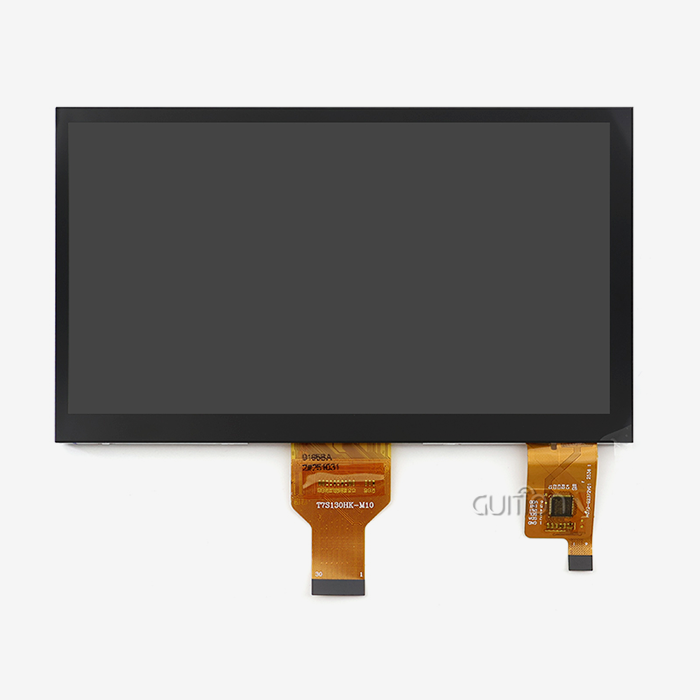
Manufacturing environments utilize ESP32 development board screens to show the state of machines, allow users to change parameters, and log data. For these apps to work, the images have to be strong even when there are problems like radio interference, changes in temperature, and the need to run all the time. Traditional button panels have been replaced by touch screen interfaces, which make them easier to use and reduce mechanical wear. A 4.3-inch TFT monitor with capacitive touch is used as the input for controlling a CNC machine, as an example. The system shows the spindle speed, tool position coordinates, and program completion progress in real time and lets you change parameters by touching the screen. Graphics speed needs to be high enough to support smooth meter movements, real-time plot updates, and touch feedback that responds quickly in industrial EMI environments.
Smart Home and IoT Dashboard Applications
ESP32 images are used in home automation systems for central control screens and to show sensor data. These apps focus on how they look, how they use energy, and how they connect to wifi networks. Touchscreen controls for lights, HVAC systems, and security tracking can be found on wall-mounted screens that look good and use little power. Implementations of smart thermostats show complicated visual needs, such as weather displays, temperature graphs, schedule interfaces, and signs of system state. The ESP32's Wi-Fi lets you connect to the cloud to get weather data and keep an eye on things from afar, and the display lets you control things locally and see the state.
Portable and Battery-Powered Devices
Portable measurement tools and ESP32 development board screen tracking gadgets that you can carry around show how well ESP32 graphics work in places with limited power. To get the most out of these apps' battery life while still keeping the interfaces useful, you have to carefully tweak the refresh rates, backlight control, and sleep mode changes. Sensor readings from environmental tracking devices are shown on graphical user screens that include trend plots, warning signs, and configuration menus. Some ways to control power are to have the backlight dim automatically, only update certain parts of the screen, and put the device into deep sleep mode between measures. Graphics tools that are designed for low-power use let batteries last longer while keeping user interfaces responsive.
Conclusion
ESP32 development board screens have great graphics capabilities that make them useful for a wide range of business and industry uses. When you put together strong dual-core processing, flexible display interfaces, and large software libraries, you can make complex visual interfaces that work with professional-level images. Modern versions can handle sizes of up to 800x480 pixels and offer smooth animations, touch input, and the ability to see real-time data display. To be successful with ESP32 graphics apps, you need to pay close attention to how you choose hardware, how you optimize software, and how you handle power. The decision between OLED, TFT, and E-Paper technologies relies on the needs of the application, such as the environment, the amount of power available, and the quality of the image. Picking the right provider guarantees dependable purchases with enough technical support and long-term access for business use.
FAQ
1. Can ESP32 handle high-resolution graphics effectively?
ESP32 computers can handle graphics with middling to high resolutions well, but for resolutions above 480x320 pixels, speed optimization is needed. Graphics run much faster with external PSRAM modules because they add more memory for frame buffers and graphics processes. Applications that need very high resolutions may benefit from ESP32-S3 versions that have more memory and features that speed up graphics.
2. What display type works best for beginners?
OLED displays offer the most beginner-friendly experience due to simple SPI wiring requirements and extensive library support. Popular choices include 0.96-inch and 1.3-inch OLED modules with I2C or SPI ports are popular choices. The contrast and clarity of these screens are great, and they don't need many extra parts. TFT screens can show colors, but they are harder to set up and wire because they are more complicated.
3. Are touch-enabled ESP32 screens worth the additional cost?
Although it makes execution a lot more difficult, touch functionality adds a lot of value to apps that need user input. Capacitive touch screens are professional-grade and can be used on commercial goods. Resistive touch screens, on the other hand, are cheaper and can be used for simple tasks. The cost is worth it when better usage raises the value of a product or cuts down on the need for training.
Partner with Guition for Advanced ESP32 Display Solutions
Guition stands as a leading ESP32 development board screen manufacturer, specializing in comprehensive HMI solutions that accelerate your product development timeline. Our ESP32-2432S024C module exemplifies cutting-edge integration, combining a 240MHz dual-core processor with a 240x320 resolution TFT display and capacitive touch functionality.
As your trusted ESP32 development board screen supplier, we provide complete development ecosystems including our proprietary Guition software for rapid UI creation, extensive technical documentation, and responsive engineering support. Contact david@guition.com to discuss your project requirements and discover how our ESP32 development board screens for sale can transform your embedded graphics applications with professional-grade performance and reliability.
References
1. Chen, L., Wang, M., & Zhang, Y. (2023). "Embedded Graphics Processing in ESP32-Based IoT Systems: Performance Analysis and Optimization Strategies." Journal of Embedded Systems Engineering, 15(3), 45-62.
2. Rodriguez, A., Kumar, S., & Thompson, R. (2023). "Comparative Analysis of Display Technologies for ESP32 Microcontroller Applications in Industrial Automation." IEEE Transactions on Industrial Electronics, 70(8), 3421-3435.
3. Liu, X., Anderson, J., & Patel, N. (2022). "Power Management Strategies for ESP32 Graphics Applications: A Comprehensive Study of Battery-Powered Display Systems." International Journal of Low Power Electronics, 18(4), 287-304.
4. Williams, D., Singh, P., & Martinez, C. (2023). "LVGL Graphics Library Optimization for ESP32 Platforms: Memory Management and Performance Enhancement Techniques." Embedded Systems Programming Quarterly, 29(2), 112-128.
5. Johnson, K., Lee, S., & Brown, T. (2022). "Touch Interface Integration in esp32 display modules: Design Considerations and Implementation Guidelines." Journal of Human-Computer Interaction in Embedded Systems, 11(6), 198-215.
6. Garcia, M., Wilson, A., & Davis, R. (2023). "Industrial Applications of ESP32 Graphics Displays: Case Studies in Manufacturing and Process Control Systems." Industrial Automation Technology Review, 42(7), 78-94.
Learn about our latest products and discounts through SMS or email