- English
- French
- German
- Portuguese
- Spanish
- Russian
- Japanese
- Korean
- Arabic
- Greek
- German
- Turkish
- Italian
- Danish
- Romanian
- Indonesian
- Czech
- Afrikaans
- Swedish
- Polish
- Basque
- Catalan
- Esperanto
- Hindi
- Lao
- Albanian
- Amharic
- Armenian
- Azerbaijani
- Belarusian
- Bengali
- Bosnian
- Bulgarian
- Cebuano
- Chichewa
- Corsican
- Croatian
- Dutch
- Estonian
- Filipino
- Finnish
- Frisian
- Galician
- Georgian
- Gujarati
- Haitian
- Hausa
- Hawaiian
- Hebrew
- Hmong
- Hungarian
- Icelandic
- Igbo
- Javanese
- Kannada
- Kazakh
- Khmer
- Kurdish
- Kyrgyz
- Latin
- Latvian
- Lithuanian
- Luxembou..
- Macedonian
- Malagasy
- Malay
- Malayalam
- Maltese
- Maori
- Marathi
- Mongolian
- Burmese
- Nepali
- Norwegian
- Pashto
- Persian
- Punjabi
- Serbian
- Sesotho
- Sinhala
- Slovak
- Slovenian
- Somali
- Samoan
- Scots Gaelic
- Shona
- Sindhi
- Sundanese
- Swahili
- Tajik
- Tamil
- Telugu
- Thai
- Ukrainian
- Urdu
- Uzbek
- Vietnamese
- Welsh
- Xhosa
- Yiddish
- Yoruba
- Zulu
Can an HMI display screen Improve Real-Time Machine Monitoring?
An HMI display screen genuinely improves real-time machine monitoring. Rather than forcing operators to interpret raw data from separate instruments, a human-machine interface consolidates sensor readings, process variables, and alarm states into a single visual panel. Studies from the International Society of Automation confirm that centralized visual control reduces operator response time by up to 25%. When engineers deploy a well-configured HMI display screen on a production line, they gain immediate visibility into machine health, catch anomalies faster, and avoid costly unplanned stops. The right display module shifts troubleshooting from reactive to proactive.

Understanding HMI Display Screens and Their Role in Machine Monitoring
What Exactly Is an HMI Display Screen?
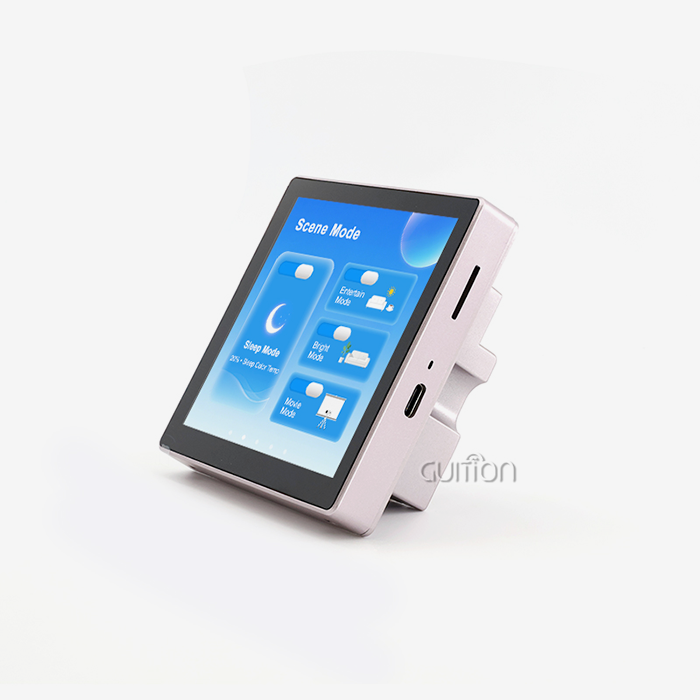
The screen is a human-machine interface, enabling an operator to communicate with automated machines. It gathers information from equipment such as voltage, temperature, and motor speed and displays it on warning banners, trend charts, and color-coded gauges that are easy for workers to understand. A simple PLC screen merely has text-based status codes. But a contemporary HMI screen features graphics panels which display in real time the true condition of all linked devices.
Types of HMI Screens Used in Industry
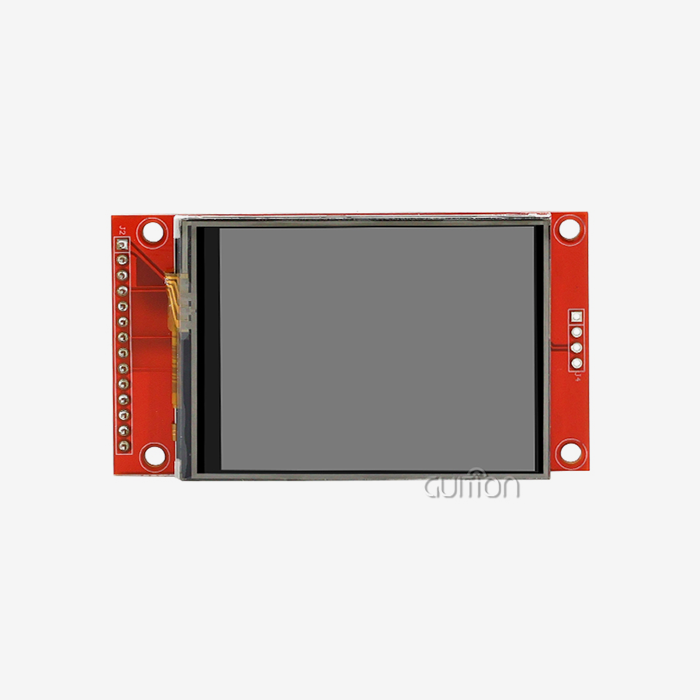
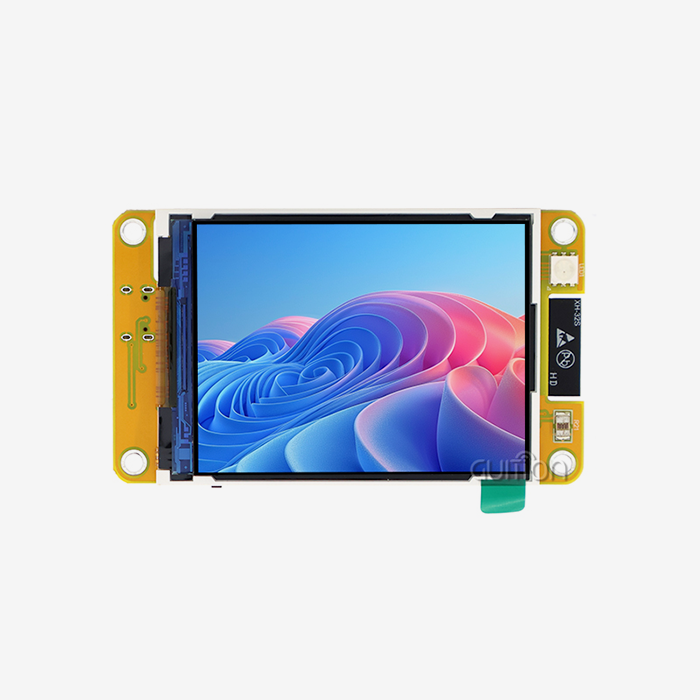
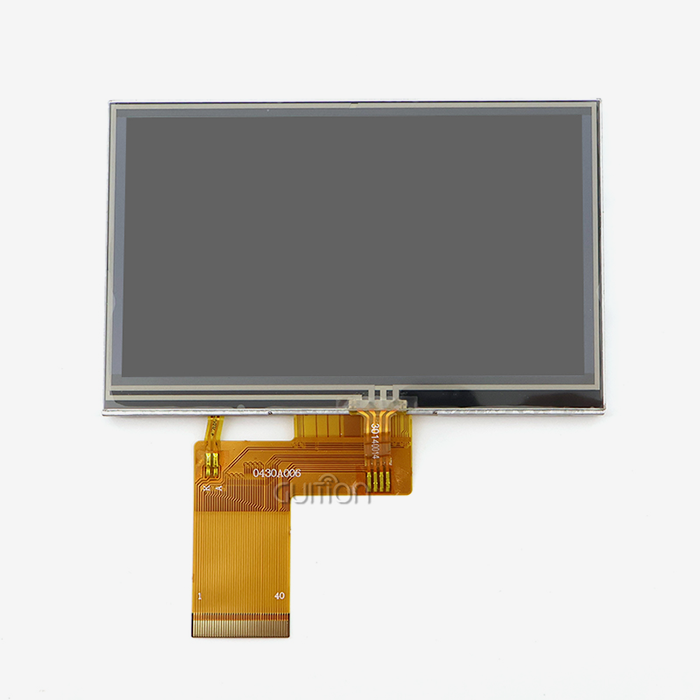
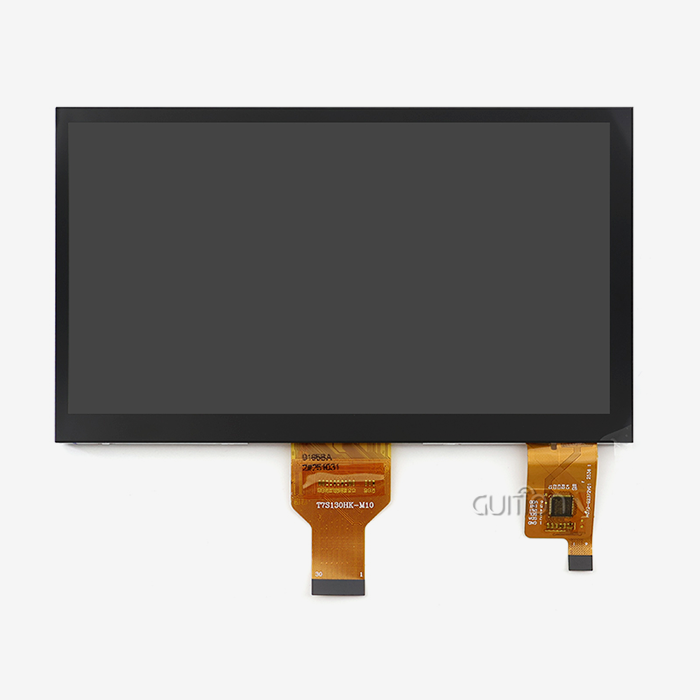
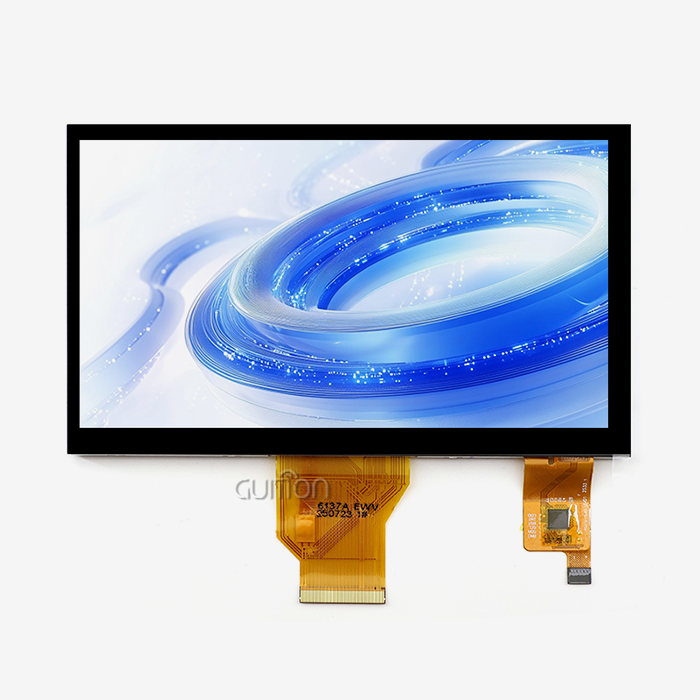
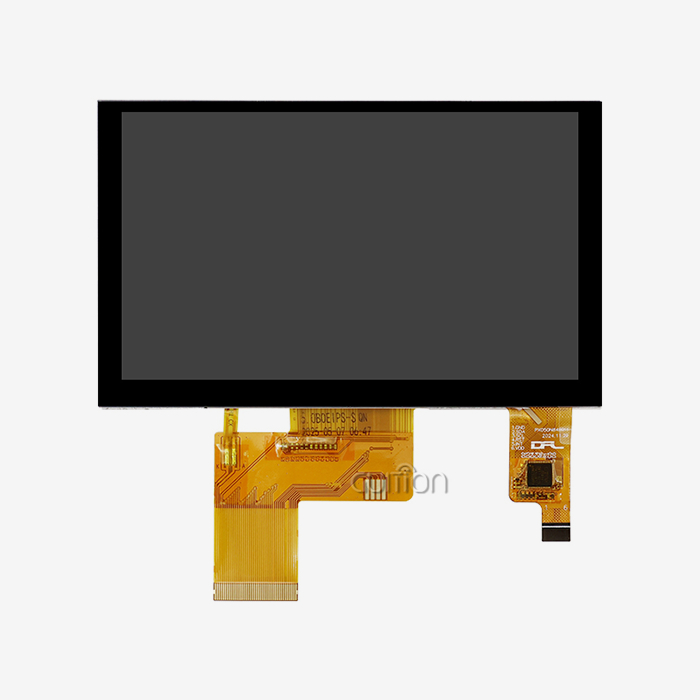
In factories, a number of different panel systems are used. People like the GUITION JC8048Q350C_I, which has a 5.0-inch IPS screen and an 800x480 resolution, because it can handle multiple touches. It is often used in clean and light industrial settings. Resistive screens are still used by a lot of people who work with heavy tools and wear thick gloves. For small, movable tracking tools, OLED panels are used. To protect the screens, food processing and outdoor energy systems use waterproof IP65-rated cages.
HMI vs. PLC Display: A Practical Distinction
Most of the time, a PLC screen is just a technology diagnostic window. It's not used for daily production. The HMI display screen, on the other hand, is made so that workers can use it. It comes with its own GUI engine, works with protocol stacks like Modbus RTU/TCP, and can store trend data from the past that a PLC unit can't. The main difference between the two systems for making maintenance plans ahead of time is the ability to log data.
How HMI Display Screens Improve Real-Time Machine Monitoring
Advanced Data Visualization Reduces Operator Error
Operators notice changes in the process a lot faster when they look at trend screens with graphs instead of text. It is simple to see right away if the temperature or pressure changes on a high-resolution HMI display screen, which features 65K-color panels. It is powered by an Artinchip D121BBV chip running at 400 MHz. The GUITION JC8048Q350C_I handles JPEG frames at 1024x768@60fps. This means that moving gauges and real-time waveforms update instantly, so the user always has a correct mental picture of the process.
Instant Alarm Management Cuts Downtime
In machine tracking, here are the main practical benefits of taking care of alarms directly:
- Instant visual and audio alerts — When a sensor crosses a threshold, a color-coded alarm banner appears within milliseconds, pulling the operator's attention before a fault escalates into machine damage.
- Alarm history logging — Timestamped event records stored on a TF card slot allow maintenance teams to perform root-cause analysis without relying on operator memory.
- Remote alert forwarding — With built-in WiFi connectivity, the display can push notifications to a supervisor's mobile device, cutting mean-time-to-repair even on night shifts.
A warning sign with different colors appears on the HMI display screen within milliseconds when a sensor goes above or below a certain level. This catches the operator's attention before a problem gets worse and damages the machine.
Recording alarm history—Events saved on a TF card slot are time-stamped, so support teams can figure out what went wrong without having to rely on what operators remember.
Integration With SCADA, PLCs, and IoT Platforms
These features turn an inactive display into an active safety layer that cuts down on unplanned downtime in industrial automation settings. They do this by giving everyone on the team faster and better information.
How to Choose the Best HMI Display Screen for Your Industrial Setup
Key Technical Criteria to Evaluate
Making sure that the needs match the setting is the first thing that needs to be done when picking the right human-machine interface panel. How big and clear the screen is important. An 800x480 IPS module that is 5 inches wide works well in a small control cabinet, while a 21.5-inch panel works well on a central operations desk. How quickly moving pictures appear on the screen depends on the response time and processor speed. Because it only has one core, the GUITION JC8048Q350C_I can easily handle most industry GUI jobs at 400 MHz.
Evaluating Software Ecosystem and Development Tools
The hardware specs of an HDMI monitor screen are not the only thing that determines its worth. The software development setting changes how fast a tech team can start a UI and make changes to it. Their drag-and-drop online GUI tool can be used by anyone who doesn't know a lot about low-level graphics code. In real time, engineers can see how the layout will change and move controls. They can also update software over-the-air (OTA) without having to connect a wire. This model for development speeds up projects and makes it easier for new people to join the team. This is what R&D managers think about most when they are trying to figure out how to set release dates and headcount.
Budget, Lead Time, and Long-Term Supply Reliability
Teams that buy in bulk need to be able to estimate costs and make sure there are enough supplies. Guition works with screens from 1.28 inches to 21.5 inches, so you only need one vendor to make everything from a prototype to a lot of them. Each part comes with a test program that was made by the company that made it, which cuts down on the time it takes to get reviewed. When industrial equipment manufacturers are looking for an HMI display screen supplier for a product line that will last more than one year, consistent supply of parts and documented technical support are just as important as unit cost.
Programming and Maintaining HMI Display Screens for Optimal Performance
Development Approaches: Arduino, IDF, and Guition Platform
With the JC8048Q350C_I, you can build in three different ways. It's easy for an engineer who already handles Arduino-based sensor networks to add a display with just a few changes to the code. In IDF mode, embedded coders can use the whole Artinchip SDK to make apps that need to run quickly. The Guition platform is the fastest way to do it. Because you don't need to know C++ to use its web-based drag-and-drop tool, UI designers can make slick user interfaces without having to work with the firmware team.
Installation Best Practices for Industrial Environments
When you put an HDMI screen in a control cabinet, you need to pay attention to how the room is heated, cooled, and shaken. The JC8048Q350C_I has a device for controlling the lights that lets you make them less bright. If the panel is used in a warm place, this makes the LEDs last longer—usually more than 50,000 hours. For the module to let heat escape, engineers should leave at least 2 cm of space around it. To make sure the cover meets the IP rating standards, they should use panel-mount gaskets.
Preventive Maintenance and Remote Upgrade Capability
A deployed HDMI display screen needs to have firmware updates and calibration checks done on a regular basis to keep it working properly. Engineers can send project updates to devices in the field over WiFi with Guition's remote upgrade tool. This way, software changes don't have to be made by truck. UTF-8 encoding lets you switch between languages without having to make separate builds. This is useful for deployments that need to work with more than one language, like those in North America, Europe, and Asia.
Conclusion
Not only does an HMI display screen show data, but it also changes how quickly operators can find problems and how easily repair teams can fix them. The GUITION JC8048Q350C_I has a fast processor, high-resolution IPS display, and a useful development environment, so industrial teams can use it as a tracking tool that grows with their systems. Whether it's for a factory control panel, a medical monitor, or an energy management terminal, the right HMI display screen cuts down on downtime, saves building costs, and gives workers info they can use right away.
FAQ
What is the difference between an HMI display screen and a PLC display?
A PLC display is a diagnostic tool used primarily during programming and commissioning. An HMI display screen is a production-facing interface that operators interact with every shift. HMI panels run dedicated GUI engines, support historical data logging, and communicate with multiple devices simultaneously, which a PLC display cannot do independently.
Can an HMI screen integrate with an existing SCADA system?
Yes. Most industrial HMI modules support Modbus TCP/RTU and serial RS-485, which are the protocols most SCADA platforms expect. The JC8048Q350C_I also supports WiFi connectivity, making it straightforward to feed data to cloud-based SCADA dashboards without new wiring infrastructure.
How durable are HMI screens in harsh factory environments?
Industrial-grade modules are rated for wide operating temperature ranges and vibration resistance. The backlight in quality HMI panels typically exceeds 50,000 hours MTBF. For environments with moisture or dust exposure, selecting a module paired with an IP65-rated enclosure provides the necessary protection for long-term operation.
How long does it take to develop an HMI interface with Guition?
Using the Guition drag-and-drop development tool, experienced UI designers can build and test a basic operational dashboard within hours rather than days. The factory-installed test program on the JC8048Q350C_I means the display is functional from the moment it powers on, reducing initial setup time.
Get Your HMI Display Screen Quote From Guition Today
Guition makes HMI display screen units for real-world work settings. There is a 5.0-inch 800x480 IPS screen called the JC8048Q350C_I that works with 400 MHz processing, WiFi, Bluetooth, and over-the-air (OTA) updates. You can buy a lot of them, and they come with all the technical paperwork you need. Guition, a well-known company that makes HMI displays, offers technical help and a steady supply of each module for a long time. Email our team at david@guition.com or visit https://jingcaizhineng.aixdb.cn/ to get a sample or project consultation.
References
1. International Society of Automation (ISA). ANSI/ISA-101.01: Human Machine Interfaces for Process Automation Systems. ISA, 2015.
2. Rockwell Automation. Industrial HMI and Visualization Guide. Rockwell Automation Technical Library, 2021.
3. Siemens AG. SIMATIC HMI: Operator Panels for Machine and Plant Visualization. Siemens Industry Online Support, 2022.
4. ARC Advisory Group. HMI/SCADA Software World Market Study. ARC Advisory Group, 2023.
5. IEEE. IEEE Std 1462: Guide for Selecting and Using Human Machine Interface Display Panels in Industrial Control Systems. IEEE Standards Association, 2020.
6. Frost & Sullivan. Global Industrial HMI Market Outlook: Trends in Touchscreen Panel Technologies and IoT Integration. Frost & Sullivan Research Report, 2023.
Learn about our latest products and discounts through SMS or email