- English
- French
- German
- Portuguese
- Spanish
- Russian
- Japanese
- Korean
- Arabic
- Greek
- German
- Turkish
- Italian
- Danish
- Romanian
- Indonesian
- Czech
- Afrikaans
- Swedish
- Polish
- Basque
- Catalan
- Esperanto
- Hindi
- Lao
- Albanian
- Amharic
- Armenian
- Azerbaijani
- Belarusian
- Bengali
- Bosnian
- Bulgarian
- Cebuano
- Chichewa
- Corsican
- Croatian
- Dutch
- Estonian
- Filipino
- Finnish
- Frisian
- Galician
- Georgian
- Gujarati
- Haitian
- Hausa
- Hawaiian
- Hebrew
- Hmong
- Hungarian
- Icelandic
- Igbo
- Javanese
- Kannada
- Kazakh
- Khmer
- Kurdish
- Kyrgyz
- Latin
- Latvian
- Lithuanian
- Luxembou..
- Macedonian
- Malagasy
- Malay
- Malayalam
- Maltese
- Maori
- Marathi
- Mongolian
- Burmese
- Nepali
- Norwegian
- Pashto
- Persian
- Punjabi
- Serbian
- Sesotho
- Sinhala
- Slovak
- Slovenian
- Somali
- Samoan
- Scots Gaelic
- Shona
- Sindhi
- Sundanese
- Swahili
- Tajik
- Tamil
- Telugu
- Thai
- Ukrainian
- Urdu
- Uzbek
- Vietnamese
- Welsh
- Xhosa
- Yiddish
- Yoruba
- Zulu
Can an ESP32 touch screen module improve HMI Design?
An ESP32 touch screen module can improve HMI design when your product needs a compact, connected, and customisable interface. It replaces fixed buttons with graphical menus, charts, alarms, and sliders. Its built-in Wi-Fi and Bluetooth support remote monitoring and wireless setup. Because the processor, display, and touch circuit arrive on one board, your team can test an interface sooner and wire fewer parts. It does not remove the need for validation, though. I recommend checking power use, wireless stability, enclosure fit, and production readiness before you commit. In this guide, I explain how the hardware works, what to compare, and how to verify the results.

What Is an ESP32 Touch Screen Module, and How Does It Work?
What Sits Inside the Module
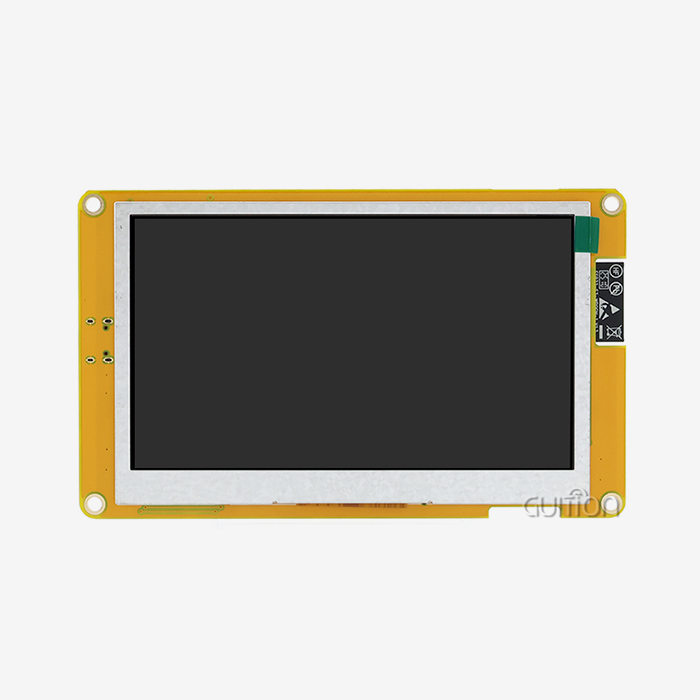
The ESP32 Touch Screen Module is a complete module containing ESP32 microcontroller, TFT or IPS display, touch panel and controller, power supply and communication interfaces. This is not like a basic development board where you have to wire up the screen and touch screen yourself. Also a full HMI terminal is different as it usually comes with a case, and software that is already done. “Middle of the road. It provides you with tools for testing and a clear path to make a lot of them. This is good for me because engineers don't have to wait weeks for the screen to show up. This level of control. Buyers don’t have to look for so many parts and connections.
How Touch Input Becomes a Screen Update
When you touch a capacitive panel, the electric field changes and the touch controller notices it. This tells it your location. Resistive controllers usually use SPI to pass values to the ESP32. Capacitive controllers use I²C a lot of the time. It takes the numbers, sends them to a graphics library such as LVGL, then draws over the area that has changed. The Espressif document says the chip has two cores that can run at up to 240 MHz. It also offers Bluetooth v4.2 with BLE and 2.4 GHz Wi-Fi. That allows you to assign display jobs and network tasks to different cores. This keeps the screen responsive while you are working wirelessly.
Guidance for ESP32-3248S035C at a Glance
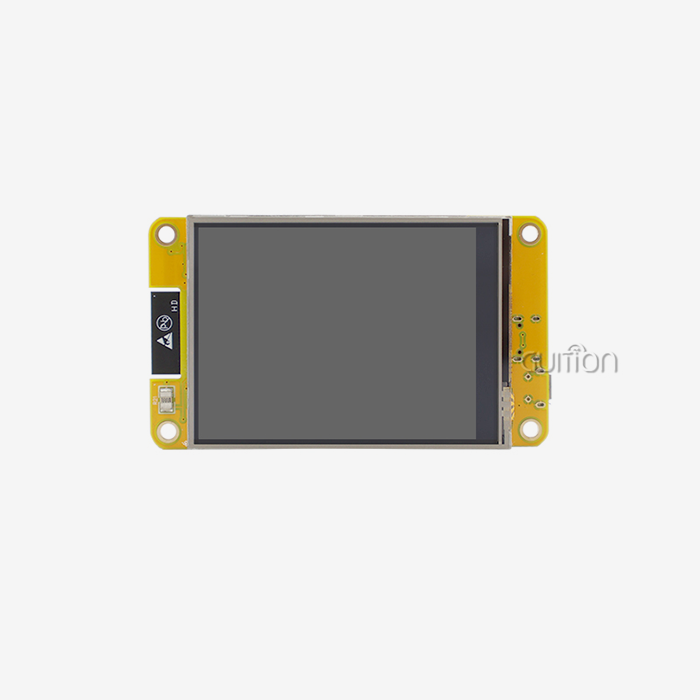
Guition ESP32-3248S035C is a 3.5-inch ESP32 touch screen module with capacitive touch, based on the ESP32-D0WD-V3 dual-core MCU. It also features Bluetooth, Wi-Fi, 520KB SRAM, 448KB ROM and 4MB flash. It can run as fast as 240MHz. The screen has 65,000 colours. On board are circuits that handle the touch screen, the speaker driver, the light sensor and the RGB LEDs. You can also use the IO pins, the TF card interface, the serial interface, the DHT11 temperature and humidity sensor interface, and the serial interface. This module is compatible with Arduino IDE, ESP-IDF, MicroPython and Mixly. Also test the programmes set up. Refer to the datasheet for exact pin assignments and settings.
How an ESP32 touch screen module Improves HMI Design
Flexible Graphical Controls Replace Fixed Buttons
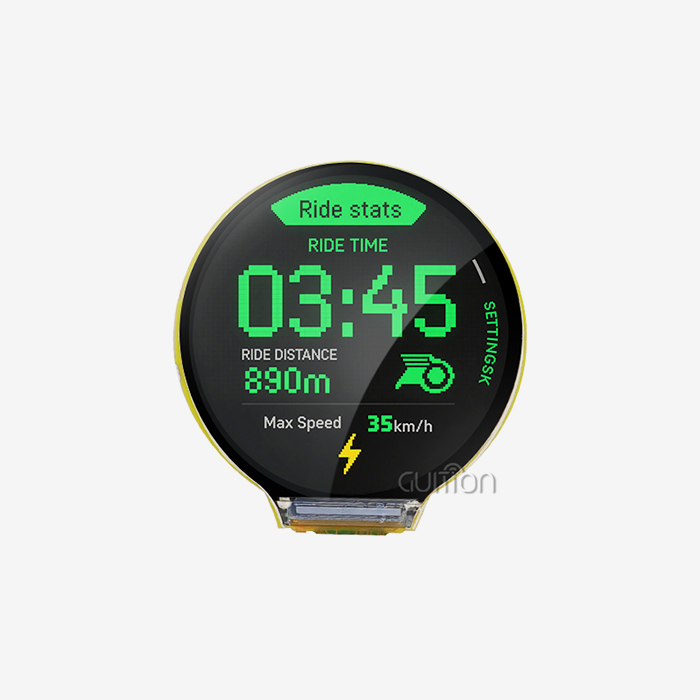
Physical buttons help keep a plan in place. Software can change the charts, menus, scales, alarm banners, and virtual keyboards on an ESP32 touch screen module. A person who is just working can see the most basic settings, while a person who knows a lot about the machine can see the calibration pages. ESP32 boards have charts, sliders, keyboards and more to make it functional. Our LVGL library is free and open for everyone. So product managers don’t have to buy new tools for a button panel every time the layout changes. "You make the changes, you test the interface and you ship it. The speed is useful when client input comes after the first test run.
Wireless Connectivity and Remote Maintenance
If it has Wi-Fi and Bluetooth built in, it can send data, accept settings from a phone and connect to cloud services. Guidance also lets users make changes to their projects remotely. This way you can be up to date and add new features without visiting the site. ESP-IDF is Espressif's method for writing new software to an additional program partition before switching over. They call it an over-the-air update. A team that ships all over the US can save money on after-sales costs by cutting down on the number of on-site service calls. However, keep a backup plan close by. Users should never be unable to access the tools they need most, even if the network goes down.
Faster Prototyping with Less Wiring
It includes pre-configured test programs so you can experience the ESP32-3248S035C’s touch screen, Wi-Fi and display in action before you write any code. Guition’s display making program is drag and drop design. Add a widget, change its size, put it on the screen and look at it with one click. Cross-platform live testing helps you discover bugs faster. You can add your own methods with additional development tools and technical papers, without doing lots of deep, low-level work. Working with UTF-8 in multiple languages is also useful when one design needs to work in more than one market. These tools help you get from idea to a testable version faster.
ESP32 Touch Screen Module Display, Touch, and Programming Choices
Capacitive or Resistive Touch
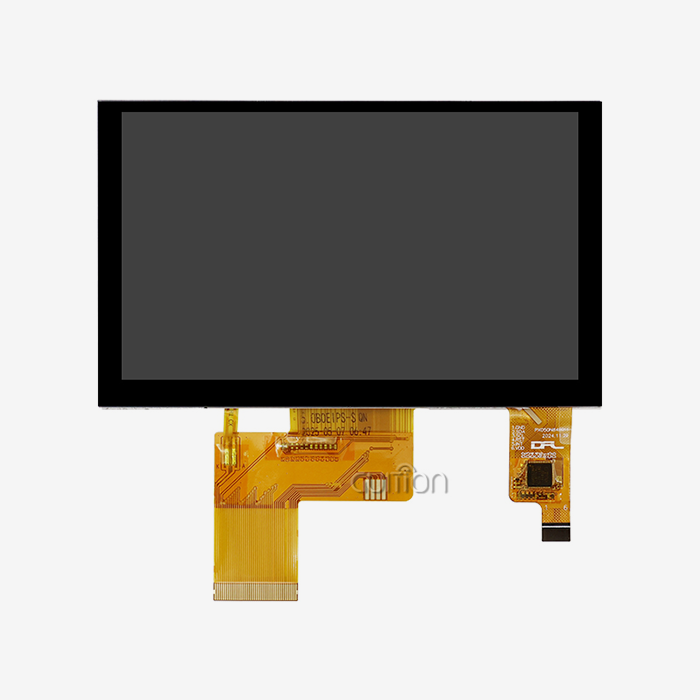
If you have a capacitive touch screen, you get a light smooth response when swiping and pinching. That works for smart home screens, home electronics. You can use a stylus or gloves that have resistive touch. If you put pressure on it. This may be useful for some workshops. Guition ESP32 touch screen module is capacitive touch screen. The people that work on the screen should try it out with their own thick gloves on, before you make up your mind. Remember to make the touch targets large. Google’s Material Design guidelines say goals should be at least 48 dp, or about 9 mm. That’s a good place to start for buttons that will fit on a little screen.
Display Type, Size, and Memory
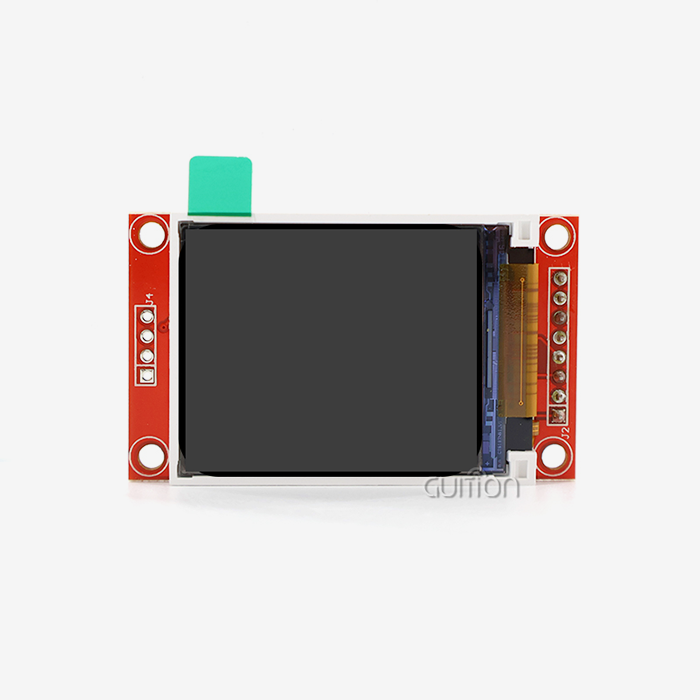
TFT and IPS screens differ in terms of price, viewing angle, colour accuracy, brightness, and power usage. IPS panels are good for wall mounted screens that are viewed from the side because they can be seen from more angles. Set the screen size to how far you want to see it and how hard you want to look for it. That would be a nice screen size for a thermostat, a status page or a phone tester. For panels with more info you may need a bigger screen. Another thing that shapes the design is memory. Full-screen 16-bit frames take a good chunk of the ESP32’s RAM. I think you should use LVGL’s partial draw buffers and a TF card for fonts and pictures to save space. When the project is bigger than 3.5 inches, Guition’s range is 1.28 to 21.5 inches.
Wiring, Pinout, and Programming Workflow
Build a wire table before you write code. Make a list of all the common pins and data lines, like power, touch signals, reset, backlight, chip select, interrupts, and TF card pins. Then mark each shared SPI or GPIO line. This causes a lot of early failures. It has special IO pins and a DHT11 interface which can be used for sensors. But first read the Guition document to know what each pin does. Then just keep going straight. Configure the display driver, test the screen to ensure it is working, build the interface, and add Wi-Fi. Get the board working in Arduino IDE or ESP-IDF. Libraries like TFT_eSPI and Arduino_GFX do much of the work of the display driver for you. MicroPython and Mixly are good for not long tests.
HMI Applications and How to Choose the Right ESP32 Touch Screen Module
Smart Home and Energy Panels
Light, air conditioning and energy dashboards can be viewed on a small screen on a wall. It maps, toggles, and handles Wi-Fi messages. It has a DHT11 interface to get the temperature and humidity for a thermostat prototype. It also has a light-sensing circuit which can detect how much light is in the room and tell your firmware. Still ensure local control works if the network goes down. This way, people can still change settings even when the computer stops working. Goods with menus in more than one language can be used by people speaking different languages in the United States and other countries. You can also add simple music with a speaker driver.
Industrial, Medical, and Commercial Use
This works well with machine state displays, repair stations, data loggers and handheld testers. You can use the serial interface to talk to other controllers when you are not online with the TF card interface and keep records. It says the module can be used to watch the Internet of Things, 3D printers, medical devices, security screens and workplace automation. But a working prototype is not enough for industrial and medical goods. Check out the temperature range, how the case protects itself, how the glove works, and how the EMI frequency changes. List all the certifications that your final product will require. Such approval does not automatically include a development module.
How to Choose the Right Module
Don't lead with the specs; lead with the setting. Record the temperature, humidity, dust, view angle, use of gloves, mounting position and daily hours of use of the machine. Then check out the different kinds of ESP32, the memory, the screen size, the type of touch, the brightness, the wifi needs, the ports, the power input, and how well the case fits. The best spec can be more expensive and give you work you don’t need. The documentation weight should be the same. Before ordering, get datasheets, blueprints, 3D models, sample code & library help. Good paperwork saves engineers time. More than a small price difference. This is particularly so when a design moves from being experimental to being produced by large numbers of people.
Validation, Troubleshooting, and Procurement for an ESP32 Touch Screen Module
Troubleshooting Common Problems
If you can’t touch anything, the screen is blank or the colours are wrong, keep the hardware tests independent of the app code. The first sketch should do nothing but draw colour on the screen. For the second sketch, it is better to print only the touchpoints. You have to check the power levels, GPIO settings, restart signals, chip-select working and controller communication with other devices. Bad things happen on an SPI bus of an SD card and display. Test the supply under load if the Wi-Fi or screen goes blank. This is because radio bursts cause more current to flow. You can also see how much memory is in use and how tasks are scheduled. This prevents the problems with the driver, the wires and the program from getting mixed up.
Validating HMI Performance
Don’t believe your first impressions. Check the results. Jakob Nielsen of the Nielsen Norman Group has researched reaction times. 0.1 seconds seems like a very short time, and 1 second gives people time to think. When the screen changes and when you touch it, try for those limits. See how the touch responds, how the restart works, how long it takes to boot, how much power it uses, how often it connects to Wi-Fi and how many errors it makes. The module should be tested under the original condition of temperature, power loss, continuous operation and repeated touch. Then you can compare it to a button panel, a Raspberry Pi system or a separate build for the MCU and the screen. If you need something cheap and simple to use, an ESP32 touch screen module is the best option.
Pricing, Supply, and OEM Procurement
The price is dependent on the controller, display, touch system, memory, storage, cables, firmware support, customisation and the quantity of items ordered. Put the unit price next to the number of engineering hours, the supply chain, the documentation and that each lot is the same. You've got to look at the wants, you've got to make models, you've got to do pilot production, and you've got to have big sales. Once the volume makes sense, it makes sense to have custom connections, enclosures, logos or software. Jingcai Intelligence is a manufacturer of Guition HMI display systems and USART-HMI display units. The screens are from 1.28 inches to 21.5 inches. They include Guition software, extra development files and remote update support. Ask any company that makes ESP32 touch screen modules about sample validation, test records and lead times.
Conclusion
Some projects don't need a full Linux system, but they do need a small, linked, and adjustable interface. An ESP32 touch screen module can help with HMI design in these cases. One board has the processor, screen, touch, Wi-Fi, and Bluetooth. This speeds up development and cuts down on the amount of wire needed. Fixed buttons don't give creators as much freedom as graphical tools, setting up wirelessly, and updating over the air. What happens is based on the touch type, the screen, the memory, and how the pins are set up. From smart home panels to industrial and medical gear, there are a lot of different ways to use it. Still, there are some issues: the computer can't do everything, the pins can come loose, and more testing is needed before it can be used commercially. Tests of response time, stability, and power use show that the benefit is real. The move to production is safe thanks to clear documentation and help from the seller.
FAQ
Q: Which development tools work with the ESP32-3248S035C?
A: It has test programs that are already set up and works with Arduino IDE, ESP-IDF, MicroPython, and Mixly.
Q: Should I choose capacitive or resistive touch?
A: For smooth, multi-touch use, capacitive is the best option. That is the one to choose if you want to use gloves or a pen. There is a capacitive touch on the ESP32-3248S035C, so make sure it works right before you use it.
Q: Does the module support wireless features?
A: Yes. The ESP32-D0WD-V3 has Bluetooth and Wi-Fi, and Guition lets people make changes to their projects from afar.
Q: Can I store images and data files?
A: Yes. The TF card interface stores pictures, texts, and data files, while the 4 MB flash stores software.
Q: What should I request before ordering?
A: Find out about the minimum order quantity, lead time, warranty terms, datasheet, schematics, sample code, pinout, and sample code. Then make sure the controllers work with each other and follow the steps for adjustment.
Discuss Your ESP32 Touch Screen Module HMI Project with Guidance
Guition can look at your order number, screen size, touch type, Wi-Fi needs, TF card use, and housing to figure out what will work best for you. Our team has datasheets, pinouts, samples, and programming help for the ESP32-3248S035C. You can email david@guition.com or visit https://jingcaizhineng.aixdb.cn/ to find a company that sells ESP32 touch screen modules in bulk or just for one use. We will give you a sample and check with you to make sure everything works well before we start making it.
References
1. ESP32 Series Datasheet, Espressif Systems, 2023
2. ESP-IDF Programming Guide, Espressif Systems, 2024
3. LVGL Documentation, LVGL, 2024
4. Arduino-ESP32 Documentation, Espressif Systems, 2024
5. Response Times: The 3 Important Limits, Nielsen Norman Group, 1993
6. Material Design Guidelines, Google, 2024
Learn about our latest products and discounts through SMS or email