- English
- French
- German
- Portuguese
- Spanish
- Russian
- Japanese
- Korean
- Arabic
- Greek
- German
- Turkish
- Italian
- Danish
- Romanian
- Indonesian
- Czech
- Afrikaans
- Swedish
- Polish
- Basque
- Catalan
- Esperanto
- Hindi
- Lao
- Albanian
- Amharic
- Armenian
- Azerbaijani
- Belarusian
- Bengali
- Bosnian
- Bulgarian
- Cebuano
- Chichewa
- Corsican
- Croatian
- Dutch
- Estonian
- Filipino
- Finnish
- Frisian
- Galician
- Georgian
- Gujarati
- Haitian
- Hausa
- Hawaiian
- Hebrew
- Hmong
- Hungarian
- Icelandic
- Igbo
- Javanese
- Kannada
- Kazakh
- Khmer
- Kurdish
- Kyrgyz
- Latin
- Latvian
- Lithuanian
- Luxembou..
- Macedonian
- Malagasy
- Malay
- Malayalam
- Maltese
- Maori
- Marathi
- Mongolian
- Burmese
- Nepali
- Norwegian
- Pashto
- Persian
- Punjabi
- Serbian
- Sesotho
- Sinhala
- Slovak
- Slovenian
- Somali
- Samoan
- Scots Gaelic
- Shona
- Sindhi
- Sundanese
- Swahili
- Tajik
- Tamil
- Telugu
- Thai
- Ukrainian
- Urdu
- Uzbek
- Vietnamese
- Welsh
- Xhosa
- Yiddish
- Yoruba
- Zulu
Can a Custom tft display module run LVGL?
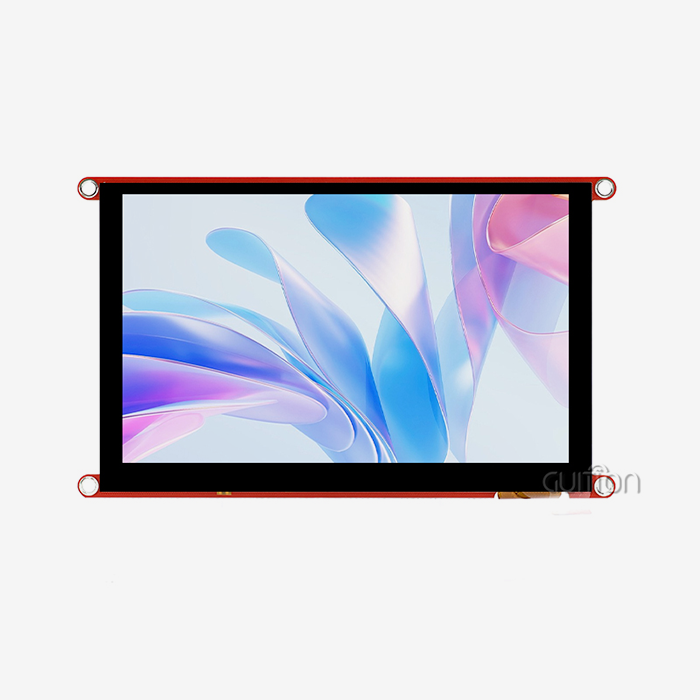
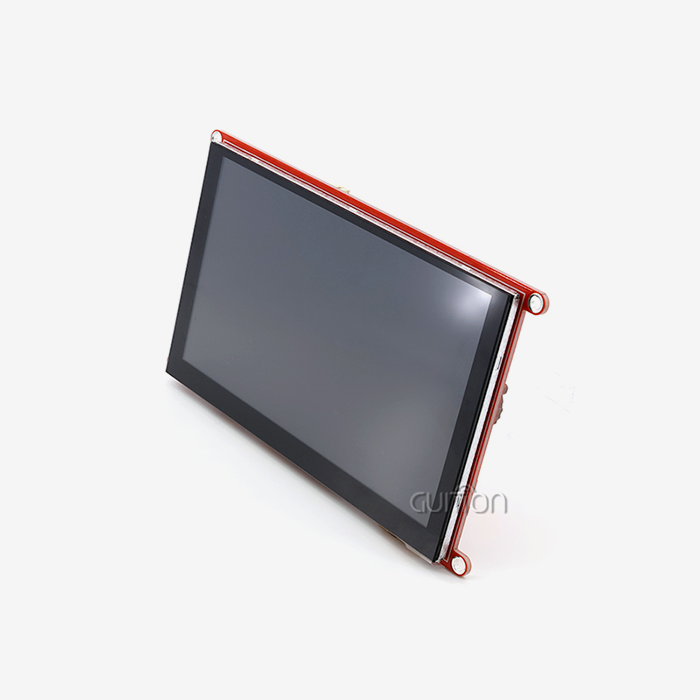
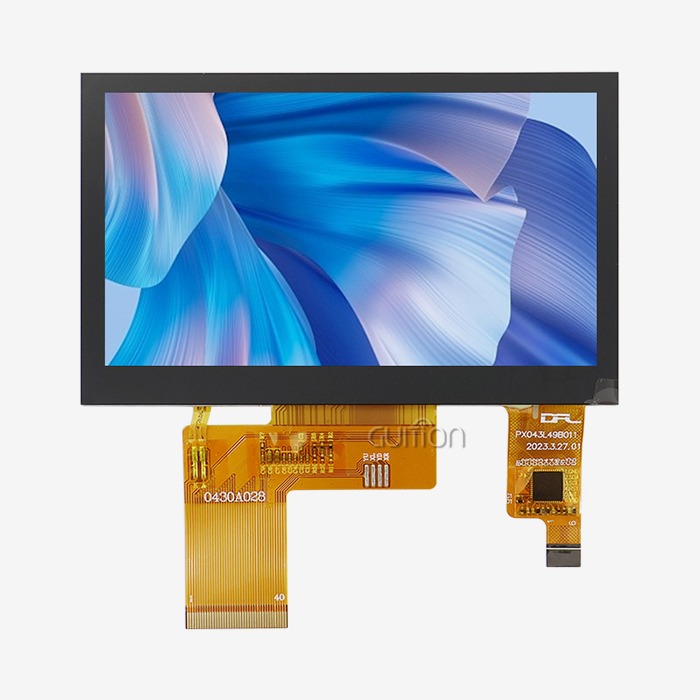
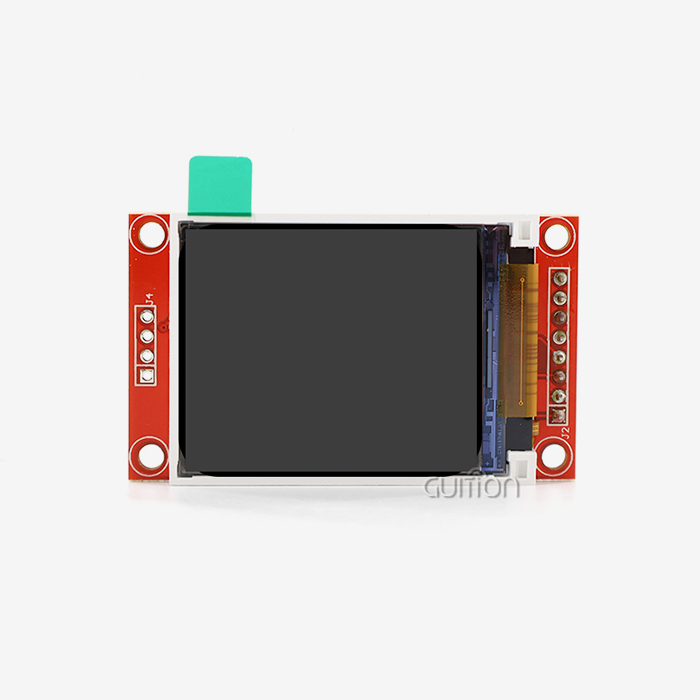
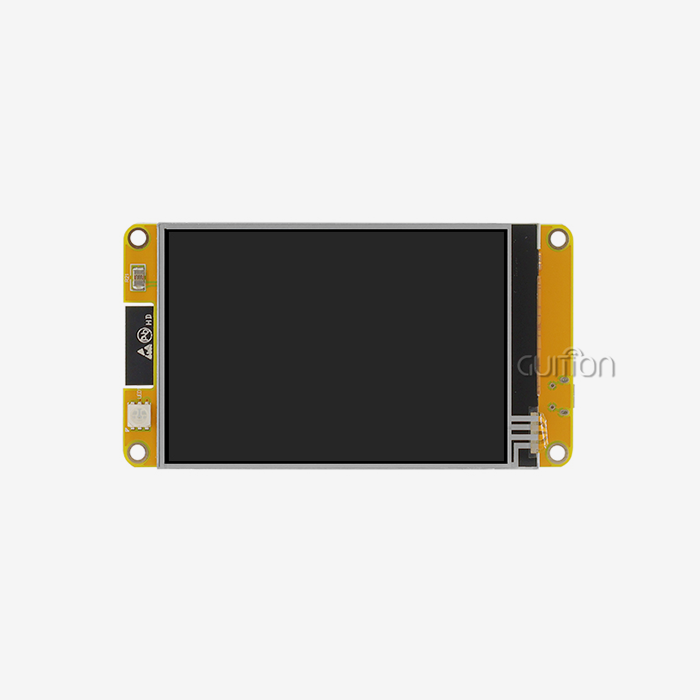
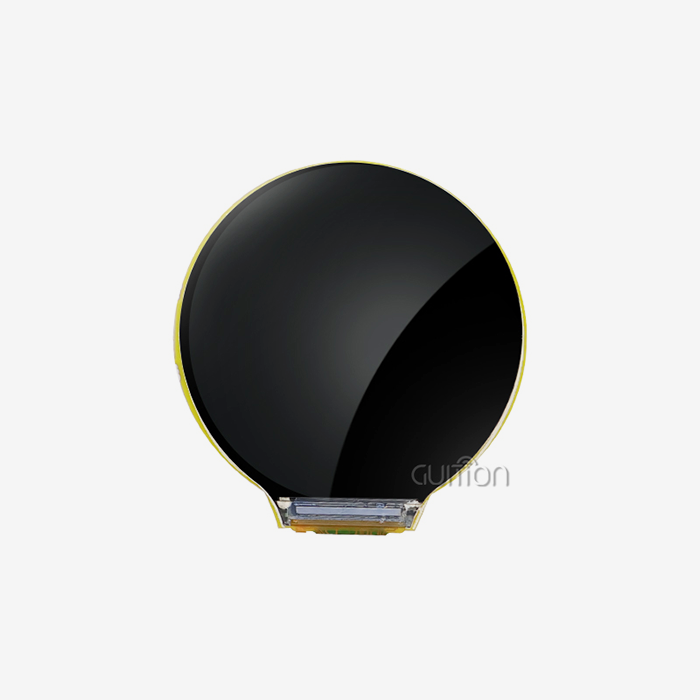
Absolutely, a Custom tft display module can run LVGL effectively when properly configured. The key lies in ensuring your hardware meets LVGL's requirements—adequate RAM, appropriate display drivers, and compatible interface protocols like SPI or RGB. Modern display modules featuring powerful MCUs, such as Guition's JC8048W550C_I with its ESP32-S3R8 dual-core processor, offer the processing capability and memory resources LVGL demands. With proper driver integration and initialization, you can leverage LVGL's lightweight graphics library to create smooth, responsive interfaces on customized displays, making them ideal for industrial control panels, medical devices, and smart home applications.


Understanding Custom TFT Display Modules and LVGL Compatibility
If you want to make an embedded project, knowing how LVGL works with custom display hardware will save you a lot of time during development. Engineers who are making modern user interfaces for embedded systems now use LVGL (the Light and Versatile Graphics Library) more than any other library. This open-source framework makes UIs that look professional without using a lot of resources. This makes it perfect for industrial applications that need to save money.
What Makes a Display Module LVGL-Compatible
The first step in making hardware compatible is to align the interface protocols. Your Custom TFT Display Module must interact using one of the following protocols: SPI, parallel RGB, or MIPI DSI. With a resolution of 800x480, the Guition JC8048W550C_I uses standard RGB interface methods that work well with LVGL's display driver design. The ESP32-S3R8 processor in the module gives you 512KB of SRAM and 8MB of PSRAM, which is enough memory for LVGL's frame buffers and widget rendering.
Memory needs are directly affected by display quality. For holding pixel info, higher resolutions need more RAM. Guition's 5-inch module has a resolution of 800x480, which is just right for industrial interfaces that need to be very detailed while also being memory-friendly. Also, color depth is important. 16-bit color (RGB565) needs half as much memory as 24-bit color, but it still gives you great visual quality for most uses.
The Role of MCU Processing Power
How well LVGL renders depends a lot on what your microcontroller can do. The ESP32-S3R8's dual cores running at 240MHz make it easy to render in LVGL, even when animations and touch events are being processed at the same time. This extra working power is important when you're making responsive interfaces for medical tracking tools or industrial control panels that can't have any lag.
Another benefit is that multi-core design. One core can be used to display LVGL while the other performs communication protocols, handling sensor data, or connecting to a network. This method of parallel processing stops UI stuttering when your app handles multiple tasks at the same time.
Technical Prerequisites for Running LVGL on Custom TFT Modules
To get LVGL to work on your hardware, you need to pay attention to both the hardware requirements and the software configuration. Knowing these needs ahead of time will keep you from having to do expensive redesigns later on in the development process.
Hardware Requirements Breakdown
The main thing to think about when it comes to hardware is how to allocate memory. RAM is needed by LVGL for its internal files, widget data structures, and drawing tasks. About 64KB of RAM is needed for the bare minimum configuration to work, but most production applications need 200KB or more. Guition's JC8048W550C_I has 512KB SRAM and an extra 8MB PSRAM, which is a lot of memory. This lets you make interfaces with lots of features without worrying about memory.
Support for touch screens adds another set of needs. Capacitive touch controllers talk to each other using the I2C or SPI protocols, which need extra GPIO pins and extra processing power. No matter if you choose resistive or capacitive technology, the JC8048W550C_I has special interfaces for adding touch. This adaptability allows for a range of use cases—capacitive for smart home panels that people see, and resistive for workplaces where workers wear gloves.
When your interface has pictures, fonts, or translation files, storage space is very important. The 16MB flash memory on Guition's module can hold a lot of graphics files. Along with the user interface, the reserved TF card interface gives you expansion options when projects need to play videos or log a lot of data.
Software Integration Essentials
Adding LVGL starts with making the display driver. You need to write setup code that sets the timing settings, configures your display driver, and sets up the communication protocol. Luckily, Guition units come with example code that works with the Arduino IDE, ESP-IDF, MicroPython, and Guition's own programming environment. With this support for multiple platforms, collaboration time is cut from weeks to hours.
You need to make changes to the LVGL configuration file so that it works with your hardware. You'll set the parameters for the input device, the screen resolution, the color depth, and the buffer size. The documentation for Guition includes sample setups that have been tried on real hardware. This cuts down on the trial-and-error process that usually comes with custom display integration.
For production deployments, driver tuning is important. You can use DMA transfers to lower CPU load during screen updates, double buffering to stop screen tearing, and better memory allocation strategies. When set up correctly, the ESP32-S3R8's hardware acceleration tools, such as DMA drivers, work well with LVGL.
Common Integration Challenges
Most of the time, memory problems are the biggest problem. Embedded engineers often don't realize how much memory LVGL needs, especially when making screens with lots of tools. The answer is to carefully manage the buffers and, if needed, use external PSRAM. Guition's 8MB PSRAM allocation solves this problem right away, so you can build complex interfaces without having to worry about running out of memory all the time.
When different libraries try to use the same hardware resources, driver conflicts happen. When using the ESP32-S3R8 hardware, you need to be very careful about how the display, touch driver, and TF card interface share the SPI bus. The reference designs that come with Guition show you how to properly assign resources, which will help you avoid these problems during the initial development phase.
Optimizing the refresh rate strikes a mix between efficiency and power use. The preset settings for LVGL aim for 30 FPS, which is good for most uses. Refresh rates can be slowed down for battery-powered devices and sped up for industrial equipment that needs very fast interfaces. The JC8048W550C_I's backlight control circuit lets you change the brightness on the fly, which helps portable devices use less power.
Choosing the Right Custom TFT Display Module for LVGL Projects
When choosing the right hardware for LVGL implementation, you need to think about both technical capabilities and how to get the hardware. The choice affects not only the initial development, but also the maintenance and expansion of the product over time.
Performance vs. Cost-Effectiveness Analysis
At first glance, standard off-the-shelf screens may seem like a good deal, but custom options often have a lower total cost of ownership. A Custom TFT Display Module designed specifically for your application gets rid of the need for external connector boards, simplifies the case, and speeds up assembly. When these things are taken into account, the small extra cost of tailoring usually pays for itself in the first production run.
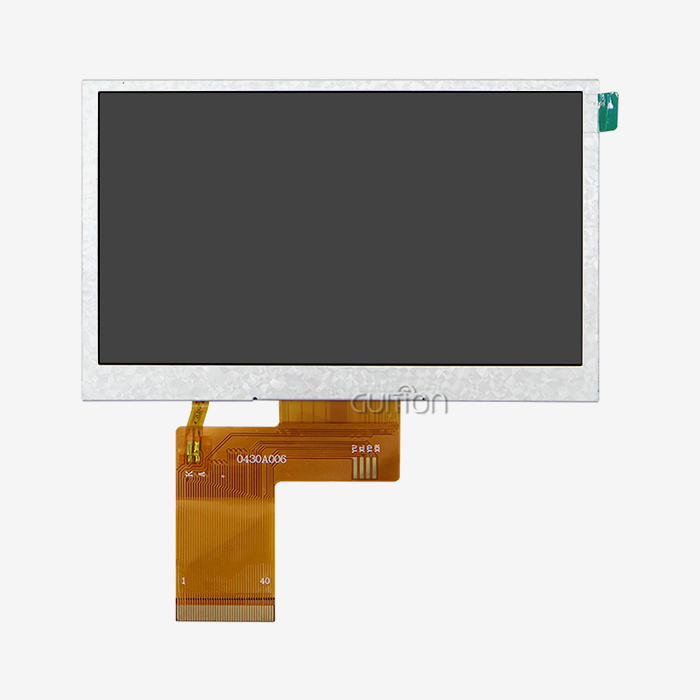
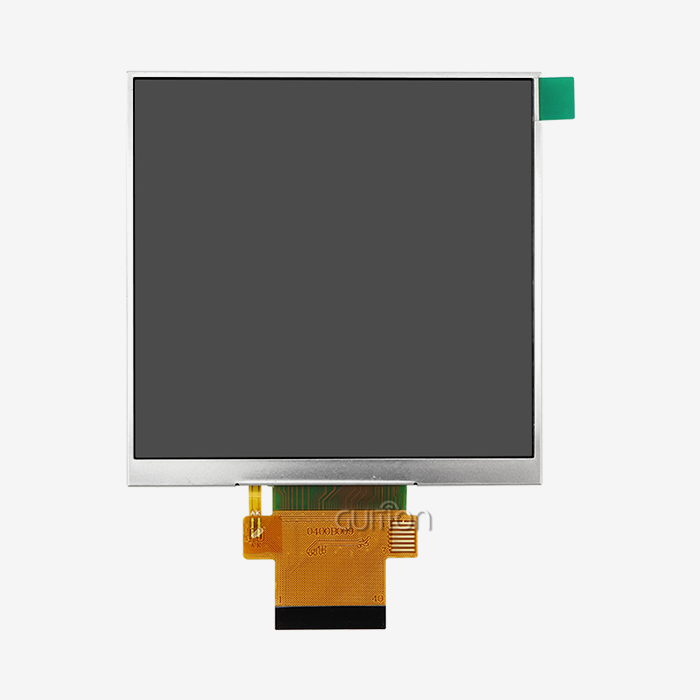
Guition's approach to customization offers everything from semi-custom to fully-custom options. Changing FPC pinouts, backlight brightness, or touch technologies usually needs a minimum order of 500 to 1,000 units, which is doable for medium-sized production runs. By making the display interface work better with your processor and application architecture, these changes directly support LVGL implementation.
Customizing optical performance takes into account how things are used in the real world. Standard displays with a brightness rating of 300 nits don't work well outside or in bright workplaces. With brightness boosts of up to 1500+ nits, Guition makes sure that you can read your LVGL interface even in direct sunlight. Anti-glare and anti-reflective coatings make it even easier to see, which is very important for medical equipment displays that are seen in the operating room.
Supplier Evaluation Criteria
Supplier knowledge of embedded systems is what makes agreements work and ones that don't. You need to find a Custom TFT Display Module maker who knows what LVGL needs and can suggest the right hardware setups. The tech team at Guition helps you choose the best display settings before you commit to the costs of making the tool.
Documentation quality has a direct effect on how quickly something is developed. Integration time is cut down by a huge amount when there are detailed datasheets, working example code, and application notes. Guition gives you Arduino libraries, ESP-IDF components, and MicroPython samples that have been tried specifically with LVGL. This way, you don't have to start from scratch when making drivers.
When integration problems happen, it's important to have professional help after the sale. Having quick access to engineering help can help fix driver conflicts, problems with memory optimization, and performance issues. Guition's support infrastructure includes the ability to debug remotely and help with firmware updates, which will keep your development schedule on track.
Customization Options Impacting LVGL Performance
The choice of touch technology has a big effect on the user experience. Capacitive touch works great for LVGL displays that use motion controls because it can respond quickly to multiple touches. For industrial or medical uses, resistive touch is necessary because it works with gloves and styluses. The JC8048W550C_I works with both setups, so you can choose the right touch technology for your needs without having to rethink the display module.
When your device is used in different lighting situations or watching settings, viewing angle optimization is important. IPS technology with 85/85/85/85 viewing angles makes sure that LVGL connections can be read from any angle. This is very important for commercial terminals, medical carts, or industrial equipment that can be used by many people from different places.
Customizing the interface lets you connect directly to the processor without using bridge ICs. If your MCU has an RGB parallel port and your display needs MIPI DSI, Guition can build the conversion circuits right into the display module. This integration makes it easier to build your main board and makes sure that the signals are always correct for LVGL rendering processes.
Procurement Considerations and Ordering Process
To buy LVGL-compatible screens, you need to know how prices work, how much you need to order, and how to handle logistics, all of which can affect project timelines and budgets.
Pricing Models and Order Volumes
Unit prices go down as more is bought, but the minimum order quantity varies by level of customization. Usually, you need at least 500 to 1,000 pieces to make semi-custom changes like changing FPC connectors or adding certain touch controls. Fully unique LCD cell changes require a lot of money to be spent on tools and, as a result, higher MOQs, usually between 10,000 and 50,000 pieces.
Non-Recurring Engineering (NRE) fees pay for tools used in FPC design, changes to the backlight housing, and the patterning of capacitive touch sensors. These costs are added to the initial investment in the project, but they are spread out over the amount of production. The clear pricing system of Guition lets you get a good idea of how much the whole job will cost right from the start.
There is a gap between review samples and production runs, and prototype numbers fill that gap. You can use semi-custom tooling to order 10–50 pieces to test your LVGL implementation before committing to full production volumes. This step-by-step method lowers risk while keeping the progress of growth going.
Lead Times and Logistical Planning
Standard Guition modules can be shipped in three to five business days, which lets you make quick prototypes and proofs of concept. The JC8048W550C_I comes factory-programmed with sample programs, so you can start testing its LVGL integration as soon as you get it.
Based on how complicated they are, custom modifications make lead times longer. Most FPC redesigns take three to four weeks, and optical bonding or specialized coating applications take an extra two to three weeks. LCD cell changes take the longest, usually 12 to 16 weeks, because of the need to make new glass. Critical path delays can be avoided by planning your development schedule around these dates.
Concerns about international shipping affect how reliable arrival is. Guition's experience with foreign business-to-business deals makes sure that the right paperwork is sent for customs, that fragile displays are properly packed, and that the package is tracked throughout the shipping process. Consolidated shipping is used for bulk sales to save money on freight costs while still protecting the goods.
Warranty Coverage and After-Sales Support
Warranty rules lower the risk of live operations. Guition offers a standard warranty that covers problems with the way the product was made, as well as options for an extended warranty for critical applications. Support responsibilities are made clearer when you know the scope of the warranty, especially when it comes to integration problems versus hardware flaws.
Technical help goes beyond the time of the guarantee. Having access to Guition's tech team makes it easier to solve problems with LVGL optimization, memory management, and speed tuning. This ongoing relationship makes sure that your product can be supported for as long as it lasts.
Concerns about parts becoming obsolete are taken care of by lifecycle management. End-of-life notices are often put on consumer displays, which forces expensive redesigns. For esp32 display module deployments, Guition promises that products will be available for 5 to 7 years, using LCD cells from big makers with longer production schedules. This stability saves the money you spent on developing the LVGL interface and keeps extra parts available for fixes in the field.
Troubleshooting and Optimizing LVGL on Custom TFT Display Modules
LVGL solutions sometimes go wrong, even when they are well planned. Systematic approaches to troubleshooting and techniques for optimizing performance make sure that systems work well in production settings.
Common Issues and Diagnostic Approaches
Resolution mismatches cause clear visual issues, like graphics that are stretched, widgets that are clipped, or incorrect positioning. Make sure that the resolution of your LVGL configuration file exactly matches the resolution of your display. The JC8048W550C_I's 800x480 resolution needs to be set up correctly in LVGL's lv_conf.h file. Memory degradation or artifacts happen when settings don't match up.
Flickering screens usually mean that the update time is off or that there are problems with managing the buffer. By getting ready for the next frame while showing the current one, double buffering gets rid of most flicker. The ESP32-S3R8's DMA features make file changing quick and easy, without the need for CPU help. The example code from Guition shows how to properly configure a buffer and can be used to figure out what's wrong with time.
If there are problems with color correction, the colors will look wrong or washed out. Most of the time, these problems are caused by RGB bit order errors or color depth configuration mistakes. LVGL supports many color formats, such as RGB565, RGB888, and others. Make sure that these formats work with your display controller. The technical instructions for Guition clearly explain the color format that each module version uses, so there is no need to guess when setting up.
Performance Optimization Techniques
Tuning the buffer size is the first step in optimizing memory. LVGL lets you use partial buffering, which means you can set aside a buffer that is smaller than the whole screen and update the screen more than once. This method gives up faster drawing speed to save memory. The JC8048W550C_I has a lot of RAM, which often lets full-screen buffering work. This speeds up rendering for responsive interfaces.
Rendering efficiency is based on which widgets are used and how often they are updated. Only dynamic elements should be updated all the time; static elements should only be rendered once and then stay in cache. The LVGL invalidation system keeps track of which parts of the screen need to be redrawn so that rendering tasks aren't done more than they need to be. When used correctly, these traits make speed on complicated interfaces a lot better.
Touch responsiveness tuning finds the best balance between sensitivity and noise rejection. Capacitive touch controls let you change settings like the touch threshold, noise filtering, and the sensitivity of motion recognition. The best choices rely on how the device is built, the thickness of the cover glass, the electromagnetic surroundings, and how it is used. The tech team at Guition can suggest starting setups based on deployments that have been successful in the past.
Leveraging Supplier Support for Resolution
Firmware changes fix bugs and make things run better. Guition lets you update the firmware on fielded equipment over Wi-Fi, so you can make improvements or fixes without having to call for service. This feature is very helpful when there are chances to improve LVGL after the original launch.
Working together to debug speeds up the process of fixing problems. If you keep having problems, Guition's tech team can look at your setup, look at how the drivers are being used, and suggest specific ways to make things better. This expert partnership gives you more engineering power without adding more staff.
Support for development tools makes improvement processes easier to use. Guition's own programming environment has debugging tools that are built to work with display apps. When compared to generic development environments, these tools make troubleshooting faster by letting you see real-time memory usage, render time profiling, and touch event logging.
Conclusion
For industrial tools, medical devices, and smart home apps, running LVGL on a Custom TFT Display Module produces professional interfaces. When you combine LVGL's flexible graphics framework with the right display hardware, you get responsive and visually appealing user experiences. The JC8048W550C_I from Guition is the perfect LVGL platform because it has powerful ESP32-S3R8 processing, enough memory, support for a variety of development environments, and a lot of ways to connect. To be successful, you need to pay close attention to the hardware specs, carefully integrate drivers, and optimize in a planned way. Investing in custom display solutions pays off in the form of faster development, easier assembly, and support for the product for a long time.
FAQ
Does the ESP32-S3R8 have sufficient memory for complex LVGL interfaces?
The ESP32-S3R8 has 512KB of SRAM and 8MB of PSRAM, which makes it easy to use advanced LVGL interfaces. You won't run out of memory when you use a lot of widgets, animated transitions, and inserted pictures on multiple screens. The PSRAM takes into account LVGL's frame buffer needs, which lets full-screen buffering for the 800x480 resolution happen.
Can I use Guition modules with Arduino IDE for LVGL development?
Of course. It comes with a lot of Arduino libraries and sample projects that are made to work with LVGL. You can start developing using Arduino syntax while still being able to use all of LVGL's features. Some examples are proper startup processes, memory management, and touch integration, all of which cut down on the time needed for the first development phase by a large amount.
What customization options support outdoor display applications?
Brightness boosts of up to 1500 nits, anti-reflective coatings, and UV-resistant materials are all good for outdoor use. When it's bright, Guition's optical bonding choices get rid of internal shadows and raise the contrast ratio by about 400%. With these changes, you can be sure that your LVGL interface can still be read in direct sunlight, which is important for outdoor terminals, energy management systems, and agricultural automation.
Partner with Guition for Your Custom TFT Display Module Needs
Custom TFT Display Modules for sale are Guition's specialty, and they work well with LVGL-based programs. Our JC8048W550C_I has strong ESP32-S3R8 processing, support for a wide range of development environments, and tech that is ready for production. Our technical team has the skills you need, whether you're an embedded engineer testing out new designs or an R&D manager making the company ready for mass production. Email us at david@guition.com to talk to our engineering team about your specific needs and get personalized advice on how to implement LVGL.
References
1. "LVGL Documentation: Porting Guide for Embedded Displays," LVGL Project Contributors, 2024.
2. "ESP32-S3 Technical Reference Manual," Espressif Systems, 2023.
3. "Industrial Display Interface Standards and Protocols," Society for Information Display, 2023.
4. "Memory Management Strategies for Embedded Graphics Applications," Embedded Computing Design, 2024.
5. "Touch Technology Selection for Industrial HMI Applications," Industrial Automation Handbook, 2023.
6. "LCD Module Customization for Production Equipment," Display Technology Review, 2024.
Learn about our latest products and discounts through SMS or email