- English
- French
- German
- Portuguese
- Spanish
- Russian
- Japanese
- Korean
- Arabic
- Greek
- German
- Turkish
- Italian
- Danish
- Romanian
- Indonesian
- Czech
- Afrikaans
- Swedish
- Polish
- Basque
- Catalan
- Esperanto
- Hindi
- Lao
- Albanian
- Amharic
- Armenian
- Azerbaijani
- Belarusian
- Bengali
- Bosnian
- Bulgarian
- Cebuano
- Chichewa
- Corsican
- Croatian
- Dutch
- Estonian
- Filipino
- Finnish
- Frisian
- Galician
- Georgian
- Gujarati
- Haitian
- Hausa
- Hawaiian
- Hebrew
- Hmong
- Hungarian
- Icelandic
- Igbo
- Javanese
- Kannada
- Kazakh
- Khmer
- Kurdish
- Kyrgyz
- Latin
- Latvian
- Lithuanian
- Luxembou..
- Macedonian
- Malagasy
- Malay
- Malayalam
- Maltese
- Maori
- Marathi
- Mongolian
- Burmese
- Nepali
- Norwegian
- Pashto
- Persian
- Punjabi
- Serbian
- Sesotho
- Sinhala
- Slovak
- Slovenian
- Somali
- Samoan
- Scots Gaelic
- Shona
- Sindhi
- Sundanese
- Swahili
- Tajik
- Tamil
- Telugu
- Thai
- Ukrainian
- Urdu
- Uzbek
- Vietnamese
- Welsh
- Xhosa
- Yiddish
- Yoruba
- Zulu
Best HMI Human Interface for OEM Machine Builders: A Buying Guide
Selecting the right HMI human interface requires balancing performance, compatibility, and long-term scalability. OEM machine builders need display solutions that integrate seamlessly with automation systems while reducing development time and maintenance costs. This guide walks through essential evaluation criteria, cutting-edge product options like the Guition JC1060Q370N_I, and practical procurement strategies to help engineering teams deploy robust interfaces that enhance operational efficiency across industrial automation, medical devices, smart appliances, and energy management applications.


Key Criteria for Choosing the Best HMI for OEM Machines
Setting clear goals for your specific machine type and business setting creates the base for methodical evaluation. IEC 60601 safety standards must be met by medical equipment, and chemical processing plants need explosion-proof certifications like ATEX for deployment in dangerous areas. Industrial control panels are made to last under constant vibration and electromagnetic interference. Smart home devices, on the other hand, focus on being small and wirelessly connected.
When looking at interface options for your project, you should pay close attention to a number of technical factors, including: Display Quality and Resolution: The quality and resolution of the display have a direct effect on how well the person can do their job. The resolution tells you how much information can be shown at once without being too crowded. IPS (In-Plane Switching) technology lets you see the screen clearly from 178 degrees away, which is very important when multiple people are watching it from various places. Between 400 and 1,500 nits of brightness make sure that the screen can be read in direct sunlight in outdoor installations. Color depth, which ranges from 65K to 16.7 million colors, affects how rich graphics are and how well data is shown. Processing Power and Responsiveness: The speed of the controller affects how quickly the HMI human interface responds and how well graphics can be rendered. Single-core MCUs running at 400MHz work well for basic control tasks, while dual-core ARM Cortex or x86 designs are better for complex data display or edge computing tasks. Memory size affects how smoothly you can move between multiple screens and how much data you can log.
Environmental Ruggedization: Operating temperatures between -20°C and +70°C keep liquid crystal from turning black in harsh weather. NEMA 4/4X or IP65/IP66 ratings make sure that dust and high-pressure water jets, which are popular in food processing and outdoor structures, can't get in. Vibration resistance tested to IEC 60068-2-6 standards is very important for transportation and putting together cars.
Software Ecosystem Flexibility: Compatibility between development platforms cuts down on time to market. Different types of engineers can use interfaces that support Arduino libraries, ESP-IDF frameworks, and custom GUI makers. Drag-and-drop interface designers get rid of the need for low-level code, which makes fast prototyping possible. Cross-platform debugging tools let you try and improve your code from afar, which cuts down on iteration rounds. Connectivity and Protocol Support: UART serial interfaces let you communicate reliably with older equipment, and Ethernet ports let you connect to SCADA and do diagnostics from afar. Built-in WiFi and Bluetooth modules make it easier for mobile devices and wireless sensor networks to connect. Support for multiple protocols, such as Modbus RTU/TCP, CANbus, and OPC UA, makes sure that different control ecosystems can work together.
Long-Term Support and Scalability: Planning for a product's lifetime is affected by how stable its parts are over their lifecycles. Suppliers who promise longer availability lower the risk of redesign. Over-the-air (OTA) firmware updates let changes be done in the field without direct access, which is very important for sites that are spread out in different areas. Support for multiple languages and UTF-8 encoding makes it possible to deploy applications around the world. These factors make up a weighted decision matrix that lets us compare different options in an unbiased way. Finding the best interfaces for both current projects and future growth plans means weighing technical requirements against budget limits and the dependability of the vendor.
Comparing Top HMI Human Interface Solutions for OEMs
In the market for industrial automation, there are both well-known names and new companies that offer different kinds of value. Deep PLC ecosystem inclusion in Siemens HMI screens makes it easy for SIMATIC controllers to talk to each other and for TIA Portal software to be consistent. Their strength is in unified engineering situations where setting up interfaces and writing control routines are both done at the same time. Rockwell Automation's PanelView series works great with Allen-Bradley PLCs because it has FactoryTalk View software that supports a lot of libraries and has been tested to work reliably in harsh industrial settings.
Advantech WebAccess systems focus on open design and IIoT connectivity, allowing communication methods to work across vendors and integrating cloud data analytics. These systems work well for OEMs that are making distributed tracking solutions that need to join third-party devices in a variety of ways. Maple Systems focuses on low-cost solutions with easy-to-use configuration tools that smaller machine builders who value simplicity over advanced features will find appealing.
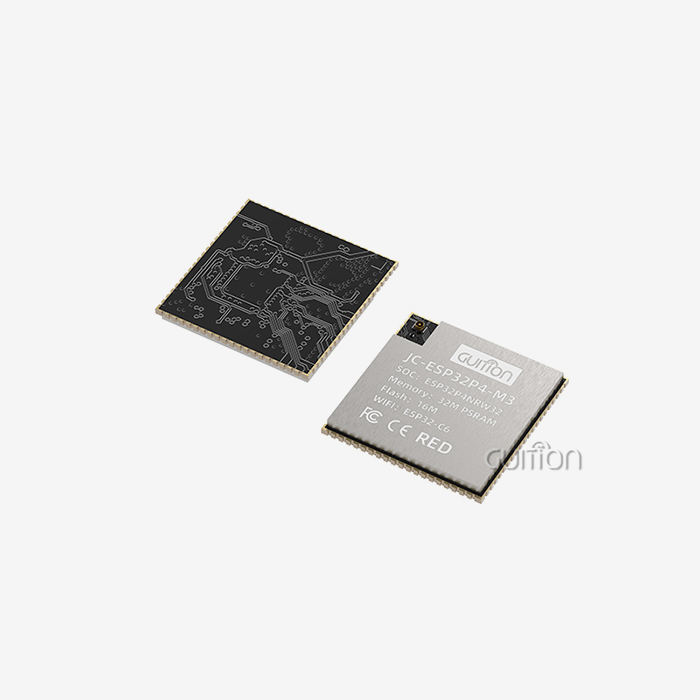
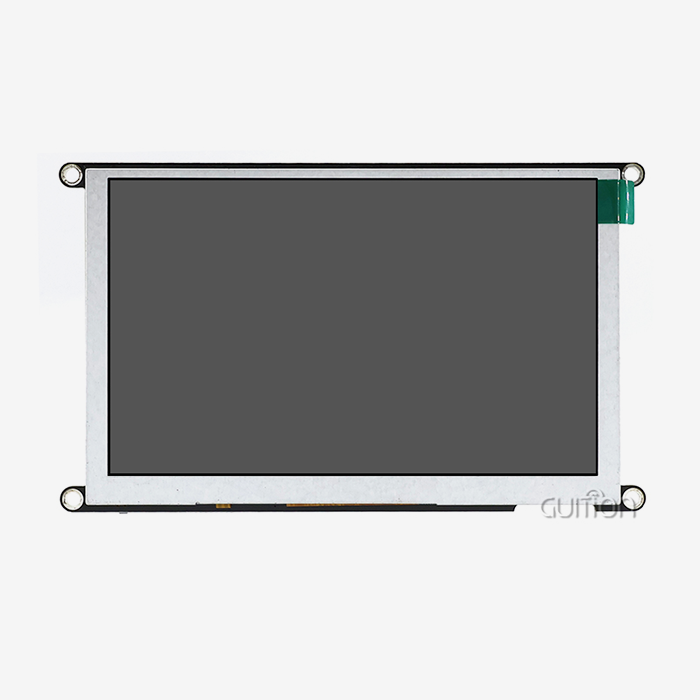
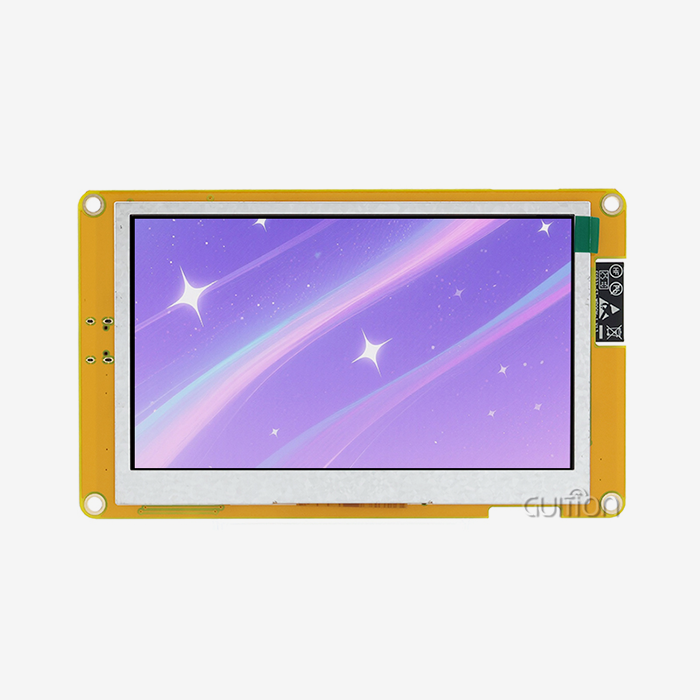
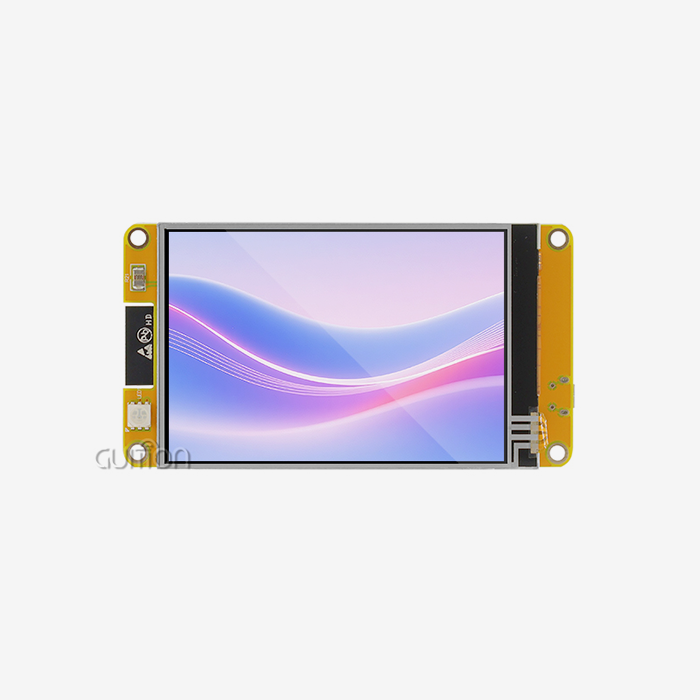
New sources like Guition bring new ways to deal with problems that come up in current development. The D121BBV processor design in the JC1060Q370N_I display module is an example of this new idea. This 7.0-inch HMI human interface runs at 400MHz and has an IPS screen with a resolution of 1024x600 that stays true to color even from wide viewing angles. The module comes with test programs already loaded, so it can be used right away for functional testing without any initial setup. This speeds up the start of the project.
The main thing that sets this approach apart from traditional vendors is the way the software is developed. Through cloud-based GUI design tools that can be accessed from any workstation, the Guition online platform gets rid of the licensing problems that come with proprietary software. Engineers use visual tools instead of script-based parameter files to change the features of pre-built controls that they drag directly onto canvas layouts. This makes interface development more open, so mechanical engineers and product managers can make prototypes of screens without having to know how to code them.
There are reserved interfaces for TF cards, serial ports, sensors, and general-purpose IO pins as connectivity options. This gives you the same level of integration flexibility as with high-end products. Built-in WiFi and Bluetooth support makes it easier to pair smart devices and do remote troubleshooting without having to buy extra gateway gear. OTA firmware updates make it easier to do maintenance in the field by letting all deployed units get bug fixes and new features from afar. The module works with a number of different development environments, such as the Arduino IDE for programming by hobbyists, the ESP-IDF for professional embedded development, and the native Guition platform for processes that focus on the GUI. This multi-modal method works for teams with different levels of expert knowledge, which shortens the time it takes to learn new skills and improves the transfer of those skills. Cross-platform debugging lets developers try interfaces in real time from their development computers, finding user problems before they are put into hardware.
Procurement teams should look at both the technical specs and the total cost of ownership of each option when they compare them. Different types of licensing exist, ranging from buying software that you can use forever to subscribing to cloud services. Complex industrial suites and easy-to-use drag-and-drop platforms have very different training needs. When troubleshooting integration problems or adding custom functionality, the responsiveness of after-sales support and the quality of the documentation have a direct effect on project timelines.
Benefits and Latest Trends in HMI Human Interfaces for OEM Machine Builders
Key performance indicators can be used to measure how well new interaction technologies improve operations. Real-time data visualization cuts down on the time needed to fix problems by showing the state of a machine visually instead of using complicated error codes. Operators can find problems more quickly with the help of trend charts that show how parameters change over time. This lets them do preventative maintenance that cuts down on unplanned downtime. Multi-screen workflows organize complicated processes in a way that makes sense. They use step-by-step confirmation prompts to guide techs through startup steps and quality checks, which cuts down on mistakes.
The economics of service delivery change when you can access services from afar. Technicians can figure out what's wrong with equipment from central support centers instead of having to travel to customer sites. This cuts down on service response times and the cost of travel. Secure VPN links let you watch things when the office is closed, so repair teams can be notified of problems that happen when the office is empty. Overall equipment efficiency (OEE) goes up because problems are caught early and work schedules are adjusted to fit the health of the equipment.
The Industrial Internet of Things (IIoT) is the main trend that is changing how HMI human interfaces are built. These days' displays work like edge computing nodes, processing sensor data locally before sending the gathered information to cloud analytics platforms. This spread intelligence lowers the amount of data needed for the network while keeping control loops with low latency. Support for MQTT and RESTful APIs lets you exchange data with enterprise resource planning (ERP) systems in a standard way. This connects operations on the shop floor to business intelligence dashboards.
Adding artificial intelligence (AI) makes systems more flexible and personal by learning from how people use them. Machine learning algorithms find screens that are used a lot, then they automatically improve travel paths and bring up controls that are relevant to the current situation. Predictive analytics engines look at old warning data to guess when equipment will break down days in advance. This changes the focus of maintenance from fixing problems after they happen to preventing them before they happen. Natural language processing makes it possible to control devices with your voice when you don't have your hands free. This makes assembly line jobs more ergonomic. Multilingual localization meets more of the needs of global operations than simple text translation. Changes to date formats, measurement units, and icon symbols are examples of cultural adaptations that make sure the software works well in all regions. UTF-8 encoding can handle character sets ranging from European alphabets to Asian logograms in a single firmware image. This makes it easier for international OEMs to keep track of their inventory.
More and more, choices about design are affected by cybersecurity issues. Industrial interfaces use defense-in-depth methods like secure channels for communication, authentication based on certificates, and write-protected filesystems that stop illegal changes. Dual-LAN designs physically split operational technology (OT) networks from information technology (IT) hardware. This keeps production going while preventing possible breaches. All of these technological advances allow OEM builders to make machines that are smarter and more capable, which helps them stand out in markets where competition is high. Over time, interfaces change from being inactive status displays to being active productivity tools that help operators predict problems and link equipment into industrial communities that work together.
Where and How to Buy the Best HMI Human Interfaces
Strategies for buying things weigh the technical fit against the cost and the dependability of the seller. When you work directly with a maker, you can make changes and get help from engineers during the merging process. This is especially helpful for large OEM projects that need co-development. Authorized wholesalers have local stock and can send smaller amounts more quickly, but they can't make many changes. Online markets bring together many brands, which makes it easy to quickly compare prices, but they might not have enough technical support resources.
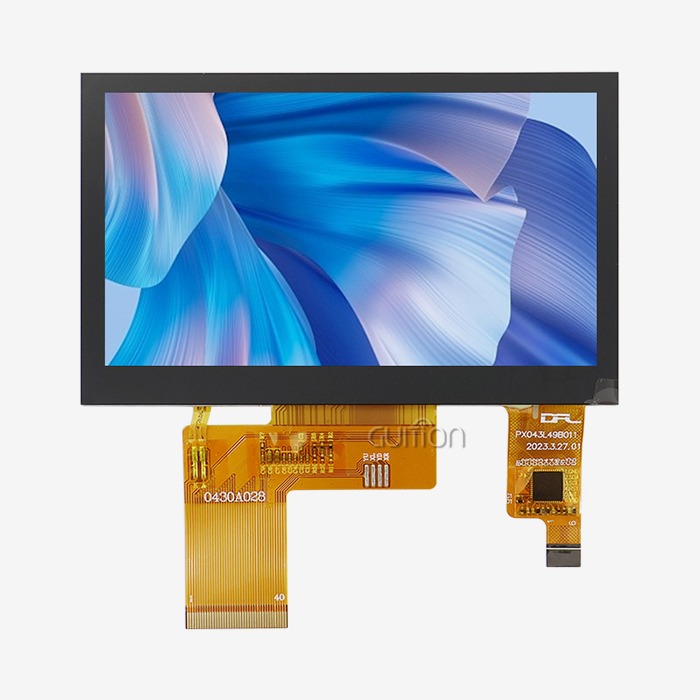
Price estimates change a lot depending on the details and the number of orders. For large orders, basic 4.3-inch resistive touchscreen modules start at about $50. On the other hand, advanced 15-inch capacitive displays with industrial certifications cost more than $800 per unit. Licensing development tools adds software costs that range from nothing for open-source platforms to more than $2,000 per seat for high-end industrial suites. A full cost analysis should include unnoticed costs like time spent on training, work done on integration, and long-term support fees.
Customization options go beyond just branding cosmetics. Bezel changes can be made to meet specific mounting needs or to add custom button clusters. When firmware is changed, private methods or special data handling routines are added. Flexible minimum order quantities (MOQs) from suppliers let startups build prototypes without having to make huge upfront promises. This is very important for companies that are testing product ideas.
When evaluating potential HMI human interface suppliers, several qualifying questions clarify capabilities:
- What safety certificates does the item have? (RoHS, CE, FCC, UL)
- Can the supplier give me example designs and integration guides for projects that are like mine?
- How does the warranty cover problems with the screen versus problems with the software?
- How does the seller deal with parts that stop working and manage the lifespan of a product?
- Are there evaluation kits that can be used to test the product before committing to a large order?
Making detailed technical specifications speeds up the accuracy of quotes. Include the screen size you need, the quality you want, the surroundings, the communication methods you want to use, the limitations of the mounting system, and the expected production schedule. Attach interface sketches or current designs to make sure you understand the visual needs. The more detailed your documentation is, the faster suppliers will come back with proposals that you can use.
Validation opportunities with demo units are very helpful. When you test potential interfaces in real-world situations, you can see things that the performance specs don't include, like how fast the touchscreen is with certain types of gloves, how visible things are at different angles in a dark room, or how hard it is to integrate with existing control systems. Set aside money to buy evaluation samples from several sellers and compare them side by side to help you make your final choice.
Conclusion
An in-depth analysis of technical requirements, development ecosystems, and vendor partnerships is necessary when choosing the best HMI human interface. OEM machine builders have to weigh the needs of current projects against the needs for long-term support and scalability. New suppliers are coming up with creative ways to solve common problems in development, like the Guition JC1060Q370N_I, which has easy-to-use design tools, flexible connections, and detailed instructions. When IIoT integration, remote repair, and multilingual help all come together, modern interfaces become strategic differentiators instead of common parts. A good procurement process weighs the costs of acquisition against the total value over the product's lifetime, giving priority to providers with strong expert support and clear product roadmaps. By using structured evaluation frameworks and requiring hands-on feedback, engineering teams build interfaces that make operators more productive, cut down on downtime, and give them a competitive edge in tough industrial settings. A reliable hmi display module can further enhance these solutions by providing clear visualization, responsive control, and seamless interaction between operators and industrial systems.
FAQ
What distinguishes an HMI from a standard GUI in industrial settings?
Due to their specialized ruggedization, protocol support, and dependability needs, industrial HMI human interface systems differ from regular graphical user interfaces. Consumer GUIs focus on looks and multimedia performance, while industrial GUIs stress fanless operation, wider temperature range, and consistent response times. Automation systems like Modbus and PROFINET are directly connected to industrial units instead of using USB or HDMI ports.
How do wireless HMIs work with PLCs that are already in place?
Serial-to-WiFi or serial-to-Bluetooth bridge modules let wireless interfaces connect to existing control systems. These adapters change regular UART data into wireless packets while keeping the same standard for older devices. Modern controllers, like the Guition JC1060Q370N_I, have wireless transceivers built in. This means that you don't need to buy separate gateway gear, and the controllers can still support safe, protected communication channels that meet industrial cybersecurity standards.
What software capabilities should OEM builders prioritize?
The most useful thing about a development platform is that it is flexible, so teams can use the skills they already have instead of having to learn how to use proprietary tools. Drag-and-drop GUI builders make development faster for people who aren't coders, and script access lets you make more complex changes. Cross-platform debugging tools cut down on iteration rounds by finding problems before they are put into hardware. OTA update support lets maintenance be done in the field without having to visit the site, which is especially important for setups that are spread out physically.
Partner With Guition for Your Next HMI Human Interface Project
Guition provides complete display options designed for OEM machine makers who value quick development and long-term dependability. Our JC1060Q370N_I module is a fast and reliable HMI Display Module featuring a 400MHz processor, a clear 1024x600 IPS screen, and easy-to-use Guition drag-and-drop development tools that get rid of the need for coding. Built-in WiFi and Bluetooth, over-the-air (OTA) upgrades, and multilingual UTF-8 support will help your designs work in the future while lowering the costs of support after the sale. We offer full technical documentation, quick engineering support, and a variety of customization options that can be tailored to your specific application needs as a leading HMI human interface supplier. Get in touch with our team at david@guition.com to talk about your project requirements and ask for assessment examples. You can also learn how Guition interfaces can speed up your time-to-market and improve the user experience in medical devices, smart equipment, and industrial automation.
References
1. Johnson, M. & Peterson, R. (2022). Industrial HMI Design Principles for OEM Applications. Automation Engineering Press.
2. Chen, L., Rodriguez, S., & Kim, H. (2023). "Comparative Analysis of Touch Technologies in Harsh Industrial Environments." Journal of Manufacturing Systems Integration, 47(3), 215-234.
3. Industrial Automation Standards Committee. (2021). Best Practices for Human-Machine Interface Integration in Embedded Systems. International Society of Automation.
4. Williams, T. (2023). The IIoT-Enabled HMI: Connectivity Strategies for Modern Machine Builders. Technical Publishing Group.
5. Anderson, K. & Liu, Y. (2022). "Cost-Benefit Analysis of Display Module Selection for Medical Device Applications." Biomedical Engineering Review, 19(4), 128-147.
6. Fernandez, A., Muller, D., & Nakamura, J. (2023). Procurement Strategies for Industrial Display Systems: A Comprehensive Guide. Global OEM Resources Institute.
Learn about our latest products and discounts through SMS or email