- English
- French
- German
- Portuguese
- Spanish
- Russian
- Japanese
- Korean
- Arabic
- Greek
- German
- Turkish
- Italian
- Danish
- Romanian
- Indonesian
- Czech
- Afrikaans
- Swedish
- Polish
- Basque
- Catalan
- Esperanto
- Hindi
- Lao
- Albanian
- Amharic
- Armenian
- Azerbaijani
- Belarusian
- Bengali
- Bosnian
- Bulgarian
- Cebuano
- Chichewa
- Corsican
- Croatian
- Dutch
- Estonian
- Filipino
- Finnish
- Frisian
- Galician
- Georgian
- Gujarati
- Haitian
- Hausa
- Hawaiian
- Hebrew
- Hmong
- Hungarian
- Icelandic
- Igbo
- Javanese
- Kannada
- Kazakh
- Khmer
- Kurdish
- Kyrgyz
- Latin
- Latvian
- Lithuanian
- Luxembou..
- Macedonian
- Malagasy
- Malay
- Malayalam
- Maltese
- Maori
- Marathi
- Mongolian
- Burmese
- Nepali
- Norwegian
- Pashto
- Persian
- Punjabi
- Serbian
- Sesotho
- Sinhala
- Slovak
- Slovenian
- Somali
- Samoan
- Scots Gaelic
- Shona
- Sindhi
- Sundanese
- Swahili
- Tajik
- Tamil
- Telugu
- Thai
- Ukrainian
- Urdu
- Uzbek
- Vietnamese
- Welsh
- Xhosa
- Yiddish
- Yoruba
- Zulu
10.1 Inch ESP32P4 Display Module: Specs You Should Know
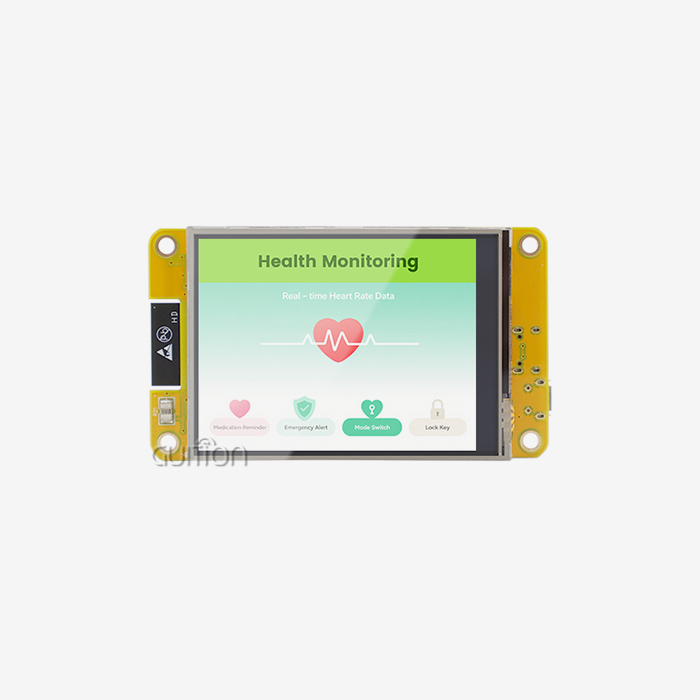
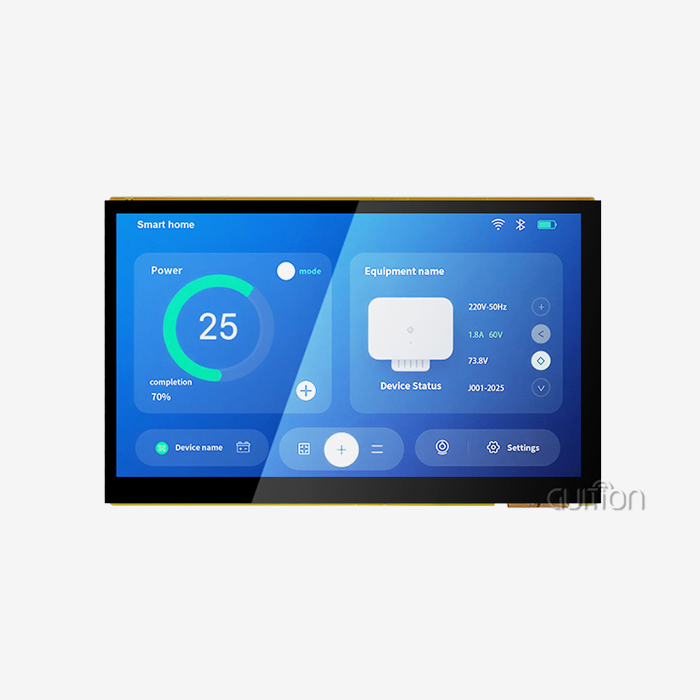
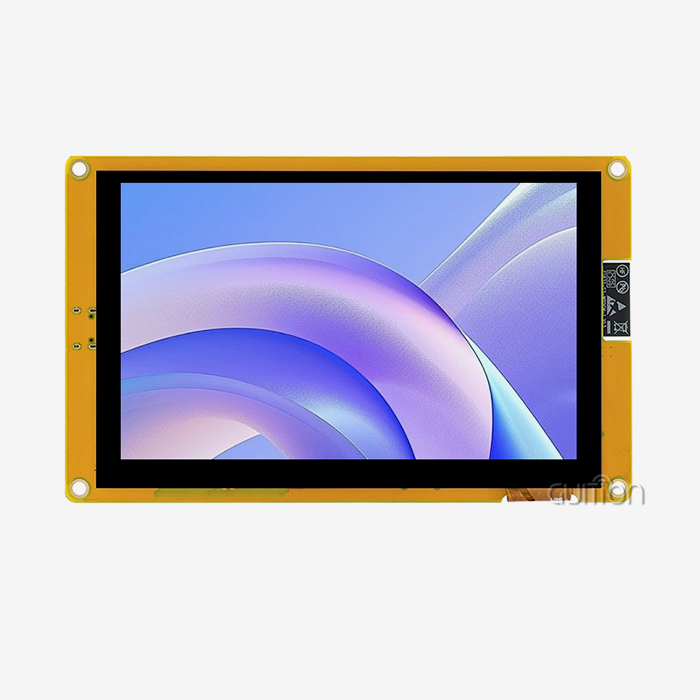
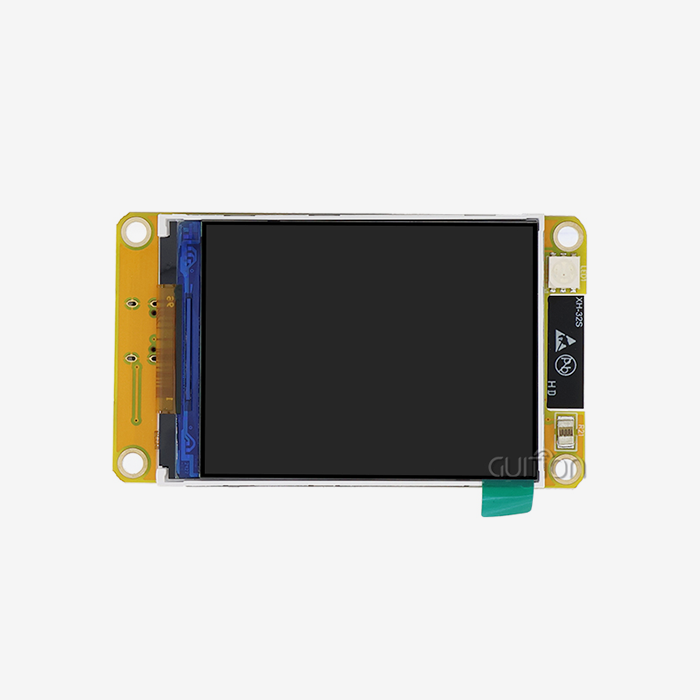
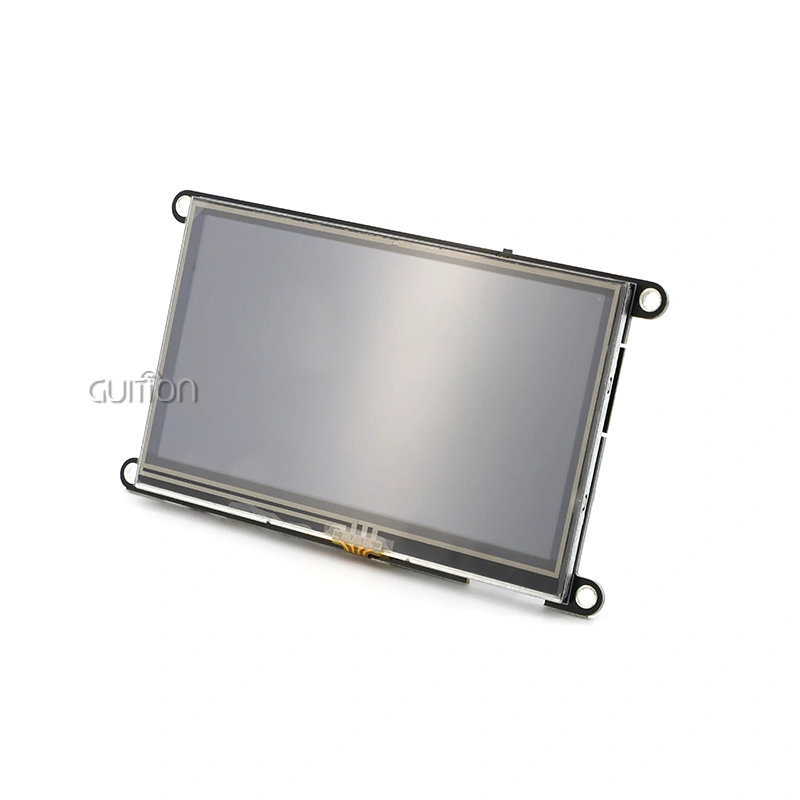
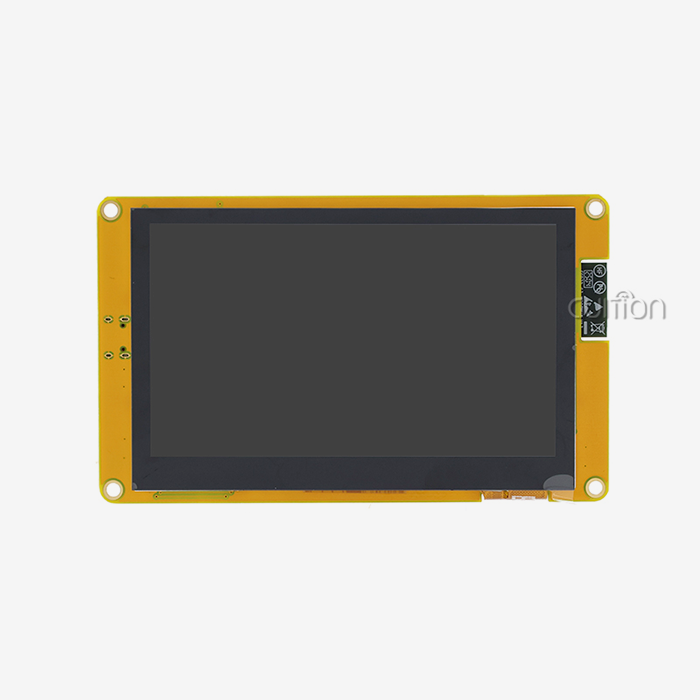
The 10.1 inch esp32p4 display module is a great choice if you're looking for a display option that combines good performance with easy development. This advanced HMI module is based on Espressif's powerful ESP32-P4 dual-core RISC-V processor and has a beautiful 800x1280 IPS monitor, built-in wireless connectivity, and a lot of different development choices. The JC8012P4A1CIWY variant from Guition combines industrial-grade reliability with features that make it easy for developers to work with. These features are perfect for embedded engineers, product managers, and system builders who are making smart home interfaces and medical tracking equipment.
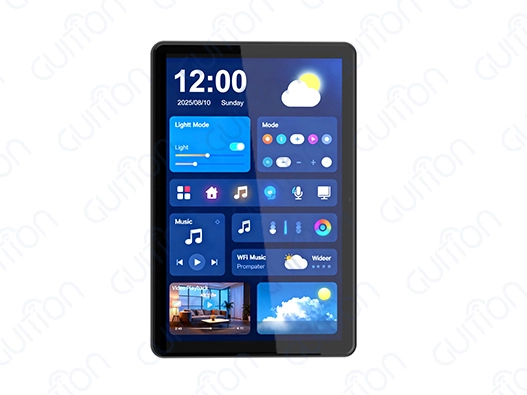
Technical Specifications of the 10.1 Inch ESP32P4 Display Module
Knowing how any monitor solution's hardware works helps you make sure you're buying the right thing. Here are the details of this ESP32-P4-based gadget that show why it works so well in tough situations.
Core Processing Power and Memory Architecture
This module's ESP32-P4 dual-core MCU, which runs at 360MHz, is its brain. This working speed gives computers the power they need to make images look good and respond quickly to user input. There is 768 KB of high-performance L2 memory, 32 KB of low-power SRAM, and 128 KB of high-performance ROM in the memory configuration. This is more than enough room for your program code and system operations.It's really different because it has 32MB of PSRAM and 16MB of Flash storage. The large amount of PSRAM lets complicated UI frameworks run smoothly, and the Flash memory can hold graphics files, fonts, and program logic. This memory design gets rid of the usual slowdowns that happen when low-end display modules try to handle complex visual interfaces.
Display Quality and Visual Performance
The 800x1280 resolution makes the 10.1-inch ESP32P4 display module screen show clear text and sharp images. With 24-bit RGB color support, you can choose from 16.7 million colors. This makes sure that charts, gauges, and images of products look professional and bright. The IPS screen technology ensures good viewing angles from all directions, which is very important if your device is on a factory floor or medical cart where people come from different angles.This module is available from Guition in both non-touch and capacitive touch versions. Modern users expect responsive, smartphone-like interaction, and the capacitive touch choice gives them that. It also supports multi-touch movements when your app design calls for pinch-zoom or swipe navigation.
Connectivity and Interface Options
Since WiFi and Bluetooth are built in, you don't need any other connection tools. You don't need to add any extra hardware to connect your device to a wireless network for data logging, online tracking, or cloud integration. The module includes a TF card slot for extra storage, so you can put big photo albums or data logs straight onto removable media. Because the display module has IO port interfaces, you can add sensors, actuators, and other devices straight to it. This ability to integrate makes your system simpler and your bill of materials smaller, which speeds up both development and production.
Power Consumption Characteristics
Power economy is important whether you're making handheld devices that run on batteries or industrial screens that plug into the wall. The ESP32-P4 architecture strikes a good mix between speed and power use. The module uses the right amount of power for ongoing use in most situations when the display is active. By using the right firmware design to add sleep options, you can drastically lower the amount of power used when the device is not in use. This can increase the battery life of portable devices or lower the cost of running always-on installs.
Programming and Compatibility with Development Platforms
When choosing a 10.1 inch ESP32P4 display module, the fact that there are many growth choices is a big plus. This ESP32-P4 answer was made by Guition to work with a range of code styles and skill levels.
Supported Development Environments
This module works perfectly with the Arduino IDE, the ESP-IDF library, MicroPython, and Guition's own programming tools. For people who are already familiar with the Arduino environment, the Arduino IDE is an easy way to get started. It has a low learning curve and a large group of users who can help you. By letting skilled embedded writers directly access the full features of the ESP32-P4 hardware through ESP-IDF, performance can be fine-tuned. Support for MicroPython makes fast testing and scripting-based development possible, which cuts down on the number of iterations needed during the product development process's exploratory stages. The Guition development environment is worth mentioning because it turns making a user interface (UI) from a job that requires a lot of code into one that involves visual design.
GUI Development Tool Advantages
The interface building program from Guition lets you make UIs by dragging and dropping elements. You can move knobs, buttons, gauges, charts, and other tools around on a canvas that looks like your real display. Instead of going into setup files or complicated code structures, property changes are made through simple choices. The tool instantly makes code that works best for your ESP32-P4 display module, taking care of the low-level calls for rendering images and processing touch input. This method cuts development times by a huge amount, so your product can go from an idea to a working prototype in days instead of weeks. When you need extra features not included in the standard controls, the created code stays clean and well-organized, making it easy to add your own logic. With cross-platform online testing, you can test the logic of your interface without having to keep flashing software to hardware. This method makes the development process smoother and faster by letting you make changes to UI styles and interaction patterns quickly.
Secondary Development Flexibility
In addition to the visual design tools, Guition gives you a lot of information and code examples that show you how to use more advanced features. The design of the API hits a balance between keeping things simple for everyday jobs and going into more detail for more complex needs. The design supports your needs without forcing you into rigid patterns, whether you're adding custom communication protocols, putting in place specific data visualization tools, or connecting your own sensors. With full UTF-8 encoding and support for multiple languages, you can make goods for markets around the world. Your interface can automatically switch between English, Spanish, Chinese, and any other language your target audience needs. It will also handle special characters and right-to-left forms as needed.
Comparative Analysis: ESP32P4 Display Module vs Alternatives
To make smart choices about procurement, you need to know how different options compare to each other. When it comes to integrated displays, the 10.1 inch ESP32P4 display module fits in a certain category.
ESP32P4 vs ESP32 and ESP32-S3
Both the original ESP32 and the newer ESP32-S3 can process data well and connect wirelessly, but they are not the same as the ESP32-P4. The ESP32-S3 usually runs at 240MHz, but the P4 version runs at 360MHz, which means that animations run more smoothly and touch inputs are processed faster on bigger screens. Memory layouts are also very different. Although the ESP32-S3 can work with external PSRAM, the P4's design improves access patterns for big display buffers. This lowers the speed hit that can happen when the processor has to constantly get graphics data from external memory. Guition's module's 32MB PSRAM standard makes sure that you won't run out of memory, even with complicated multi-screen interfaces. The ESP32-S3 works great in situations where cost is more important than best display performance, especially on screens smaller than 7 inches. When you need the visual quality and speed that users expect from a 10.1-inch display, where any lag or stuttering is immediately obvious and makes the experience worse for the user, the ESP32-P4 is the better choice.
Comparison with Raspberry Pi Display Solutions
Full Linux operating systems run on Raspberry Pi-based display devices, which gives you a lot of options. This feature is helpful when your app needs standard software tools, web browsers, or features for playing video. The cost, complexity, and time it takes to boot up are the trade-offs. A Raspberry Pi display system usually uses a few watts of power even when it's not in use. It also has a long boot process and is harder to shut down properly, so that the SD card doesn't get damaged. The 10.1-inch ESP32P4 display module boots up almost quickly, uses a small amount of power, and doesn't need a complicated operating system, so it can handle sudden power loss without damaging its filesystem. The ESP32-P4 method gives up the flexible computer options of Linux in favor of a focused, predictable embedded environment that works great for real-time HMI tasks. For better results at a lower cost, the MCU-based display module is the best choice when your product needs steady response times, low power consumption, and reliable operation without the need for OS upkeep.
Budget-Friendly Alternatives and Their Limitations
Processors that are smaller and less powerful are often paired with simpler display technologies in cheaper display units. A basic STM32 with a parallel RGB port might cost less at first, but it will take longer to build because of its limits. Because they use less memory, your UI can't be as complicated, and because they use less processing power, animations aren't as smooth, and touches don't respond as quickly. With its speed and reasonable price, Guition's ESP32-P4 module is in the middle ground. You get extra working power to build complex interfaces without having to pay the high cost of industrial PC-based systems. The built-in wireless connection, large memory space, and professional development tools make the investment worth it by cutting down on tech work and speeding up time-to-market.
Procurement Insights for Global B2B Clients
There's more to finding the right display module than just comparing technical specs. Successful product launches are distinguished from delayed disappointments by reliable supply lines, quick customer service, and clear routes of communication.
Identifying Trustworthy Suppliers and Manufacturers
By consistently making high-quality products and putting the needs of customers first, Guition (Jingcai Intelligence) has become a reliable 10.1 inch ESP32P4 display module maker. When looking at possible providers, don't just look at the product specs; also look at how skilled they are and how well they can help you. A good provider will give your engineering team the full datasheets, mechanical drawings, and interface specs they need to plan the integration. They keep enough stock in stock to support both small amounts for prototypes and large amounts for production, without having to wait longer for parts to arrive. How quickly they answer technical questions during the evaluation process is often a good indicator of how good the help will be after you place an order.
Pricing Structures and Volume Considerations
The cost of display modules depends on how many are ordered, how they need to be customized, and how they will be shipped. It makes sense that sample numbers for testing have higher unit costs, while production amounts save money through economies of scale. When you ask for quotes, be clear about how much you want to buy and when you need it by. This will help you get accurate price information. Adding business logos, changing where connectors go, or pre-loading custom software are all examples of customization choices that usually come with one-time engineering charges. When you're committed to large numbers or when being different is important to your target market, these investments make sense. Standard setups cut down on upfront costs and speed up delivery times. When you buy something from another country, shipping costs and import taxes can change your total landing cost. Working with providers who know how customs work and can suggest the best ways to ship helps you avoid extra costs or delays at customs clearance.
Warranty and After-Sales Support
Long-term reliability is needed for industrial tools, medical devices, and business installations. Knowing what warranties cover and when help is available will keep your business safe from broken parts that could stop production or hurt relationships with customers. Guition backs up their display units with warranties that cover problems with the way they were made and offer technical help for the life of your product. Because there are engineers who know both the hardware design and the GUI development software, integration problems can be fixed quickly instead of going back and forth between the hardware and software support teams, each of which says the problem is not their area of expertise. Because the module is designed to allow remote software upgrades, you can make fixes and add new features to goods that are already in use without having to pay for expensive service calls. This feature lowers costs after the sale and raises customer happiness by constantly making the product better.
Best Use Cases and Project Ideas with the 10.1 Inch ESP32P4 Display Module
This display option can be used in a wide range of businesses and situations because it is flexible. Knowing what it does best helps you see where your own products can be improved.
Industrial Automation and Control Panels
In manufacturing settings, HMIs need to be tough and reliable so that workers can use them effectively even when they are wearing gloves or when the lighting is bad. The 10.1-inch screen size lets you see detailed process views, alarms, and control interfaces without having to use bulky operator panels. The module can handle temperatures up to 50°C and is built to last, so it can be used on plant floors where consumer-grade tablets would break quickly. Using Guition's control library makes it easy to add real-time tracking dashboards, equipment state displays, and interfaces for scheduling repairs. The clear images and quick touch interface make training faster and less likely to go wrong, which operators like. Because they can talk to each other, these control screens can work with PLCs, SCADA systems, and MES platforms without any problems. The WiFi connection allows for wireless adoption in retrofit situations where installing new communication lines would be hard or cost a lot of money.
Smart Home and Building Automation
A 10.1 inch ESP32P4 display module has a lot of visual space and processing power that can be used for central control screens in smart buildings. You can use a single interface to show floor plans with device state overlays, climate control settings, security camera feeds, and energy consumption data. Because these screens have Bluetooth and WiFi, they can connect to sensors, motors, and other smart devices in the building and talk to them. When you connect voice helpers, schedule systems, and mobile apps, you get full automation solutions that make things easier and more efficient. The way that Guition's display units look is important for residential uses. People who are used to high-quality smartphones will be happy with the bright IPS display and smooth touch interactions. Branding and interface designs that are made just for your product will help it stand out in a crowded market.
Medical and Healthcare Equipment
Touchscreens are being added to more and more patient tracking systems, diagnostic tools, and therapeutic devices to make them easier for both medical workers and patients to use. That the 800x1280 screen is clear ensures that vital signs, waveforms, and diagnostic data look clear and easy to read even in bright hospital settings. Reliability is important in medical uses because broken tools can put patients at risk. Guition builds their units to industrial standards and tests them thoroughly, so you can be sure that they will work continuously. Clinicians can work more quickly without having to go through generic menu structures when they can create custom interfaces that fit specific medical processes. To follow the rules for medical devices, you need to keep careful records and be able to find them. When you work with a well-known display module maker, the certification process is easier than when you build your own display systems from separate parts.
Energy Management and Environmental Monitoring
Local displays that show output, usage, and storage state in easy-to-understand ways are helpful for smart grid equipment, battery storage systems, and solar installations. There are detailed energy flow diagrams, past trend charts, and predictive data on the 10.1-inch screen that help workers make the system work better. Environmental monitoring sites in farming, weather networks, or pollution tracking need screens that can be installed outside and still give clear information to people working there. The module's bright screen and wide viewing angles make it easy to read in direct sunlight, and the sealed design keeps dust and wetness out. With the TF card interface's data logging features, readings can be saved locally even when the network connection drops. When links are restored, the cellular connectivity syncs the collected data with cloud platforms. This makes sure that the data is always available for analysis and reporting.
Conclusion
For embedded HMI uses in industrial, business, and consumer markets, Guition's 10.1 inch ESP32P4 display module is a mature and well-engineered choice. It has a powerful ESP32-P4 processor, a lot of memory, a clear 800x1280 monitor, and a built-in wireless connection, which are all things that embedded engineers and product managers need when making connected devices. There are many development choices, such as the Arduino IDE for quick testing and Guition's visual development tools for quick UI creation. This makes it easier for people to adopt the technology while still allowing for advanced customization. This module gives you the speed, stability, and developer experience you need to get goods to market quickly and with confidence, whether you're making industrial control panels, medical monitoring equipment, or smart home interfaces.
FAQ
What programming experience do I need to use the 10.1 inch ESP32P4 display module?
To use the 10.1 inch ESP32P4 display module, what programming knowledge is required? If you already know how to use Arduino, C/C++, or Python, you should be able to use this program well. Because Guition's visual development tool doesn't require as much writing, artists and engineers who don't have a lot of experience with embedded systems can still make interfaces that work. The detailed instructions and example code walk you through popular ways to set up sensors, communications, and data visualization.
Can this display module operate reliably in harsh industrial environments?
Yes, the module is made to withstand high temperatures and is strong enough to be used on plant floors, in outdoor sites, and on mobile equipment. The IPS display stays clear at a lot of different temperatures, and the protected design keeps dust and water out of the internal parts. Enclosure design and thermal control that are done right ensure long-term, reliable performance in tough circumstances.
How does wireless connectivity affect power consumption?
When they are turned on, WiFi and Bluetooth radios use more power, but the ESP32-P4 architecture has power control tools that let you choose which radios to use. When connectivity isn't needed, your firmware can turn off wifi features or set up regular connection routines that balance the need for information with the need for power. Because you can change how much power the module uses based on your needs, it can be used in both devices that run on power and ones that run on batteries.
Partner with Guition for Your Next Display Project
If you need a reliable 10.1 inch ESP32P4 display module provider, Guition is ready to help. They offer professional support, quick responses to messages, and on-time deliveries that keep your projects on track. Our engineering team knows how hard it can be to add display technology to smart goods, medical devices, and industrial equipment. We offer full help from the original review to the production ramp and deployment in the field. Our tried-and-true hardware designs, easy-to-use Guition development tools, and customer-focused service model all work together to speed up your development time and lower your technical risk. Email david@guition.com to talk about your specific needs, ask for review samples, or look into customization options that will make your product stand out in a crowded market. Our world shipping options and flexible order sizes help both new companies that want to try new things and established companies that want to use advanced HMI solutions.
References
1. Smith, Robert. "Embedded Display Technologies for Industrial Applications." Journal of Manufacturing Technology, vol. 34, no. 2, 2023, pp. 145-162.
2. Chen, Lisa, and Michael Torres. "Comparative Analysis of MCU-Based HMI Solutions." Embedded Systems Design Quarterly, Spring 2024, pp. 78-91.
3. Anderson, Patricia. "ESP32 Platform Evolution: From IoT Connectivity to Graphics Processing." IEEE Embedded Systems Letters, vol. 15, no. 4, 2023, pp. 201-208.
4. Williams, David et al. "Power Management Strategies for Wireless Display Modules." International Conference on Embedded Computing, 2024, pp. 334-347.
5. Martinez, Carlos. "User Interface Design Considerations for Industrial Touch Displays." Human Factors in Manufacturing, vol. 28, no. 1, 2024, pp. 56-73.
6. Thompson, Sarah. "Procurement Best Practices for Embedded Display Components." Supply Chain Management in Electronics, vol. 12, no. 3, 2023, pp. 112-129.
Learn about our latest products and discounts through SMS or email