- English
- French
- German
- Portuguese
- Spanish
- Russian
- Japanese
- Korean
- Arabic
- Greek
- German
- Turkish
- Italian
- Danish
- Romanian
- Indonesian
- Czech
- Afrikaans
- Swedish
- Polish
- Basque
- Catalan
- Esperanto
- Hindi
- Lao
- Albanian
- Amharic
- Armenian
- Azerbaijani
- Belarusian
- Bengali
- Bosnian
- Bulgarian
- Cebuano
- Chichewa
- Corsican
- Croatian
- Dutch
- Estonian
- Filipino
- Finnish
- Frisian
- Galician
- Georgian
- Gujarati
- Haitian
- Hausa
- Hawaiian
- Hebrew
- Hmong
- Hungarian
- Icelandic
- Igbo
- Javanese
- Kannada
- Kazakh
- Khmer
- Kurdish
- Kyrgyz
- Latin
- Latvian
- Lithuanian
- Luxembou..
- Macedonian
- Malagasy
- Malay
- Malayalam
- Maltese
- Maori
- Marathi
- Mongolian
- Burmese
- Nepali
- Norwegian
- Pashto
- Persian
- Punjabi
- Serbian
- Sesotho
- Sinhala
- Slovak
- Slovenian
- Somali
- Samoan
- Scots Gaelic
- Shona
- Sindhi
- Sundanese
- Swahili
- Tajik
- Tamil
- Telugu
- Thai
- Ukrainian
- Urdu
- Uzbek
- Vietnamese
- Welsh
- Xhosa
- Yiddish
- Yoruba
- Zulu
What Is a 4.3 Inch ESP32P4 Display Module?
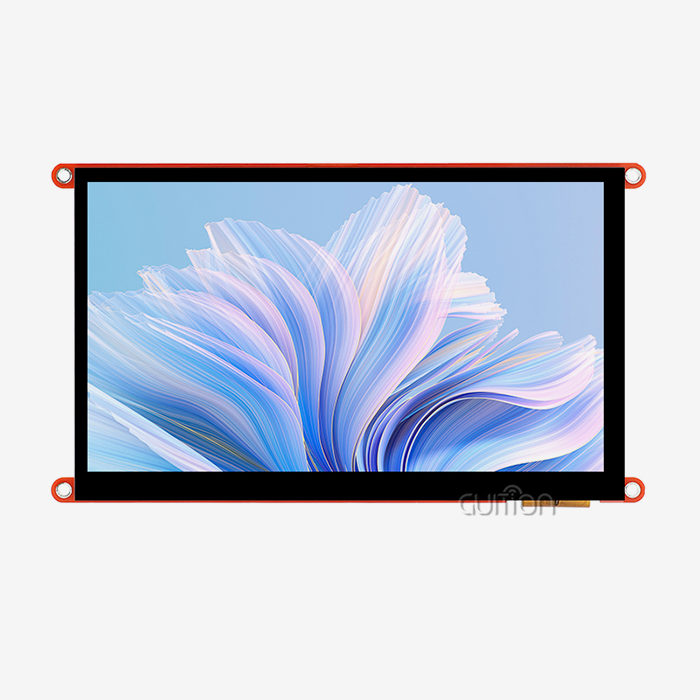
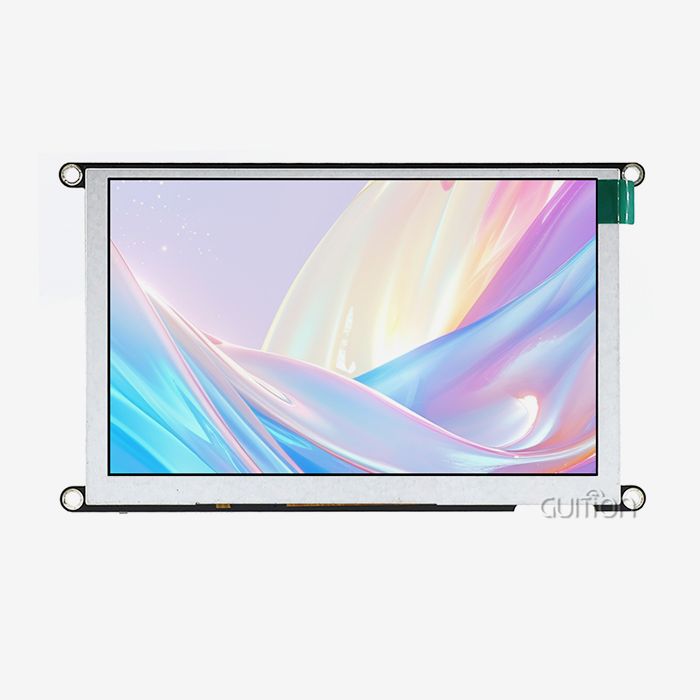
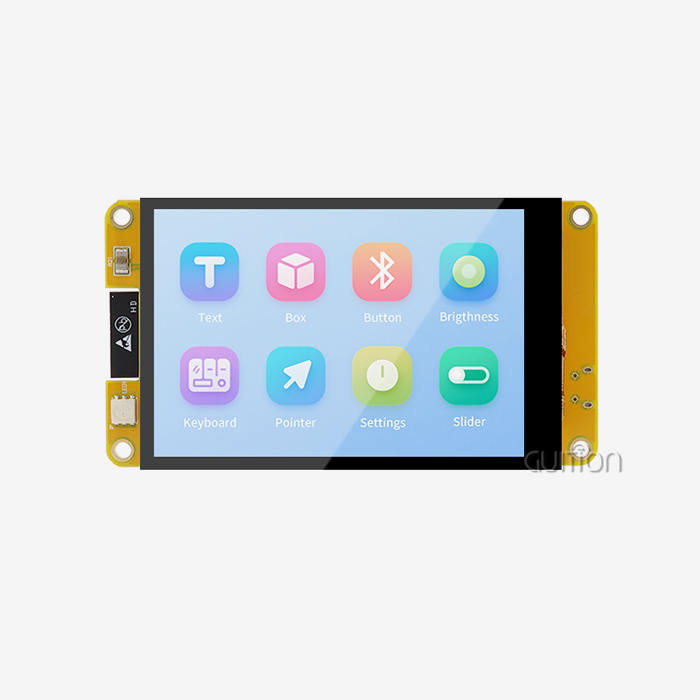
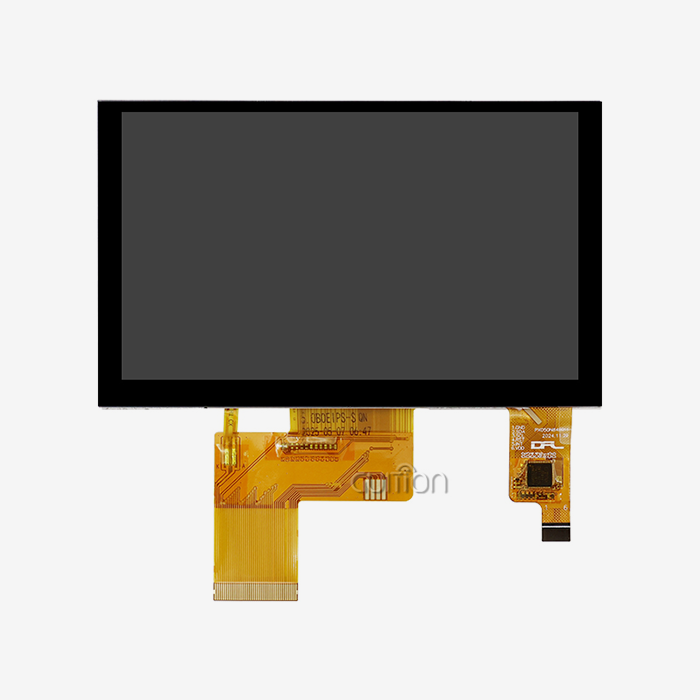
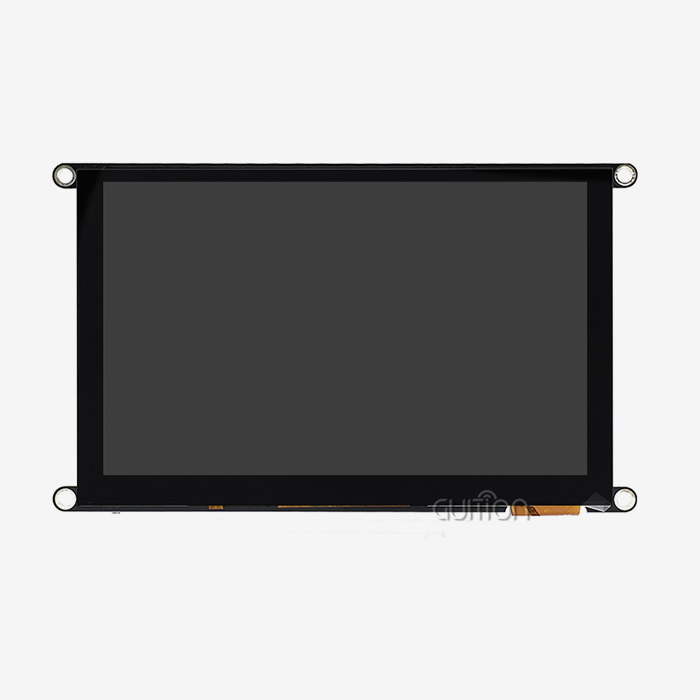
A 4.3-inch esp32p4 display module is an integrated embedded board that places a 4.3-inch LCD, capacitive touch, backlight control, power circuitry, and an Espressif ESP32-series controller on one unit. Unlike a bare LCD panel, it runs your application directly. Unlike a basic development board, it needs no separate screen or touch hardware. The ESP32-P4 chip adds a 400 MHz dual-core RISC-V CPU and MIPI-DSI display support. Guition's ESP32-8048S043C_I uses an ESP32-S3R8 controller with built-in Wi-Fi and Bluetooth. I explain both paths below so you can choose with confidence.

What Makes a 4.3-Inch ESP32P4 Display Module Different
Core Definition and Hardware Scope
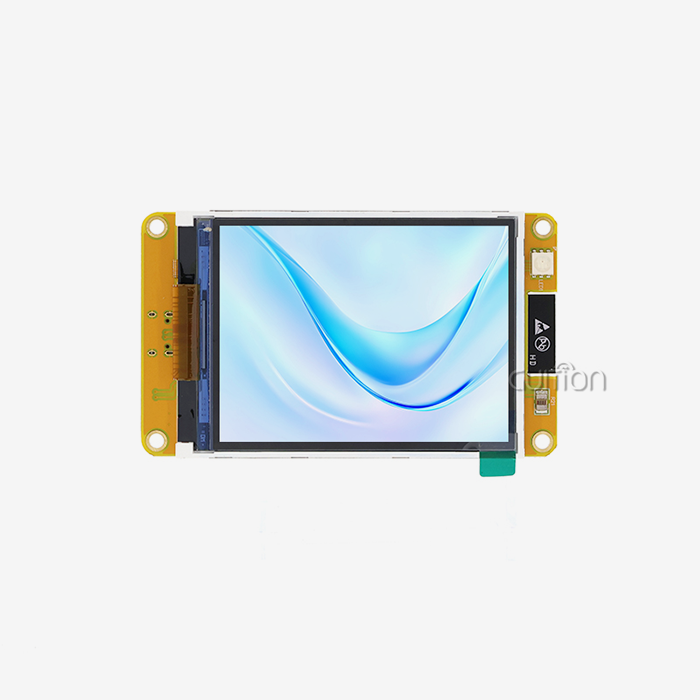
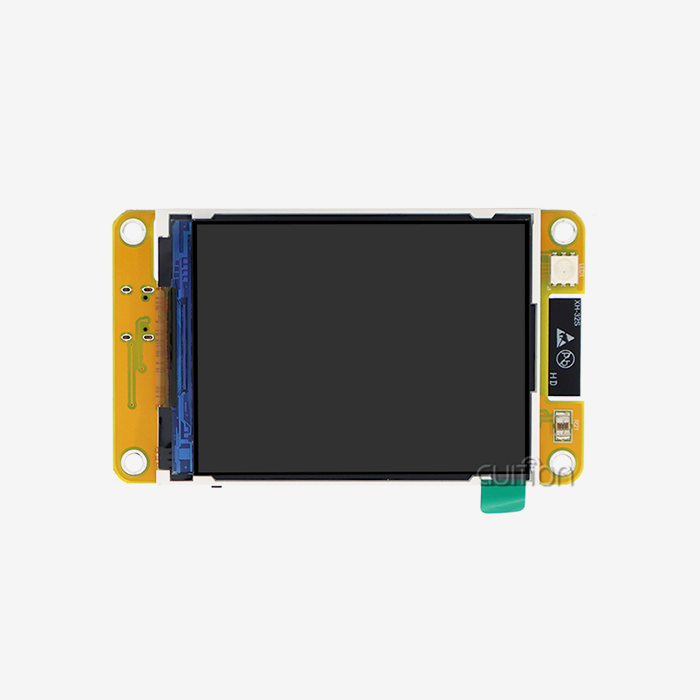
I would describe the 4.3-inch ESP32P4 display module as an HMI unit ready to be assembled, rather than a loose part. This generally includes the LCD, a capacitive touch controller, a backlight circuit, power management, and connectors for sensors, storage, or other boards. This is how Guition’s ESP32-8048S043C_I works. The screen is 4.3 inches. There is a touch control circuit, a TF card interface, and an IO port interface on the same board. This combination reduces the number of parts you need to source, wire, and test, speeding up the process of building your first working prototype.
How a 4.3-Inch ESP32P4 Display Module Works
The 4.3-inch ESP32P4 display module has a processor that runs your app and builds each screen using an open-source graphics library like LVGL. It moves pixel data to the LCD through the chosen interface, and the touch controller tells the code where the finger is on the display. Espressif says the ESP32-P4 has a MIPI-DSI display interface and a pixel-processing accelerator, which means it’s easier for the CPU to update the screen. Usually, the steps are: configure the SDK, configure the display and touch drivers, create the interface, check the input, and test the update rate and memory usage.
Why the 4.3-Inch Size Fits Compact Products
The 4.3-inch screen is not too crowded at 800x480 pixels, with several numbers, a status bar, and big touch buttons. This allows appliance fronts, wall controls, hand tools, and instrument housings to be manufactured. Bigger screens cost more and take up more space, but smaller screens make it harder for operators to see at a glance. We have sizes from 1.28” to 21.5” so teams can have different sizes if they need to for their layout. That sits right in the middle of that range is a 4.3-inch ESP32P4 display module and works well for many small designs.
Key Specifications to Check Before You Buy
ESP32-P4 Chip Facts
The ESP32-P4 is said to have a dual-core RISC-V high-performance CPU that can run at up to 400 MHz and a low-power core that can run at 40 MHz. It has a hardware H.264 encoder, a hardware JPEG codec, USB 2.0 high speed, Ethernet, and up to 32MB PSRAM. It doesn't have Wi-Fi or Bluetooth, so makers who need Wi-Fi will have to add a separate chip. These features are suitable for a 4.3-inch ESP32P4 display module that needs to handle images, video, or animate smooth screens. Chip capability and board wiring are not the same thing, so make sure you know what features a given board shows off.
Guition ESP32-8048S043C_I Specifications
Guition says the ESP32-8048S043C_I is powered by an ESP32-S3R8 main controller, a dual-core MCU with a 240 MHz max frequency, 512 KB SRAM, 384 KB ROM, 8 MB PSRAM, and 16 MB Flash. The screen has a resolution of 800x480 and 65K colours. The board has built-in Wi-Fi and Bluetooth. Also, a TF card interface and an IO port interface. It can be programmed in Arduino IDE, ESP-IDF, MicroPython, or Mixly. These numbers describe an ESP32-S3 design, so before you compare it to any other 4.3-inch ESP32P4 display module on the market, read the model number.
Display, Touch, and Interface Checks
The screen size by itself doesn't mean much. First of all, check the backlight life, viewing angle, contrast, colour depth, and resolution. Then look at the touch technology. Capacitive touch reacts to a light touch or brush of the hand. Resistive touch, however, uses more power and is usable with gloves or styluses. The type of interface is also important, as RGB, MIPI-DSI, and SPI connections have different costs for wiring, PCBs, and data throughput. Simple screens are best with SPI. Animated, higher-resolution layouts are best with parallel or MIPI links. When you consider a 4.3-inch ESP32P4 display module, ask for the datasheet, the pinouts for the socket, and a technical drawing.
ESP32-P4, ESP32-S3, and Raspberry Pi Compared
ESP32-P4 Versus ESP32-S3
The ESP32-S3 has two Xtensa LX7 processors which can be clocked up to 240MHz. It also has integrated 2.4 GHz Wi-Fi and Bluetooth 5 LE, so it can be used as a single chip for connected panels. The ESP32-P4 has MIPI-DSI, H.264 encoding, and more memory options. It runs at 400 MHz but needs a partner chip to go wireless. Neither one always wins. Put Wi-Fi and an S3 module such as the ESP32-8048S043C_I on it, and it can be a settings panel, a sensor dashboard, or a control of an appliance. If you want more motion or camera options, then the 4.3-inch ESP32P4 display module is worth a look.
Compared with Raspberry Pi
The operating system on Raspberry Pi boards is called Linux. There is a lot of support in Linux for web browsers and large libraries of software. It can do more. So it uses more power, takes longer to boot, and requires more care (OS patches, storage care, etc.). An esp32 display module will generally boot faster because it executes firmware on a microcontroller directly. This is fine for dedicated devices that do the same thing over and over again, like meters and control panels. If your product needs desktop software, databases, or a lot of video processing power, then the Raspberry Pi could be a better choice. Anyway, a small 4.3-inch ESP32P4 display module or S3 substitute is usually cheaper to keep up with.
Total Cost of Ownership
That unit price isn’t the end of the story. Be sure to compare apples to apples, including engineering hours, tools, licensing, shipping, warranty, and support. You can spend weeks working on software to get a cheaper board with no drivers or samples. A module with Arduino library functions, sample programs, and a visual UI tool can reduce the work. Guition has all three. You need to identify all costs associated with each candidate and score them according to your production volume and product life. This is better than looking at price alone.
Applications and Development Workflow
Industrial, Medical, and Energy Uses
A small touch screen on an industrial control panel displays machine settings, alarms, and maintenance status. Medical monitoring devices have easy-to-read screens that display readings and alerts, while energy management systems show usage and settings data. Guition says its product information can be used for 3D printers, air quality screens, security panels, medical hardware, and EV charging stations, among others. For each one, check the brightness, how it works with gloves, how long it can run continuously, its thermal limits, and the enclosure fitment. Tests must be passed before a 4.3-inch ESP32P4 display module can be manufactured. “Government also needs to review medical goods, and that can’t be done with a display screen.”
Smart Home, Appliances, and Consumer Products
Smart home control boards allow you to adjust settings for your lighting, heating, cooling, security, and energy consumption all from one screen that you can hang on a wall. On kitchen appliances, touch-enabled cooking controls; on audio hardware, on-screen controls; on handheld devices, small displays. The ESP32-8048S043C_I has built-in Wi-Fi and Bluetooth, so these devices can connect to a home network or a phone without the need for an extra radio. Like business kiosks and agricultural automation. They show sensor readings and take easy orders. Because of its 4.3-inch size, the case is small but still gives you enough room to read text and use the touch screen.
Development with Guiding Tools
Add rich built-in controls to Guition’s UI creation tools with one click, then change their position, size, and style with a what-you-see-is-what-you-get editor. Cross-platform online debugging makes it easy to quickly find issues. ESP32-8048S043C_I supports Arduino IDE, ESP-IDF, MicroPython, and Mixly, so engineers can use their accustomed tools. You can turn on the board and see how it works with the test apps that came with it, and flashing is easier with a one-click download. Guition also allows users to upgrade their projects remotely, meaning that maintenance can be done online, without having to go to the site. It also allows you to swap languages for markets across the globe. For any 4.3-inch ESP32P4 display module project, we provide secondary development interfaces and technical documents so that teams can change features without the need for low-level work.
How to Choose a 4.3-Inch ESP32P4 Display Module
Selection Criteria
Start with the application, location, expected volume, and product lifetime. Then put hard constraints on screen resolution, brightness, interface, type of touch, memory, power input, mounting points, and temperature range. Ask the provider if they can help with prototypes, test runs, and large-scale production with regular amounts. The quality of documentation and speed of response are as important as the specs, because not having a pinout can stop a team for days. For buyers in the United States, be aware of the shipping terms, lead time, and any compliance documents required for your product. This 4.3-inch ESP32P4 display module plays nicely with the rest of the system, reducing the chance that it’ll need to be rethought down the line.
Common Mistakes
Most people buy by diagonal size or the name of the processor, which is a mistake. Two 4.3-inch modules can have different resolution, brightness, memory, touch controller, and driver support. Teams don’t check the pins, don’t think that a library can support their panel, and don’t think about how much sunshine, moisture, shaking, and glove use can affect the panel. It is also a mistake to order large numbers of items before testing representative samples. I think you should check version control and parts availability early, then do a full cost comparison on the merge. If the listing calls itself the 4.3-inch ESP32P4 display module, look at the datasheet. Some products with that name use other controllers.
Samples, Wholesale, and Customisation
Check examples for the quality of the display, how well they respond to touches, how well they fit together mechanically, and how consistent they are across units. When you place a wholesale order, make sure you know the minimum order quantity, wait time, payment terms, packing, and how to plan for the future. Discover what OEM or ODM choices they have for things like logos, cases, cables, boot screens, software, and UI changes. Guition focuses on HMI display solutions and USART-hmi display modules. It does research and development, production, and sales all in one place. Send the team your target volume, application, and schedule so they can come up with a custom configuration instead of a generic one.
Conclusion
A 4.3-inch ESP32P4 display module combines a 4.3-inch LCD, touch screen, and an ESP32-series controller into one embedded unit that runs an HMI without additional screen hardware. The ESP32-P4 has a 400 MHz dual-core CPU, MIPI-DSI, and H.264 encoding, but it doesn't have wireless built in. The ESP32-S3 in Guition's ESP32-8048S043C_I has two cores running at 240 MHz, 8 MB of PSRAM, 16 MB of Flash, an 800x480 capacitive touch screen, Wi-Fi, and Bluetooth. ESP32 modules are good for dedicated, low-maintenance devices, while Raspberry Pi is good for full-operating-system projects. A good choice is based on specs that have been checked, the type of touch and interface, the total cost of ownership, the working environment, and testing samples. Most mistakes are made when people only look at the size or name of the machine.
FAQ
Q: Does the ESP32-P4 include Wi-Fi and Bluetooth?
A: No, Espressif's ESP32-P4 doesn't have built-in WiFi, so makers have to add a separate chip. The ESP32-S3R8 in Guition's ESP32-8048S043C_I has Wi-Fi and Bluetooth built in.
Q: Which development tools does the ESP32-8048S043C_I support?
A: It works with MicroPython, Mixly, Arduino IDE, and ESP-IDF. The UI software from Guition adds cross-platform online debugging and drag-and-drop controls.
Q: How much memory does the ESP32-8048S043C_I have?
A: It has 384 KB of ROM, 512 KB of SRAM, 8 MB of PSRAM, and 16 MB of flash. It's possible to store images, fonts, and data on the reserved TF card interface.
Q: Is the ESP32-P4 always better than the ESP32-S3?
A: Not at all. The S3 is better for connected, low-cost panels, while the P4 is better for demanding graphics and video. You can sort them by task, power, price, and programme support.
Q: Can I update devices after deployment?
A: Yes, Guition lets users upgrade their projects from afar, so you can keep products up to date and add new features without having to be on-site.
Request a Guition 4.3 Inch ESP32P4 Display Module Quote
In search of a 4.3-inch ESP32P4 display module provider? With screen sizes ranging from 1.28" to 21.5", UI creation tools, remote updates, and support for multiple languages, Guition does all of these things in one place. Send your application, quantity, and schedule to david@guition.com by email, or go to https://jingcaizhineng.aixdb.cn/ for more information. We can assist you in finding a sample of an ESP32-8048S043C_I or a 4.3-inch ESP32P4 display module that fits your project.
References
1. Espressif Systems, ESP32-P4 Datasheet, 2024
2. Espressif Systems, ESP32-S3 Series Datasheet, 2023
3. Espressif Systems, ESP-IDF Programming Guide, 2024
4. LVGL Kft., LVGL Documentation, 2024
5. Raspberry Pi Ltd., Raspberry Pi Documentation, 2024
6. Espressif Systems, ESP32-P4 Technical Reference Manual, 2024
Learn about our latest products and discounts through SMS or email