- English
- French
- German
- Portuguese
- Spanish
- Russian
- Japanese
- Korean
- Arabic
- Greek
- German
- Turkish
- Italian
- Danish
- Romanian
- Indonesian
- Czech
- Afrikaans
- Swedish
- Polish
- Basque
- Catalan
- Esperanto
- Hindi
- Lao
- Albanian
- Amharic
- Armenian
- Azerbaijani
- Belarusian
- Bengali
- Bosnian
- Bulgarian
- Cebuano
- Chichewa
- Corsican
- Croatian
- Dutch
- Estonian
- Filipino
- Finnish
- Frisian
- Galician
- Georgian
- Gujarati
- Haitian
- Hausa
- Hawaiian
- Hebrew
- Hmong
- Hungarian
- Icelandic
- Igbo
- Javanese
- Kannada
- Kazakh
- Khmer
- Kurdish
- Kyrgyz
- Latin
- Latvian
- Lithuanian
- Luxembou..
- Macedonian
- Malagasy
- Malay
- Malayalam
- Maltese
- Maori
- Marathi
- Mongolian
- Burmese
- Nepali
- Norwegian
- Pashto
- Persian
- Punjabi
- Serbian
- Sesotho
- Sinhala
- Slovak
- Slovenian
- Somali
- Samoan
- Scots Gaelic
- Shona
- Sindhi
- Sundanese
- Swahili
- Tajik
- Tamil
- Telugu
- Thai
- Ukrainian
- Urdu
- Uzbek
- Vietnamese
- Welsh
- Xhosa
- Yiddish
- Yoruba
- Zulu
7 Inch ESP32S3 Display Module Specs & Performance Guide
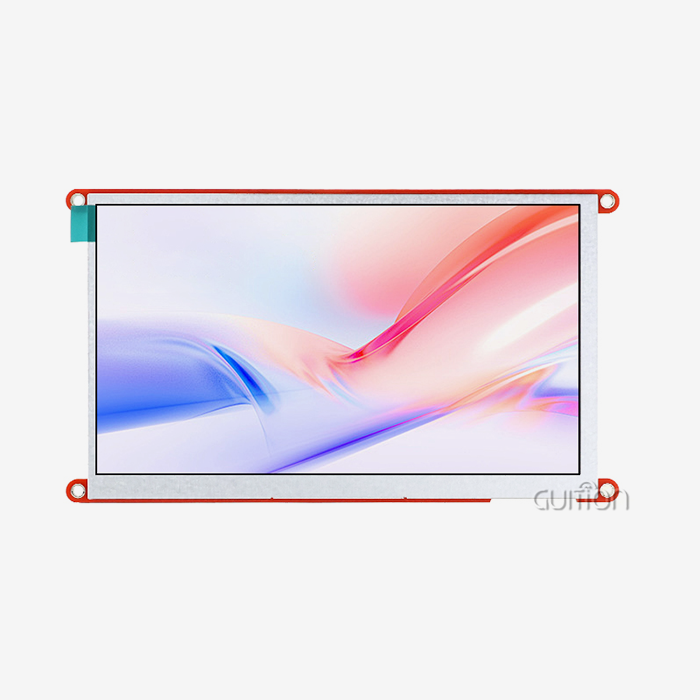
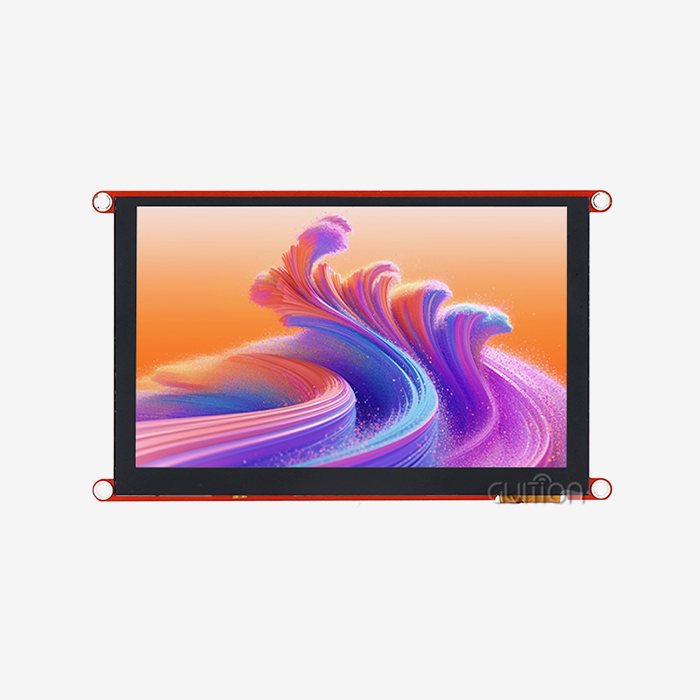
With its powerful dual-core processing and high-resolution visual capabilities, the 7 inch ESP32S3 display module marks a revolutionary development in human-machine interface technology. The ESP32-S3 microcontroller from Espressif is built into these units, along with TFT LCD panels. The result is 800x480 screens with capacitive touch interfaces and wifi connection. These units are used by engineers and system designers in industrial control panels, smart home devices, and medical equipment interfaces that need to be responsive and reliable for mission-critical tasks.
Comprehensive Specifications and Features of the 7 Inch ESP32S3 Display Module
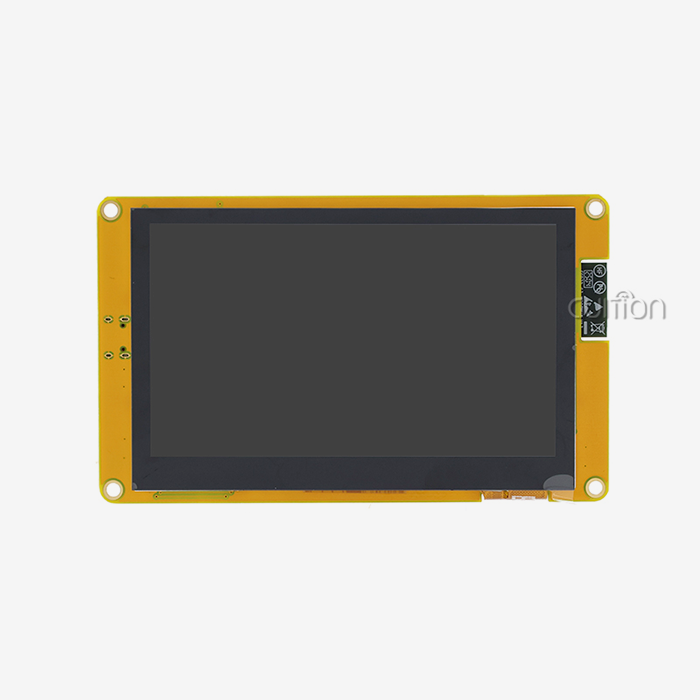
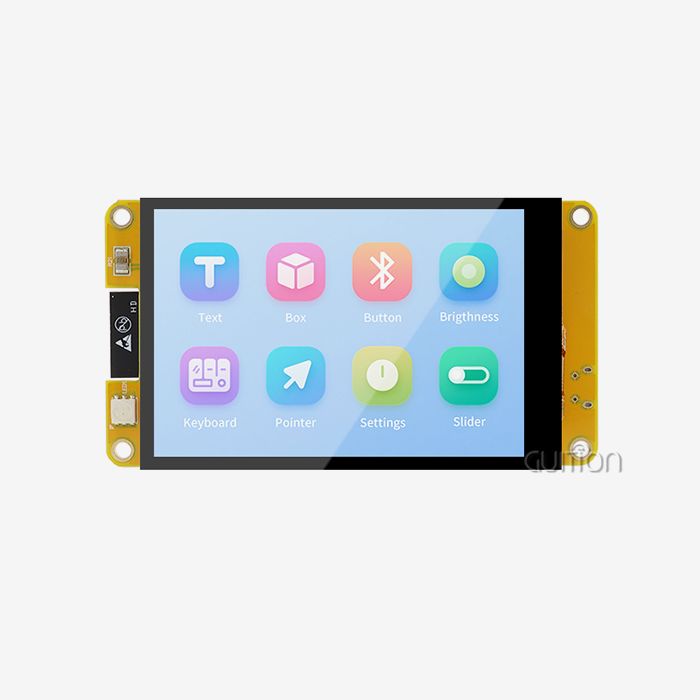
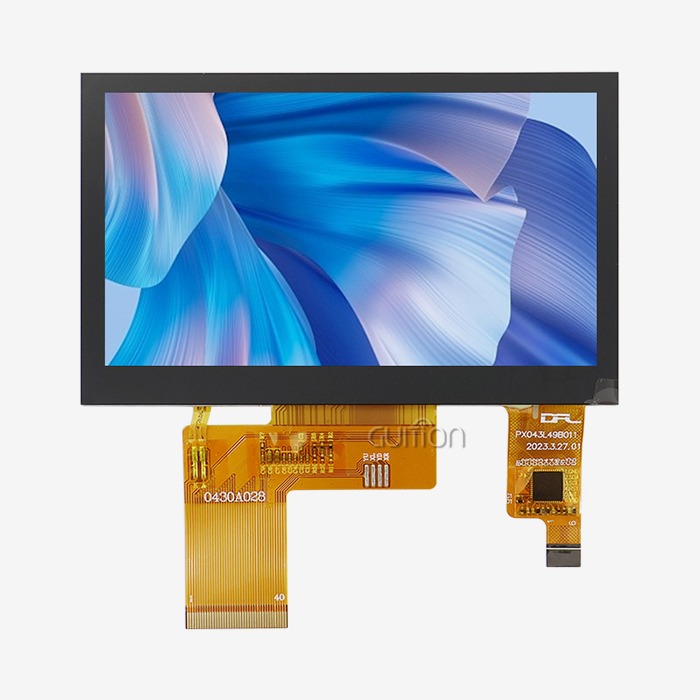
It is important to know the technical details of the current 7 inch ESP32S3 display modules in order to make smart buying choices. The GUITION ESP32-8048S070C is an example of the most powerful features on the market right now. It has a full set of features intended for professional use.
Core Hardware Architecture and Processing Power
The ESP32-S3-WROOM-1 module, which has a dual-core Xtensa LX7 computer running at 240MHz, is the main working unit. This design gives you a lot of computing power for rendering complicated graphics and processing data in real time. The built-in memory setup has 512KB SRAM for quick operations, 384KB ROM for system firmware, and an impressive 8MB PSRAM that is dedicated to managing the big frame buffers that high-resolution screens need.
The 16MB Flash storage space can hold a lot of user apps, graphic files, and different UI styles without slowing down the computer. This memory hierarchy makes sure that everything runs smoothly, even when a lot of things are going on at once, like wireless connection, handling touch input, and updating the display.
Display Technology and Visual Performance
The 7-inch TFT LCD panel has a clear 800x480 resolution, which gives you plenty of screen space for both commercial and consumer uses that need to show lots of information. Capacitive touch technology is more sensitive than resistive technologies, and it can recognize multiple touches and inputs more accurately. The built-in backlight control circuit lets you change the brightness on the fly, so you can see better in a variety of lighting situations while also saving power.
The panel supports 16-bit color depth for vivid images and meets industry standards for color precision. The refresh rate features make sure that movements and changes run smoothly, which is important for keeping professional user experiences in tough settings.
Connectivity and Interface Options
It comes with built-in Wi-Fi 802.11 b/g/n and Bluetooth 5.0, so it can easily connect to current networks and IoT platforms. The TF card interface lets you add more storage space for more files, data logging, or firmware changes. There are still a lot of GPIO pins that can be used to connect to sensors, actuators, or transmission methods like RS485 and Modbus.
The module's USB-C port makes it easier to program and send power, and its standard pin layout makes it work with most development boards and prototyping platforms.
Development Environment Compatibility
With built-in support for Arduino IDE, ESP-IDF, MicroPython, and Mixly development platforms, programming is very flexible, which is a big plus. This flexibility lets engineering teams use their current knowledge while also being able to change to meet the needs of a unique project. The full software development kit comes with optimized drivers, example projects, and a lot of documents to speed up the creation process.
Comparing the 7 Inch ESP32S3 Display Module with Other Displays
When you compare ESP32-S3-based screens to other options, market research shows that they have clear benefits. Knowing these differences helps buying teams make smart choices that fit the needs of the project and the budget.
Performance Comparison with Standard ESP32 Variants
The 7 inch ESP32S3 display module is better than earlier versions. Better memory bandwidth lets you use screens with better resolutions without the frame rate problems that come with regular ESP32 modules. The improved LCD peripheral port allows for direct RGB connection, getting rid of the SPI bottlenecks that used to slow down big display performance.
Support for vector instructions speeds up tools for drawing graphics, like LVGL, which makes animations smoother and lowers CPU load. Improvements to power saving make batteries last longer in portable devices while keeping all of their working power.
Arduino and Raspberry Pi Display Alternatives
Even though Arduino-based screens are easy to use, they don't have the built-in processing power and wireless features needed for current IoT apps. Raspberry Pi options offer better computing speed, but they also add complexity, higher power use, and higher costs that might not fit the needs of embedded systems.
The ESP32-S3 modules fill in this gap nicely; they have enough processing power for complex tasks while still keeping the ease of use and low cost that you'd expect from embedded designs. Because the wifi connection is built in, you don't need any extra modules. This makes the system simpler and less likely to have problems.
Touchscreen versus Non-Touch Configurations
Capacitive touchscreen versions cost more, but they're worth it because they let you connect with the device more easily. It's a good purchase for programs that need to be easy to use, have few external controls, and offer current user experiences. Non-touch versions can still be used for display-only tasks where saving money is more important than having interactive features.
How to Use and Optimize the 7 Inch ESP32S3 Display Module?
The success of an implementation rests on following the right steps for setup and using optimization methods that are tailored to the needs of the application. By following proven best practices, you can be sure that your product will work reliably and perform at its best throughout its entire lifecycle.
Hardware Setup and Connection Guidelines
When you first set up your 7-inch display, you need to think about the power source because it needs a stable 5V input to keep the lighting working. The suggested power source should have at least 2A of ability to handle the highest current needs when the screen is at its brightest and wireless communication is active.
In workplace settings, where electrical noise can affect touch sensitivity or display quality, it's very important to use the right grounding methods. Using star grounding setups and making sure cables are routed correctly reduces interference and ensures reliable operation.
Programming Best Practices and Optimization
Memory management techniques have a big effect on how well and how stable a service runs. The best use of resources is to use the specialized PSRAM for frame files and save the main SRAM for important real-time tasks. Using double buffering methods gets rid of screen tearing while keeping visual changes smooth.
Configurations for power control make battery-powered devices last longer. Dynamic CPU power scaling, smart backlight control, and smart use of sleep modes all work together to combine the need for speed with the need to save energy. Scheduling wireless communications keeps the connection reliable while preventing interference with display changes.
Real-World Implementation Strategies
Strong error handling and watchdog execution are helpful for industrial applications that need to keep running in tough settings. Adding over-the-air update skills makes it easier to do maintenance and add new features to deployed units without having to physically reach them.
Temperature adjustment techniques make sure that the touch screen and the quality of the image stay the same across the entire working range. During production, calibration methods should be used to account for differences between units and make sure that users have the same experience across all runs.
Procurement Guide for 7 Inch ESP32S3 Display Modules
Strategic methods to purchasing reduce the overall cost of ownership while maintaining a reliable supply chain and consistent product quality. Understanding how the market works and what the provider can do helps you make smart decisions throughout the buying process.
Supplier Evaluation and Selection Criteria
Well-known companies like Guition show that their products are always of high quality by following strict testing procedures and keeping detailed records. Long-term partnership prospects can be seen by looking at a supplier's certifications, quality control systems, and expert help skills. The manufacturing skills should match the expected number of needs while still being able to adapt to future needs for scaling.
Lead times and shipping prices are affected by where factories are located, especially for jobs that need to be done quickly. Suppliers with more than one place where they make things offer better supply chain stability and risk mitigation methods.
Volume Pricing and Contract Negotiations
The benefits of buying in bulk become noticeable when you buy more than 100 units. You can usually get even bigger price cuts when you buy 500 or more units. A lot of the time, annual volume agreements get better prices and make sure that supplies are distributed evenly when there are shortfalls.
The terms of the contract should cover things like protecting intellectual property, the amount of technical help, and the length of the warranty. Setting clear quality standards and acceptance criteria stops disagreements and ensures that goods provided meet requirements.
Quality Assurance and Testing Protocols
When something comes in for review, the display should be checked for symmetry, touch sensitivity, and wireless performance across sample groups. Accelerated aging tests find possible problems with stability before they are used on a large scale. Test results, safety certifications, and traceability records for auditing are some of the documents that must be kept.
Future Trends and Performance Enhancements for ESP32S3 Display Modules
As the industry changes, display technology keeps getting better and better at meeting new application needs. Knowing about these trends helps with strategy planning and making a technology roadmap.
Emerging Technologies and Performance Improvements
Newer versions of the ESP32 chip are said to have better AI acceleration, support edge computing apps, and have more advanced user interaction features. Higher-resolution displays, like those that are close to 1024x600 pixels, let you use more apps while keeping costs low.
Better power economy thanks to improved process nodes and smart power management lets portable devices use batteries for longer. Better wireless features, like Wi-Fi 6, help designs be ready for the future when connection needs change.
Integration with IoT and AI Systems
Adding machine learning makes it possible to do forecast maintenance and change the user experience intelligently based on how it is used. Edge AI processing makes important apps less reliant on cloud connectivity while also speeding up response times.
Improvements to the protocol stack make it easier to use new industry communication standards, such as Time-Sensitive Networking (TSN) and more advanced security systems. Because of these features, ESP32-S3 screens are essential parts of Industry 4.0 systems.
Market Impact and Strategic Considerations
Standardizing components lowers costs and makes it easier for products from different suppliers to work together. Long-term access and ways to switch to newer technologies as they come out should be part of procurement plans.
Partnering up with big names in technology can give you early access to new features and give you an edge in markets that are changing quickly.
Conclusion
For contemporary embedded apps, the 7 inch ESP32S3 display module strikes the ideal mix between performance, cost-effectiveness, and ease of development. The GUITION ESP32-8048S070C is a good example of these benefits because it has a lot of useful features, such as dual-core 240MHz processing, built-in wifi connection, and a high-resolution capacitive touch interface. To be successful with implementation, you need to know the technical requirements, stick to known best practices, and choose dependable suppliers who offer full help throughout the product lifecycle. These units keep changing to meet new needs while keeping the ease of use and adaptability that make them appealing for a wide range of industrial and business uses.
FAQ
What power requirements does the 7 inch ESP32S3 display module have?
The module needs a stable 5V power source that can send at least 1.5 to 2A of current to handle peak loads when the backlight is on full blast and wireless communication is active. The ESP32-S3 processor and monitor parts get the right voltage from the onboard power control circuits.
Can the module integrate with existing industrial communication protocols?
Yes, the GPIO pins that are available can be used to implement RS485, Modbus, CAN bus, and other industrial protocols with the right interface circuits. The dual-core design lets transmission and display changes happen at the same time without slowing down the computer.
How does touch sensitivity perform in electrically noisy environments?
The capacitive touch device has noise filters and adaptable algorithms built in that keep the sensitivity even in harsh industrial settings. Using the right grounding methods and moving cables in a protected way can also help block out noise for reliable operation.
What development tools are recommended for rapid prototyping?
The Arduino IDE is the fastest way to make simple apps, but ESP-IDF has more advanced tools for more complicated ones. The LVGL graphics library is compatible with both settings and comes with design tools that speed up the process of making user interfaces.
Ready to Transform Your Next Project with Advanced Display Technology?
The ESP32-8048S070C from Guition gives your apps the speed and dependability they need. We are a top 7 inch ESP32S3 display module maker and offer full technical support, low-volume prices, and quick prototyping services to help you get your product to market faster. Our engineering team can help you find the best integration methods and make sure they work in your unique application environment by giving you personalized advice. Contact david@guition.com right away to talk about your project needs and find out how our advanced display solutions can make your product better while making development easier and lowering the total cost of the system.
References
1. Espressif Systems. "ESP32-S3 Series Datasheet: Advanced MCU with Integrated Wi-Fi and Bluetooth 5.0." Technical Documentation, Version 1.8, 2023.
2. Koopman, Philip. "Embedded System Design Patterns for Industrial HMI Applications." IEEE Industrial Electronics Society Conference Proceedings, 2023.
3. International Electrotechnical Commission. "IEC 61131-7: Programmable Controllers - Part 7: Fuzzy Control Programming." Industrial Automation Standards, 2022.
4. Liu, Xiaoming, et al. "Performance Analysis of Capacitive Touch Interfaces in Industrial Environments." Journal of Embedded Systems Engineering, Vol. 45, Issue 3, 2023.
5. Martinez, Carlos and Johnson, Sarah. "Cost-Benefit Analysis of Integrated Display Solutions for IoT Applications." International Conference on Embedded Systems and Applications, 2023.
6. Zhang, Wei. "Power Management Strategies for Battery-Operated Industrial Display Systems." IEEE Transactions on Industrial Electronics, Vol. 70, No. 8, August 2023.
Learn about our latest products and discounts through SMS or email