- Engleski
- francuski
- njemački
- Portugalski
- španjolski
- ruski
- japanski
- korejski
- arapski
- grčki
- njemački
- turski
- talijanski
- danski
- rumunski
- indonezijski
- češki
- afrikaans
- švedski
- Polirati
- baskijski
- katalonski
- esperanto
- hindski
- lao
- Albanac
- amharski
- Armenac
- Azarbejdžanac
- Bjeloruski
- bengali
- bosanski
- bugarski
- cebuano
- Chichewa
- korzički
- hrvatski
- Nizozemac
- estonski
- Filipinac
- finski
- frizijski
- Galicijski
- gruzijski
- gujarati
- Haićanski
- hausa
- havajski
- hebrejski
- hmong
- madžarski
- islandski
- Igbo
- javanski
- kannada
- Kazak
- Khmer
- Kurdski
- Kirgiz
- latin
- letonski
- litvanski
- Luksembou..
- makedonski
- madagaskarski
- malajski
- Malayalam
- malteški
- Maor
- marathi
- mongolski
- burmanski
- nepalski
- norveški
- paštu
- perzijski
- Pendžabljanin
- srpski
- sesotho
- Sinhala
- slovački
- Slovenac
- Somalijski
- samoanski
- Škotski galski
- Shona
- sindhi
- sundanski
- swahili
- tadžički
- tamil
- telugu
- tajlandski
- ukrajinski
- urdu
- uzbečki
- vijetnamski
- velški
- Xhosa
- jidiš
- joruba
- zulu
Kako odabrati serijski HMI zaslon za teške uvjete rada
Za odabir a Serial HMI display for harsh environments, start with the conditions it must survive, then match the hardware to them. Define temperature, moisture, dust, vibration, sunlight, and glove use first. Next, choose a touch type and brightness level that fit those conditions, confirm the serial interface suits your cable length and noise level, and check that software tools and documentation support fast development. Finally, test samples in real conditions and review supplier lifecycle support. A serial HMI display handles rendering and touch internally, so your host controller stays free for control tasks. This guide walks through each step.

Start With the Environment Before You Compare a Serial HMI Display
Map the Operating Conditions.
Before I pick a few, I make a list of all the problems that any serijski HMI zaslon will have. Write down the temperature range, the amount of dust, the amount of splashing liquids, cleaning products, vibrations, electrical noise, and time in the sun. Then you can tell how the workers do their work. Maybe with gloves, or their bare hands, or with a stylus. After each item, there is another metal. Wetness makes it difficult to seal and cover things. In a machine shop, you encounter things like resistance to oil and to shock. Many industrial-grade units can operate in temperatures from -20°C to +70°C. For an indoor module, the operating range is usually lower. Don’t guess. Ask the seller about the range of the exact model.
Weigh the Cost of Failure
Now I'll take a stab at how much it costs to fix a cracked screen. If a screen freezes, there is no work in the queue for packing. You could get hurt if you touch a medical monitor the wrong way. When the screen of a remote computer used for farming breaks, it’s time for a service trip. The price shown may rise more quickly than the costs. It handles touch events locally. This removes a common place for things to go wrong. This allows the interface to be used even when the host controller is busy. Rank each failure by how bad it is and how likely it is to occur. This score helps you know if you need more proof, more units, or a more detailed review from a supplier before you can approve a design.
Write a Requirement Sheet
Then I used the list to make a one-page need list that you can send to all suppliers of Serial HMI displays. Please indicate the screen size, resolution, viewing distance, brightness target, touch type, power limits, host controller, communication distance, estimated annual volume, and any U.S. compliance items your product requires, such as FCC rules for radio devices. Time to add the date of launch and area of delivery. The transparent sheet lets the seller recommend a model that fits your needs best, not the cheapest model. It also allows you to compare prices on a level playing field. Also, samples are checked for holes before they are sent out, not after.
Evaluate Display Hardware for Harsh Conditions
Screen Size, Resolution, and Brightness
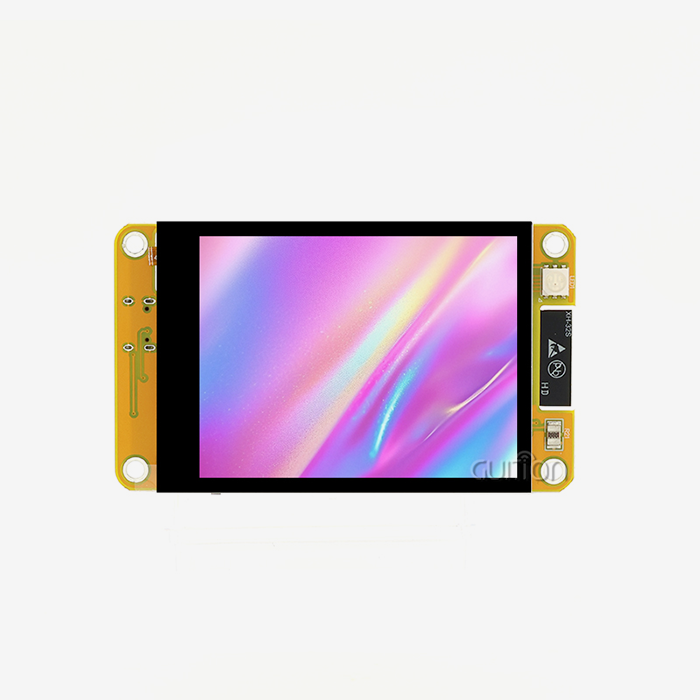
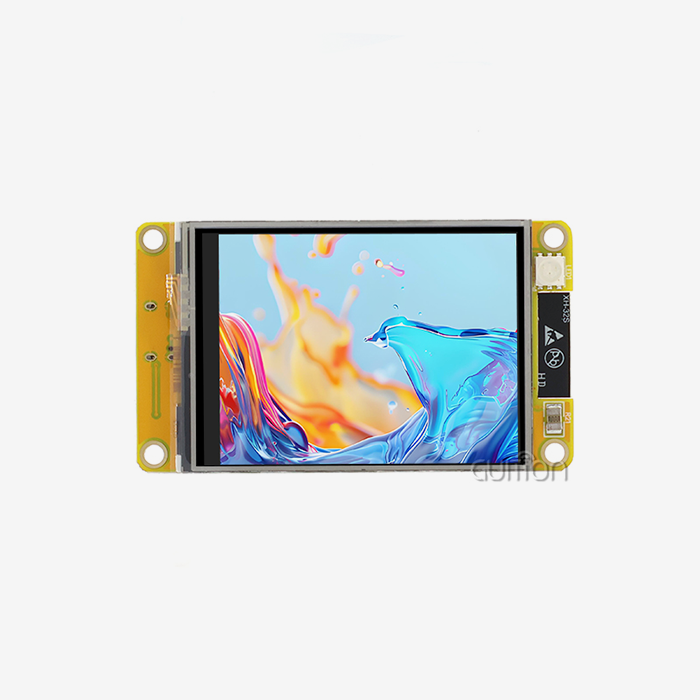
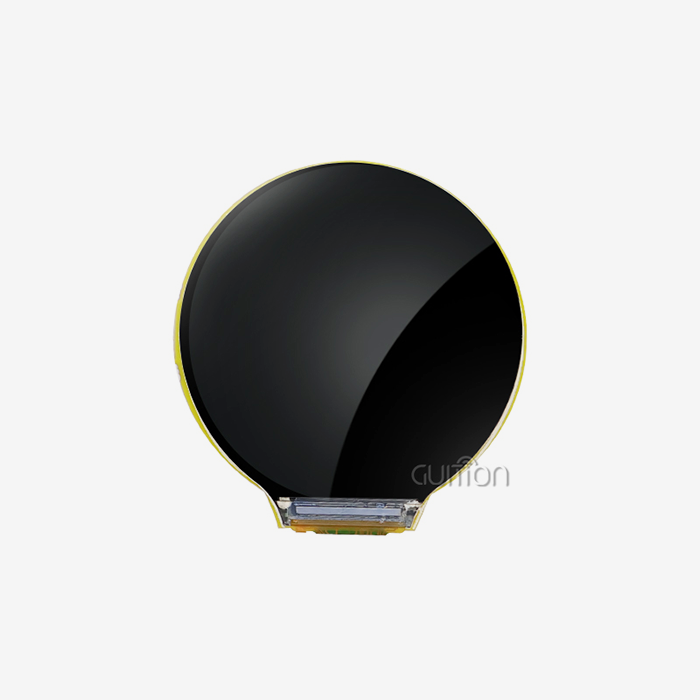
Pick the right size serial HMI display depending on viewing distance and the amount of information that workers need to read. You can use small screens (4.3 inches) with built-in tools and gadgets. Operators’ boxes and stations may have panels at least 7 inches thick. The guition ranges from 1.28 inches to 21.5 inches, so it can meet the needs of many people. It is important that it be bright outside. Most indoor modules are 250 to 300 nits. But for use in the sun, they need 800 nits or more and no glare. The type of panel makes a difference, too. IPS screens maintain colour and brightness when viewed from many different angles. This will be useful for people working next to a machine.
Resistive or Capacitive Touch
We should look more closely at touch technology. When you press down, resistive touch works with gloves, styluses, or tools. It also handles dirt and water droplets better than many delicate designs. Capacitive touch is smooth and responsive, like a smartphone, and works with gestures. However, if the controller doesn’t have glove mode or noise filtering, it can get confused if you’re wet, wearing thick gloves, or there is electrical noise nearby. Teams that make factory or outdoor equipment, where you can predict behaviour, usually go with capacitive touch. Consumer and smart home product teams, by contrast, tend to favour resistive touch. You should try a Serial HMI display not just on a clean bench but after oil, water, and cleaning products have made their way on it.
Mounting, Sealing, and Enclosure Ratings
Please verify the mechanical details at your earliest convenience. For example, check the size and shape of the mounting holes, the connectors, the cable routing, and how the panel gasket seats against the enclosure. The IEC 60529 IP Code defines protection against solids and water. In this context, IP65 means something is safe from water jets and dust. This is called NEMA 250, and it lists types of enclosures that are common in North America. The grade is for the whole system, not only the Serijski HMI zaslon module. Surge and vibration matter, too. IEC 60068-2-6 is a standard method for testing sinusoidal vibration. Look into which tests the module passed, and ensure that they are the same for the type you want to buy.
Choose the Right Serial Interface and Architecture
UART/TTL, RS232, and RS485
The interface allows you to change the frequency at which the screen talks to your host. Each setting is best suited to a certain type of Serial HMI display configuration. Short links inside Arduino, Raspberry Pi, or ESP32 systems can be either UART or TTL as long as the voltage levels are the same. Using standard speeds, RS232 can also be used as a simple point-to-point connection over short cables (about 15 meters). TIA/EIA-485 defines RS485. It blocks noise with differential signalling. Allows more than one device to connect to the same bus. Allows cable runs of up to 1,200 meters at slower speeds. Make sure the logic level is correct before wiring. If you connect a real RS232 signal to a 3.3V microcontroller, it may break. Check also the baud rate, grounds, and termination.
Physical Interface Versus Protocol
Many buyers confuse the protocol with the physical layer. RS485 only talks about electrical information. No promise of any commands. Not even Modbus RTU. Ensure you have protocol documentation listing commands, data types, touch events, page shifts, checksums, timeouts, and error codes before placing your order. Then try it quickly and see how well it works with your host. To fix: give directions, make touch events occur, and then cut the power in the middle of the transfer. This test, which takes a full day, often exposes time or power issues that would not be visible in the field. This is useful when you have products that need to be released quickly, and you are using Serial HMI displays because it reduces the amount of firmware work.
Serial HMI Display Versus Standard LCD and Parallel Interfaces
When using an LCD or RGB panel, the host needs to draw each pixel, which costs memory and time. The Serial HMI display can store fonts, images, and page codes. Simply put, the host sends simple instructions, such as changing a value or page. More pins and wires for parallel lines, less for serial links. This is good for spread-out equipment. But some very fast systems might still want parallel. Compare the unit price, but not only. The system cost is the total of the cost of redesigning the PCB, firmware, testing, certification, service, etc. A built-in controller can lower that cost by often eliminating parts and speeding up development.
Validate Reliability, Software, and Supplier Support
Validation Tests and Certifications
Make sure the company behind any Serijski HMI zaslon can prove it works for you. The IEC 61000-4-2 standard gives us a way to perform contact and air discharge tests. Business requirements often specify levels such as ±4 kV touch and ±8 kV air. Know what the maximum and minimum operating temperatures of the device are. Know what the humidity levels are, lighting life, power cycle, and touch life. A 48- to 72-hour high-temperature burn-in can find problems before they happen. If you are selling the wireless device in the U.S., be sure to include the FCC and RoHS information on the paperwork. It also has to say what model and revision you have on the paperwork. You need to expose the samples to heat, cold, vibration, and electrical noise.
Software, Documentation, and Remote Updates
Hardware is just one part of the answer. The other half is how fast you can build and maintain the interface. It has its own software for making interfaces that lets you design what you see. They are easy to add with just one click, and you can also move, adjust, and style them. You can make changes to the goods without going to the site, and the cost of support after the sale goes down. Technical documentation, cross-platform online debugging, and remote upgrades of user projects are some of the ways it does this. Language change and UTF-8 encoding make it easy to set up systems in different parts of the world. Make sure you see the tool, sample code, and how to change it before you start a Serial HMI display project.
Supplier Quality and Lifecycle Support
A trustworthy partner is still needed for a trustworthy tool. Talk to the company about how they handle tracking, technical change notes, warranty returns, and looking into why something failed. Check the company's minimum order number, wait time, and trial policy. Also, compare how much work you do each year to how much work they can produce. If you want your medical or industrial tools to last a long time, make sure they come with a lifecycle promise for the key parts. The speed at which a project passes validation is often based on how well the documentation is made and how quickly engineers respond. You should make an evaluation for each Serial HMI display provider with different sections. Environment, interface, touch, software, documentation, certifications, lead time, and total cost should all be in these groups. Then, the same rules should be used to grade each supplier.
Match the Serial HMI Display to Your Application
Meet the Guition JC4827W543C_I.
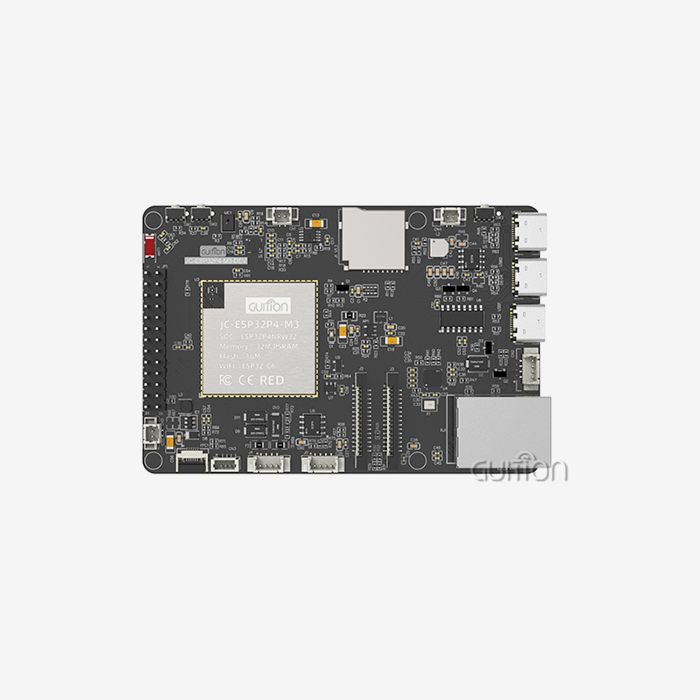
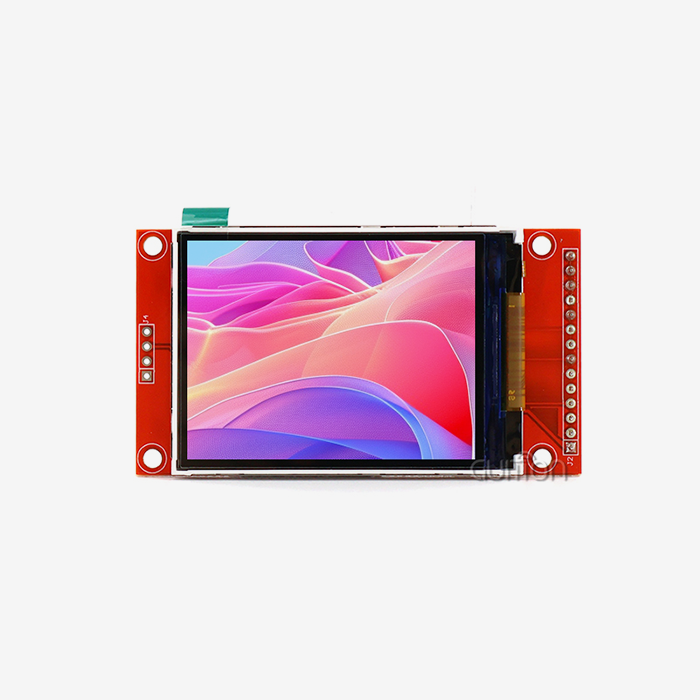
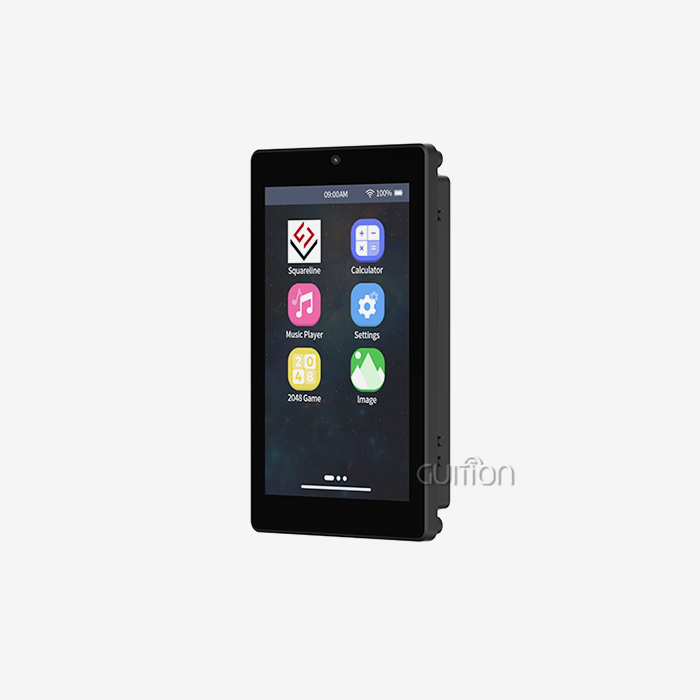
This example, JC4827W543C_I, shows how these rules work in practice. It has a built-in 4.3" IPS LCD screen (480x272, 65K colours) with a backlight control circuit and a touch screen control circuit. It features 512KB SRAM, 384KB ROM, 8MB PSRAM and 4MB flash. Its two cores can run up to 240 MHz. It also comes with Wi-Fi and Bluetooth. A TF card slot lets you store more pictures, fonts, and data, and up to 10 IO pins let you connect to sensors or lights. Power up this Serial HMI display, and it is ready to go with test programs pre-configured.
Development Options That Shorten Time to Market
Hence, the module is compatible with ESP-IDF, MicroPython, Arduino IDE, and the Guition platform. Engineers use these tools in many different ways. Arduino board makers use well-known libraries. Guition shows you how to tweak existing libraries that work, instead of having to start from scratch. All the advanced tools are available for ESP-IDF users. It has two cores, so it can handle displaying the user interface and sensors on different cores. So you can use the Serial HMI display even when it’s busy. Wi-Fi and Bluetooth enable you to connect to the cloud, communicate with mobile apps, and monitor things from a distance. These choices enable engineering teams at all levels of skill to do better work.
Applications and Fit Check
Besides medical equipment such as patient monitors and 3D printer control boards, the JC4827W543C_I can also connect to kitchen appliances, massage chairs, air quality detectors, meteorological stations, and warehouse terminals. It can also work with industrial machine interfaces and charging station interfaces. There are 3 things you need to check to see if something fits. The 480x272 resolution should work for your viewing distance. The resistive touch should work for your operators. The enclosure should be able to keep your environment safe. We don't have an ingress rating, temperature range, or brightness number for this product. Here are some things our team thinks you should know before you make your Serial HMI display decision for tough conditions.
Zaključak
Don't pick a serijski HMI zaslon based on the size of the screen or the price. Instead, write down how the system will actually be used. What kind of brightness should the hardware use in direct sunlight? These conditions tell it whether to use resistive or capacitive touch for gloves and wet hands. They also tell it how to mount and protect the whole assembly. With the length and noise of the cable, it's important that the serial interface works. The protocol needs to be written down because RS485 doesn't describe orders on its own. Proof of ESD, vibration, and certifications based on standards, as well as software tools, remote updates, and supplier lifecycle support, make something reliable over the long term. By using these tests on a real item like the JC4827W543C_I, we can see how specs translate into a good fit.
Česta pitanja
Q: What Is a Serial HMI Display?
A: It's a display module with a driver, an LCD, and a touch screen. You can talk to a host through a serial connection. Short orders are faster for the host because they don't have to draw every pixel.
Q: Is resistive or capacitive touch better in harsh conditions?
A: This type of touch works better with gloves, tools, water, and dirt because it responds to pressure. It feels better to touch with this kind of technology, but it might need a glove mode and noise reduction. In real life, try both of them.
Q: Which Development Platforms Does the Guition JC4827W543C_I Support?
A: In fact, it does work with MicroPython, the Arduino IDE, the Guition platform, and the ESP-IDF. On Guition, you can also find Arduino library functions and examples that work. You can change them to fit your project.
Request a Serial HMI Display Recommendation From Guition
There is a tech company called Guition that is growing quickly. USART-HMI units and HMI displays that range in size from 1.28 inches to 21.5 inches are made by this company. It comes with its own software called Guition that works with these. If you need a Serial HMI display provider, email david@guition.com with your order number, application, environment, and screen size. Our staff will think about what you need and give you a model that meets those needs. Visit https://jingcaizhineng.aixdb.cn/ to find out more.
Reference
1. IEC 60529: Stupnjevi zaštite koje pružaju kućišta (IP kod), 2013
2. IEC 61000-4-2: Electromagnetic Compatibility, Electrostatic Discharge Immunity Test, 2008
3. TIA/EIA-485-A: Electrical Characteristics of Generators and Receivers for Use in Balanced Digital Multipoint Systems, 1998
4. NEMA 250: Kućišta za električnu opremu (maksimalno 1000 volti), 2020
5. IEC 60068-2-6: Environmental Testing, Vibration (Sinusoidal), 2007
6. Espressif Systems, Podatkovni list serije ESP32-S3, 2023.
Saznajte više o našim najnovijim proizvodima i popustima putem SMS-a ili e-pošte